 PluginStats

YouTube Booster users statistics
By dweorh's solutions · Chrome Web Store · Entertainment
Video speed, AI summary, Subtitles, audio normalization, OSINT, auto pause, looped #shorts, video markers, keywords, and more...
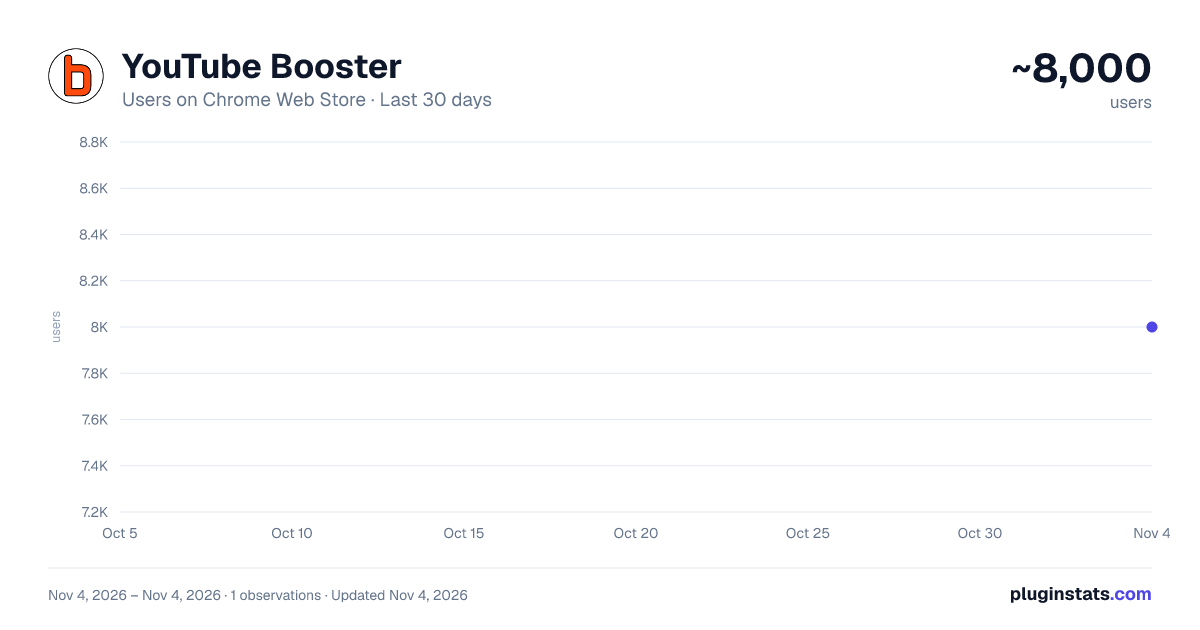
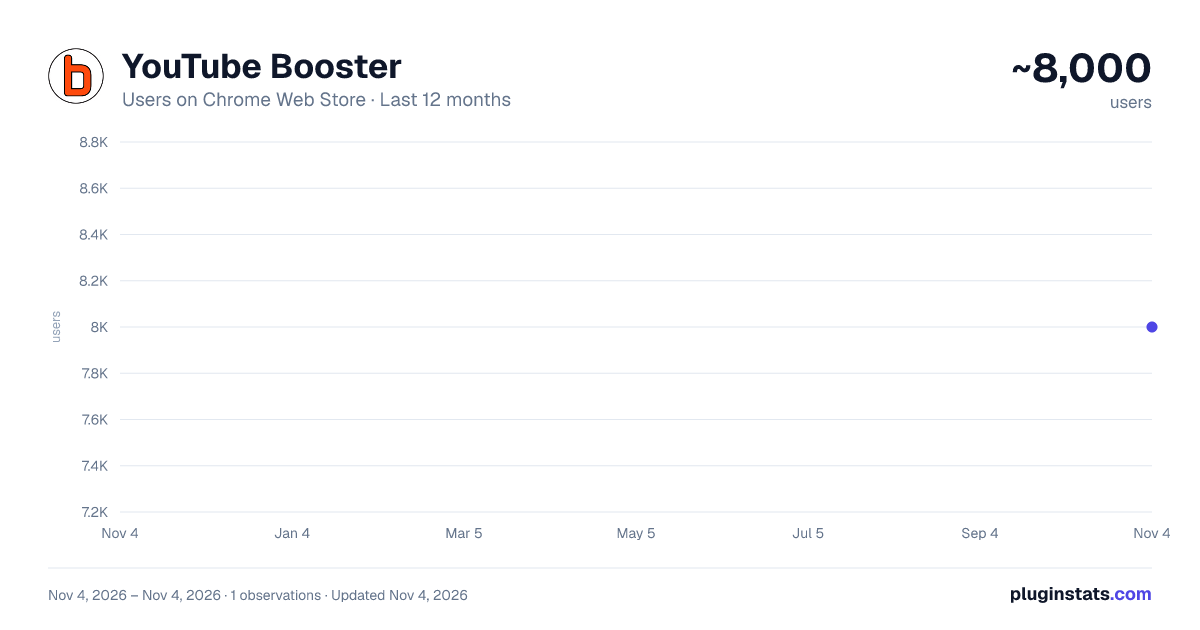
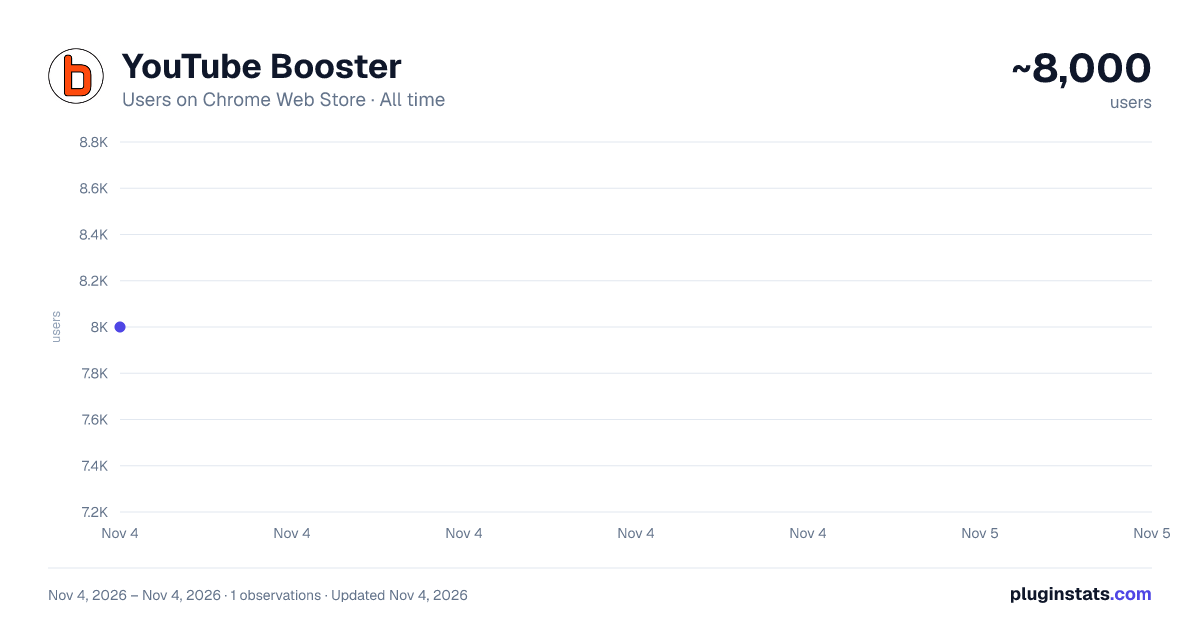
YouTube Booster has approximately 8,000 recorded users on Chrome Web Store, ranking #952 of 7,072 tracked listings.
Rating: 3.20 / 5 from 30 ratings
About YouTube Booster
Video speed, AI summary, Subtitles, audio normalization, OSINT, auto pause, looped #shorts, video markers, keywords, and more...
YouTube Booster's key features:
- Video Speed Control
- Audio normalization
- AI Generated Video Summary
- Auto Pause Video Switch
- OSINT
- Keywords
- Markers
- YT Orchestra
You can watch a short tutorial about that extension here:
It is a free extension. No account is required.
To all marketers. I'm not interested in commercializing any of my extensions. Do not call or email me about it, please. All such offers will be reported as spam.
Loving the extension? Show some love by treating me to a coffee! ☕ Check it out here: https://BuyMeACoffee.com/dweorh
'OSINT' In times of the massive amount of fake news, I added a new feature OSINT (Open Source Intelligence). In that section, I will place all links that may help to verify the current video. We start by searching thumbnails in Google and TinEye search engines. You can also capture a current frame of the video, download it, or click the right mouse button using google lenses or any other extension you have installed. If you know any services that can be linked there, leave them in a comment, please. As requested on Twitter, there is an option to download chat content from live videos. To retrieve the full chat, the tab with the video needs to be open at the beginning of the video, otherwise downloaded chat may be incomplete.
'Video Speed' Are some videos too slow? YT Booster has a slide bar to change the speed of the video up to x16! Use keyboard to change the speed. Buttons +/- will modify speed, = will reset to the default one.
'AI Summary' I've added an AI Summary feature! Just pop in your OpenAI (ChatGPT) API key with access to the 'GPT-4.1 mini' model, and voilà—enjoy quick, AI-generated summaries of your videos! Once you add your key, a shiny new Summary section with a "Generate" button will appear below the video. It only takes a few seconds to work its magic, so hang tight! 😄
Ready to get started? Grab your OpenAI API key here: OpenAI.com/api/pricing
Make your experience even better with AI-powered summaries—try it today! 🚀
'Audio normalization' Some videos are very quiet, while others are very loud. This feature allows you to set a reference audio loudness and then automatically reduce the volume of excessively loud videos.
'Disable auto pause' Allows you to manage auto pause of the videos, when you watch/listen long playlists.
'Cards' Cards can be visible all the time, so you can see what else the creator prepared for you :-) To make them visible check 'Cards' checkbox in the menu next to your URL bar.
'Keywords' If you are a creator and you are wondering what keywords other creators use for their productions, now you have easy access to them. As a viewer, maybe you are interested in topics meant as a keyword by your favorite YouTuber. Now there are links to instant search. Easy click&explore :-)
'Chapters' That section displays chapters from the video, if available. Currently playing chapter is highlighted on the list to make navigation easier. There is a button to add any of the chapters as your Marker.
'Markers' That feature allows you to create personal markers for videos. Click 'Add' in the 'Markers' section, add a few words of description and save. Now you have quick access to that particular moment in the video. You can also organize your Markers using Tags.
'YT Orchestra' Have you ever experienced the nightmare of all chrome tabs playing simultaneously just because the OS did update & restart? If you are like me, with a few dozens of YT tabs open, you can feel that pressure to find them all playing... Now, YT Orchestra allows you to 'play only one video.' Once one video starts playing, all others will be paused. Also, at the bottom of 'YT Booster's frame, all YT tabs are listed with status and simple video control, and quick links to those tabs.
Others I hope you will find a few other features helpful, like flip videos horizontally or vertically, and screens that usually appear at the end of the video.
You have two export options in the 'Import & Export' section. One is a simple export of Markers to a text file. The second export is for backup purposes, the same as an import. Here you can import exported .json file. It allows you to move data between browsers or keep it as a backup :-)
Besides the standard export, you can copy marker(s) to the clipboard by clicking the clipboard icon. That one next to '+' in Markers will copy the current timestamp and video title to your clipboard. The icon next to the video thumbnail on the Markers list will copy all markers from that video. And finally, the icon next to the 'delete' icon will copy details of the particular entry.
PS. There is neither registration nor tracking. Everything is stored in your browser. If you uninstall this extension or cleanup caches of your browser, your list of markers will be removed permanently. Prons & cons of anonymous usage ;-)
PS2. Remember to reload pages with YTBooster after updating this extension.…
Description from the Chrome Web Store listing.
README badge
Show your rank in a README or on your website. The badge updates automatically.
Charts
Images: 30d · 1y · all time · 1600×900 dark
Adoption over time
7/30/90-day growth
Ranking history
Ratings over time
Listing placement
Listing placement
Filled points are observed values; hollow points come from Internet Archive snapshots of the listing page. Dashed segments span periods with no observations — values between points are not interpolated.
Each band is one page of 20. Users on a linear scale. Placement is projected from users, so it can differ from the marketplace's own sort order. Hover a dot to see the listing.
Recent observations
Full history (1)Similar Chrome Web Store Entertainment plugins
All 20 YouTube Booster alternatives



Data source
Covers every Chrome Web Store extension with at least 100 users, found through the store's public sitemap. User counts are read from public listing pages. The 10% most-used extensions are refreshed daily, the next 40% weekly and the next 40% monthly; the least-used 10% are not refreshed. Google displays rounded user counts (and caps the display at 10,000,000+), so small changes may not be visible. Rating counts above 1,000 are rounded (e.g. 1.6K).
Listing: https://chromewebstore.google.com/detail/youtube-booster/dajnidicmkknmmbapmmmlemjdfolgjnf. First seen Nov 4, 2026; last successful collection Nov 4, 2026. See the methodology.