 PluginStats

Reels Flow: Auto Scroll for Instagram Reels users statistics
Chrome Web Store · Entertainment
Watch Instagram Reels hands-free: Reels Flow moves to the next Reel when the current one finishes.
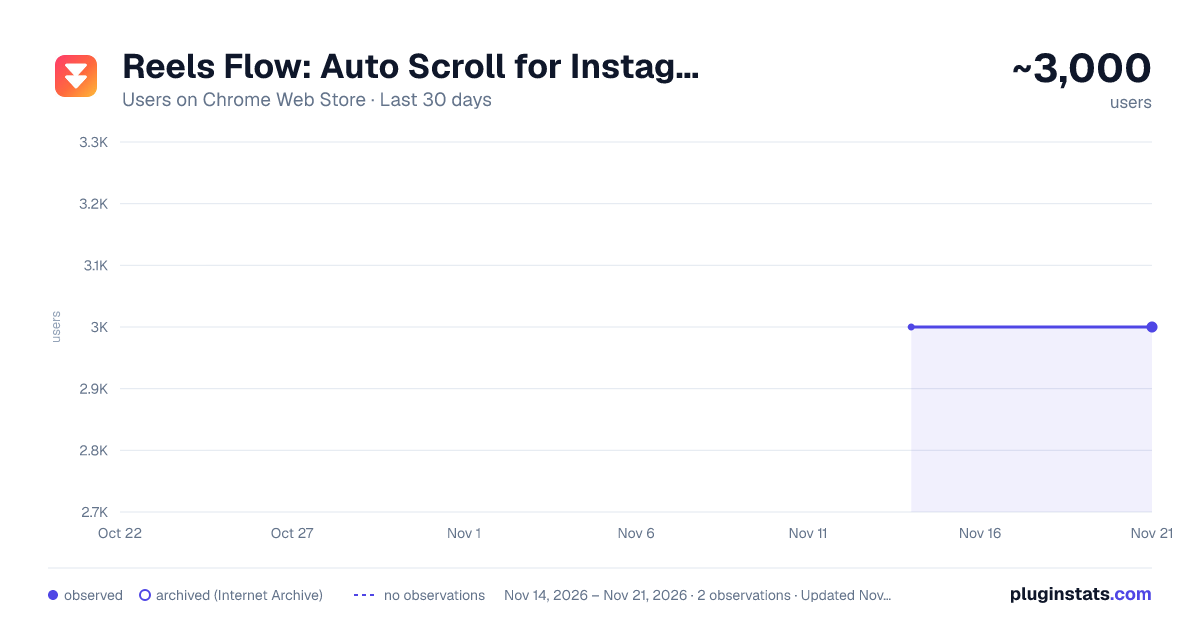
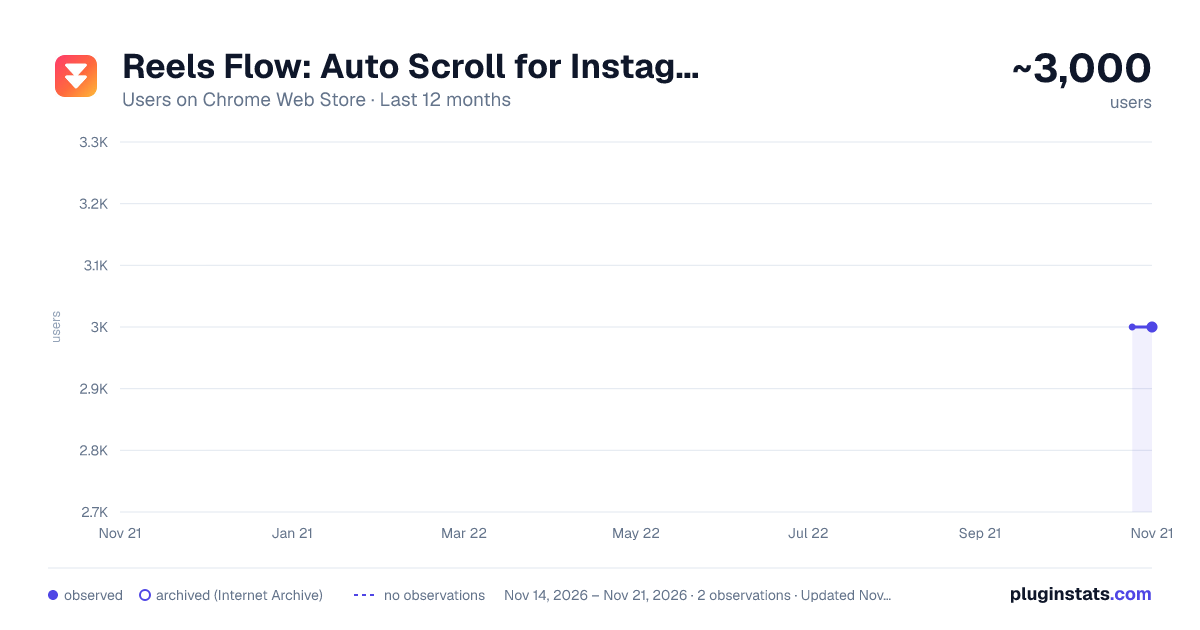
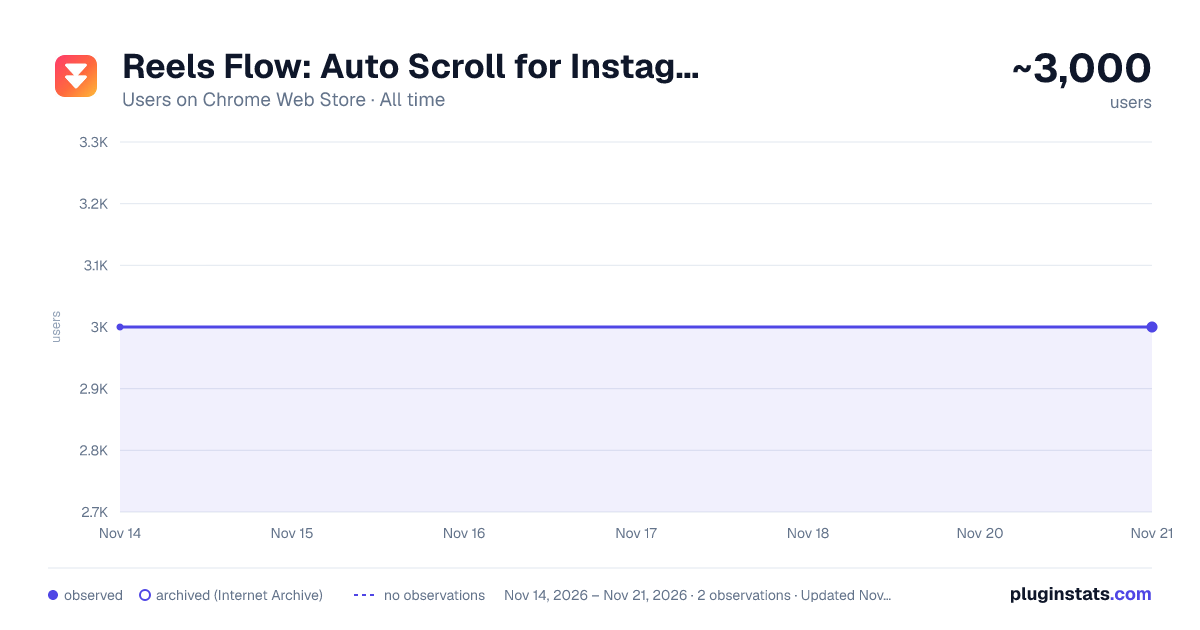
Reels Flow: Auto Scroll for Instagram Reels has approximately 3,000 recorded users on Chrome Web Store, a change of 0.0% over the past 7 days, ranking #2180 of 10,388 tracked listings.
Rating: 4.10 / 5 from 7 ratings
About Reels Flow: Auto Scroll for Instagram Reels
Watch Instagram Reels hands-free: Reels Flow moves to the next Reel when the current one finishes.
Cooking, working out, or just sitting back? Open Reels on instagram.com and keep your hands free. Reels Flow waits whenever you step in, and stays out of the way everywhere else.
HOW TO START
- Install Reels Flow and pin it to your toolbar.
- Open instagram.com/reels/ (or click the Reels Flow icon and choose Open Reels).
- Let a Reel play. When it ends, the next one starts. Press A to switch Auto-Scroll on or off.
FEATURES • Auto-Scroll: moves to the next Reel when the current one ends. It waits while you're in charge: the Reel is paused, the comments or a menu are open, you're typing, or you just scrolled yourself. • Auto button on every Reel: switch Auto-Scroll from beside each Reel, next to Instagram's own buttons. • Speed: play every Reel at your preferred speed, from 0.5× to 3×. • Keyboard shortcuts: single keys for Auto-Scroll and Speed, never while you type. Pick your own keys. • Session limit: if you want one, take a gentle break after a number of Reels or minutes. Off unless you set it. • Reels watched: see how many Reels you've watched this session. • One clean popup: every setting is in the toolbar popup, readable in light and dark mode and usable by keyboard.
PRIVACY Reels Flow collects nothing and sends nothing to anyone: no analytics, no tracking, no ads, no account. Your settings are kept by your browser. If you've turned on browser sync, your browser syncs them across your own devices through your browser account, like your bookmarks; Reels Flow never sees them. The Reels watched count stays on this device. Reels Flow asks only for the storage permission and access to www.instagram.com.
Reels Flow is an independent project. It is not affiliated with, made by or endorsed by Instagram or Meta.
Website: https://reelsflow.cptdawn.dev
Description from the Chrome Web Store listing.
README badge
Show your rank in a README or on your website. The badge updates automatically.
Charts
Images: 30d · 1y · all time · 1600×900 dark
Adoption over time
7/30/90-day growth
Ranking history
Ratings over time
Listing placement
Listing placement
Filled points are observed values; hollow points come from Internet Archive snapshots of the listing page. Dashed segments span periods with no observations — values between points are not interpolated.
Each band is one page of 20. Users on a linear scale. Placement is projected from users, so it can differ from the marketplace's own sort order. Hover a dot to see the listing.
Recent observations
Full history (2)Similar Chrome Web Store Entertainment plugins
All 20 Reels Flow: Auto Scroll for Instagram Reels alternatives



Data source
Covers every Chrome Web Store extension with at least 100 users, found through the store's public sitemap. User counts are read from public listing pages. The 10% most-used extensions are refreshed daily, the next 40% weekly and the next 40% monthly; the least-used 10% are not refreshed. Google displays rounded user counts (and caps the display at 10,000,000+), so small changes may not be visible. Rating counts above 1,000 are rounded (e.g. 1.6K).
Listing: https://chromewebstore.google.com/detail/reels-flow-auto-scroll-fo/mlmllpiifbmfnopepamjhbdedfjajgcl. First seen Nov 14, 2026; last successful collection Nov 21, 2026. See the methodology.