 PluginStats

ChatBackup for WhatsApp - Download WhatsApp chat history from PC users statistics
Chrome Web Store · Social Networking
Download WhatsApp chats directly from WhatsApp Web and export WhatsApp chats to CSV or HTML files with ChatBackup.
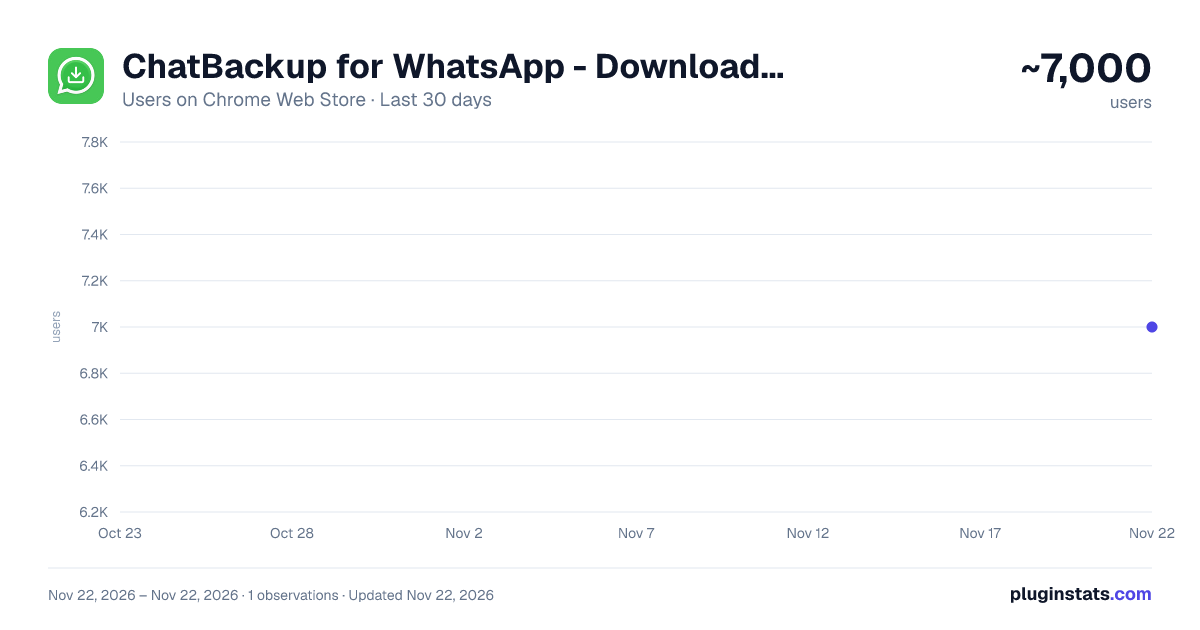
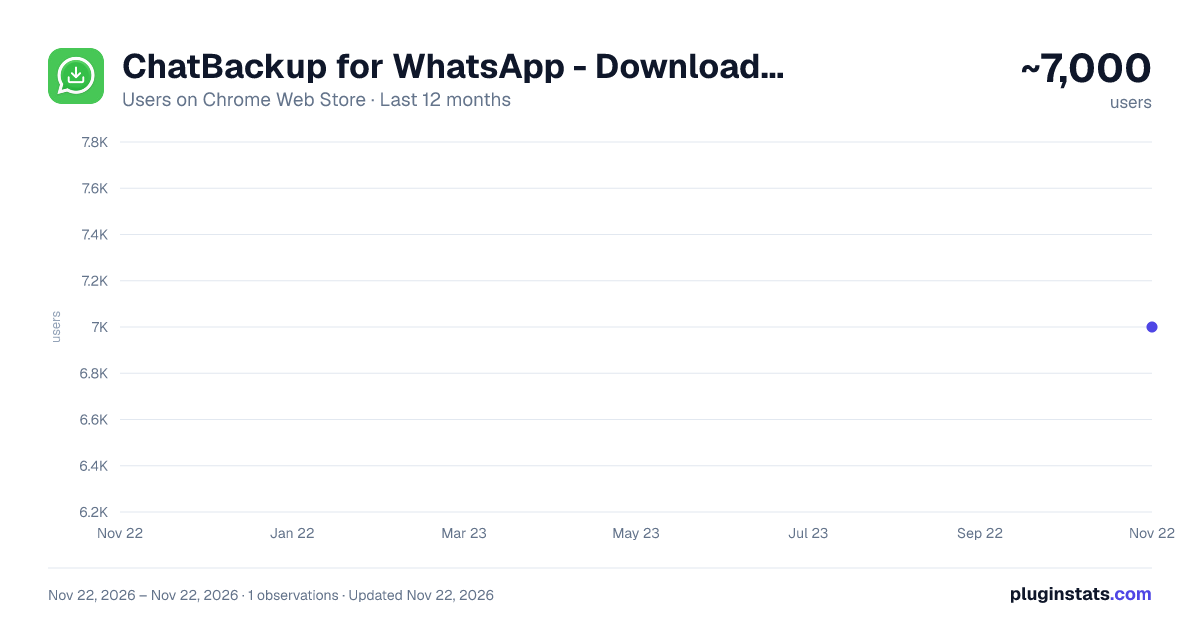
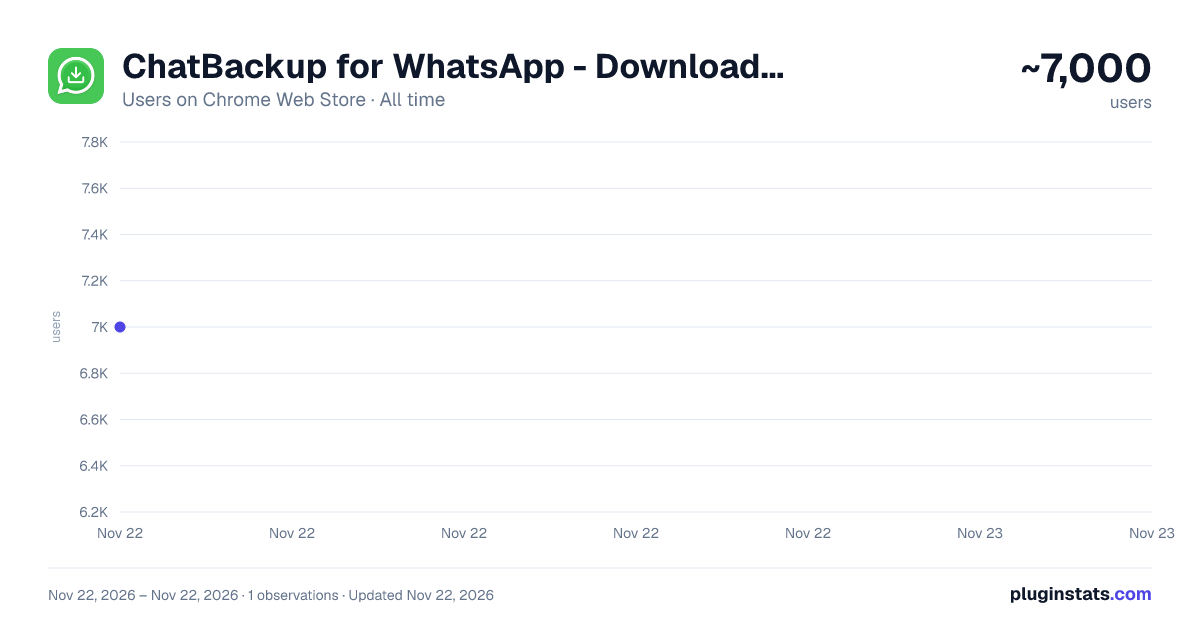
ChatBackup for WhatsApp - Download WhatsApp chat history from PC has approximately 7,000 recorded users on Chrome Web Store, ranking #1438 of 10,523 tracked listings.
Rating: 3.70 / 5 from 46 ratings
About ChatBackup for WhatsApp - Download WhatsApp chat history from PC
Download WhatsApp chats directly from WhatsApp Web and export WhatsApp chats to CSV or HTML files with ChatBackup.
ChatBackup Description
ChatBackup is a next gen chrome extension that is designed to easily download WhatsApp chats to your laptop or PC. Moreover, you can easily download important conversations by making use of WhatsApp Web and, afterward, have them stored to be retrieved later with absolute convenience. In addition, be it about export WhatsApp chats or recovering lost messages, let the job be done by ChatBackup. Furthermore, with ChatBackup, recovering your chat history becomes a breeze and as a result it has been ensured that your cherished memories are always accessible.
How to export Chat History ● Open WhatsApp Web: Visit web.whatsapp.com in your browser. ● Launch ChatBackup: Click the extension icon in your browser toolbar. ● Choose Your Chat: Third, you should select the chat you want to download, or select multiple chats if you want to export them together. ● Download: And Finally, the download button should be pressed to save your chat as a CSV, Excel or HTML file along with or without media.
Tip: If you experience conflicts during an export, try temporarily disabling other extensions that interact with WhatsApp Web.
Key Features
The management of chat history recovery has been simplified by ChatBackup. And the following Key highlights are included: ● Effortless Download of Chats: WhatsApp chat can be downloaded directly to your computer with just a few clicks, making it easy to download chat history. ● Multiple Export Formats: Save conversations in CSV , Excel or HTML format for easier access and reference. ● Local Processing: Your conversation data is processed securely in your browser as you download chat and is not sent to any server. ● Customizable Message Limit: Up to 100,000 messages can be downloaded with the licensed version, allowing you to download chat history comprehensively. ● User Interface: An extremely easy-to-use interface is offered, allowing chat to be exported effortlessly by anyone. ● Export Chats with Media: Download images, videos, and attachments along with your messages. ● No Scrolling Required: Export long conversations automatically without manual scrolling.
Why Use ChatBackup
ChatBackup helps you:
- Download chats for backup
- Export WhatsApp chat history for research or documentation
- Save conversations from WhatsApp Web
- Keep personal memories safe
Start securing and keeping your chats accessible today with ChatBackup.
LEGAL
WhatsApp is a trademark of WhatsApp Inc. This Chrome Extension is an independent product and has no relationship to WhatsApp Inc.
Description from the Chrome Web Store listing.
README badge
Show your rank in a README or on your website. The badge updates automatically.
Charts
Images: 30d · 1y · all time · 1600×900 dark
Adoption over time
7/30/90-day growth
Ranking history
Ratings over time
Listing placement
Listing placement
Filled points are observed values; hollow points come from Internet Archive snapshots of the listing page. Dashed segments span periods with no observations — values between points are not interpolated.
Each band is one page of 20. Users on a linear scale. Placement is projected from users, so it can differ from the marketplace's own sort order. Hover a dot to see the listing.
Recent observations
Full history (1)Similar Chrome Web Store Social Networking plugins
All 20 ChatBackup for WhatsApp - Download WhatsApp chat history from PC alternatives



Data source
Covers every Chrome Web Store extension with at least 100 users, found through the store's public sitemap. User counts are read from public listing pages. The 10% most-used extensions are refreshed daily, the next 40% weekly and the next 40% monthly; the least-used 10% are not refreshed. Google displays rounded user counts (and caps the display at 10,000,000+), so small changes may not be visible. Rating counts above 1,000 are rounded (e.g. 1.6K).
Listing: https://chromewebstore.google.com/detail/chatbackup-for-whatsapp-d/ijiakhjgjpbjhkbogdbhfjhapedjhnog. First seen Nov 22, 2026; last successful collection Nov 22, 2026. See the methodology.