 PluginStats

Blur for WhatsApp Web: Privacy & Hide Chats users statistics
Chrome Web Store · Social Networking
Privacy for WhatsApp Web: blur and hide chats, names, photos and messages from onlookers and screen sharing. Hover to reveal.
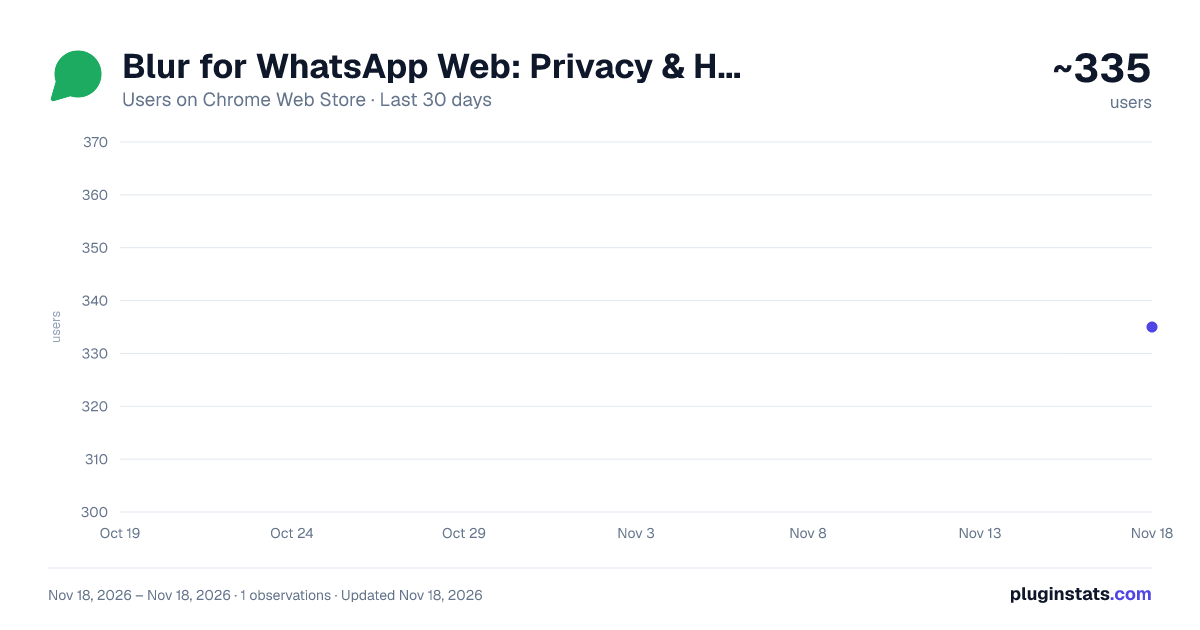
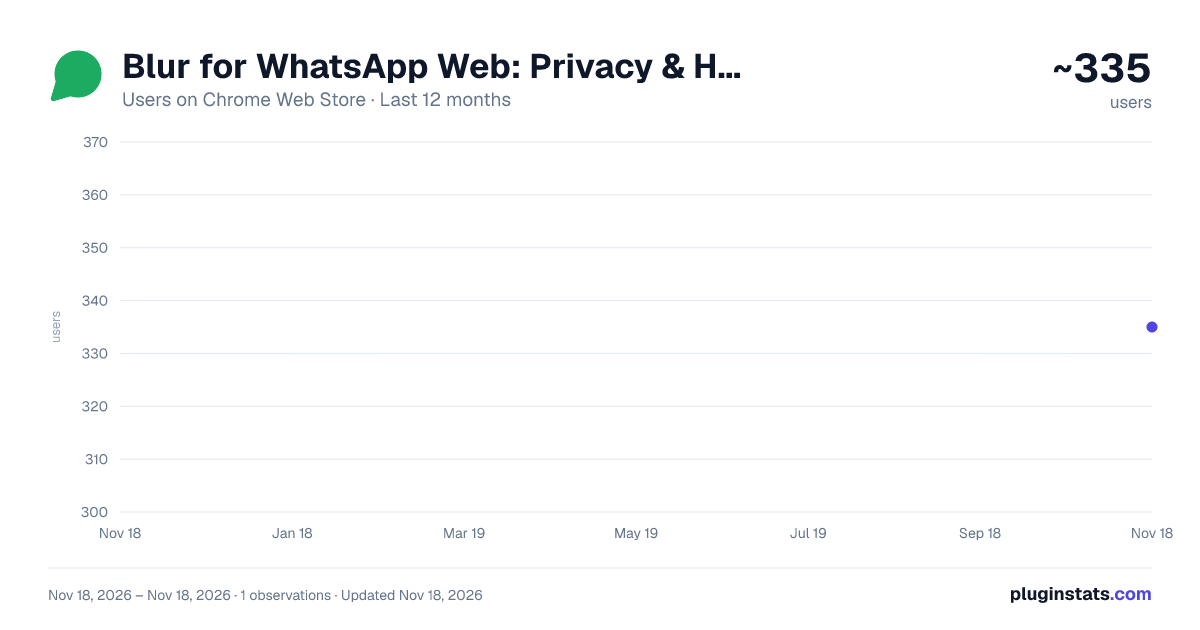
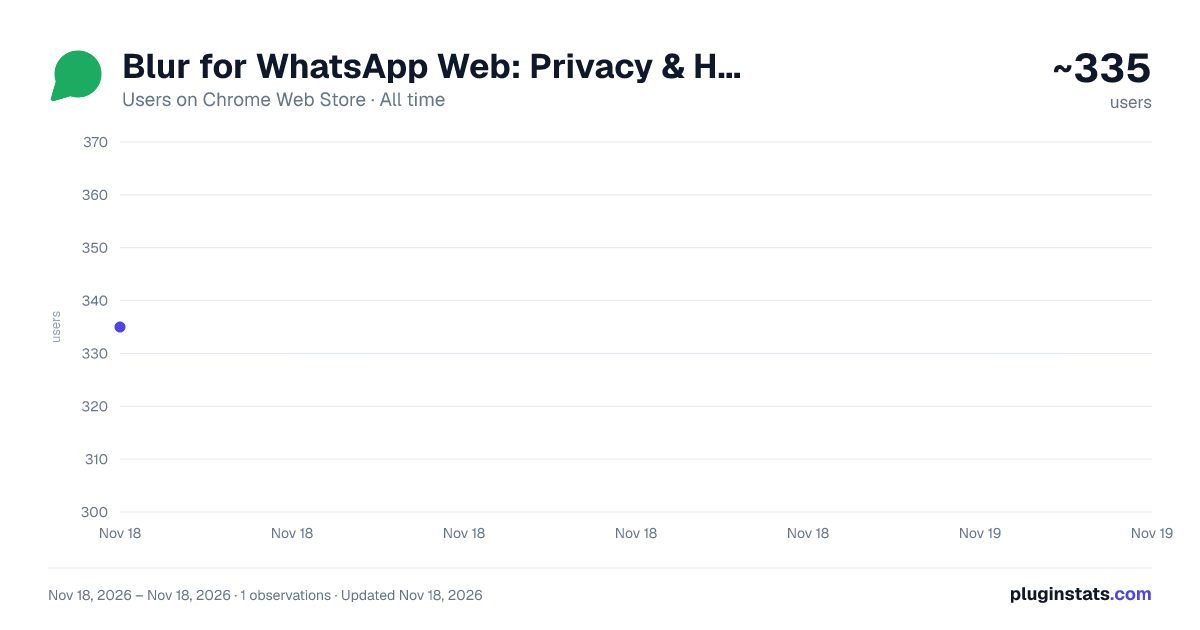
Blur for WhatsApp Web: Privacy & Hide Chats has approximately 335 recorded users on Chrome Web Store, ranking #6241 of 10,388 tracked listings.
Rating: 5.00 / 5 from 5 ratings
About Blur for WhatsApp Web: Privacy & Hide Chats
Privacy for WhatsApp Web: blur and hide chats, names, photos and messages from onlookers and screen sharing. Hover to reveal.
Keeps your WhatsApp Web chats away from curious eyes. Names, messages and photos are blurred; hover over one and it becomes clear.
At work, in a café or while sharing your screen, nobody can see who you talk to or what you write.
WHAT IT HIDES • Last messages • Contact and group names • Profile photos • Unread counts • Times • Messages in the open chat
You choose which ones to hide. You can also set how strong the blur is.
HOW TO USE IT • Hover over the row you want to see and it clears. Move away and it blurs again. • Press Alt+Shift+B to switch everything on or off with one key. Handy right before you share your screen. • Leave the computer alone for a minute and everything is hidden again by itself.
MESSAGE TRANSLATION Click the translate button next to a message and the translation appears under it. You can also translate your own reply into the other person's language before you send it. Translation happens on your computer; your message is not sent to any website. The feature is off at first: switch on "Translate messages" in the extension's window. It needs a recent version of Chrome.
OTHER CONVENIENCES • The extension icon shows your unread count • Click the icon from another tab to jump to WhatsApp • One click opens WhatsApp's own password lock screen • Light and dark theme
PRIVACY AND SAFETY • Collects no data • Sends nothing to the internet; it has no server • No ads, no tracking, no account needed • Works only on web.whatsapp.com and on no other site • Asks for a single permission: to save your settings • Translation happens on your computer; the text never leaves it
FREQUENTLY ASKED QUESTIONS
Does it read my messages? No. The extension only blurs your messages on the screen. Translation is the one exception: the message whose translate button you click is translated on your computer by your browser's own translator and is not sent anywhere.
Is it free? Yes, completely free. There is no paid version and no locked feature.
Does it help while sharing my screen? Yes. Even if WhatsApp Web stays open during a meeting or a presentation, your chats stay blurred. Alt+Shift+B switches it on or off instantly.
Can the other person tell that I blur my chats? No. The blur exists only on your screen; nothing changes in WhatsApp or for the other person.
Does it work on a phone? No. It works on a computer, on WhatsApp Web.
Independent project. Not affiliated with, endorsed by, or connected to WhatsApp LLC or Meta Platforms, Inc. "WhatsApp" is a trademark of its respective owner, used here only to describe compatibility.
Description from the Chrome Web Store listing.
README badge
Show your rank in a README or on your website. The badge updates automatically.
Charts
Images: 30d · 1y · all time · 1600×900 dark
Adoption over time
7/30/90-day growth
Ranking history
Ratings over time
Listing placement
Listing placement
Filled points are observed values; hollow points come from Internet Archive snapshots of the listing page. Dashed segments span periods with no observations — values between points are not interpolated.
Each band is one page of 20. Users on a linear scale. Placement is projected from users, so it can differ from the marketplace's own sort order. Hover a dot to see the listing.
Recent observations
Full history (1)Similar Chrome Web Store Social Networking plugins
All 20 Blur for WhatsApp Web: Privacy & Hide Chats alternatives



Data source
Covers every Chrome Web Store extension with at least 100 users, found through the store's public sitemap. User counts are read from public listing pages. The 10% most-used extensions are refreshed daily, the next 40% weekly and the next 40% monthly; the least-used 10% are not refreshed. Google displays rounded user counts (and caps the display at 10,000,000+), so small changes may not be visible. Rating counts above 1,000 are rounded (e.g. 1.6K).
Listing: https://chromewebstore.google.com/detail/blur-for-whatsapp-web-pri/offklnfhkkkgefjmfbfoallcpdpgehjg. First seen Nov 18, 2026; last successful collection Nov 18, 2026. See the methodology.