 PluginStats

Lumetrics YouTube SEO Real-time Auditor users statistics
By Lumetrics · Chrome Web Store · Social Networking
Frontend-only SEO scoring for YouTube videos.
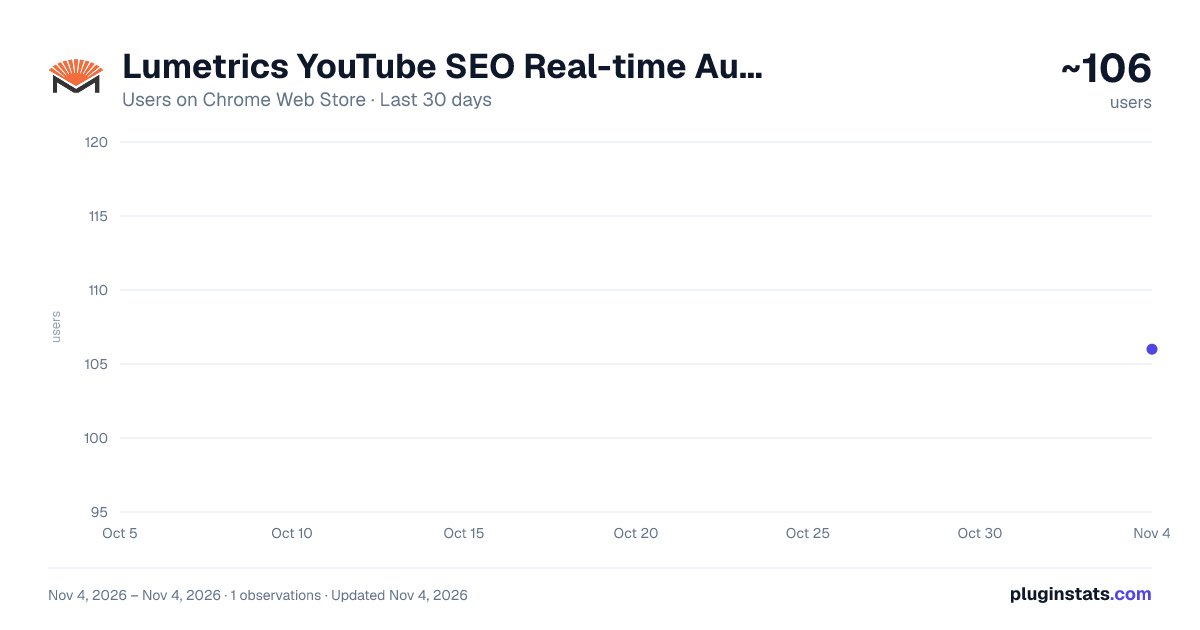
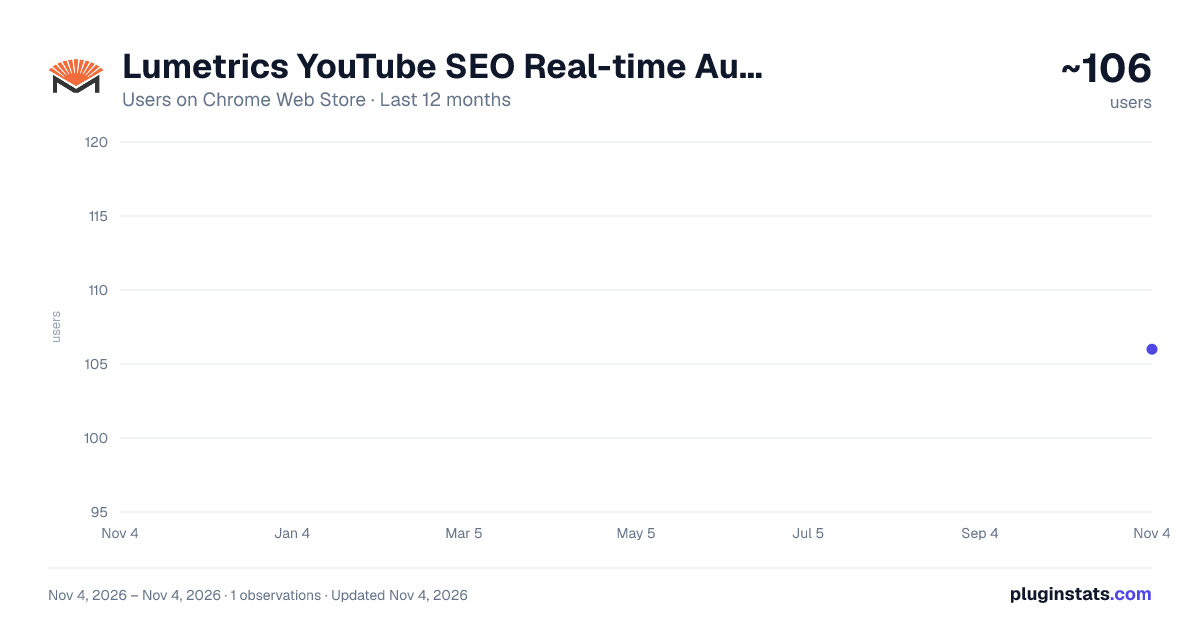
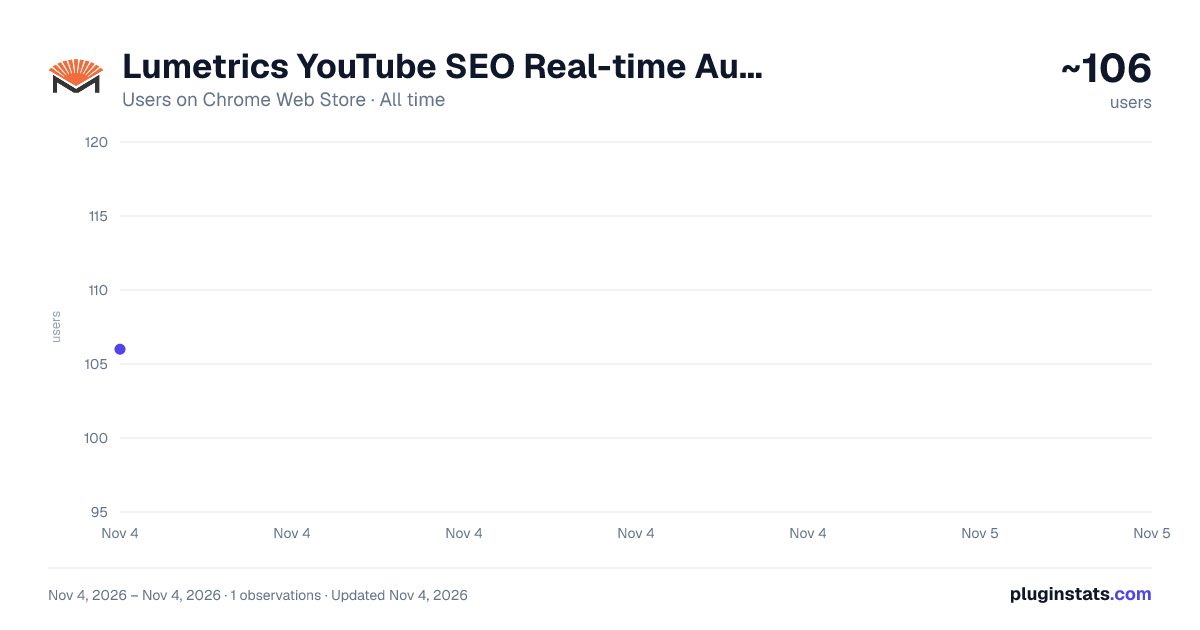
Lumetrics YouTube SEO Real-time Auditor has approximately 106 recorded users on Chrome Web Store, ranking #6909 of 7,072 tracked listings.
Rating: 4.90 / 5 from 10 ratings
About Lumetrics YouTube SEO Real-time Auditor
Frontend-only SEO scoring for YouTube videos.
YouTube Channel Analytics Pro: Real-Time Stats, Shorts Analysis & Engagement Metrics
Instantly extract advanced YouTube channel data: Total Subscribers, Video Counts, View Aggregates, Shorts vs. Long Videos, and more.
UNLOCK THE HIDDEN DATA BEHIND EVERY YOUTUBE CHANNEL
Are you a content creator, digital marketer, influencer scout, or data analyst? Do you find yourself manually counting videos or trying to guess the engagement rates of your competitors?
YouTube Channel Analytics Pro is the ultimate utility tool for Chrome that leverages the official YouTube Data API v3 to fetch, aggregate, and display channel-level statistics that YouTube doesn't show you on the front end.
With a single click, transform any YouTube Channel URL into a comprehensive data report. Go beyond the basic "Subscriber Count" and dive deep into the metrics that actually matter for growth, sponsorship valuation, and competitive analysis.
🚀 KEY FEATURES
- Instant Channel Overview Never waste time searching for basic stats again. As soon as you open the extension on a channel page, we provide a snapshot of:
Total Subscribers: Real-time subscriber counts (as provided by the API).
Total Video Count: The exact number of public uploads available on the channel.
Total Channel Views: The lifetime view count of the channel across all content.
- The "Hidden" Metrics (Exclusive) YouTube removed public counters for "Total Channel Likes" and "Total Comments" years ago. Our smart script iterates through the channel's uploads to aggregate these numbers for you:
Total Channel Likes: The sum of likes across the fetched video batch.
Total Comments: See exactly how active the community is by summing up comments across videos.
Engagement Rate Calculation: We automatically calculate the engagement rate (Likes + Comments / Views) to help you judge the quality of the audience, not just the size.
- Shorts vs. Long-Form Content Analysis In the modern YouTube era, distinguishing between "Shorts" and traditional long-form content is crucial. Our extension analyzes video duration to categorize content:
Shorts Counter: See how many videos are 60 seconds or less.
Long-Form Counter: See how many videos are standard length.
Ratio Analysis: Understand if a creator is pivoting to Shorts or sticking to traditional content.
- Playlist & Content Organization
Playlist Count: Instantly see how many playlists the channel has created, giving you insight into their content organization strategy.
Uploads ID: Access the specific Playlist ID for the channel's uploads for further API usage.
- One-Click Data Export (Coming Soon) Need this data for a spreadsheet? Future updates will allow you to export these statistics directly to CSV for your marketing reports.
🎯 WHO IS THIS TOOL FOR? For YouTubers & Creators:
Competitor Benchmarking: Compare your total likes and comments against channels in your niche.
Content Strategy: Analyze whether competitors are succeeding more with Shorts or Long-form content.
Growth Tracking: Keep a precise log of your lifetime stats that YouTube Studio separates into different views.
For Marketers & Brands:
Influencer Vetting: Don't be fooled by high subscriber counts. Use our "Total Comments" and "Engagement Rate" metrics to spot fake engagement or dead channels.
ROI Calculation: Estimate potential reach by looking at average likes per video across the channel.
Campaign Planning: Decide if you should commission a standard integration or a YouTube Short based on the creator's upload ratios.
For Data Analysts & Researchers:
Rapid Data Collection: Scrape essential public metrics without writing a single line of Python or Node.js code.
Trend Analysis: Monitor how channels evolve over time.
🔧 HOW IT WORKS Our extension is built on a lightweight, secure architecture using the official Google YouTube Data API v3.
Install the Extension: Add it to your Chrome browser.
Navigate to a Channel: Go to any YouTube channel URL (e.g., youtube.com/@username or youtube.com/channel/ID).
Click the Icon: Open the extension popup.
Automatic Extraction: The script automatically detects the channel ID from the URL, authenticates with the API, and fetches the latest data.
Smart Iteration: For advanced stats like "Total Likes," the extension scans the latest batch of videos (up to the limit defined to save API quota) to provide a statistically significant sample of engagement.
🔒 PRIVACY & SECURITY We take your privacy seriously. YouTube Channel Analytics Pro is a client-side tool.
No Data Collection: We do not store, sell, or track your browsing history. The extension only activates when you click it on a YouTube URL.
Official API Usage: All data is fetched directly from YouTube's public API servers. We do not scrape the DOM in a way that violates YouTube's Terms of Service.
No Sign-In Required: You do not need to sign in to your YouTube account to use this tool. It works with public data.
❓ FREQUENTLY ASKED QUESTIONS (FAQ) Q: Why does the "Total Likes" count take a few seconds to load? A: YouTube does not provide a "Total Likes" button for a whole channel. Our tool has to individually check the most recent videos and add the numbers up together. This ensures accuracy but takes a moment to process.
Q: Does this work on Shorts channels? A: Yes! We specifically differentiate between Shorts (Vertical, <60s) and Long-form videos so you can see exactly what kind of content the channel produces.
Q: Is this tool free? A: Yes, the core features of extracting subscriber counts, video counts, and view counts are 100% free.
Q: Can I use this on any channel? A: Yes, as long as the channel is public. Private channels or restricted content cannot be accessed via the public API.…
Description from the Chrome Web Store listing.
README badge
Show your rank in a README or on your website. The badge updates automatically.
Charts
Images: 30d · 1y · all time · 1600×900 dark
Adoption over time
7/30/90-day growth
Ranking history
Ratings over time
Listing placement
Listing placement
Filled points are observed values; hollow points come from Internet Archive snapshots of the listing page. Dashed segments span periods with no observations — values between points are not interpolated.
Each band is one page of 20. Users on a linear scale. Placement is projected from users, so it can differ from the marketplace's own sort order. Hover a dot to see the listing.
Recent observations
Full history (1)Similar Chrome Web Store Social Networking plugins
All 20 Lumetrics YouTube SEO Real-time Auditor alternatives



Data source
Covers every Chrome Web Store extension with at least 100 users, found through the store's public sitemap. User counts are read from public listing pages. The 10% most-used extensions are refreshed daily, the next 40% weekly and the next 40% monthly; the least-used 10% are not refreshed. Google displays rounded user counts (and caps the display at 10,000,000+), so small changes may not be visible. Rating counts above 1,000 are rounded (e.g. 1.6K).
Listing: https://chromewebstore.google.com/detail/lumetrics-youtube-seo-rea/injmglapifjegojjdojaphjgodbbkdmb. First seen Nov 4, 2026; last successful collection Nov 4, 2026. See the methodology.