 PluginStats

Delete All Facebook Posts & Photos — Activity Log Cleaner users statistics
Chrome Web Store · Social Networking
Bulk clean Facebook posts, photos, likes, comments, reactions and tags. Free to use, with optional Pro for unlimited actions.
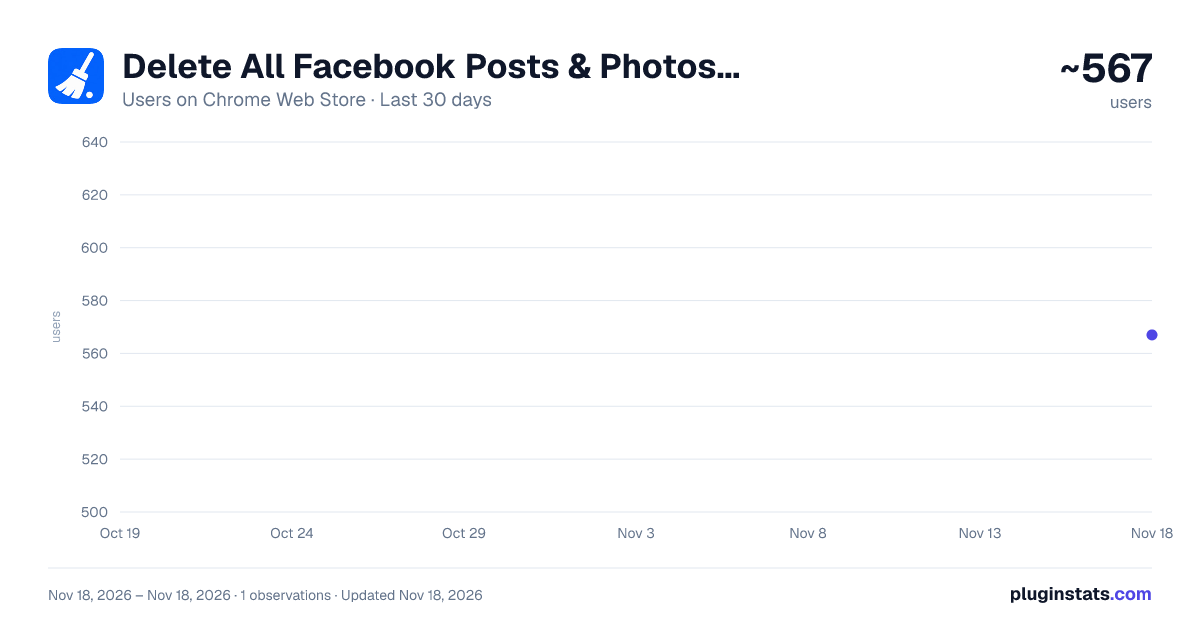
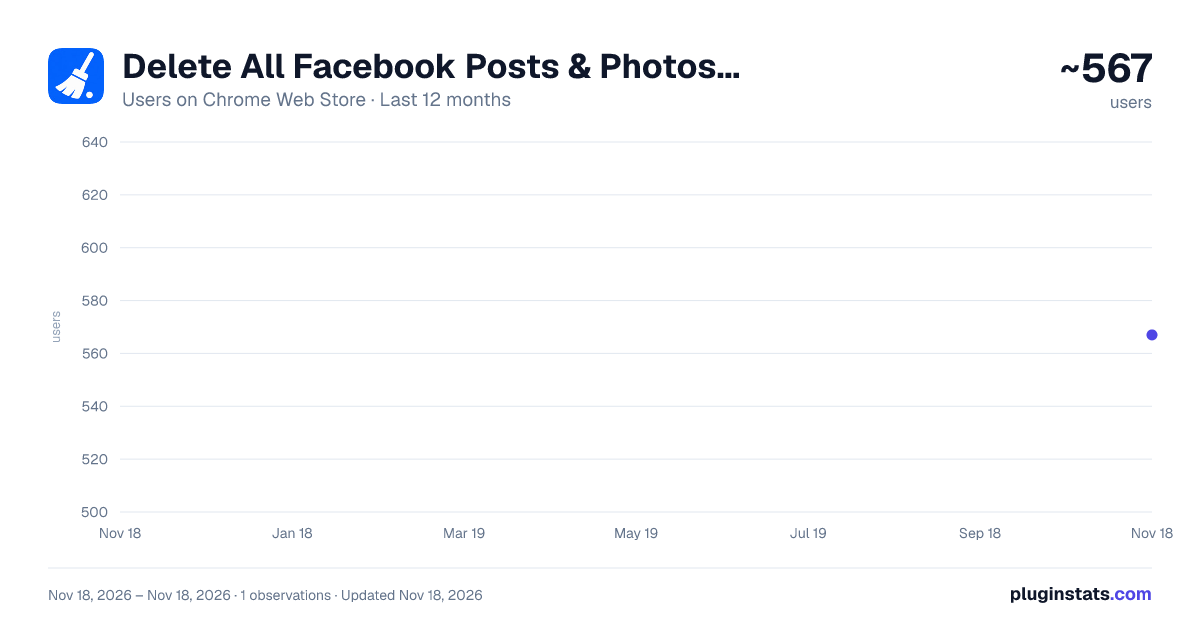
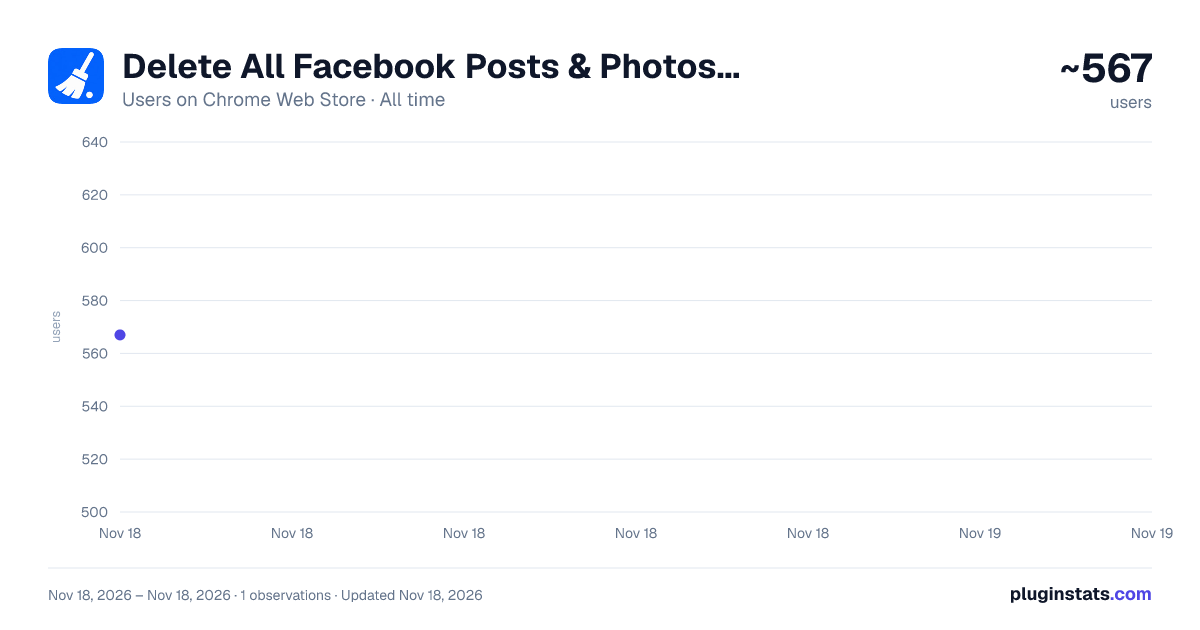
Delete All Facebook Posts & Photos — Activity Log Cleaner has approximately 567 recorded users on Chrome Web Store, ranking #4947 of 10,388 tracked listings.
Rating: 4.00 / 5 from 3 ratings
About Delete All Facebook Posts & Photos — Activity Log Cleaner
Bulk clean Facebook posts, photos, likes, comments, reactions and tags. Free to use, with optional Pro for unlimited actions.
🧹 Delete all your Facebook posts and photos — without clicking each one.
Deleting old posts and photos by hand takes hours. Open a post, click the three dots, click delete, confirm, repeat. Hundreds of times. This extension does it for you: it works through your posts, photos, likes, comments, reactions and tags one after another, automatically, while you watch it happen.
Free includes 30 confirmed actions per local calendar day. Optional Pro unlocks unlimited actions and Super Speed.
⚡ WHAT IT DOES
Bulk delete Facebook posts and photos automatically. Choose what to remove, press start, and the extension clicks through Facebook's own menus for you — deleting old posts, removing photos, unliking pages, clearing reactions, removing tags and hiding whatever you would rather nobody saw. It is the mass delete button Facebook never gave you.
Perfect for anyone who wants to delete old Facebook posts before a job search, remove years of embarrassing photos, clean up an old profile, or wipe their posting history entirely.
✅ WHAT YOU CAN DELETE
📝 Posts — delete all Facebook posts at once, including status updates and shares 📸 Photos — bulk delete Facebook photos, albums entries and uploaded images 🎥 Videos you posted or were tagged in 👍 Likes and reactions — unlike pages and posts in bulk 💬 Comments — delete all Facebook comments you have left 🏷️ Tags — remove tags of you from other people's posts and photos 🗳️ Poll votes and other leftover activity 🙈 Or hide posts and photos from your timeline instead of deleting them
Filter first to target exactly one type — only photos, only comments, or only posts from 2015 — and the extension removes only what is on screen.
🚀 HOW IT WORKS — 3 STEPS
1️⃣ Open your Facebook Activity Log with one click from the side panel. 2️⃣ Pick a category or date filter, then choose an action in the extension. 3️⃣ Press Start. Watch it delete post after post and photo after photo, and press Pause or Stop whenever you like.
Every item scrolls into the centre of your screen before it is touched, so you always see exactly which post or photo is being deleted. Nothing happens off-screen or behind your back.
🎛️ FEATURES
⏸️ Pause and resume — stop mid-run and pick up where you left off 🛑 Stop instantly at any moment 🎚️ Standard (about 5 seconds per item), Fast for the first 10 free actions (about 3 seconds), and Pro-only Super Speed 🔢 Set a maximum per run, from 1 to 1000 posts and photos 📜 Optional auto-scroll — automatically loads more posts when the page runs low 🎯 Four modes — remove everything, delete only, hide only, or clear reactions and tags only 🔄 Never reloads your page or closes your tab 📊 Live progress so you always know which item is being deleted 🌍 Extension interface available in 27 CleanMySocial languages
🔒 PRIVACY — READ THIS
Your Facebook posts, photos, messages and personal information stay in your browser. CleanMySocial receives only license checks and privacy-safe technical reports; no Facebook content or account credentials are sent.
The extension stores local settings, confirmed-action totals and the daily allowance. A license key is stored in Chrome sync only after the CleanMySocial license service validates it.
No login. No password. No permissions beyond the Facebook tab you are using.
❓ FREQUENTLY ASKED QUESTIONS
How do I delete all my Facebook posts at once? Open your posting history, choose "Delete or move to trash" in the extension, set a maximum, and press Start. It works through your posts one by one until it is done.
Can I mass delete Facebook photos too? Yes. Filter down to photos and the extension will delete them in bulk, exactly as it does with posts.
Can I unlike all Facebook pages and posts? Yes. Choose the "Remove reaction, tag, or activity" mode and it will unlike posts and clear reactions in bulk.
Can I delete only old posts, or posts from one year? Yes. Narrow down to a year, month or content type first using the Activity Log filters. The extension only removes what is showing.
Are there any usage limits? Yes. Free includes 30 confirmed actions per local calendar day: the first 10 can use Fast and the next 20 use Standard. Failed or skipped items do not count. Pro removes the daily limit and unlocks Super Speed.
Can deleted posts and photos be recovered? Items sent to trash stay in Facebook's trash for 30 days, so you have a window to restore them. Deletions are otherwise permanent — start with a small number to be sure you are happy with the result.
Does it work with Facebook in my language? The extension interface supports 27 CleanMySocial languages. Facebook itself must be set to English (US) while cleaning because the automation matches Facebook’s English action labels.
Is it safe to use? The extension only clicks buttons Facebook already provides. It never touches your password and never logs in for you. Use a slower speed and a smaller maximum if you want to be extra careful.
⚠️ REQUIREMENTS
• Facebook's interface language must be set to English (US) • You must be logged into Facebook in the active tab • Works on desktop Chrome and Chromium browsers (Edge, Brave, Opera)
Made by CleanMySocial — https://cleanmysocial.com
This extension is not affiliated with, endorsed by, sponsored by, or in any way connected to Facebook, Meta Platforms, Inc. "Facebook" is a trademark of Meta Platforms, Inc., used here only to describe what the extension works with.
Description from the Chrome Web Store listing.
README badge
Show your rank in a README or on your website. The badge updates automatically.
Charts
Images: 30d · 1y · all time · 1600×900 dark
Adoption over time
7/30/90-day growth
Ranking history
Ratings over time
Listing placement
Listing placement
Filled points are observed values; hollow points come from Internet Archive snapshots of the listing page. Dashed segments span periods with no observations — values between points are not interpolated.
Each band is one page of 20. Users on a linear scale. Placement is projected from users, so it can differ from the marketplace's own sort order. Hover a dot to see the listing.
Recent observations
Full history (1)Similar Chrome Web Store Social Networking plugins
All 20 Delete All Facebook Posts & Photos — Activity Log Cleaner alternatives



Data source
Covers every Chrome Web Store extension with at least 100 users, found through the store's public sitemap. User counts are read from public listing pages. The 10% most-used extensions are refreshed daily, the next 40% weekly and the next 40% monthly; the least-used 10% are not refreshed. Google displays rounded user counts (and caps the display at 10,000,000+), so small changes may not be visible. Rating counts above 1,000 are rounded (e.g. 1.6K).
Listing: https://chromewebstore.google.com/detail/delete-all-facebook-posts/iaimbgcccpmmdgpmkkcaiilgdeobgmcl. First seen Nov 18, 2026; last successful collection Nov 18, 2026. See the methodology.