 PluginStats

Global Privacy Control (GPC) Inspector users statistics
Chrome Web Store · Privacy & Security
Reports whether GPC was enabled, what the site did with it, who read it, and what was sent to third parties.
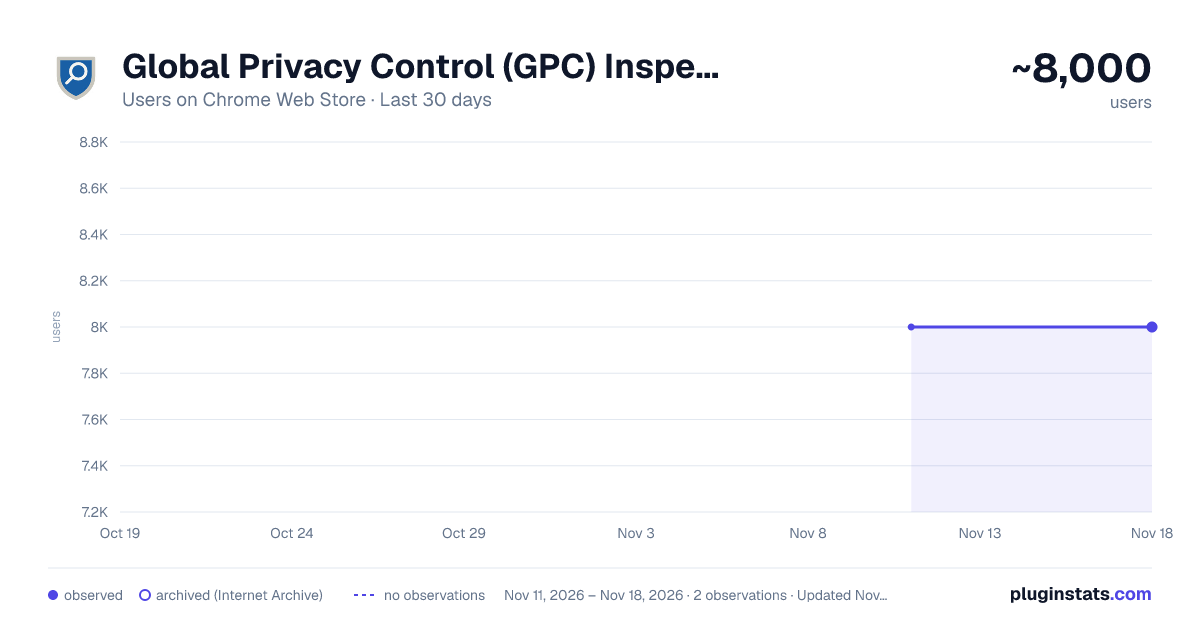
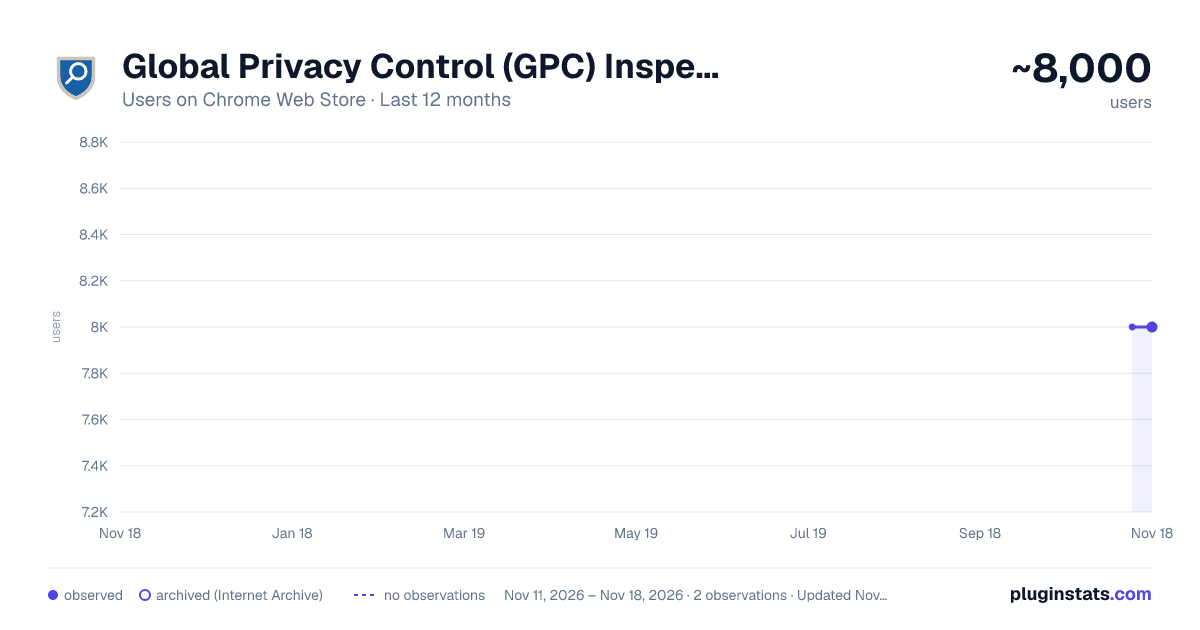
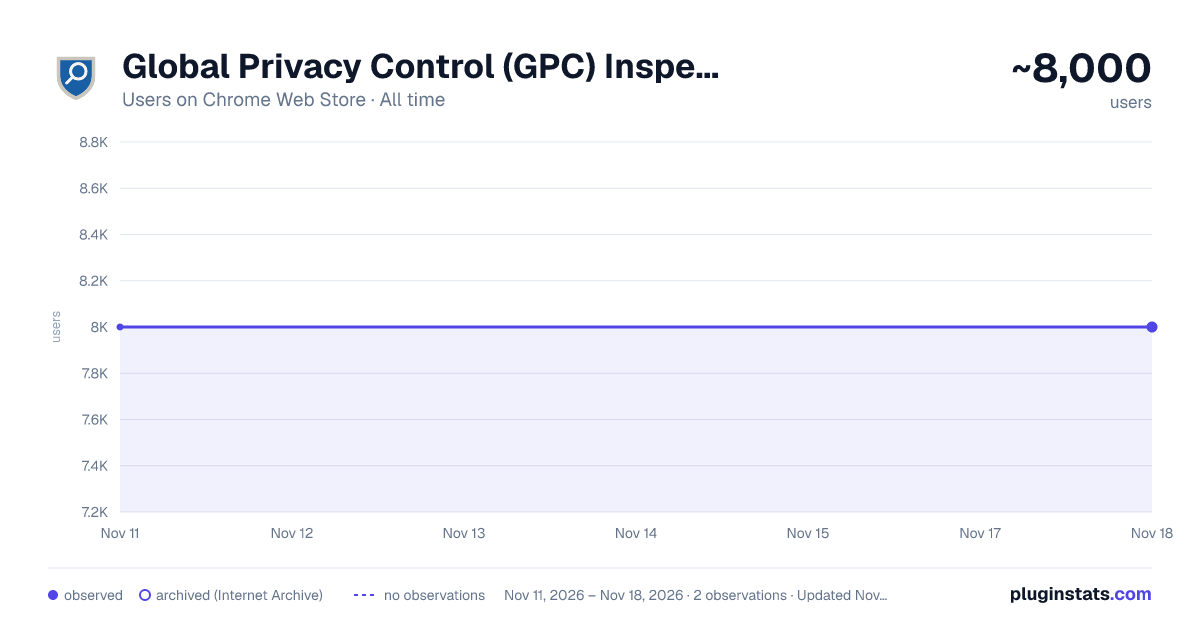
Global Privacy Control (GPC) Inspector has approximately 8,000 recorded users on Chrome Web Store, a change of 0.0% over the past 7 days, ranking #1308 of 10,388 tracked listings.
Rating: 4.20 / 5 from 12 ratings
About Global Privacy Control (GPC) Inspector
Reports whether GPC was enabled, what the site did with it, who read it, and what was sent to third parties.
GPC Inspector makes responses to privacy choices transparent and verifiable for everyone. Global Privacy Control (GPC) is a signal your browser sends to tell sites not to sell or share your data. GPC Inspector enables the signal and shows you what each page did with it.
On each page it shows whether the site declares GPC support, who read the GPC signal, what privacy strings were set, who set cookies, and what was sent to third parties. Third party domains are matched to a vendor and category.
This extension works with Chrome, Brave and Edge.
WHAT IT SHOWS ON EACH PAGE • Whether the signal was set, and who set it: the browser, this extension, or another extension. • Whether the page showed a GPC confirmation notice. • Whether the site publishes /.well-known/gpc.json and if it declares GPC support. • What was communicated to vendors using Global Privacy Platform (GPP), US Privacy (USP) and Transparency & Consent Framework (TCF), and Google Consent Mode. • Which vendors' scripts read GPC from the page. • Which vendors set third-party cookies while your GPC signal was on and whether the cookie was sent back to the vendor. • The page's HTTP requests categorized by company and category.
HOW TO USE IT Click the toolbar icon to open the findings for this page, or open in a side panel to view the findings as you browse.
SENDING THE SIGNAL By default, the extension sends the GPC signal. The Sec-GPC header is set on HTTP requests and the navigator.globalPrivacyControl property is set on pages. GPC can be disabled in the extension to allow users to compare site behavior when GPC is on and off.
EXPORT FINDINGS The extension has two ways to export its findings to your device. The findings summary shown in the overview tab can be downloaded as a .md file. The full log includes every HTTP request with cookie names and attributes as a .json file.
PRIVACY Everything the extension observes stays on your device. Nothing is sent to the developer or anyone else. The extension makes one extra request for the current site's /.well-known/gpc.json file, sent to the site you are already visiting. This check can be disabled in Settings. The code is open source under GPL-3.0. Vendor names and categories come from Disconnect's public list, licensed under CC BY-NC-SA 4.0.
WHAT IT CANNOT SEE • Server-side tagging. Data a site forwards from its own server never appears in the browser. • CNAME-cloaked subdomains. A vendor served under the site's own name reads as the site, because an extension cannot look up DNS records. • Account-level and cross-device opt-out state, and settings behind a sign-in. • What a vendor did with the signal after receiving it. The extension sees what was sent and what came back. • Partitioned cookies are counted like any other. The attribute is shown beside the cookie, and what it means for a given site is for the reader to judge. • Requests made by service workers or from other tabs. A cookie sent back only on such a request is not marked as sent back. • A confirmation notice worded in a way the extension does not yet recognize or shown on another page. The full list is in docs/LIMITATIONS.md in the source repository. GPC Inspector records what was observed on a page load. It is not legal advice. A finding is an observation, not a legal conclusion. A page with no findings may still share data in ways the extension cannot see. GPC Inspector is independent and is not affiliated with the Global Privacy Control project, Disconnect, or any regulator.
Description from the Chrome Web Store listing.
README badge
Show your rank in a README or on your website. The badge updates automatically.
Charts
Images: 30d · 1y · all time · 1600×900 dark
Adoption over time
7/30/90-day growth
Ranking history
Ratings over time
Listing placement
Listing placement
Filled points are observed values; hollow points come from Internet Archive snapshots of the listing page. Dashed segments span periods with no observations — values between points are not interpolated.
Each band is one page of 20. Users on a linear scale. Placement is projected from users, so it can differ from the marketplace's own sort order. Hover a dot to see the listing.
Recent observations
Full history (2)Similar Chrome Web Store Privacy & Security plugins
All 20 Global Privacy Control (GPC) Inspector alternatives



Data source
Covers every Chrome Web Store extension with at least 100 users, found through the store's public sitemap. User counts are read from public listing pages. The 10% most-used extensions are refreshed daily, the next 40% weekly and the next 40% monthly; the least-used 10% are not refreshed. Google displays rounded user counts (and caps the display at 10,000,000+), so small changes may not be visible. Rating counts above 1,000 are rounded (e.g. 1.6K).
Listing: https://chromewebstore.google.com/detail/global-privacy-control-gp/niiahgnkkalkindhghjcaojcpbkhfbbp. First seen Nov 11, 2026; last successful collection Nov 18, 2026. See the methodology.