 PluginStats

Privacy Extension for WhatsApp Web users statistics
Chrome Web Store · Privacy & Security
Protect your privacy with MiniByte's *Privacy Extension for WhatsApp Web*
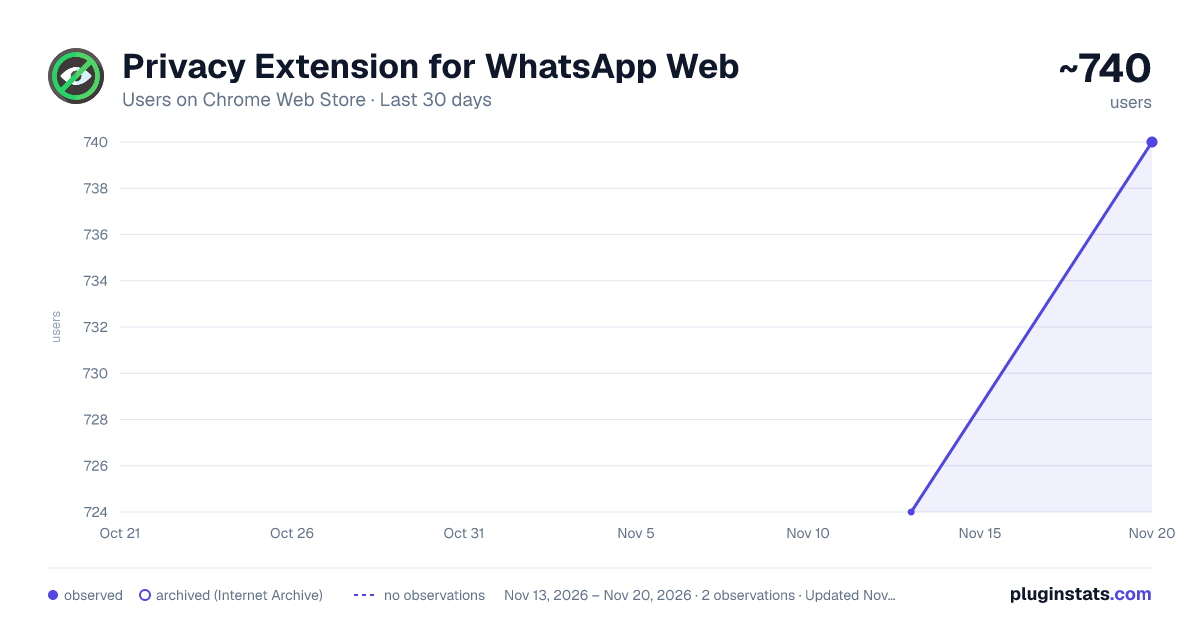
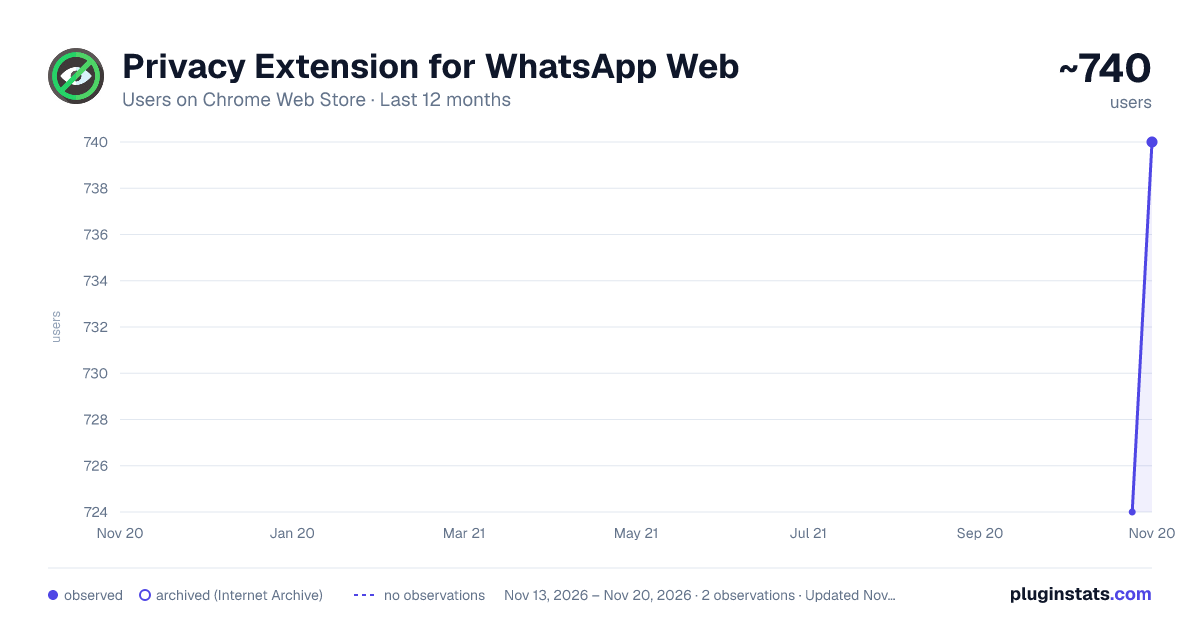
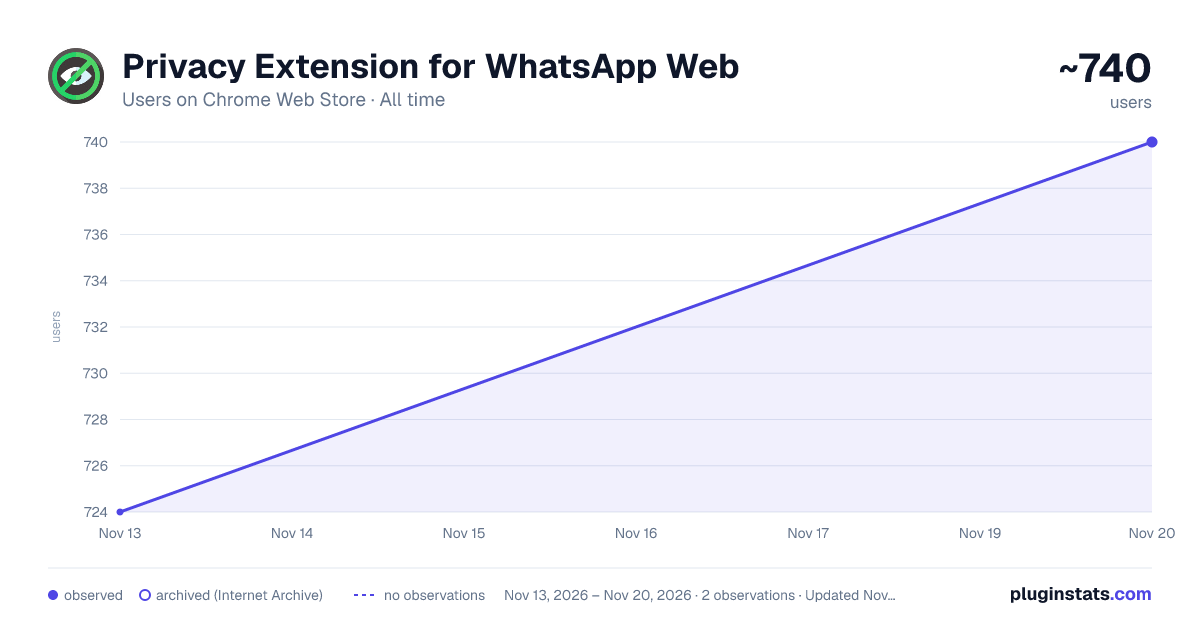
Privacy Extension for WhatsApp Web has approximately 740 recorded users on Chrome Web Store, a change of +2.2% over the past 7 days, ranking #4344 of 10,388 tracked listings.
Rating: 5.00 / 5 from 2 ratings
About Privacy Extension for WhatsApp Web
Protect your privacy with MiniByte's Privacy Extension for WhatsApp Web
WhatsApp Privacy Extension - Secure Your Chats and Enhance Privacy on WhatsApp Web
Protect your privacy on WhatsApp Web with this powerful WhatsApp Privacy Extension. This extension helps you blur sensitive content, such as chat messages, profile images, and more. Enjoy full control over your WhatsApp Web experience with customizable privacy settings designed to ensure your conversations stay secure and private.
Features:
Blur WhatsApp Chat Messages: Apply a blur effect to all chat messages, making them unreadable until you hover over them. This protects sensitive information from prying eyes.
Hide Profile Images: Conceal profile pictures with the ability to blur or hide them entirely, ensuring your privacy is maintained during conversations.
Customizable Settings: Customize which elements to blur or hide, including chat messages, profile images, media previews, and more. Tailor the extension to suit your privacy preferences.
Keyboard Shortcuts: Easily toggle privacy settings with customizable keyboard shortcuts. For example, use Alt + X (or Option + X on macOS) to hide all blur effects at once.
Simple Interface: The extension’s easy-to-use popup allows you to enable or disable various privacy features with just a few clicks.
Persistent Privacy: Once enabled, your privacy settings are applied consistently across all sessions, even after page refreshes or restarts.
Real-Time Privacy Control: Changes take effect immediately on your WhatsApp Web interface. Apply or remove the blur effect instantly as you toggle options.
How It Works:
The extension works by adding custom CSS rules to WhatsApp Web to blur sensitive information. It does this by using the Chrome Extensions API to modify the appearance of WhatsApp Web, allowing you to selectively apply privacy filters. These filters include:
- Chat message blur – Hides chat content with a blur effect.
- Profile image blur – Blurs or hides user profile pictures.
- Media preview blur – Ensures media previews are hidden or blurred for privacy.
With these settings in place, your WhatsApp Web experience is more secure, private, and customized to your liking. No need to worry about others viewing your WhatsApp messages or sensitive information while you're away from your computer.
Why Choose WhatsApp Privacy Extension?
Enhanced Privacy: The extension lets you take control of your WhatsApp Web privacy by blurring or hiding sensitive content like profile pictures, chat messages, and more.
Highly Customizable: Unlike other privacy extensions, this tool offers granular control over which elements to blur. You can choose to blur everything or only specific items, like chat messages, profiles, or media previews.
No Need for Complicated Setup: The extension is ready to use out of the box. Simply install it, enable your preferred privacy settings, and enjoy a more secure WhatsApp Web experience.
Fast and Lightweight: This extension works in the background with minimal performance impact, providing enhanced privacy without slowing down your browsing experience.
Why You Need This Extension:
Stop Unwanted Eyes: If you're working on your computer in a public space or just want to ensure that no one sees your WhatsApp conversations, this extension will keep your chats safe and out of sight.
Protect Your Profile: When you’re browsing or using WhatsApp Web on shared devices, your profile image and other private information could be exposed. This extension offers the ability to blur or hide your profile image entirely, making it much harder for others to see your personal information.
Hide Media Previews: WhatsApp Web can automatically show media previews of images, videos, or documents. This extension allows you to blur or hide these previews, ensuring that your media stays private.
Customizable Keyboard Shortcuts: With the WhatsApp Privacy Extension, you can easily toggle the privacy features without navigating through menus. By using a simple keyboard shortcut (like Alt + X on Windows or Option + X on macOS), you can quickly enable or disable privacy settings.
Privacy Settings You Can Control:
- Blur Chat Messages: Choose whether to apply the blur effect to chat messages.
- Blur Profile Images: Blur profile images to prevent others from seeing personal pictures.
- Blur Media Previews: Prevent media previews from being shown to keep your files secure.
- Toggle All Privacy Settings: Use the keyboard shortcut to toggle all privacy settings with one click.
- Persistent Settings: Your privacy settings remain active across sessions, even after refreshing WhatsApp Web.
How to Use WhatsApp Privacy Extension:
- Install the Extension: Download and install the WhatsApp Privacy Extension from the Chrome Web Store.
- Enable Settings: Click on the extension icon in the Chrome toolbar to open the popup and select the privacy settings you wish to apply.
- Use the Keyboard Shortcut: Optionally, use the keyboard shortcut (Alt + X or Option + X) to quickly toggle the privacy settings.
- Browse Securely: Enjoy a secure, private WhatsApp Web experience, knowing your conversations are safe.
Get Started Now!
Download the WhatsApp Privacy Extension today and take control of your online privacy. Whether you're looking to hide personal information in a public setting or just want more control over what others can see on your WhatsApp Web, this extension has you covered.
Protect your privacy with just a few clicks and enjoy WhatsApp Web without the worry of exposing sensitive data.
Description from the Chrome Web Store listing.
README badge
Show your rank in a README or on your website. The badge updates automatically.
Charts
Images: 30d · 1y · all time · 1600×900 dark
Adoption over time
7/30/90-day growth
Ranking history
Ratings over time
Listing placement
Listing placement
Filled points are observed values; hollow points come from Internet Archive snapshots of the listing page. Dashed segments span periods with no observations — values between points are not interpolated.
Each band is one page of 20. Users on a linear scale. Placement is projected from users, so it can differ from the marketplace's own sort order. Hover a dot to see the listing.
Recent observations
Full history (2)Similar Chrome Web Store Privacy & Security plugins
All 20 Privacy Extension for WhatsApp Web alternatives



Data source
Covers every Chrome Web Store extension with at least 100 users, found through the store's public sitemap. User counts are read from public listing pages. The 10% most-used extensions are refreshed daily, the next 40% weekly and the next 40% monthly; the least-used 10% are not refreshed. Google displays rounded user counts (and caps the display at 10,000,000+), so small changes may not be visible. Rating counts above 1,000 are rounded (e.g. 1.6K).
Listing: https://chromewebstore.google.com/detail/privacy-extension-for-wha-4/meeolbknbhlimknfobkgedkbcmibhcpd. First seen Nov 13, 2026; last successful collection Nov 20, 2026. See the methodology.