 PluginStats

MySudo Browser Extension users statistics
By Anonyome Labs, Inc. · Chrome Web Store · Privacy & Security
Sync MySudo mobile with your desktop web browser for easy access to your Sudo digital identities.
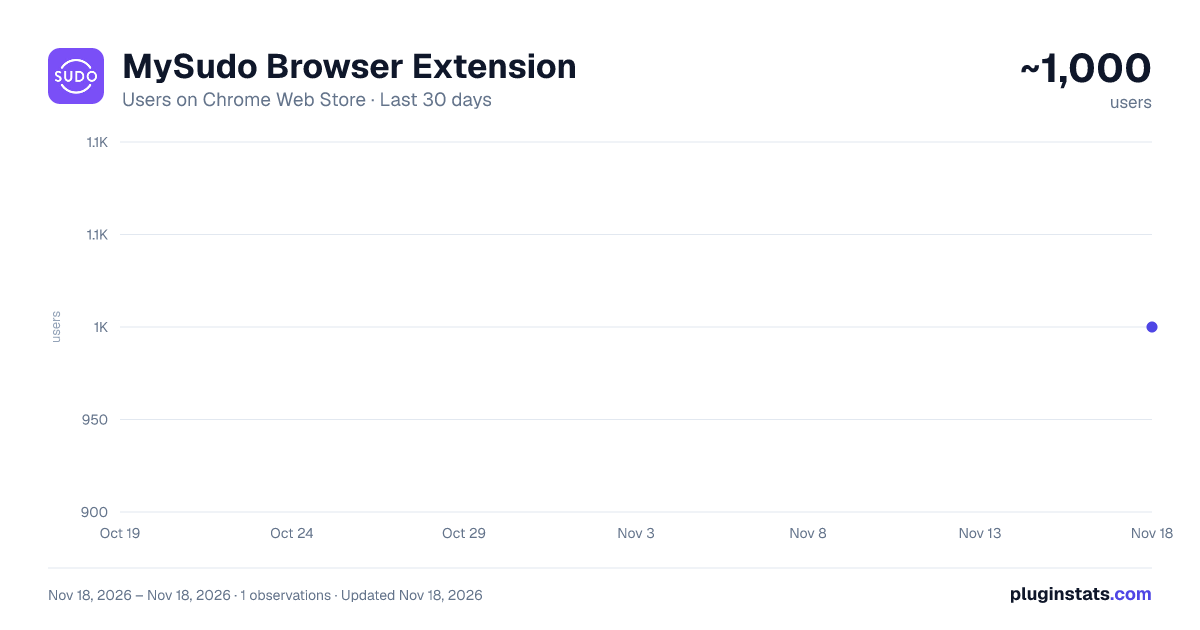
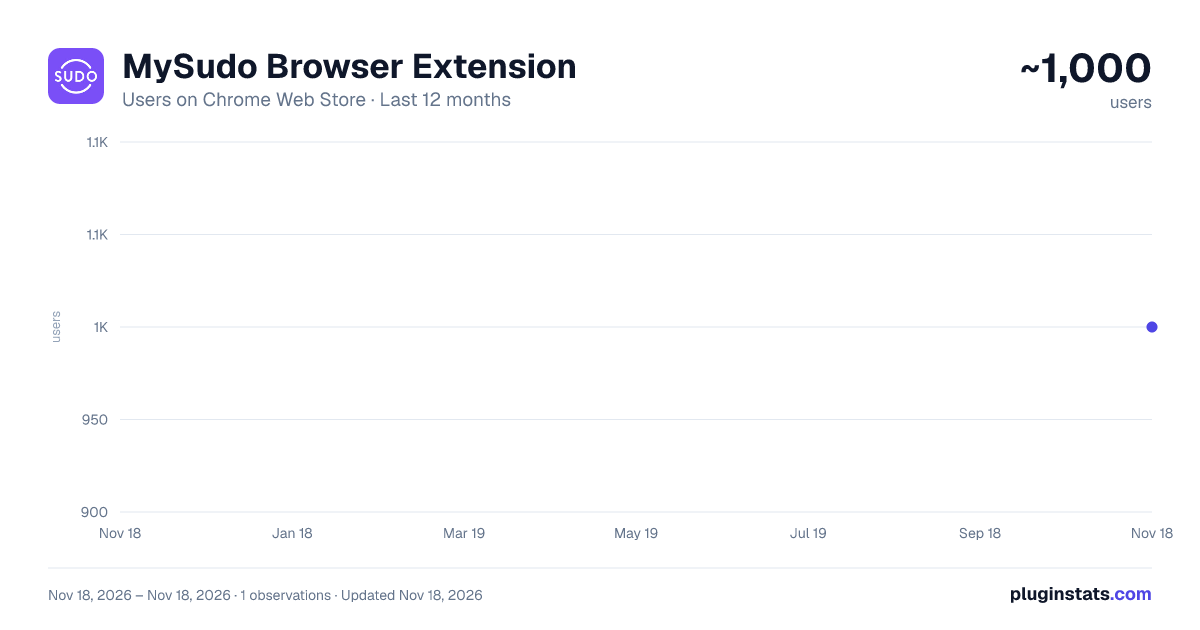
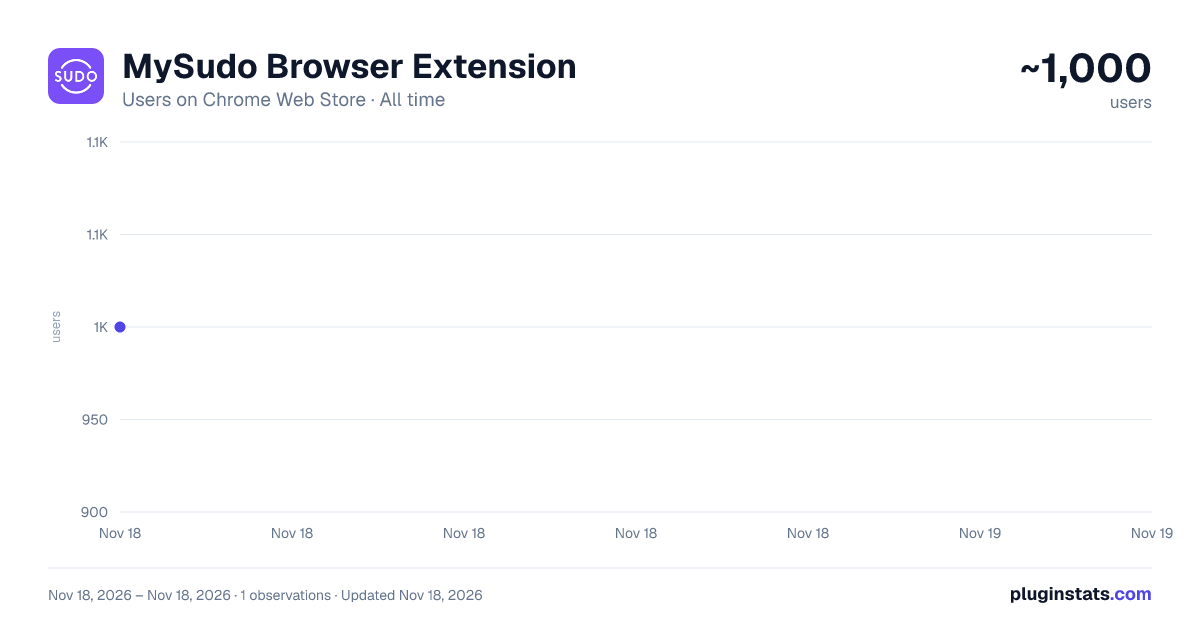
MySudo Browser Extension has approximately 1,000 recorded users on Chrome Web Store, ranking #3706 of 10,388 tracked listings.
Rating: 4.60 / 5 from 7 ratings
About MySudo Browser Extension
Sync MySudo mobile with your desktop web browser for easy access to your Sudo digital identities.
IMPORTANT UPDATE: MySudo Browser Extension is being retired in November of 2026. Its features now live in the MySudo Password browser extension, which adds a full password manager alongside autofill of sudo details. Install MySudo Password today to keep autofilling your Sudo info.
The MySudo Browser Extension has landed!
The new release means you can now sync MySudo on your mobile device with your web browser on your desktop for easy access to your Sudo digital identities.
Here are 3 reasons why you’re going to want to download the new MySudo browser extension:
- With the MySudo browser extension, you can autofill your Sudo details directly from your web browser into the websites you visit.
- You can select a specific Sudo to use with a specific website on your desktop and unlock the power of compartmentalization.
- You can keep your desktop in sync with the Sudos in your mobile device. So, if you create a new Sudo or modify an existing Sudo, a quick sync will update over on your desktop.
What is MySudo you ask?
MySudo is the all-in-one privacy app that lets you speak privately, browse privately, and pay privately, all via secure digital identities called Sudos. Each Sudo can have a secure phone number, handle, email, private browser, and virtual card, so that you can use your Sudo details instead of your own personal information. With MySudo, your personal information is safe since you haven’t shared it — we won’t even ask for a username or password for set up.
Adding to the MySudo suite, the MySudo Browser Extension enables you to effortlessly autofill web forms with your Sudo information on all your favorite sites. The extension seamlessly synchronizes with your MySudo mobile app, allowing you to sync and then autofill Sudo information from any of your up to nine Sudo profiles, all while keeping your data safe and secure.
Right now, the browser extension only lets you autofill your Sudo names (first and last), email addresses and phone numbers—with more capabilities coming soon!
Looking to be more private with what you share online? With the MySudo Browser Extension, you can keep your online presence secure and navigate more conveniently and privately.
Don’t have MySudo? Download for iOS or Android in their respective stores today!
Description from the Chrome Web Store listing.
README badge
Show your rank in a README or on your website. The badge updates automatically.
Charts
Images: 30d · 1y · all time · 1600×900 dark
Adoption over time
7/30/90-day growth
Ranking history
Ratings over time
Listing placement
Listing placement
Filled points are observed values; hollow points come from Internet Archive snapshots of the listing page. Dashed segments span periods with no observations — values between points are not interpolated.
Each band is one page of 20. Users on a linear scale. Placement is projected from users, so it can differ from the marketplace's own sort order. Hover a dot to see the listing.
Recent observations
Full history (1)Similar Chrome Web Store Privacy & Security plugins
All 20 MySudo Browser Extension alternatives



Data source
Covers every Chrome Web Store extension with at least 100 users, found through the store's public sitemap. User counts are read from public listing pages. The 10% most-used extensions are refreshed daily, the next 40% weekly and the next 40% monthly; the least-used 10% are not refreshed. Google displays rounded user counts (and caps the display at 10,000,000+), so small changes may not be visible. Rating counts above 1,000 are rounded (e.g. 1.6K).
Listing: https://chromewebstore.google.com/detail/mysudo-browser-extension/ofdimlelfhojcplmfhpcehiehbekggan. First seen Nov 18, 2026; last successful collection Nov 18, 2026. See the methodology.