 PluginStats

Shrink PDF Size users statistics
Easily Shrink PDF Size of any document without compromising quality. Compress and reduce PDF documents securely with a few clicks.
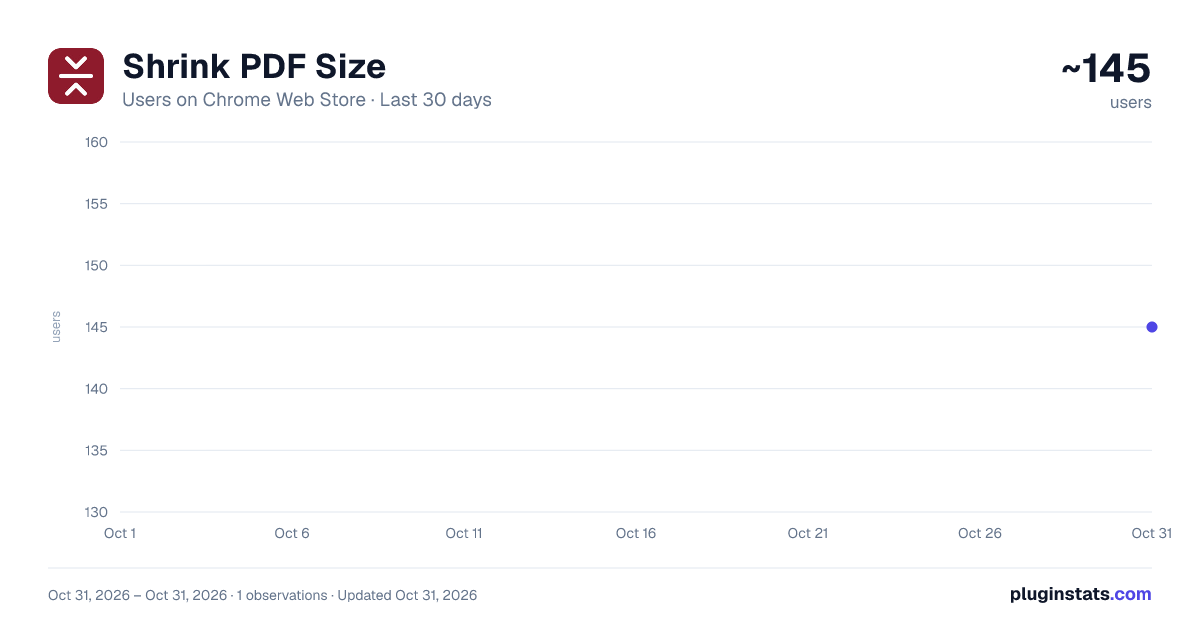
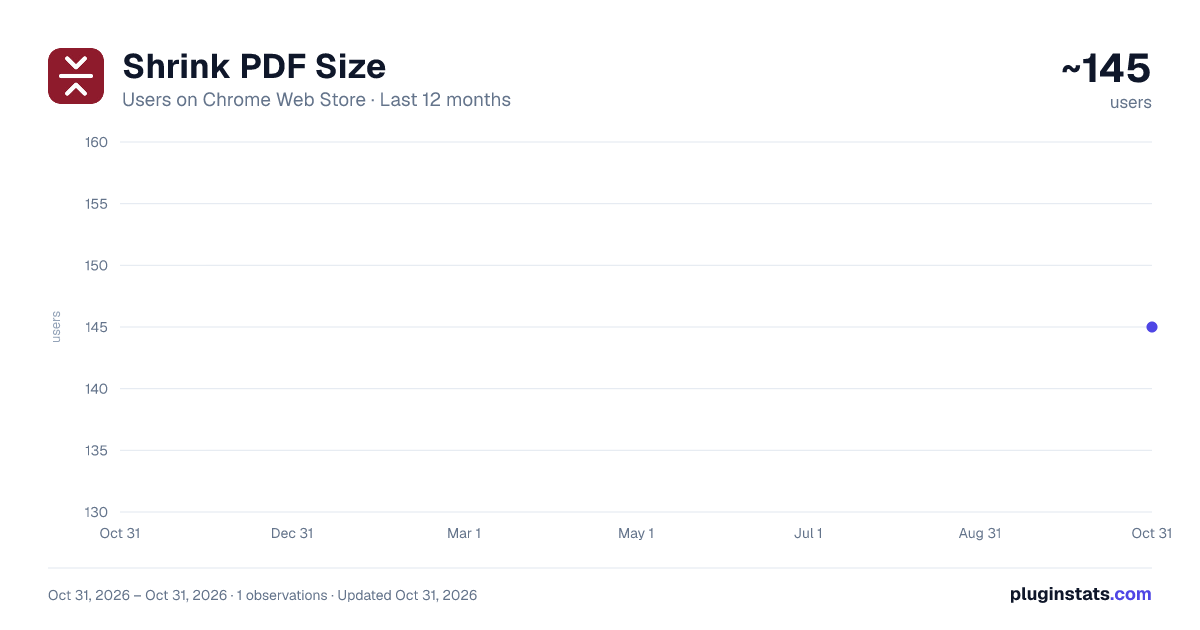
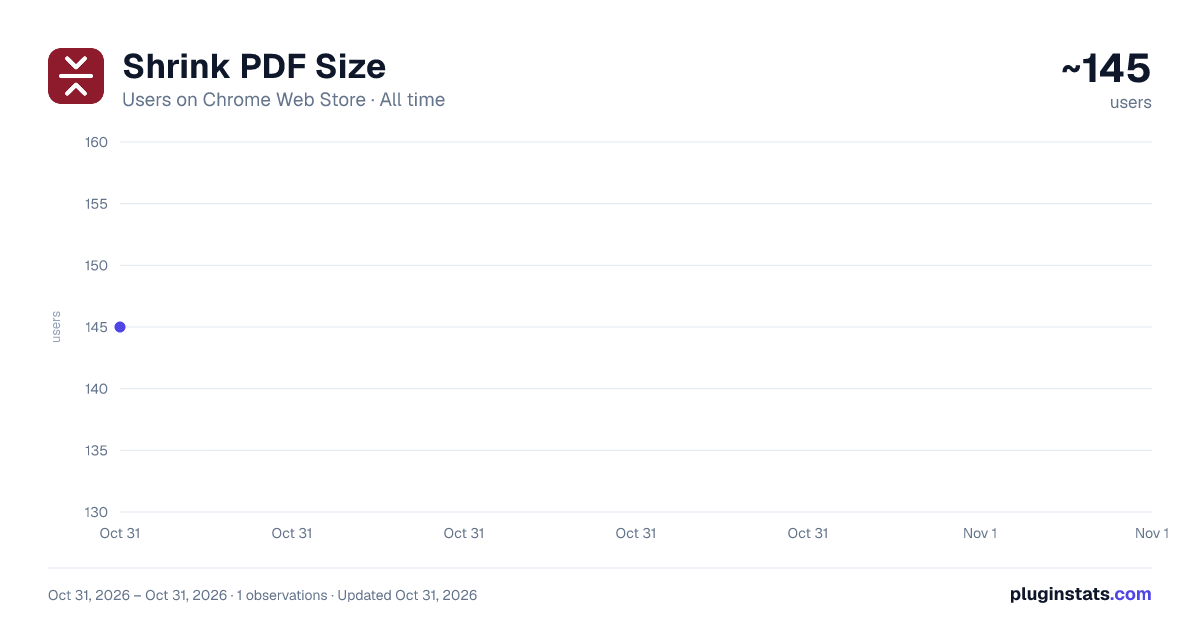
Shrink PDF Size has approximately 145 recorded users on Chrome Web Store, ranking #5727 of 6,672 tracked listings.
Rating: 4.00 / 5 from 4 ratings
About Shrink PDF Size
Easily Shrink PDF Size of any document without compromising quality. Compress and reduce PDF documents securely with a few clicks.
Need to shrink PDF quickly and easily? Our Chrome extension is the perfect solution to reduce PDF size while maintaining quality. Whether you need to shrink file size of PDFs for email, upload limits, or storage, this tool provides a fast and secure way to get the job done. No need for complicated software - just a few clicks and your document is optimized!
⭐ Key Features
1️⃣ Reduce PDF file size instantly without losing quality 2️⃣ Compress files to reduce load time and storage space 3️⃣ Works on all platforms, including condensing PDF files on Mac & Windows 4️⃣ Make docs smaller for email attachments and online submissions
❓Why Choose This Tool?
📌 Fast & Secure: Your files are processed instantly, and you can also opt in for local in-browser processing mode to ensure privacy. 📌 User-Friendly: Simple interface, perfect for all experience levels. 📌 Cross-Platform: Works on Windows, Mac, and ChromeOS. 📌 Almost no Quality Loss: Our advanced compressor keeps text and images sharp.
🔥 How to Use the Extension
- Click on the extension icon in your Chrome toolbar, the side panel will be opened.
- Upload or drag & drop your documents.
- Click "Compress" and download your optimized version instantly!
📁 Benefits of Using Our Compressor
➤ Shrink PDF size for faster uploads and seamless sharing. ➤ Condense PDF files to meet online form requirements. ➤ Minimize documents without affecting readability. ➤ Adobe PDF compressor alternative with a lightweight, fast process. ➤ Works on large and small files (any size).
🎯 Who Needs This Tool?
- Students & Educators: Shrink PDF size to fit assignment uploads.
- Business Professionals: Decrease the size of the document for smoother email communication.
- Freelancers & Designers: Reduce PDFs while keeping high-resolution images.
- Anyone sharing documents: Reduce files for social media, websites, and documents.
🏆 Top Reasons to Use Our Extension
- Faster document sharing
- Optimized file storage
- Improved email deliverability with smaller attachment sizes
- Hassle-free online form submissions
- Shrinking the size of a PDF in just seconds
⚡ Advanced Shrinking Technology
Our extension uses cutting-edge compression algorithms to shrink PDF size with minimal impact on readability and formatting. Whether you need a PDF size reducer for work, school, or personal use, our tool delivers unmatched efficiency.
🌍 Works Anywhere, Anytime
No need to install bulky software. Simply add this extension to Chrome and shrink PDF file size whenever you need. Whether you’re using Windows, Linux, or Mac this tool works seamlessly across all devices.
🔐 Privacy & Security
We prioritize your security. You can opt in for local compression only to maximize privacy. Unlike other tools, our PDF shrinker doesn’t store or access your data.
🎉 Get Started Now!
Install the extension today and experience the easiest way to shrink your docs! Whether you need to shrink PDF files on Mac or Windows this tool has got you covered. Compress, reduce, and optimize your files effortlessly!
Description from the Chrome Web Store listing.
README badge
Show your rank in a README or on your website. The badge updates automatically.
Charts
Images: 30d · 1y · all time · 1600×900 dark
Adoption over time
7/30/90-day growth
Ranking history
Ratings over time
Listing placement
Listing placement
Filled points are observed values; hollow points come from Internet Archive snapshots of the listing page. Dashed segments span periods with no observations — values between points are not interpolated.
Each band is one page of 20. Users on a linear scale. Placement is projected from users, so it can differ from the marketplace's own sort order. Hover a dot to see the listing.
Recent observations
Full history (1)Similar Chrome Web Store Tools plugins
All 20 Shrink PDF Size alternatives



Data source
Covers every Chrome Web Store extension with at least 100 users, found through the store's public sitemap. User counts are read from public listing pages. The 10% most-used extensions are refreshed daily, the next 40% weekly and the next 40% monthly; the least-used 10% are not refreshed. Google displays rounded user counts (and caps the display at 10,000,000+), so small changes may not be visible. Rating counts above 1,000 are rounded (e.g. 1.6K).
Listing: https://chromewebstore.google.com/detail/shrink-pdf-size/glkgkjkgapmmjlfongakdlnlidcgbhhb. First seen Oct 31, 2026; last successful collection Oct 31, 2026. See the methodology.