 PluginStats
Always on Top Window users statistics
Chrome Web Store · Workflow & Planning
Pin any Chrome window or tab with the always on top window companion extension. Make any window stay active and in front.
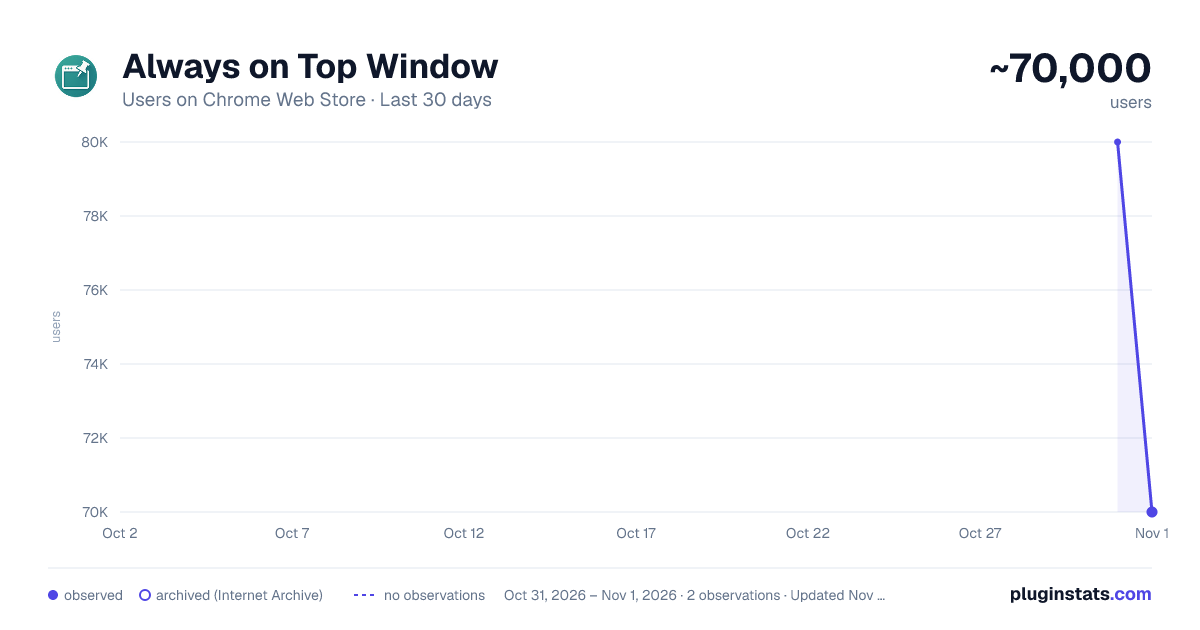
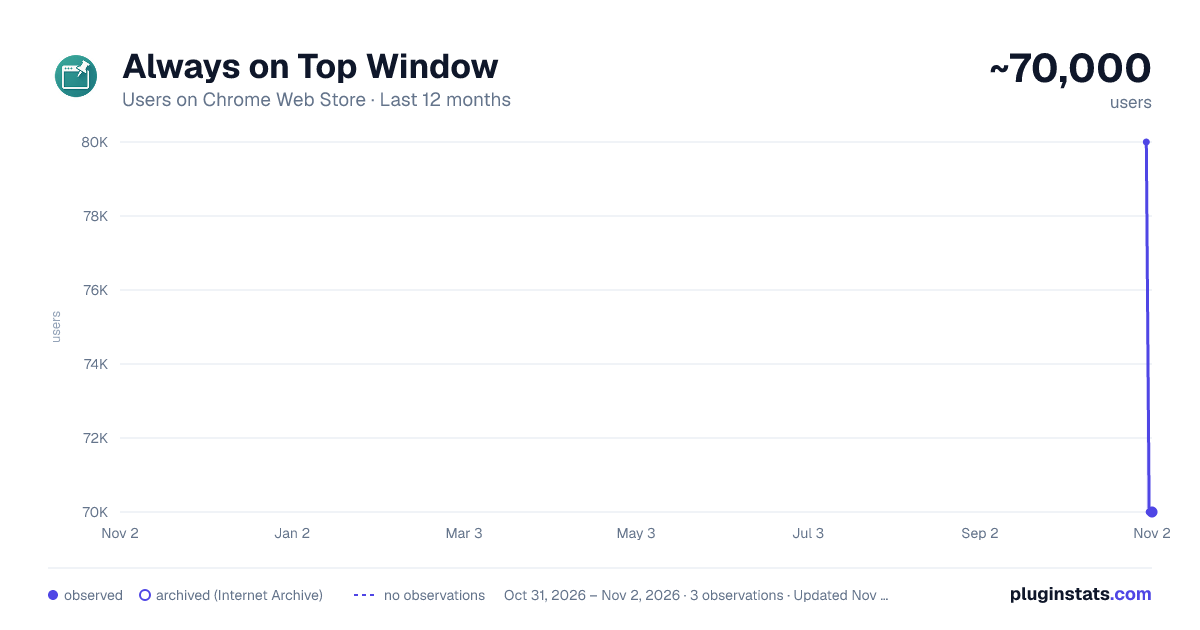
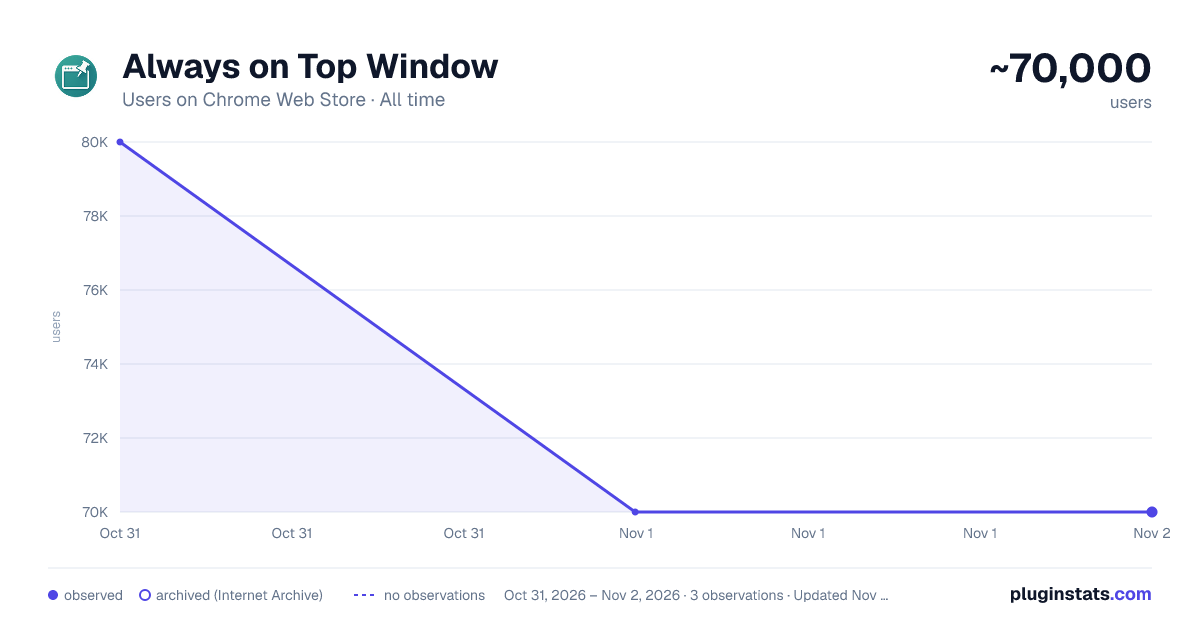
Always on Top Window has approximately 80,000 recorded users on Chrome Web Store, ranking #211 of 5,946 tracked listings.
Rating: 4.70 / 5 from 71 ratings
About Always on Top Window
Pin any Chrome window or tab with the always on top window companion extension. Make any window stay active and in front.
Tired of juggling tabs to keep an eye on crucial information? Always on Top Window for Chrome is here to change that. This handy browser utility lets you pin any webpage, keeping it visible in a compact, floating window so you can enhance your productivity.
Always on top window features: • Effortless Multitasking: Open any link or your current tab in a separate, always visible window. • Stay Informed: Keep critical data, live streams, or chats in sight while you work on other tasks. • Customizable View: Move and resize the floating window to fit your screen perfectly and task. • Focused Content: The popup displays only the webpage, with no distracting browser elements, helping you pin window content effectively. • Quick Access: Launch a floating window with a simple right-click or a click on the extension icon. • Automatic Page Refresh: Keep time-sensitive content up to date with optional refresh intervals of 5, 10, or 30 seconds, or 1 or 5 minutes.
🔗 Launch links into a floating view Right-click on any link across the web and select “Open link in Always-on-top Window”. The linked page will appear in its own dedicated float window.
📌 Pin your current tab Need to keep your active browser tab visible while you switch tasks? Click the extension icon in your Chrome toolbar. Your current tab’s content will pop out into a persistent, floating view.
↔️ Adjust your view The floating popup window created by this tool isn't fixed; you can drag it anywhere on your screen and resize it to your preferred dimensions. This flexibility ensures it complements your workflow, not obstructs it.
How it works:
- Click the extension icon to pop out the current tab, or Right-click any link and select “Open link in Always-on-top Window” to open it in a floating popup.
- Move and resize the popup as needed to fit your workflow.
- Keep the original tab open — closing it will also close the popup.
Important: The floating window relies on its original tab. Keep the source tab open for the popup to remain active.
What is a always-on-top window? A floating window, sometimes called a "picture-in-picture" or "floating window", is a small, separate window that remains visible above all other applications on your screen. This addon helps you pin content in your browser, ensuring key web information can always stay in view, no matter what else you're doing on your computer.
How you can benefit from Always on Top Window: 👨💻 Keep documentation, build logs, or API responses visible while coding in another window. 🎓 Watch educational videos or follow tutorials while practicing in another application, whether on Windows, Mac or other systems where Chrome runs. 📊 Monitor live data feeds, stock charts, or news updates without constant tab switching. ✍️ Have reference materials, notes, or sources always accessible as you draft your work.
Why choose Always on Top Window? ✔️ Keep any webpage pinned, whether it’s a video, doc, or live feed. ✔️ Works on Mac, Windows, and Chrome-based browsers. ✔️ Quick shortcut for popping out tabs and links. ✔️ Boost productivity and focus with an always-visible window. ✔️ Lightweight utility.
❓Frequently Asked Questions (FAQ): Q: How can I make a Chrome tab always stay on top? A: Always on top window provides an easy way. Right-click any link and select the option to open it in a floating window, or click the extension icon to float your active tab. This makes the selected web content stay visible.
Q: Can I use this to pin any app on my computer? A: This extension is specifically designed for web pages within your Chrome browser. It allows you to keep a browser tab or linked web content in a floating window that stays front, but it doesn't control other desktop applications.
Q: What happens if I close the original browser tab? A: The floating popup window is linked to the tab it originated from. If you close that source tab, the floating window will also close. You must keep the original tab open for the pinned one to remain active.
Transform how you interact with web content and keep vital information always in sight.
Description from the Chrome Web Store listing.
README badge
Show your rank in a README or on your website. The badge updates automatically.
Charts
Images: 30d · 1y · all time · 1600×900 dark
Adoption over time
7/30/90-day growth
Ranking history
Ratings over time
Listing placement
Listing placement
Filled points are observed values; hollow points come from Internet Archive snapshots of the listing page. Dashed segments span periods with no observations — values between points are not interpolated.
Each band is one page of 20. Users on a linear scale. Placement is projected from users, so it can differ from the marketplace's own sort order. Hover a dot to see the listing.
Recent observations
Full history (1)Similar Chrome Web Store Workflow & Planning plugins
All 20 Always on Top Window alternatives



Data source
Covers every Chrome Web Store extension with at least 100 users, found through the store's public sitemap. User counts are read from public listing pages. The 10% most-used extensions are refreshed daily, the next 40% weekly and the next 40% monthly; the least-used 10% are not refreshed. Google displays rounded user counts (and caps the display at 10,000,000+), so small changes may not be visible. Rating counts above 1,000 are rounded (e.g. 1.6K).
Listing: https://chromewebstore.google.com/detail/always-on-top-window/kmmfdmaiadakelcogiabcebofcgfkdma. First seen Oct 31, 2026; last successful collection Oct 31, 2026. See the methodology.