 PluginStats
DeviantArt Images Downloader users statistics
Bulk download DeviantArt images & videos instantly. 100% local processing, no tracking, no data sent.
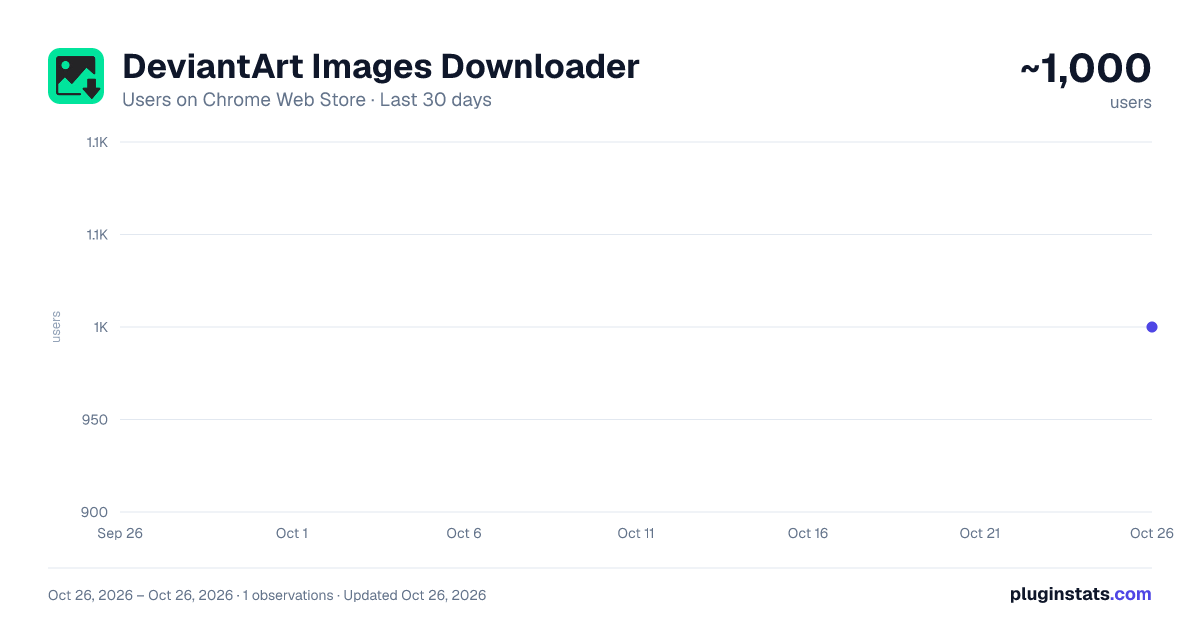
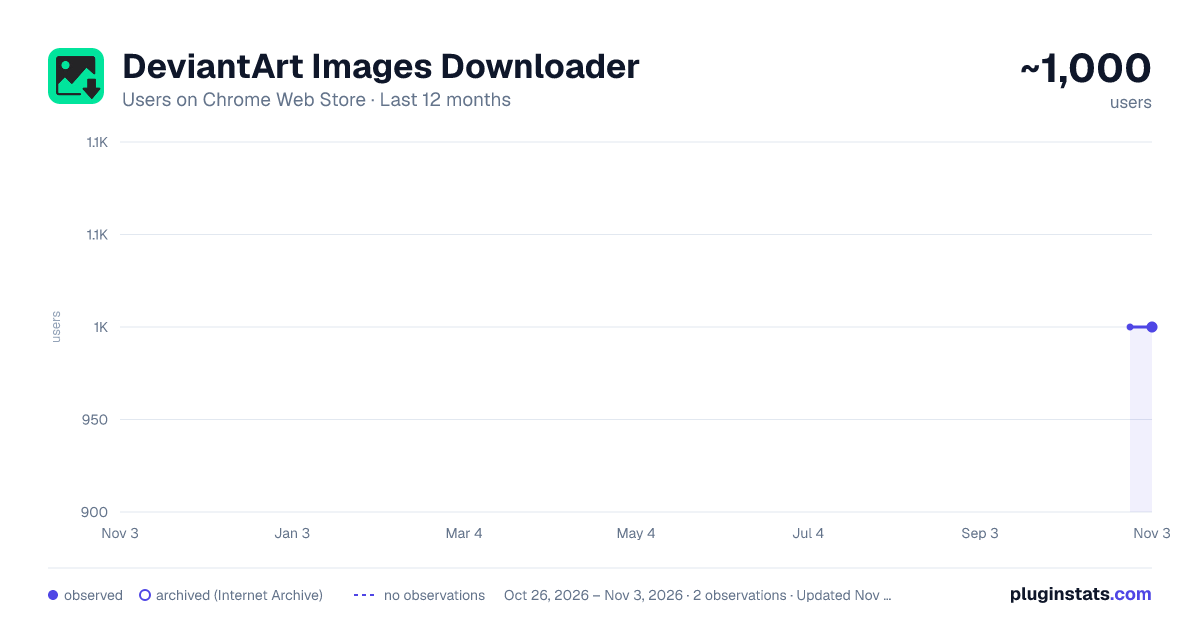
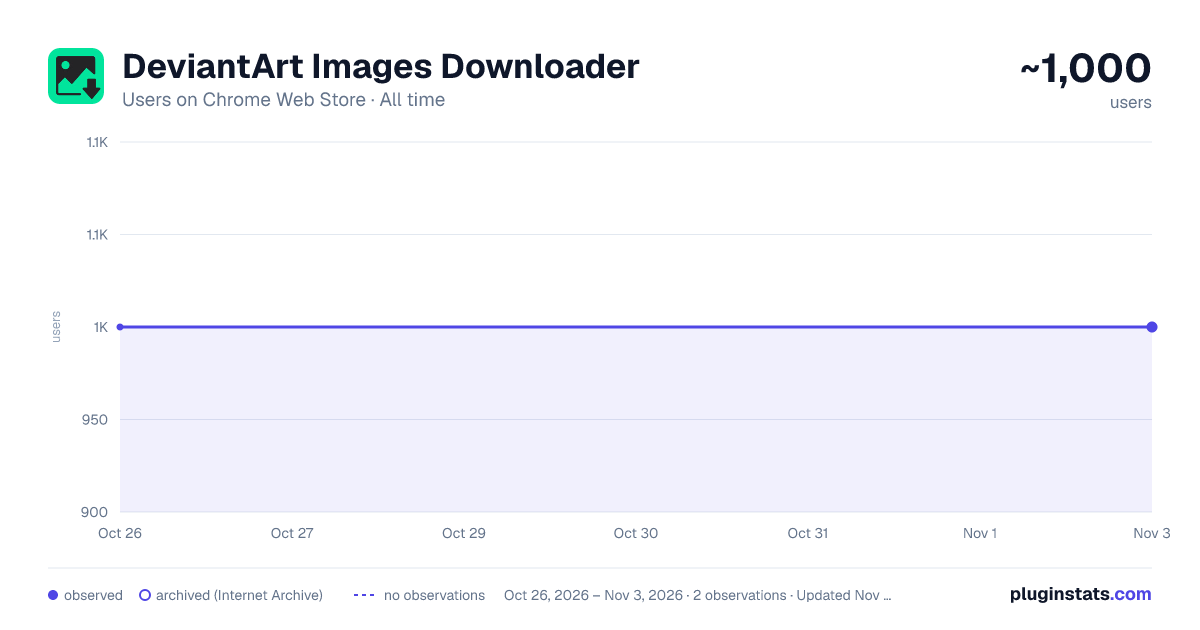
DeviantArt Images Downloader has approximately 1,000 recorded users on Chrome Web Store, ranking #1496 of 4,101 tracked listings.
Rating: 3.60 / 5 from 14 ratings
About DeviantArt Images Downloader
Bulk download DeviantArt images & videos instantly. 100% local processing, no tracking, no data sent.
🎨 DeviantArt Downloader – Download Any Art in Bulk with One Click
Looking for a fast and reliable way to download images and videos from DeviantArt in bulk? Whether you’re an artist, designer, researcher, or fan — this extension helps you save content easily, safely, and privately.
✅ Bulk Downloads ✅ No Tracking ✅ Fully Local Processing ✅ Supports All DeviantArt Pages
🔧 What This Extension Does
DeviantArt Downloader simplifies the entire process of saving media from DeviantArt by offering:
- 📦 Batch Downloading Download hundreds or thousands of images and videos from a single page — artist galleries, user favourites, group pages, or search results — all at once.
- 🔍 Smart Page Detection Automatically detects media on various DeviantArt pages: • Home feed • Artist profile galleries • User favourites (all favourites, or a specific favourites folder) • Group submissions • Search results
- 💼 Organized File Saving Files are saved in automatically generated folders based on the account you scrape — so your collection stays neat and sorted.
- 🛡️ Local-Only Processing All downloads and processing are performed entirely in your browser. 🔒 No data is sent to external servers. 🔍 No tracking, no analytics, and no spying.
- ⏳ Huge Time Saver Say goodbye to manual downloads. This extension automates repetitive tasks, giving you back your time to create, browse, or study.
🚀 How to Use It (3 Easy Steps)
- 🌐 Go to DeviantArt and navigate to any page with media you want to download.
- 🖱️ Click the “Download Images” button — it will appear at the top of the page.
- ✅ In the popup, simply click “Start Download” — no complicated setup required.
That’s it! The files will be downloaded and saved into a folder specific to the account or collection.
🔐 Zero Data Tracking. 100% Privacy.
Your privacy is important. 🧠 Everything happens in your browser — no user data is collected, stored, or transmitted. 🖥️ This extension does not rely on any cloud service or external API.
✅ No login required ✅ No user data tracking ✅ No account information accessed
💎 Premium Version (Optional)
Our free version covers basic needs. Want to go big? Upgrade for more power: • 📁 Download up to 5,000 files per session • ⚙️ Receive priority support • 💬 Get regular updates with new features
💡 Pricing is clearly shown in the extension — no hidden fees, no confusion.
👤 Who This Is For
🎨 Artists saving inspiration 📚 Researchers collecting references 🖼️ Digital archivists backing up content 👥 Group moderators managing community artwork 💡 Anyone who needs a fast, efficient DeviantArt downloader!
⚠️ Disclaimer
This is a third-party extension created by an independent developer. It is not affiliated with, endorsed by, or officially connected to DeviantArt Inc.
Description from the Chrome Web Store listing.
README badge
Show your rank in a README or on your website. The badge updates automatically.
Charts
Images: 30d · 1y · all time · 1600×900 dark
Adoption over time
7/30/90-day growth
Ranking history
Ratings over time
Listing placement
Listing placement
Filled points are observed values; hollow points come from Internet Archive snapshots of the listing page. Dashed segments span periods with no observations — values between points are not interpolated.
Each band is one page of 20. Users on a linear scale. Placement is projected from users, so it can differ from the marketplace's own sort order. Hover a dot to see the listing.
Recent observations
Full history (1)Similar Chrome Web Store Tools plugins
All 20 DeviantArt Images Downloader alternatives



Data source
Covers every Chrome Web Store extension with at least 100 users, found through the store's public sitemap. User counts are read from public listing pages. The 10% most-used extensions are refreshed daily, the next 40% weekly and the next 40% monthly; the least-used 10% are not refreshed. Google displays rounded user counts (and caps the display at 10,000,000+), so small changes may not be visible. Rating counts above 1,000 are rounded (e.g. 1.6K).
Listing: https://chromewebstore.google.com/detail/deviantart-images-downloa/kicfdaaohelbadbkigcimcenalifpgen. First seen Oct 26, 2026; last successful collection Oct 26, 2026. See the methodology.