 PluginStats

Keka Checkout Checker users statistics
Chrome Web Store · Workflow & Planning
Know exactly when to leave. Calculate your optimal clock-out time on Keka HRMS based on real-time attendance and effective hours.
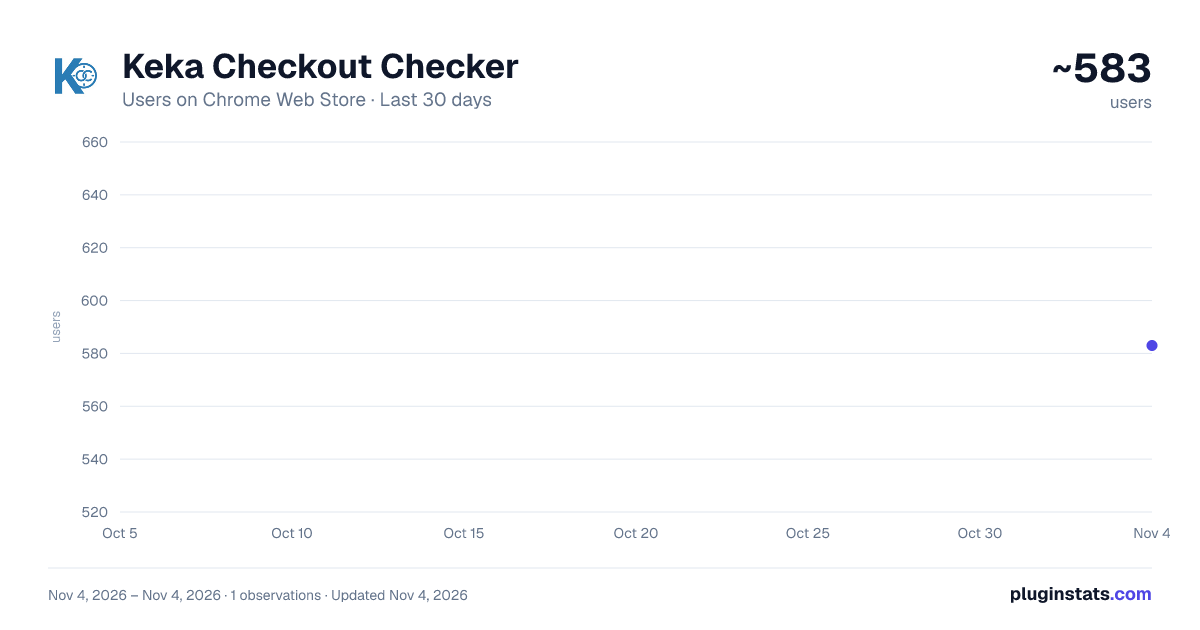
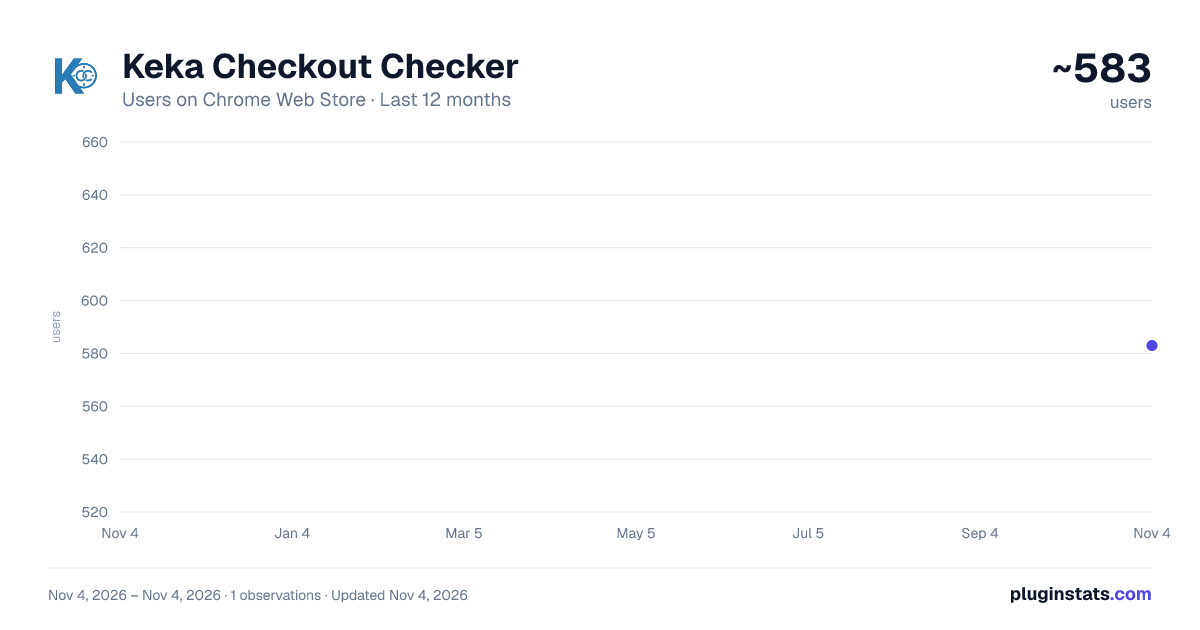
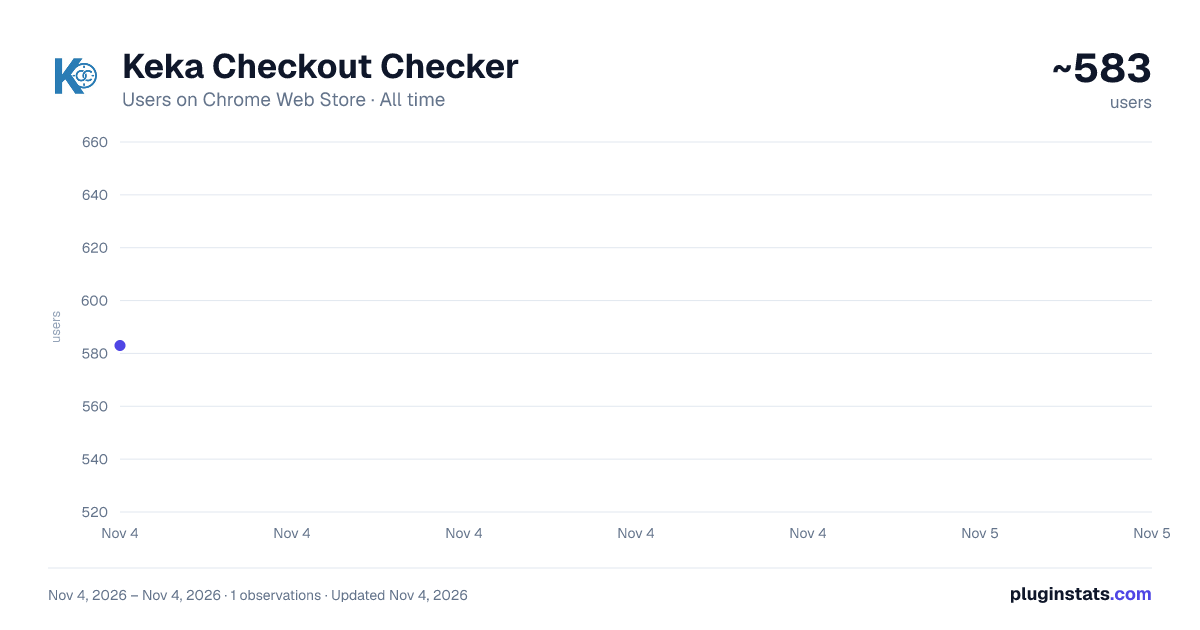
Keka Checkout Checker has approximately 583 recorded users on Chrome Web Store, ranking #3296 of 7,072 tracked listings.
Rating: 5.00 / 5 from 22 ratings
About Keka Checkout Checker
Know exactly when to leave. Calculate your optimal clock-out time on Keka HRMS based on real-time attendance and effective hours.
Keka Checkout Checker helps Keka HRMS users know exactly when they can clock out.
It reads your live attendance data from your active Keka session and calculates your expected checkout time based on your check-in history, effective hours, break time, leave flexibility, and monthly progress. Instead of manually doing attendance math every day, you get a simple answer in one place.
This extension is an independent hobby project and is not affiliated with or endorsed by Keka HR.
Main features:
- Real-time checkout time calculation while you are checked in
- Today’s check-in and check-out log view
- Effective hours and break tracking
- Support for half-day leave and partial leave minutes
- Minimum-hours and positive-variance based calculation modes
- Monthly stats, average variance, utilized partial leave, and leave balances
- Plan tab for testing future work schedules with planned check-in, check-out, and break time
- Browser reminder for your calculated checkout time
- Home, Stats, Plan, Settings, and About tabs
- Light, dark, and system theme support
Why people use it: Keka shows attendance data, but it does not make it easy to answer the most common day-to-day question: when can I leave? Keka Checkout Checker gives you that answer clearly and quickly, while also helping you understand your monthly average, available flexibility, and possible shortfalls.
It is especially useful if your company uses:
- minimum effective hour rules
- monthly average targets
- partial leave allowances
- half-day leave options
- overtime or positive variance flexibility
Privacy and security:
- Uses your existing Keka login session
- Does not ask for or store your password
- Performs calculations locally in your browser
- No analytics
- No tracking
- No third-party data sharing
Requirements:
- You must be logged into your company’s Keka account in the same browser
- Your company must use Keka HRMS
Keka Checkout Checker gives regular Keka users a faster, clearer, and less stressful way to manage their work hours.
Description from the Chrome Web Store listing.
README badge
Show your rank in a README or on your website. The badge updates automatically.
Charts
Images: 30d · 1y · all time · 1600×900 dark
Adoption over time
7/30/90-day growth
Ranking history
Ratings over time
Listing placement
Listing placement
Filled points are observed values; hollow points come from Internet Archive snapshots of the listing page. Dashed segments span periods with no observations — values between points are not interpolated.
Each band is one page of 20. Users on a linear scale. Placement is projected from users, so it can differ from the marketplace's own sort order. Hover a dot to see the listing.
Recent observations
Full history (1)Similar Chrome Web Store Workflow & Planning plugins
All 20 Keka Checkout Checker alternatives



Data source
Covers every Chrome Web Store extension with at least 100 users, found through the store's public sitemap. User counts are read from public listing pages. The 10% most-used extensions are refreshed daily, the next 40% weekly and the next 40% monthly; the least-used 10% are not refreshed. Google displays rounded user counts (and caps the display at 10,000,000+), so small changes may not be visible. Rating counts above 1,000 are rounded (e.g. 1.6K).
Listing: https://chromewebstore.google.com/detail/keka-checkout-checker/dakljkgfamiopfiflcghgmfbppakmdfj. First seen Nov 4, 2026; last successful collection Nov 4, 2026. See the methodology.