 PluginStats

Vision AI users statistics
By Pravin Singh · Chrome Web Store · Tools
Capture web screenshots and add prompts for instant AI-powered responses with Vision AI.
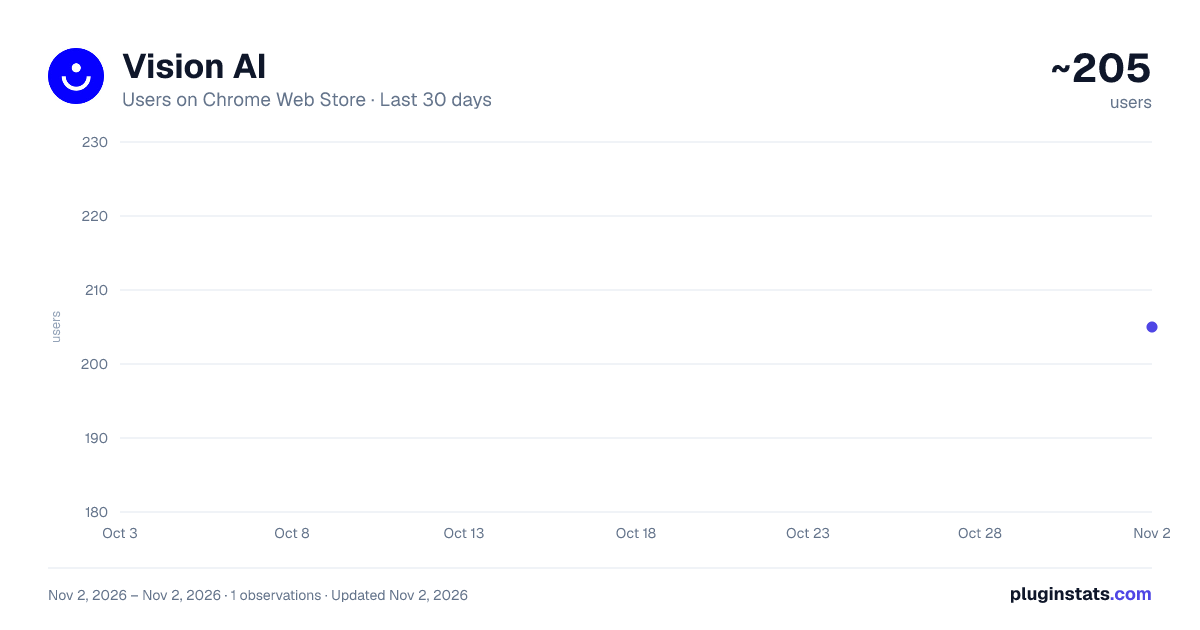
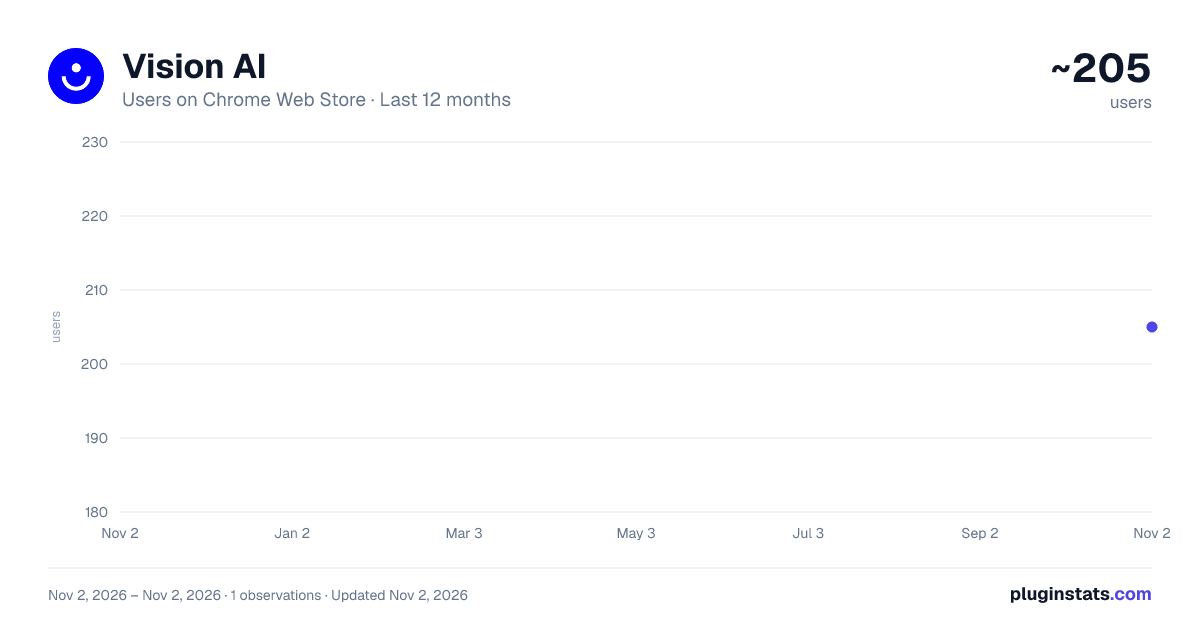
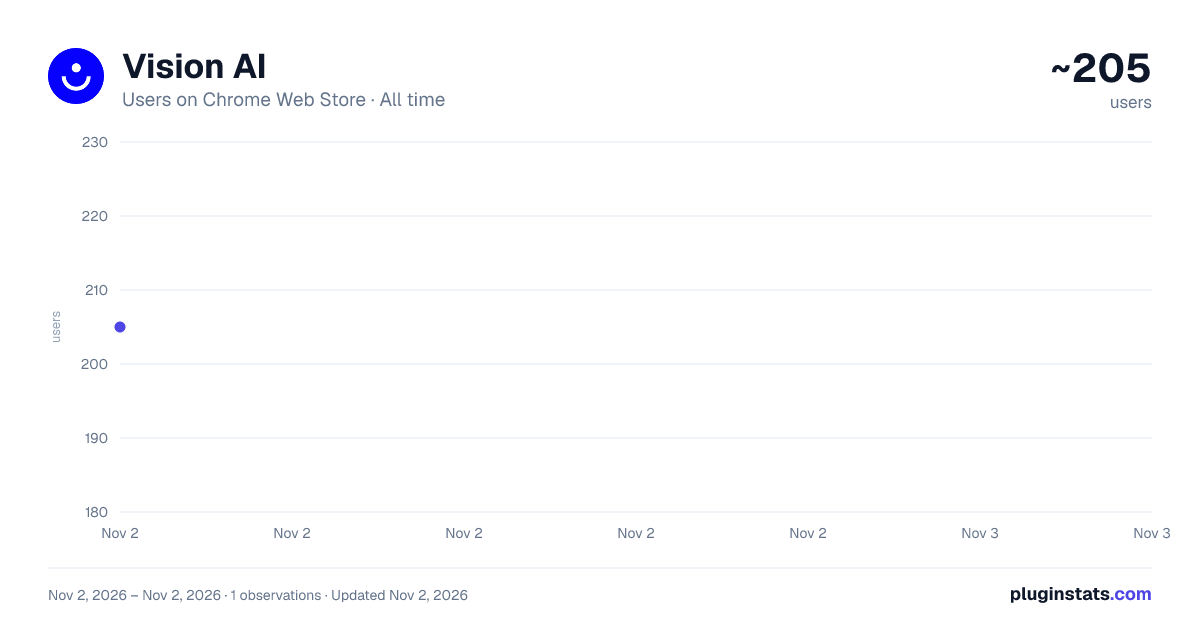
Vision AI has approximately 205 recorded users on Chrome Web Store, ranking #5009 of 6,786 tracked listings.
Rating: 5.00 / 5 from 3 ratings
About Vision AI
Capture web screenshots and add prompts for instant AI-powered responses with Vision AI.
Shortcut: CTRL + SHIFT + Y
Discover the next level of digital interaction with Vision AI, a Chrome extension revolutionizing how you seek information online. Vision AI seamlessly blends the power of screenshots with AI-driven insights, offering an intuitive and dynamic way to interact with the web.
Key Features:
-
Effortless Screenshot Capturing: Instantly grab any part of your web page – images, text, or data. Vision AI makes it easy to capture the essence of what you're viewing.
-
Interactive AI Prompts: Attach your questions or prompts to the screenshots. Vision AI's sophisticated AI algorithms interpret your query in the context of the captured image, providing richer, more accurate responses.
-
Seamless Integration: Vision AI fits smoothly into your browser experience, ensuring that powerful AI assistance is always just a click away.
-
Versatile Usage: Whether you’re a student needing quick explanations of complex concepts, a professional analyzing market data, or simply exploring the internet, Vision AI enhances your search and discovery process.
-
Privacy and Security: Your online privacy is paramount. Vision AI handles your data with the utmost security, ensuring that your browsing remains private and secure.
Application Scenarios:
- Academic Learning: Take snapshots of educational content and ask for detailed explanations or further information.
- Business Intelligence: Capture market charts or business data and inquire for in-depth analysis or forecasts.
- Creative Exploration: Snap photos of artwork or designs you encounter online and ask for insights or similar style suggestions.
With Vision AI, you're not just browsing the web – you're engaging with it in a more meaningful, intelligent way. Turn every screenshot into an opportunity for learning and discovery.
Description from the Chrome Web Store listing.
README badge
Show your rank in a README or on your website. The badge updates automatically.
Charts
Images: 30d · 1y · all time · 1600×900 dark
Adoption over time
7/30/90-day growth
Ranking history
Ratings over time
Listing placement
Listing placement
Filled points are observed values; hollow points come from Internet Archive snapshots of the listing page. Dashed segments span periods with no observations — values between points are not interpolated.
Each band is one page of 20. Users on a linear scale. Placement is projected from users, so it can differ from the marketplace's own sort order. Hover a dot to see the listing.
Recent observations
Full history (1)Similar Chrome Web Store Tools plugins
All 20 Vision AI alternatives



Data source
Covers every Chrome Web Store extension with at least 100 users, found through the store's public sitemap. User counts are read from public listing pages. The 10% most-used extensions are refreshed daily, the next 40% weekly and the next 40% monthly; the least-used 10% are not refreshed. Google displays rounded user counts (and caps the display at 10,000,000+), so small changes may not be visible. Rating counts above 1,000 are rounded (e.g. 1.6K).
Listing: https://chromewebstore.google.com/detail/vision-ai/dahibbaelcbiihokeceghgfkgnfnohjk. First seen Nov 2, 2026; last successful collection Nov 2, 2026. See the methodology.