 PluginStats

Save Image As Type users statistics
Use Save Image As Type – convert images to PNG, JPG, WebP or PDF before download. Simple and fast save image as type extension.
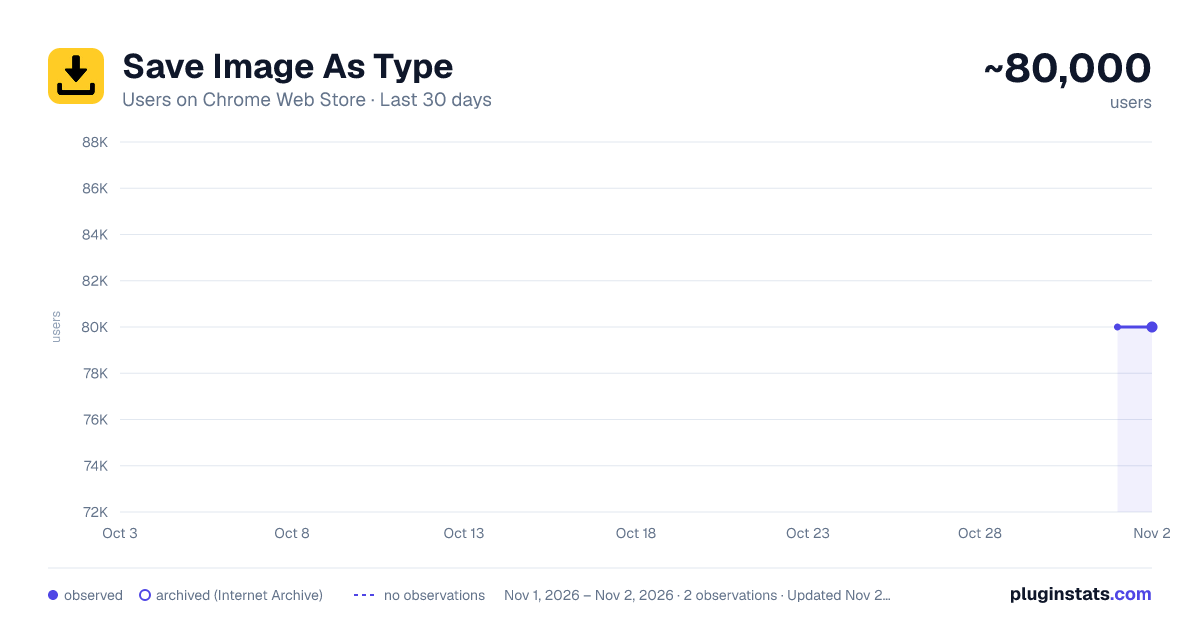
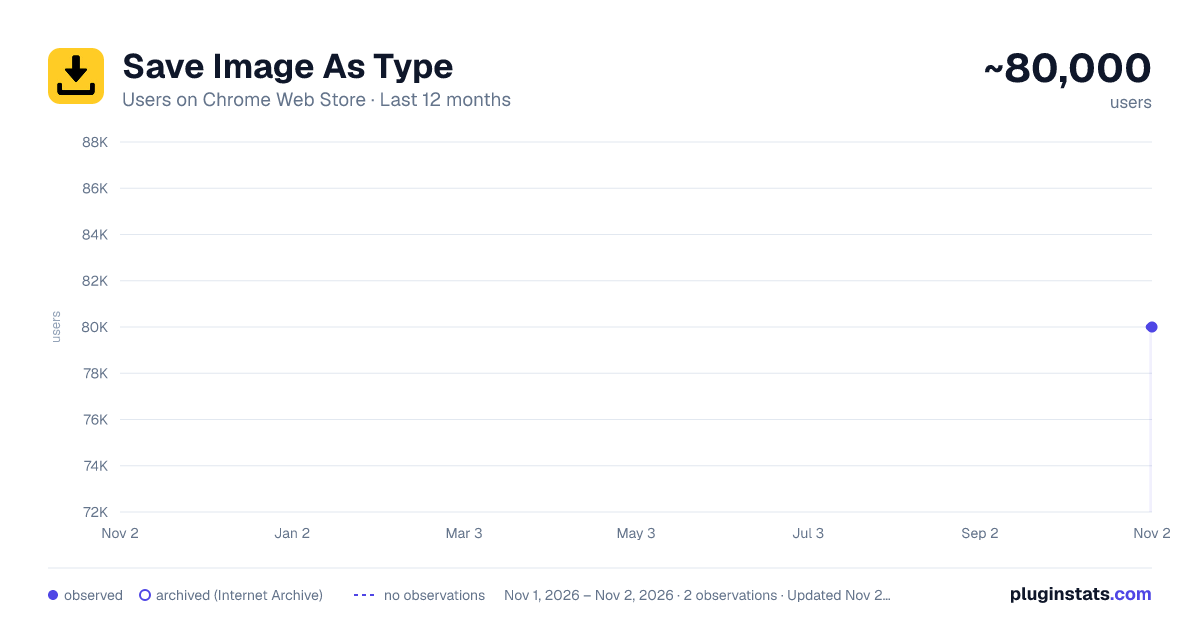
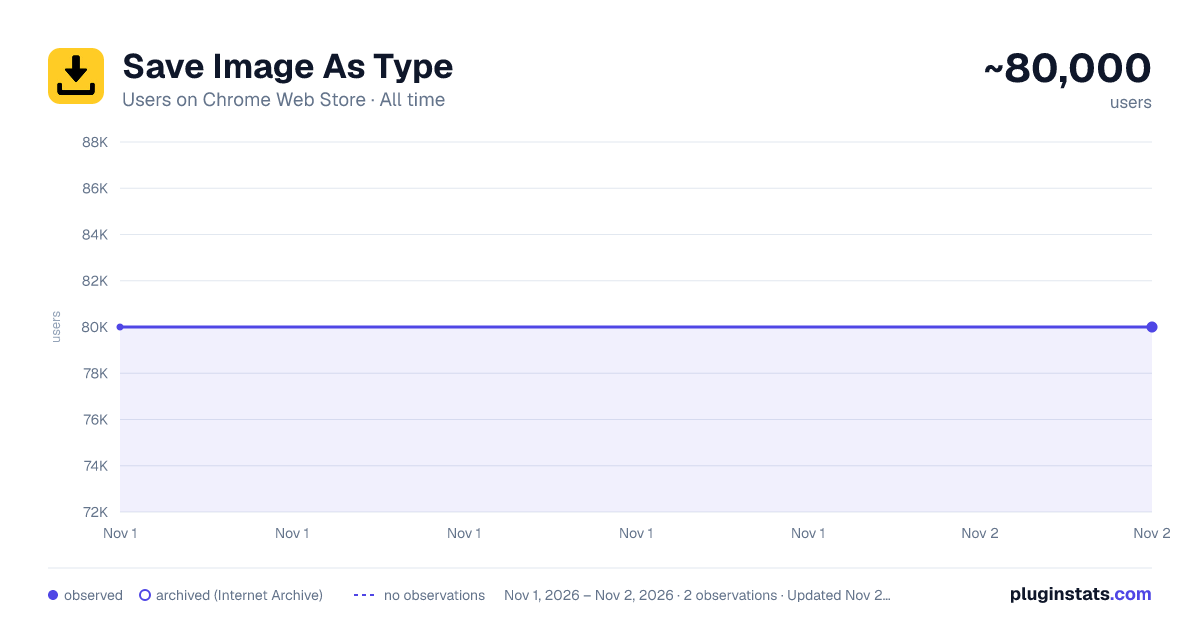
Save Image As Type has approximately 80,000 recorded users on Chrome Web Store, ranking #215 of 6,300 tracked listings.
Rating: 3.60 / 5 from 617 ratings
About Save Image As Type
Use Save Image As Type – convert images to PNG, JPG, WebP or PDF before download. Simple and fast save image as type extension.
Save Image As Type
Websites often deliver images as WebP, which may be inconvenient when you need a traditional JPG, a transparent PNG, or a printable PDF. Save Image As Type adds format options to Chrome’s context menu, helping you convert supported online images without separate conversion websites.
Free and Premium Access 💎 Save Image As Type is free to use. Free usage limits may apply to some users. When a limit is reached, continued unlimited use requires a paid upgrade. Pricing and access terms are clearly shown before purchase.
Why Add This Image Format Switcher to Chrome? 🧩 1️⃣ Download supported images as JPG, PNG, WebP, or PDF 2️⃣ Avoid compatibility issues by choosing a familiar file type 3️⃣ Useful for designers, developers, researchers, students, and content creators 4️⃣ Convert images directly from Chrome’s context menu 5️⃣ Choose a preferred saving mode for a smoother workflow
Powerful Features at a Glance • Right-click an image to access format options • Convert and export images in your selected file type • Work with common online image formats • Save converted files without opening a third-party converter • Use a lightweight interface focused on image conversion
If you have been searching for a Chrome extension to save images in different formats, Save Image As Type provides a practical solution.
Use It in Seconds
- Hover over an image on a webpage
- Right-click and select Save Image As
- Choose PNG, JPG, WebP, or PDF
- Download the converted file
Export Options ▸ PNG — useful when transparency is needed ▸ JPG — suitable for photos and broad compatibility ▸ WebP — efficient for web use ▸ PDF — useful for archiving, sharing, or printing
Save Image As Type works as a download image as PNG extension and also helps you save an image as PDF when you need a printable document.
Ideal Use Cases 📊 ➤ Designers collecting visual references ➤ Developers preparing consistent image formats for testing ➤ Students saving reference images as PDF ➤ Social media managers collecting creative assets ➤ Users who want to save WebP images as JPG or PNG
Built to Solve the WebP Problem WebP is efficient but is not always supported by every tool or workflow. Save Image As Type lets you convert supported WebP images to PNG or JPG directly from the context menu, helping you avoid manual renaming and external conversion websites. Improve Your Image Workflow
When collecting photos, graphics, mockups, infographics, or reference images, converting the file type directly in the browser can save time. The extension is designed to be fast, minimal, and compatible with a wide range of websites.
More Control Over Visual Assets 🧠
• Download images in consistent formats • Replace unnecessary screenshots with direct image exports • Archive supported images as PDFs • Reduce repetitive conversion steps • Choose the output format that fits your tools
Privacy and Data Use Save Image As Type uses limited usage analytics to understand feature performance, diagnose errors, and improve reliability. It may also use approximate location and account information where necessary to determine access and provide paid features. Details are disclosed in the Privacy Policy and the Chrome Web Store Data usage section.
PDF Export Functionality 📄 Need to archive a product photo, diagram, or reference image? Use Save Image As PDF to convert supported online images into printable PDF documents. This can be useful for reports, offline reference, and client deliverables.
Everything You Get • Format selection in Chrome’s context menu • Support for JPG, PNG, WebP, and PDF • No separate conversion website required • Compatibility with a wide range of websites • A practical solution for the “Chrome saves images as WebP” problem • Tools for image collection and media workflows
Install and Simplify Image Downloads 💾 Save Image As Type integrates with Chrome’s context menu. Right-click a supported image, select the required format, and download the converted file.
Ready to simplify image downloads and avoid WebP compatibility issues? Add Save Image As Type to Chrome and choose the format that fits your workflow.
Description from the Chrome Web Store listing.
README badge
Show your rank in a README or on your website. The badge updates automatically.
Charts
Images: 30d · 1y · all time · 1600×900 dark
Adoption over time
7/30/90-day growth
Ranking history
Ratings over time
Listing placement
Listing placement
Filled points are observed values; hollow points come from Internet Archive snapshots of the listing page. Dashed segments span periods with no observations — values between points are not interpolated.
Each band is one page of 20. Users on a linear scale. Placement is projected from users, so it can differ from the marketplace's own sort order. Hover a dot to see the listing.
Recent observations
Full history (1)Similar Chrome Web Store Tools plugins
All 20 Save Image As Type alternatives



Data source
Covers every Chrome Web Store extension with at least 100 users, found through the store's public sitemap. User counts are read from public listing pages. The 10% most-used extensions are refreshed daily, the next 40% weekly and the next 40% monthly; the least-used 10% are not refreshed. Google displays rounded user counts (and caps the display at 10,000,000+), so small changes may not be visible. Rating counts above 1,000 are rounded (e.g. 1.6K).
Listing: https://chromewebstore.google.com/detail/save-image-as-type/cplihnkpoocgdmdaghiinodbdcdepeoi. First seen Nov 1, 2026; last successful collection Nov 1, 2026. See the methodology.