 PluginStats

Google Flow Automation — Bulk Veo Videos & Nano Banana Images users statistics
By amzbase (2 listings) · Chrome Web Store · Workflow & Planning
Batch generate Veo videos and Nano Banana images on Google Flow. Auto-submit prompts, run queues, and download results hands-free.
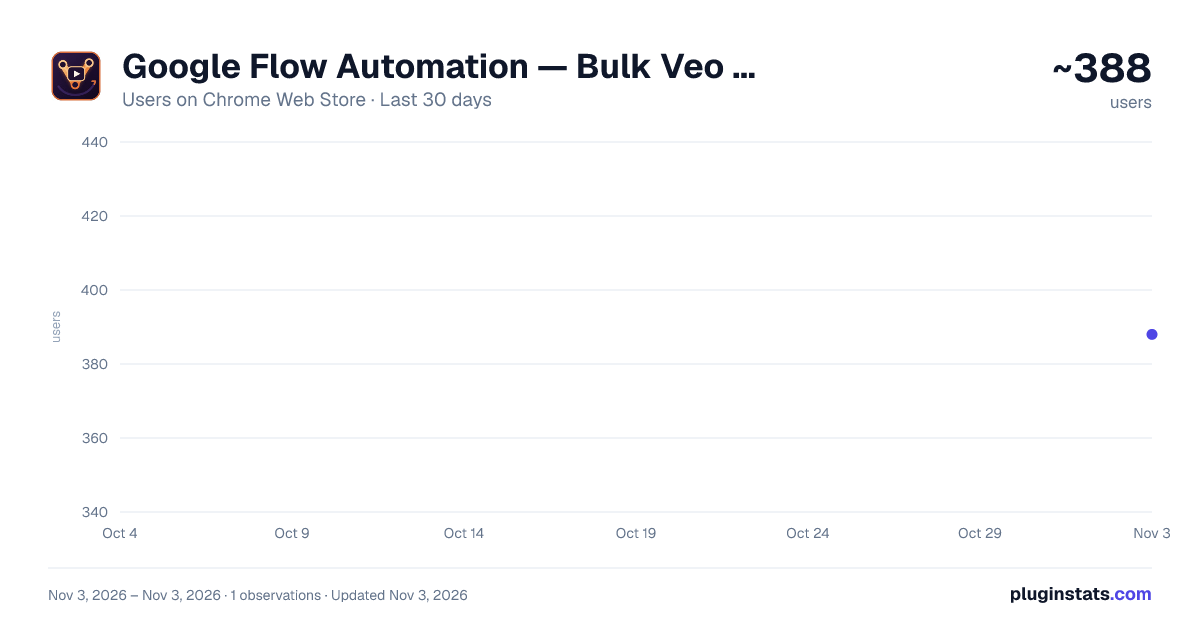
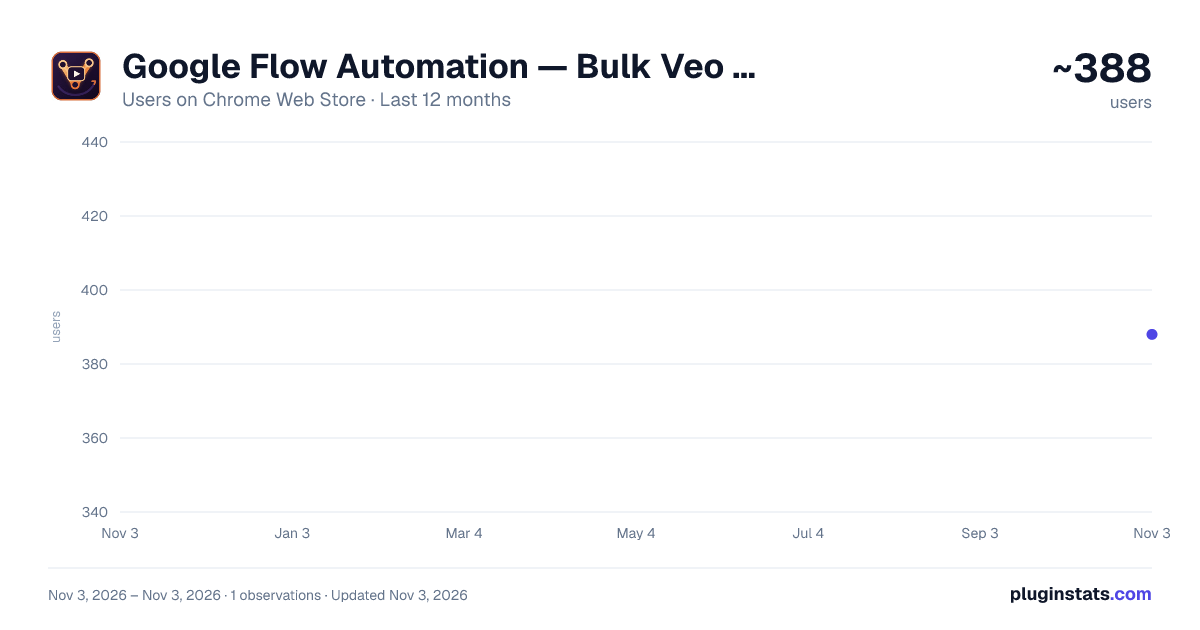
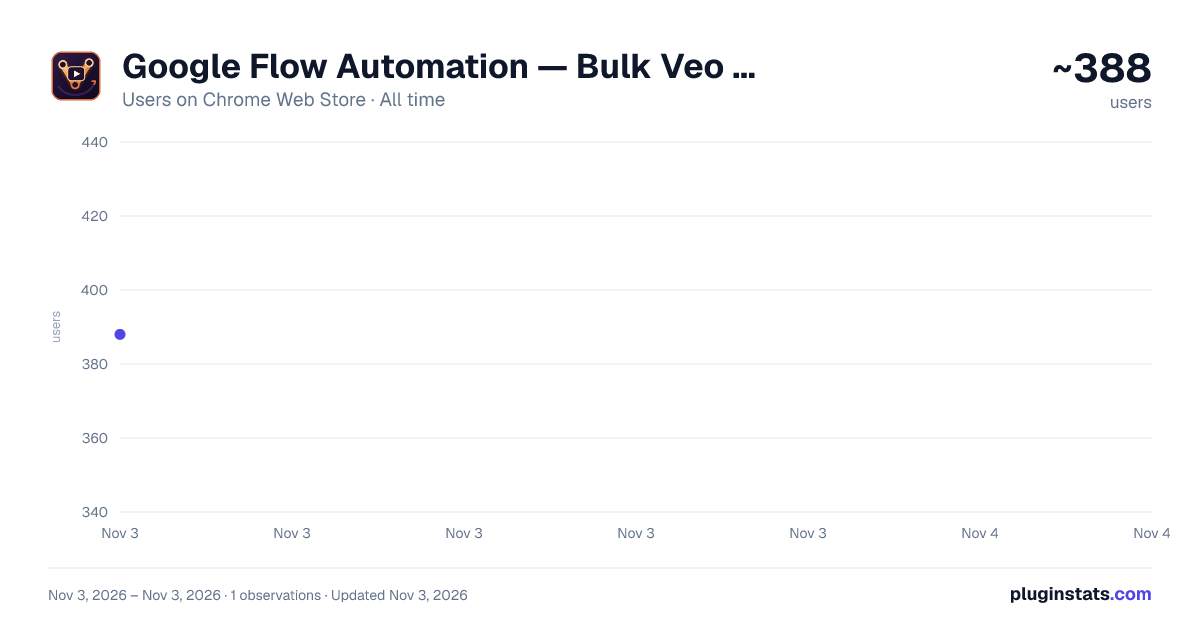
Google Flow Automation — Bulk Veo Videos & Nano Banana Images has approximately 388 recorded users on Chrome Web Store, ranking #3789 of 6,786 tracked listings.
Rating: 1.00 / 5 from 1 ratings
About Google Flow Automation — Bulk Veo Videos & Nano Banana Images
Batch generate Veo videos and Nano Banana images on Google Flow. Auto-submit prompts, run queues, and download results hands-free.
Batch-generate and auto-download AI videos and images on Google Flow — hands-free.
VEO Automation turns Google Flow (labs.google) into a production line. Paste a list of prompts, hit Run, and the extension creates the project, sets your options, types each prompt, waits for the result, and downloads every clip and image for you — one after another, while you do something else.
Built for creators, marketers, and indie makers who generate at volume and are tired of clicking the same buttons hundreds of times a day.
━━━━━━━━━━━━━━━━━━━━━━━━ WHAT IT DOES ━━━━━━━━━━━━━━━━━━━━━━━━
• Batch queue — drop in dozens of prompts, the extension runs them back to back with automatic waiting, retries, and pacing. • Auto-download + rename — finished videos and images are saved to your computer automatically, organized into a folder you name. • Five generation modes: – Text → Video – Frame → Video (first frame, or first + last frame) – Components → Video – Text → Image (Nano Banana) – Image → Image (Nano Banana) • Chain mode — automatically feed the last frame of one clip into the next prompt to build a continuous, connected sequence. • Voice / speaker control — pick a speaker voice per prompt on supported video modes. • Character library — load your Default characters from Flow and auto-add them across a whole batch for consistent casts. • Full control — choose model, aspect ratio, video length, download quality, retry count, and delay between prompts. • Live progress + logs — watch each prompt's status in real time and review a full run log.
━━━━━━━━━━━━━━━━━━━━━━━━ WHY IT EXISTS ━━━━━━━━━━━━━━━━━━━━━━━━
Generating one video on Google Flow is easy. Generating fifty — each with the right model, aspect ratio, voice, and character, then downloading and naming them — is an afternoon of repetitive clicking. VEO Automation does that part for you so you can focus on the prompts and the edit, not the busywork.
━━━━━━━━━━━━━━━━━━━━━━━━ HOW IT WORKS ━━━━━━━━━━━━━━━━━━━━━━━━
- Open Google Flow (labs.google) and open the side panel.
- Sign in with Google.
- Paste your prompts, pick your mode and options.
- Press Run and let it work.
IMPORTANT — please read before installing: Google Flow only accepts genuine, "trusted" user input. To automate it reliably, this extension drives the page through Chrome's debugger interface. That means while the extension is active, Chrome shows a yellow bar at the top: "[extension] is debugging this browser." This is expected and unavoidable — it is the price of real, reliable automation, not a sign of anything wrong. The extension does not read or send your browsing data; it only uses this to click and type on the Flow page for you.
━━━━━━━━━━━━━━━━━━━━━━━━
Not affiliated with, endorsed by, or sponsored by Google. "Google Flow", "Veo", and related marks belong to their respective owners. This is an independent third-party tool that automates the Google Flow web interface on your behalf.
Description from the Chrome Web Store listing.
README badge
Show your rank in a README or on your website. The badge updates automatically.
Charts
Images: 30d · 1y · all time · 1600×900 dark
Adoption over time
7/30/90-day growth
Ranking history
Ratings over time
Listing placement
Listing placement
Filled points are observed values; hollow points come from Internet Archive snapshots of the listing page. Dashed segments span periods with no observations — values between points are not interpolated.
Each band is one page of 20. Users on a linear scale. Placement is projected from users, so it can differ from the marketplace's own sort order. Hover a dot to see the listing.
Recent observations
Full history (1)Similar Chrome Web Store Workflow & Planning plugins
All 20 Google Flow Automation — Bulk Veo Videos & Nano Banana Images alternatives



Data source
Covers every Chrome Web Store extension with at least 100 users, found through the store's public sitemap. User counts are read from public listing pages. The 10% most-used extensions are refreshed daily, the next 40% weekly and the next 40% monthly; the least-used 10% are not refreshed. Google displays rounded user counts (and caps the display at 10,000,000+), so small changes may not be visible. Rating counts above 1,000 are rounded (e.g. 1.6K).
Listing: https://chromewebstore.google.com/detail/google-flow-automation-—/inmkimakahiennggieafocbmfjlmfbhn. First seen Nov 3, 2026; last successful collection Nov 3, 2026. See the methodology.