 PluginStats

TK Video Downloader users statistics
By EchoWebBot Studio (3 listings) · Chrome Web Store · Tools
Download TikTok videos without watermark. Batch save from profiles, search & posts. High quality, fast, easy one-click downloads.
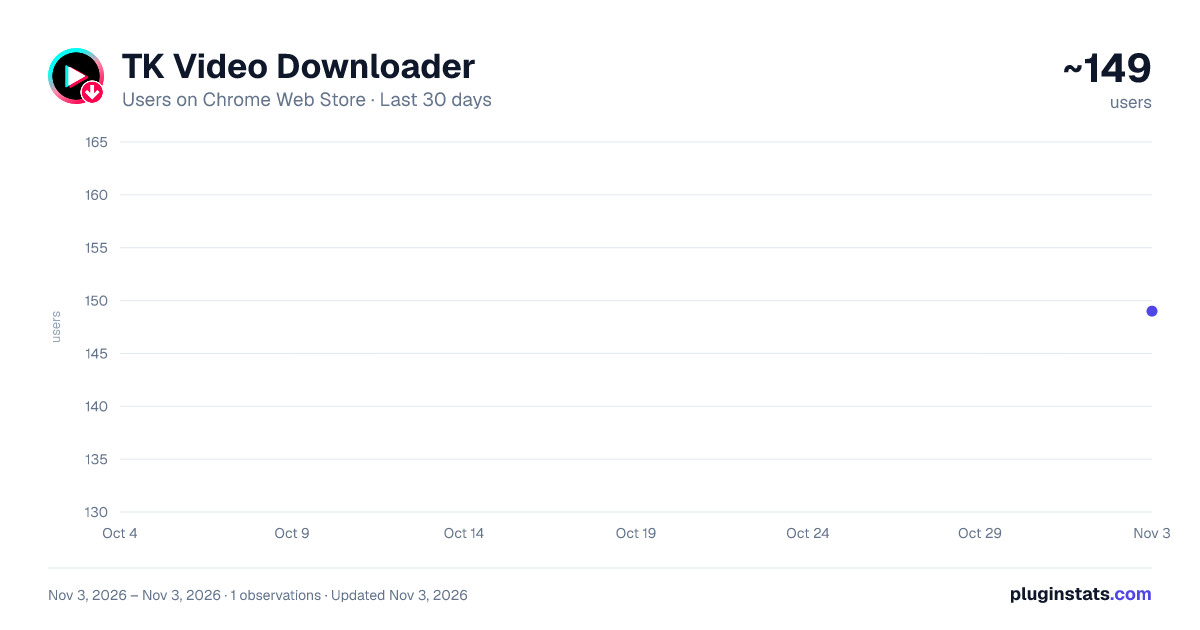
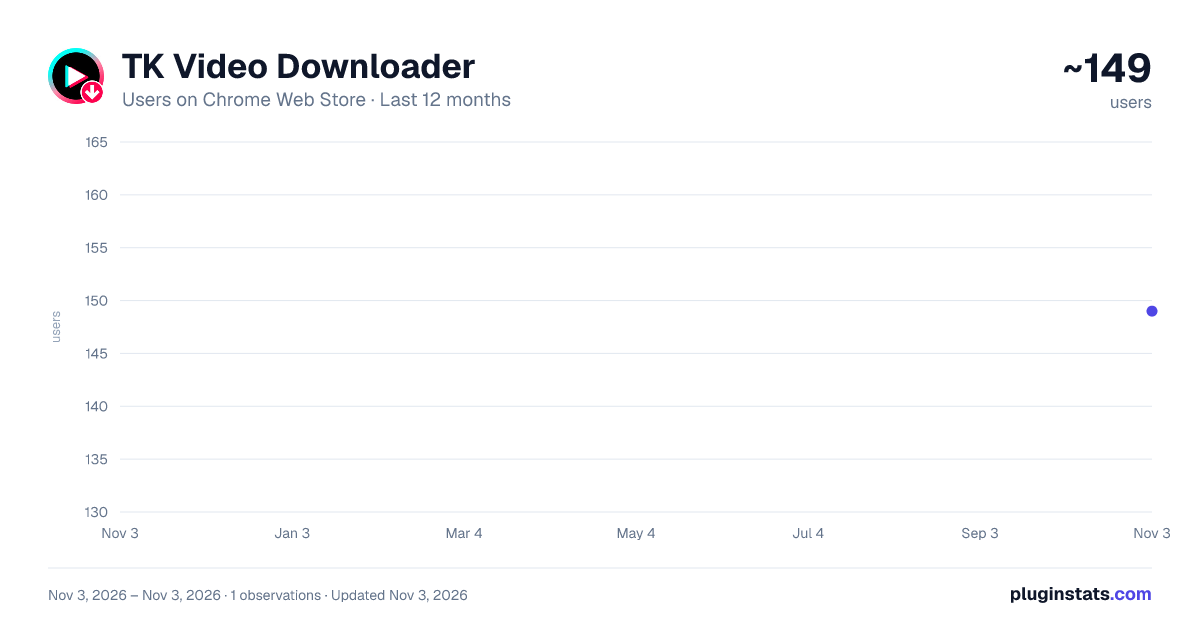
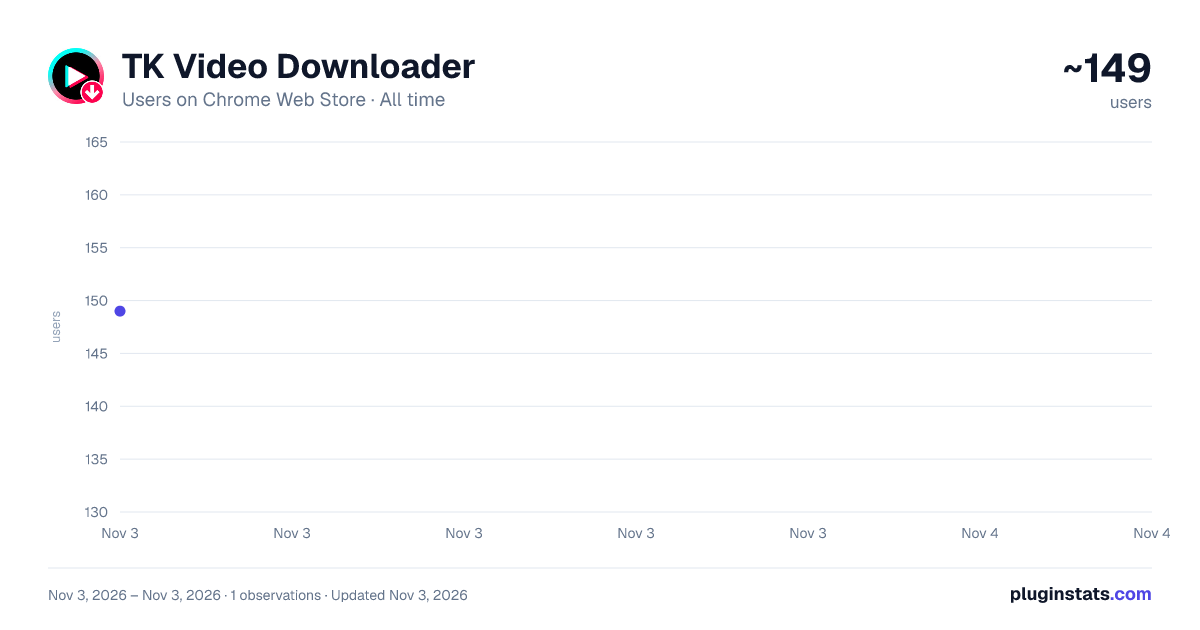
TK Video Downloader has approximately 149 recorded users on Chrome Web Store, ranking #5755 of 6,786 tracked listings.
Rating: 4.00 / 5 from 4 ratings
About TK Video Downloader
Download TikTok videos without watermark. Batch save from profiles, search & posts. High quality, fast, easy one-click downloads.
TikTok Video Downloader is the fastest and most powerful Chrome extension for downloading TikTok videos in bulk. Whether you're on a profile page, hashtag, search results, or watching a single video, just one click lets you download one video or hundreds at once – all in original high quality and completely watermark-free.
✨ Key Features
🚀 Batch Video Downloads • Download all videos from any TikTok user profile in bulk • Save all repost videos from user accounts automatically • Batch download videos from TikTok search results and tags pages • Extract and save videos from individual TikTok posts
📥 No Watermark & Hi-Q • Download TikTok videos without watermark in original quality • Save TikTok photos and image carousels from posts • Preserve video quality with no compression or degradation • Support for both video and photo content types
⚡ Smart & Efficient • One-click download with floating download button on TikTok pages • Customizable download intervals to avoid rate limiting • Automatic retry mechanism for failed downloads • Virtual scrolling for smooth performance with large collections
📁 Organized File Management • Custom folder naming for organized downloads • Automatic file naming with post ID and format • Export download details to CSV for record keeping • Quick access to download folder from extension
📖 How to Use
Step 1: Install the Extension • Add TikTok Video Downloader to your browser from the Chrome Web Store
Step 2: Open TikTok Media Page • Open TikTok.com • Navigate to any user profile, search/hashtag results page, or individual post
Step 3: Start Downloading • Click the floating download button that appears on the right side of the page • For batch downloads: The extension will automatically collect all available videos • For single posts: Click the download button to save the video or photos immediately • Customize your download folder name if desired • Click "Start Download" to begin the process
Step 4: Manage Your Downloads • Monitor download progress in real-time with visual indicators • Pause and resume downloads at any time • Export download details to CSV for documentation • Access your downloaded files through the "Open Download Folder" button
Pro Tip: Adjust the download interval in Settings if you encounter rate limiting issues. Higher intervals (15s-30s) provide more stable downloads for large collections.
👥 Perfect For
-
Social Media Managers • Archive client content and campaign materials • Build content libraries for reference and inspiration • Backup important brand videos and user-generated content • Create competitive analysis collections
-
Content Creators & Influencers • Save your own TikTok videos for backup and repurposing • Collect inspiration and reference materials • Archive trending content for analysis • Build mood boards and content libraries
-
Digital Marketers • Research competitor content strategies • Analyze trending videos and viral content • Create marketing case studies and presentations • Archive campaign content for reporting
-
Educators & Researchers • Collect educational TikTok content for teaching materials • Archive videos for academic research and analysis • Build content libraries for media studies • Document social media trends and phenomena
-
Video Editors & Designers • Gather reference materials and inspiration • Archive client-provided content • Build stock footage libraries • Create compilation and reaction videos
💡 Usage Scenarios
- Archive Your TikTok Content: Backup all your TikTok videos before deleting your account or for safekeeping. Simply visit your profile and use batch download to save everything at once.
- Competitor Research: Analyze successful content from competitors by downloading their top-performing videos. Use the search download feature to collect videos by hashtag or keyword.
- Content Curation: Build a library of inspiring TikTok videos for your creative projects. Download videos from multiple creators and organize them in custom folders.
- Educational Materials: Teachers and educators can download TikTok videos relevant to their curriculum. Save educational content for offline viewing in classrooms.
- Marketing Campaign Analysis: Download and archive TikTok ads and branded content for competitive analysis. Export details to CSV for comprehensive campaign tracking.
- Personal Collection: Save your favorite TikTok videos and memes for offline viewing. Create personal collections organized by theme or creator.
🔒 Privacy Notice
Your Privacy is Our Priority
• No Data Collection: We do not collect, store, or transmit your personal information or browsing data • Local Processing: All downloads are processed locally on your device • No Tracking: We do not track your download history or TikTok activity • Secure Authentication: User accounts are only used for Pro subscription management • No Third-Party Sharing: Your data is never shared with third parties • TikTok Login: We do not access your TikTok credentials - you log in directly through TikTok.com • Download Privacy: Downloaded content is saved directly to your local device
The extension only requests permissions necessary for its core functionality:
- Access to TikTok.com to enable download features
- Download permission to save videos to your device
- Storage permission to save your preferences and settings
We respect your privacy and comply with all applicable data protection regulations.
⚠️ Important Disclaimer…
Description from the Chrome Web Store listing.
README badge
Show your rank in a README or on your website. The badge updates automatically.
Charts
Images: 30d · 1y · all time · 1600×900 dark
Adoption over time
7/30/90-day growth
Ranking history
Ratings over time
Listing placement
Listing placement
Filled points are observed values; hollow points come from Internet Archive snapshots of the listing page. Dashed segments span periods with no observations — values between points are not interpolated.
Each band is one page of 20. Users on a linear scale. Placement is projected from users, so it can differ from the marketplace's own sort order. Hover a dot to see the listing.
Recent observations
Full history (1)Similar Chrome Web Store Tools plugins
All 20 TK Video Downloader alternatives



Data source
Covers every Chrome Web Store extension with at least 100 users, found through the store's public sitemap. User counts are read from public listing pages. The 10% most-used extensions are refreshed daily, the next 40% weekly and the next 40% monthly; the least-used 10% are not refreshed. Google displays rounded user counts (and caps the display at 10,000,000+), so small changes may not be visible. Rating counts above 1,000 are rounded (e.g. 1.6K).
Listing: https://chromewebstore.google.com/detail/tk-video-downloader/daepekljbjdlmkpnefjmdgglliafjkbh. First seen Nov 3, 2026; last successful collection Nov 3, 2026. See the methodology.