 PluginStats
Omnivore List Popup users statistics
By HerrHerrmann (2 listings) · Chrome Web Store · Tools
Show a popup with a list of your Omnivore articles to quickly open or archive.
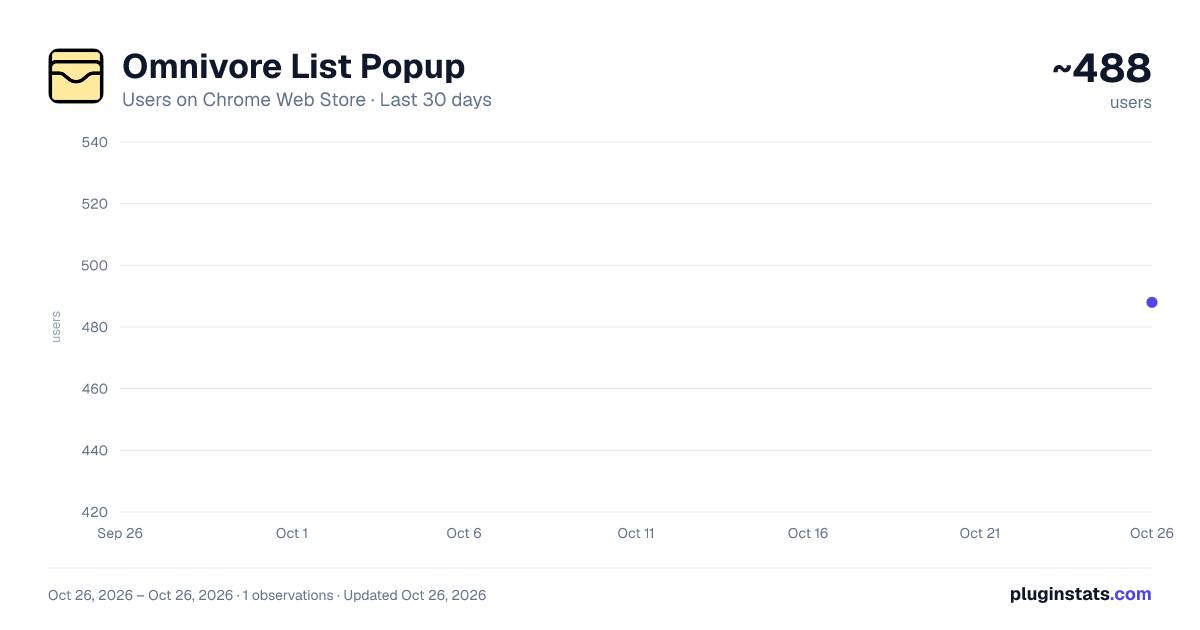
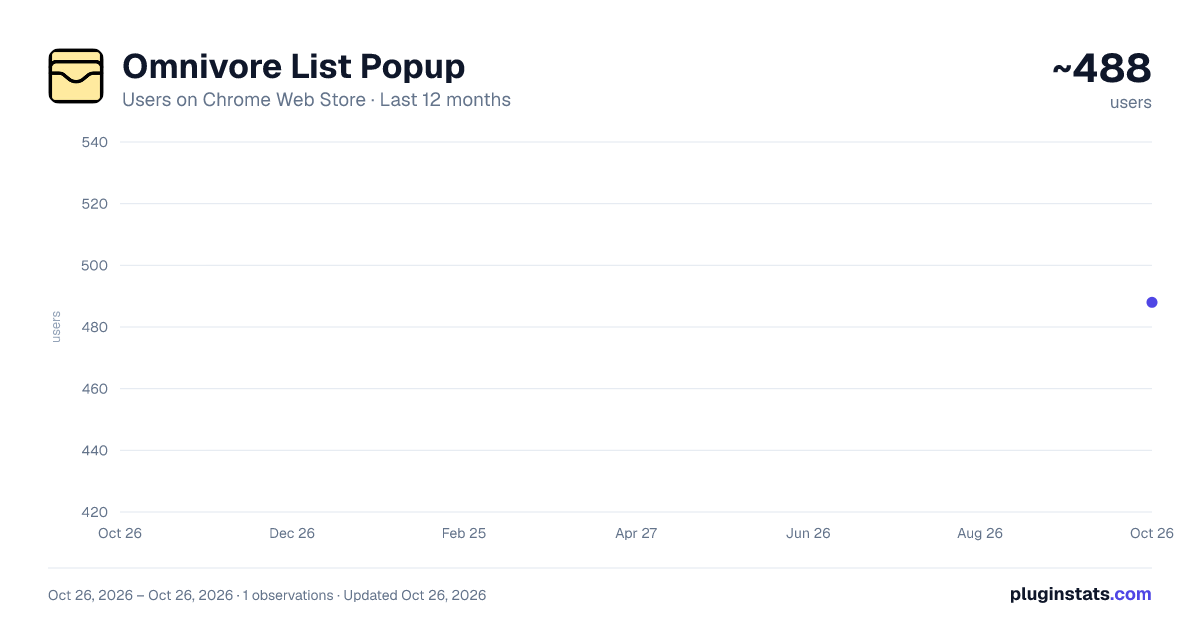
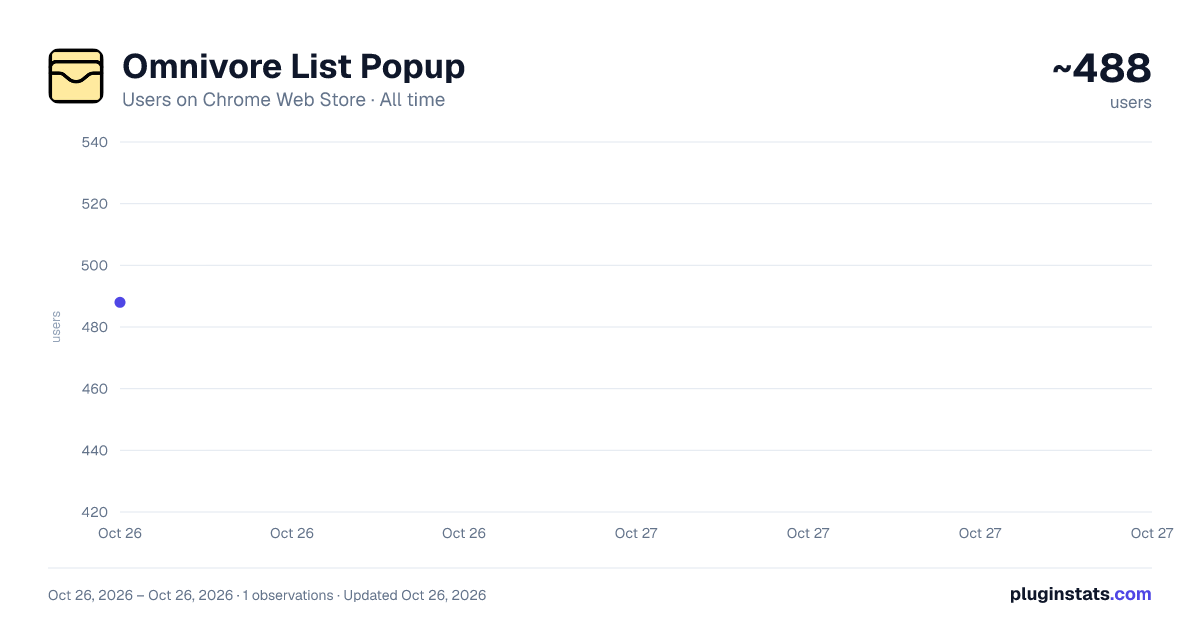
Omnivore List Popup has approximately 488 recorded users on Chrome Web Store, ranking #2080 of 4,101 tracked listings.
Rating: 3.50 / 5 from 4 ratings
About Omnivore List Popup
Show a popup with a list of your Omnivore articles to quickly open or archive.
Unofficial extension for Omnivore users who want to access their Omnivore items directly in a little popup. This extension is heavily inspired by the original "In My Pocket" extension for Pocket.
Features:
- See all your Omnivore articles in a popup
- Quickly open the original article URL in a new tab by clicking the article
- Keep the popup open by keeping CMD (CTRL on Windows/Linux) pressed while clicking an article
- Archive (or unarchive) articles from the list
- Change the labels of an article
- Open the Omnivore main website
- Use a custom Omnivore API URL (for self-hosted instances)
- More features coming soon!
Setup:
- Get an Omnivore API Key through your Omnivore Account: https://omnivore.app/settings/api
- Install the extension from the Chrome Web Store.
- Go into the extension’s settings and paste your Omnivore API key.
- Launch the extension by clicking the new "Omnivore List Popup" button in your Firefox extension toolbar/dropdown.
- Optional: Add the extension to your always-visible toolbar.
Keyboard shortcuts:
- Cmd+Shift+S: Save the current page in Omnivore
- Cmd+Shift+D: Open the extension popup
Links:
Description from the Chrome Web Store listing.
README badge
Show your rank in a README or on your website. The badge updates automatically.
Charts
Images: 30d · 1y · all time · 1600×900 dark
Adoption over time
7/30/90-day growth
Ranking history
Ratings over time
Listing placement
Listing placement
Filled points are observed values; hollow points come from Internet Archive snapshots of the listing page. Dashed segments span periods with no observations — values between points are not interpolated.
Each band is one page of 20. Users on a linear scale. Placement is projected from users, so it can differ from the marketplace's own sort order. Hover a dot to see the listing.
Recent observations
Full history (1)Similar Chrome Web Store Tools plugins
All 20 Omnivore List Popup alternatives



Data source
Covers every Chrome Web Store extension with at least 100 users, found through the store's public sitemap. User counts are read from public listing pages. The 10% most-used extensions are refreshed daily, the next 40% weekly and the next 40% monthly; the least-used 10% are not refreshed. Google displays rounded user counts (and caps the display at 10,000,000+), so small changes may not be visible. Rating counts above 1,000 are rounded (e.g. 1.6K).
Listing: https://chromewebstore.google.com/detail/omnivore-list-popup/dnfckbihnohkfoaclfckbcebclmhleni. First seen Oct 26, 2026; last successful collection Oct 26, 2026. See the methodology.