 PluginStats
Norra: Power Tools for Gemini NotebookLM users statistics
Chrome Web Store · Workflow & Planning
Capture AI chats into Gemini Notebook (NotebookLM) and bulk import URLs and tabs in one click.
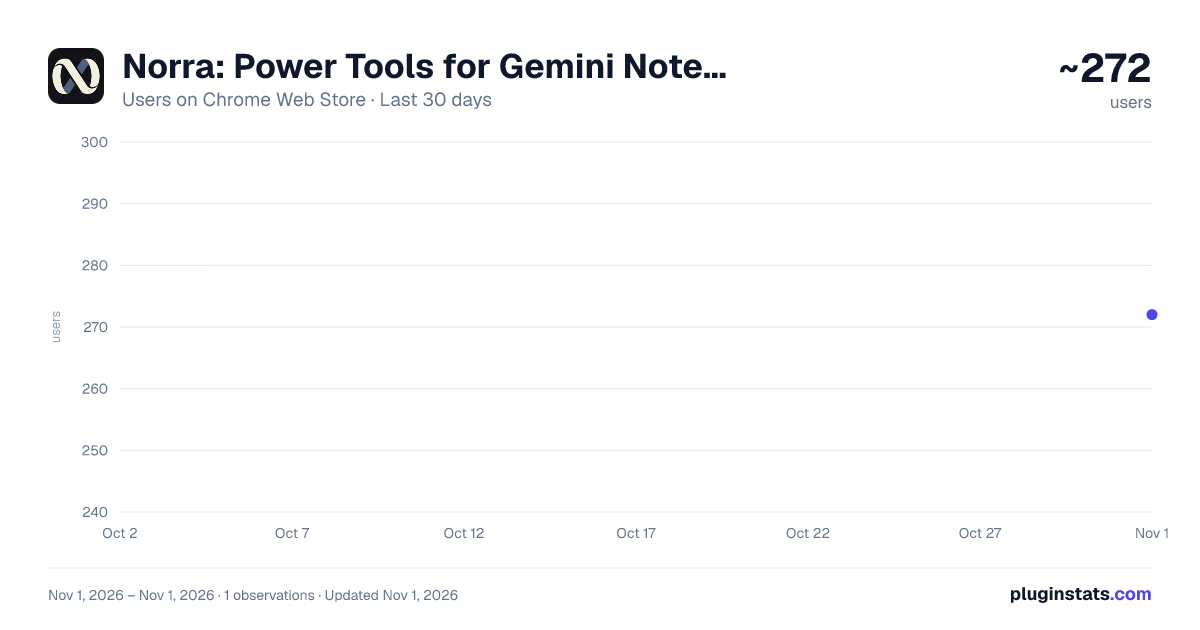
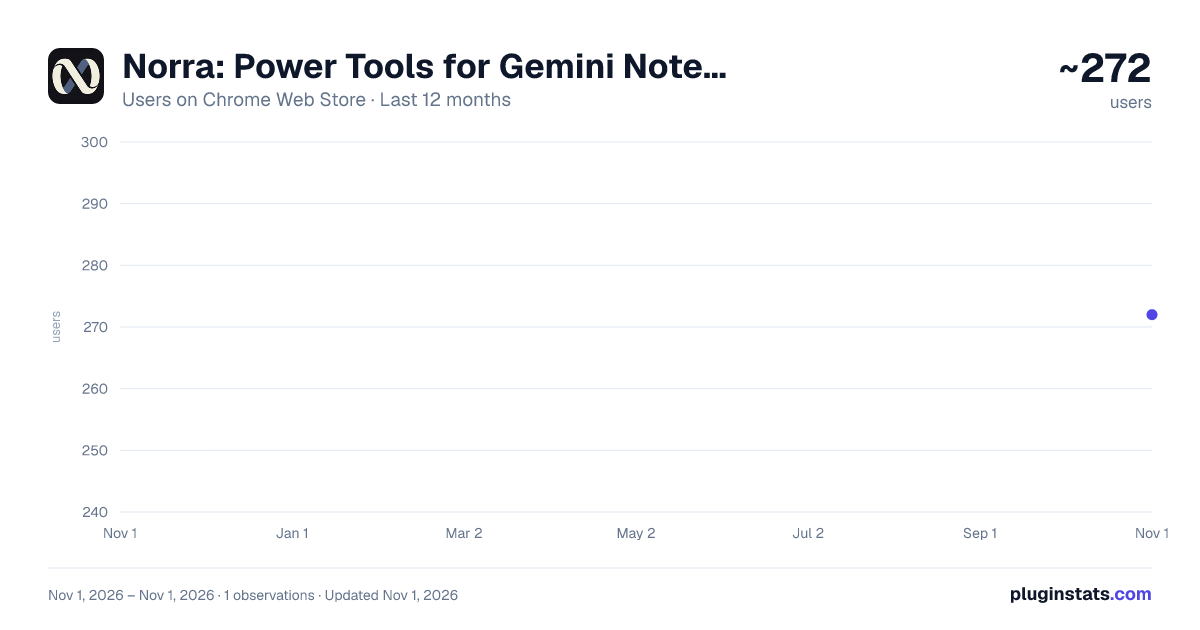
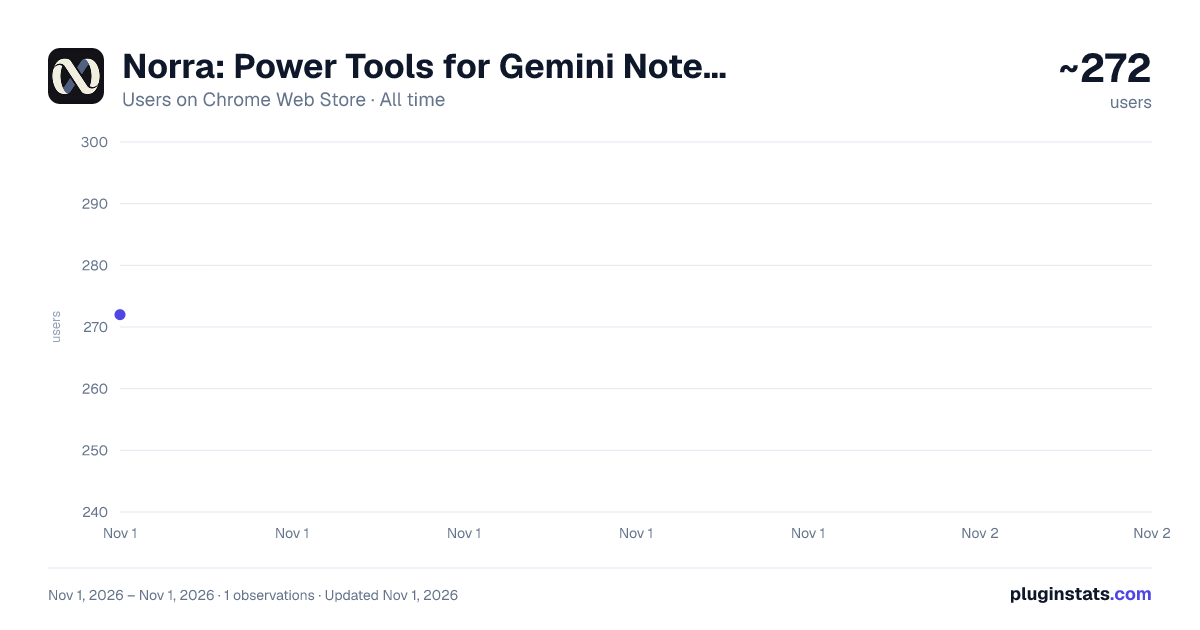
Norra: Power Tools for Gemini NotebookLM has approximately 272 recorded users on Chrome Web Store, ranking #4133 of 6,300 tracked listings.
Rating: 5.00 / 5 from 1 ratings
About Norra: Power Tools for Gemini NotebookLM
Capture AI chats into Gemini Notebook (NotebookLM) and bulk import URLs and tabs in one click.
Norra is a NotebookLM power toolkit that helps you capture research from anywhere, import sources in bulk, export your work, save reusable prompts, and manage your notebooks faster.
Send ChatGPT, Claude, Gemini, Mistral, and Perplexity conversations to NotebookLM. Capture Reddit posts, web pages, YouTube videos, playlists, and open browser tabs. Export NotebookLM chats and Studio reports, use 30 ready-made prompts, build your own prompt library, and automate PDF research workflows.
Whether you use NotebookLM for academic research, studying, market research, content analysis, or knowledge management, Norra adds the power-user features that make repetitive research tasks faster.
CAPTURE RESEARCH FROM ANYWHERE
▸ AI CHATS TO NOTEBOOKLM
Save useful AI conversations directly to your notebook with one click. Norra supports capturing conversations from:
• ChatGPT • Claude • Gemini • Mistral • Perplexity
Instead of manually copying and formatting long conversations, send useful AI research, explanations, brainstorming, and analysis directly to NotebookLM as a source.
▸ CAPTURE REDDIT POSTS Save Reddit posts directly to your active NotebookLM notebook for reference or analysis alongside your other sources.
▸ SAVE ANY WEB PAGE Add the page you’re viewing to your active NotebookLM notebook directly from the Norra popup.
▸ IMPORT OPEN BROWSER TABS Send all your open tabs to NotebookLM at once, or select specific tabs to import from the Norra dashboard.
▸ YOUTUBE TO NOTEBOOKLM Add YouTube videos to NotebookLM for transcription and analysis. For playlists, select the videos you want and import them into a new or existing notebook.
NOTEBOOKLM POWER-USER UPGRADES Norra also adds useful features directly around your NotebookLM workflow.
▸ EXPORT NOTEBOOKLM CHATS Download NotebookLM conversations as Markdown, Word, HTML, PDF, plain text, or JSON for use outside NotebookLM.
▸ DOWNLOAD YOUR SOURCES LIST Export the names of all sources in a notebook as a Markdown file for easy reference.
▸ EXPORT STUDIO REPORTS Download NotebookLM Studio reports as Markdown, HTML, or plain text for use in other documents and workflows.
▸ 30 READY-MADE NOTEBOOKLM PROMPTS Access 30 one-click prompts for summaries, quizzes, flashcards, concept maps, study guides, critical thinking, source analysis, and more.
▸ SAVE YOUR OWN PROMPTS Build a personal prompt library and reuse your favourite prompts across different notebooks.
IMPORT SOURCES FASTER
▸ BULK IMPORT LINKS Paste multiple URLs and import them into NotebookLM at once, without adding each source individually.
▸ IMPORT FROM RSS FEEDS Enter an RSS feed, choose the articles you want, and import them directly into your notebook.
▸ SELECT & IMPORT OPEN TABS Choose specific browser tabs from the Norra dashboard and send them to your active notebook. BUILD PDF WORKFLOWS
▸ SPLIT & IMPORT PDFs Upload a PDF, split it by section or chapter, and send each part to NotebookLM.
▸ AUTOMATE THE NEXT STEP Once your PDF sources are indexed, automatically run a prompt to create summaries, quizzes, flashcards, and more. MANAGE YOUR NOTEBOOKS
▸ NOTEBOOK MANAGER View, search, and bulk-delete your notebooks from one dashboard.
▸ QUICK NOTEBOOK SWITCHER Fuzzy-search and switch your active notebook directly from the Norra popup.
▸ RECENT NOTEBOOKS Jump back to any of your four most recently used notebooks with one click.
▸ CREATE & CAPTURE Create a new NotebookLM notebook and capture your current supported AI chat in one action.
WHO IS NORRA FOR? Norra is built for students, researchers, academics, teachers, writers, analysts, marketers, and other NotebookLM power users. Collect information from AI assistants, Reddit, websites, YouTube, RSS feeds, PDFs, and browser tabs, then bring it together in NotebookLM.
HOW NORRA FITS INTO YOUR NOTEBOOKLM WORKFLOW
CAPTURE Collect useful information from AI chats, Reddit, websites, YouTube, and your browser.
IMPORT Bulk import URLs, tabs, playlists, RSS articles, and PDF sections.
RESEARCH Use ready-made or custom prompts to summarize, analyse, quiz, compare, and explore your sources.
EXPORT Download NotebookLM chats, source lists, and Studio reports in useful formats.
MANAGE Search, switch, create, and manage your notebooks without repetitive navigation. Norra brings these steps together so you can spend less time moving information around and more time actually working with it.
PRIVACY Norra collects anonymous usage analytics to help us understand which features are useful and improve the extension. No personal data, browsing history, notebook content, or Google account information is collected or transmitted. Anonymous analytics are processed through PostHog and associated with a randomly generated device ID. Norra is an independent third-party tool and is not affiliated with, endorsed by, or sponsored by Google.
Description from the Chrome Web Store listing.
README badge
Show your rank in a README or on your website. The badge updates automatically.
Charts
Images: 30d · 1y · all time · 1600×900 dark
Adoption over time
7/30/90-day growth
Ranking history
Ratings over time
Listing placement
Listing placement
Filled points are observed values; hollow points come from Internet Archive snapshots of the listing page. Dashed segments span periods with no observations — values between points are not interpolated.
Each band is one page of 20. Users on a linear scale. Placement is projected from users, so it can differ from the marketplace's own sort order. Hover a dot to see the listing.
Recent observations
Full history (1)Similar Chrome Web Store Workflow & Planning plugins
All 20 Norra: Power Tools for Gemini NotebookLM alternatives



Data source
Covers every Chrome Web Store extension with at least 100 users, found through the store's public sitemap. User counts are read from public listing pages. The 10% most-used extensions are refreshed daily, the next 40% weekly and the next 40% monthly; the least-used 10% are not refreshed. Google displays rounded user counts (and caps the display at 10,000,000+), so small changes may not be visible. Rating counts above 1,000 are rounded (e.g. 1.6K).
Listing: https://chromewebstore.google.com/detail/norra-power-tools-for-gem/gedbdelnmnikfhnphenolghciijmbieg. First seen Nov 1, 2026; last successful collection Nov 1, 2026. See the methodology.