 PluginStats

Bubble Buddy users statistics
By Shankar Prasad · Chrome Web Store · Developer Tools
Toggle debug mode, reveal in elements tree, start/edit workflow & switch between live/test versions using keyboard shortcuts
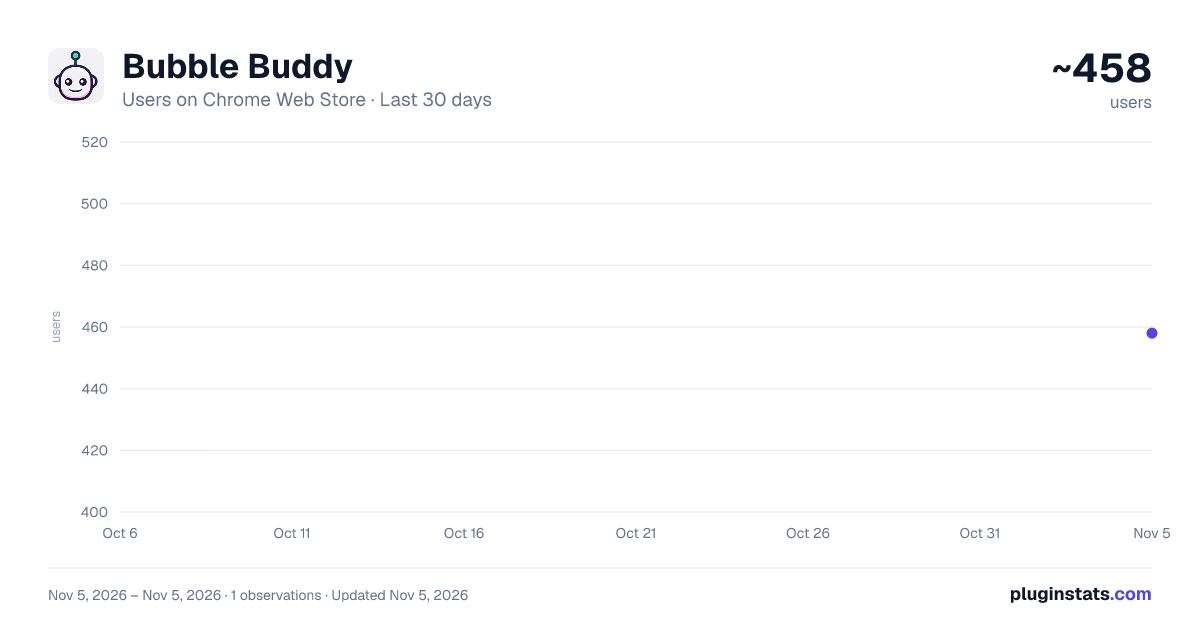
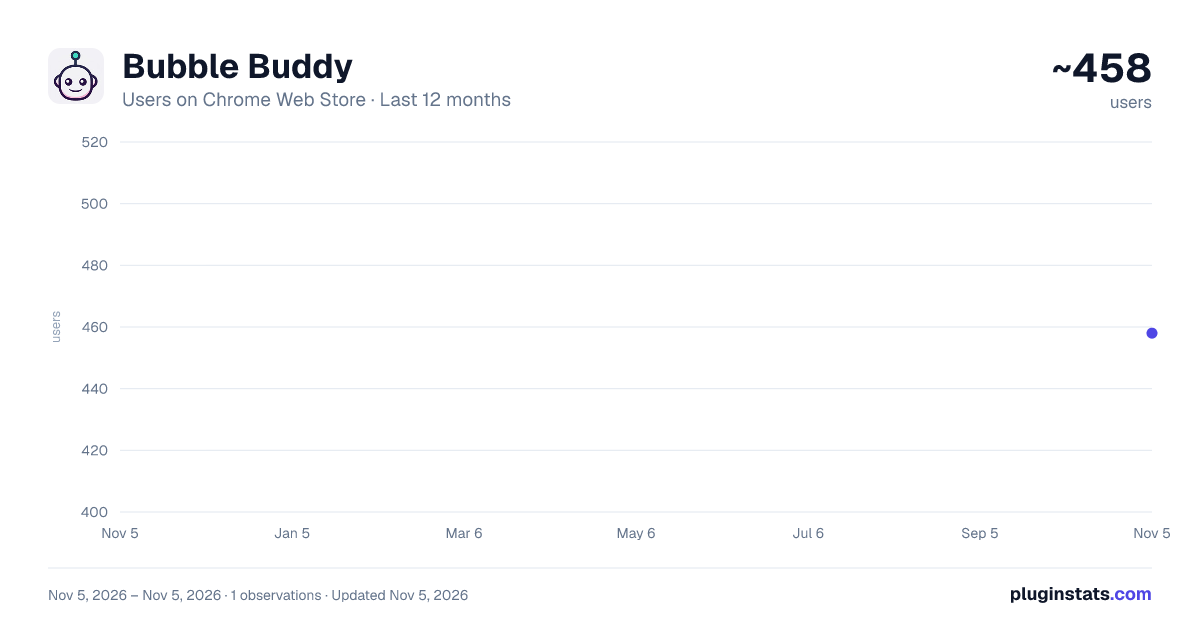
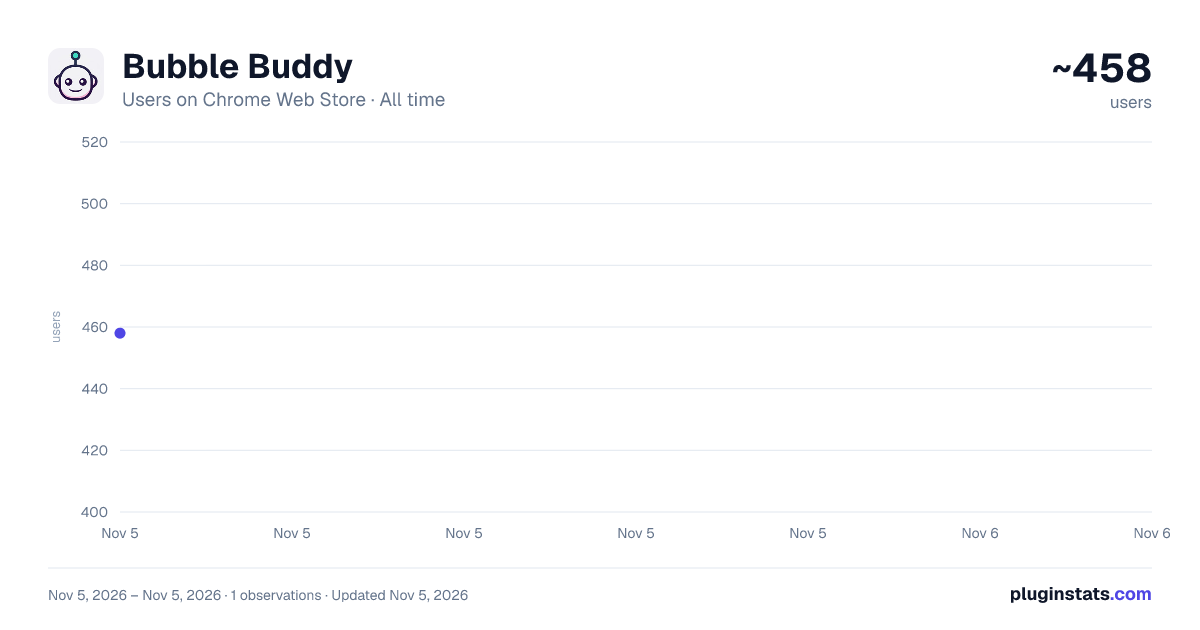
Bubble Buddy has approximately 458 recorded users on Chrome Web Store, ranking #3831 of 7,342 tracked listings.
Rating: 4.30 / 5 from 9 ratings
About Bubble Buddy
Toggle debug mode, reveal in elements tree, start/edit workflow & switch between live/test versions using keyboard shortcuts
Hey Bubblers,
Bubble Buddy allows you to quickly add/remove the debugger, reveal an element in Elements tree, start/edit a workflow, switch between live and test versions of Bubble Editor, and App pages by using Keyboard Shortcuts
Use the following 8 Keyboard Shortcuts to make the desired changes:
-
To add/remove “debug_mode” to the page URL, use “Ctrl + M” (or click on the Bubble Buddy extension icon)
-
To reveal an element in Elements tree, a) Select an element of your choice and then b) Use "Ctrl + Shift + E"
-
To start/edit a workflow on an element, a) Select an element of your choice b) Use "Ctrl + Shift + F"
-
To switch between live and test versions of your app pages, use “Ctrl + Shift + L”
-
To switch between live and development versions of your Bubble Editor, use “Ctrl + Shift + K”
-
To select first parent of an element, a) Select an element of your choice b) Use "Ctrl + Shift + Y"
-
To open app's Backend Workflows page in a newtab, use "Ctrl + Alt + B"
-
Toggle Sidepanel: To show/hide Bubble Buddy sidepanel, use "Alt + Shift + S"
- With Bubble Buddy sidepanel, you can organise all your URLs (Bubble Editor, App preview pages, any resource links) and Branches linked to your Bubble Projects at one place.
- "Toggle Sidepanel" shortcut will work only on Bubble Editor pages.
For Bubble Buddy tutorials, checkout this playlist: https://www.youtube.com/playlist?list=PL4YOHwiJinHt3S7Y7TOLxIj2lvcE776O-
UPDATES: v2.4:
- Bug fixes
v 2.3.1:
- Added "Toggle Sidepanel" shortcut to customizable shortcuts
- Removed "Start/Edit Workflow" shortcut from customizable shortcuts
Version 2.2:
- Bug Fixes
Version 2.1:
- Bug fixes
- Changed Bubble Buddy sidepanel shortcut to "Alt + Shift + S"
Version 2.0:
- Open Backend Workflow in newtab shortcut
- Show/Hide Buddy Buddy sidepanel shortcut
- Organise your Bubble projects' related URLs and Branches [Demo Version]
- Added shortcuts support to apps on Bubble Dedicated instances (suggested by Andy Kalati - @akalati)
Version 1.5:
- Select first parent shortcut
Version 1.4:
- hover effect on App data rows (suggested by Aditya Pati - @theadityapati)
- hover effect on File Manager table rows
- hover effect on Style Variables (suggested by Mantas Giedraitis - @omus_io)
Loom Video: https://www.loom.com/share/bb5da8f35fd7470b87dae25b1557b083
Version 1.3:
- hover effect on Data fields & Option Sets (suggested by Kelly Claus - @ClausISaidSo )
From Shankar Prasad Twitter: @Shankar_19 (https://twitter.com/Shankar_19)
Description from the Chrome Web Store listing.
README badge
Show your rank in a README or on your website. The badge updates automatically.
Charts
Images: 30d · 1y · all time · 1600×900 dark
Adoption over time
7/30/90-day growth
Ranking history
Ratings over time
Listing placement
Listing placement
Filled points are observed values; hollow points come from Internet Archive snapshots of the listing page. Dashed segments span periods with no observations — values between points are not interpolated.
Each band is one page of 20. Users on a linear scale. Placement is projected from users, so it can differ from the marketplace's own sort order. Hover a dot to see the listing.
Recent observations
Full history (1)Similar Chrome Web Store Developer Tools plugins
All 20 Bubble Buddy alternatives



Data source
Covers every Chrome Web Store extension with at least 100 users, found through the store's public sitemap. User counts are read from public listing pages. The 10% most-used extensions are refreshed daily, the next 40% weekly and the next 40% monthly; the least-used 10% are not refreshed. Google displays rounded user counts (and caps the display at 10,000,000+), so small changes may not be visible. Rating counts above 1,000 are rounded (e.g. 1.6K).
Listing: https://chromewebstore.google.com/detail/bubble-buddy/alhnncmoomghdpieiiomjjcbmgmkaflk. First seen Nov 5, 2026; last successful collection Nov 5, 2026. See the methodology.