 PluginStats

Browser Sound Effect users statistics
Chrome Web Store · Functionality & UI
Sound effects for Chrome: clicks, keyboard, tabs & downloads. Choose a preset, turn off sounds you don't want.
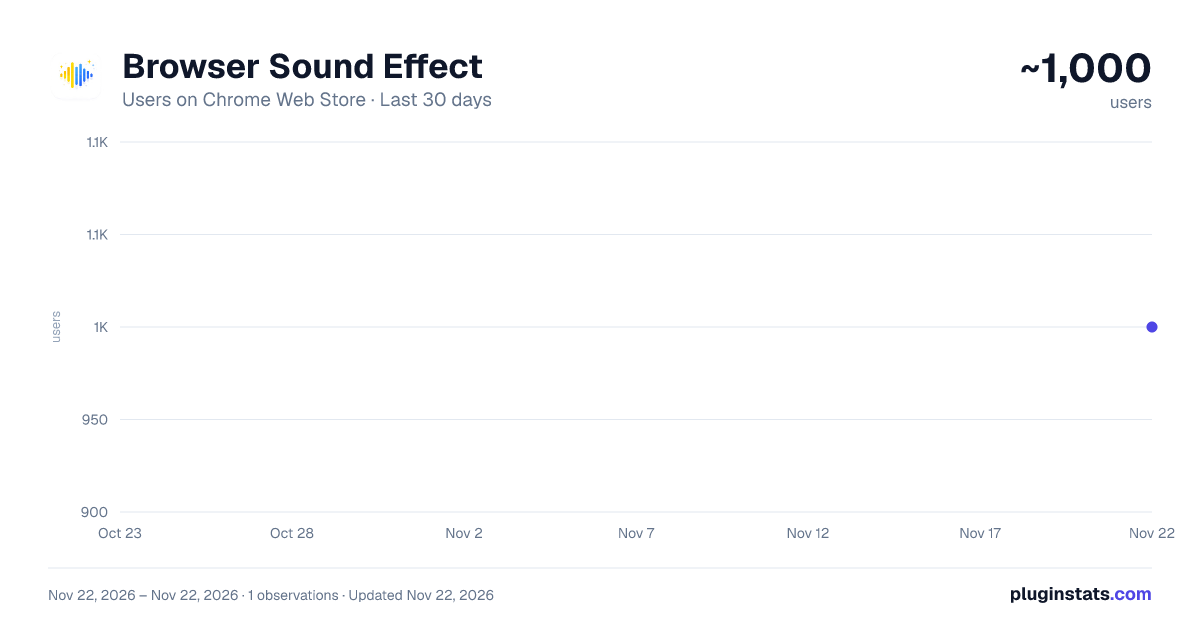
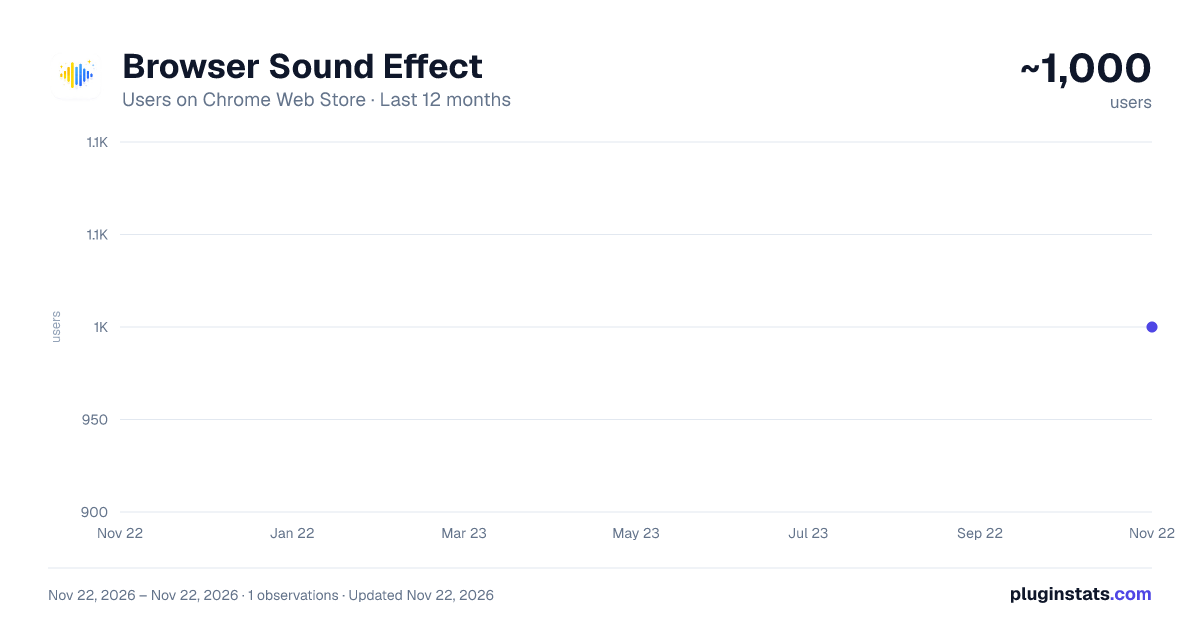
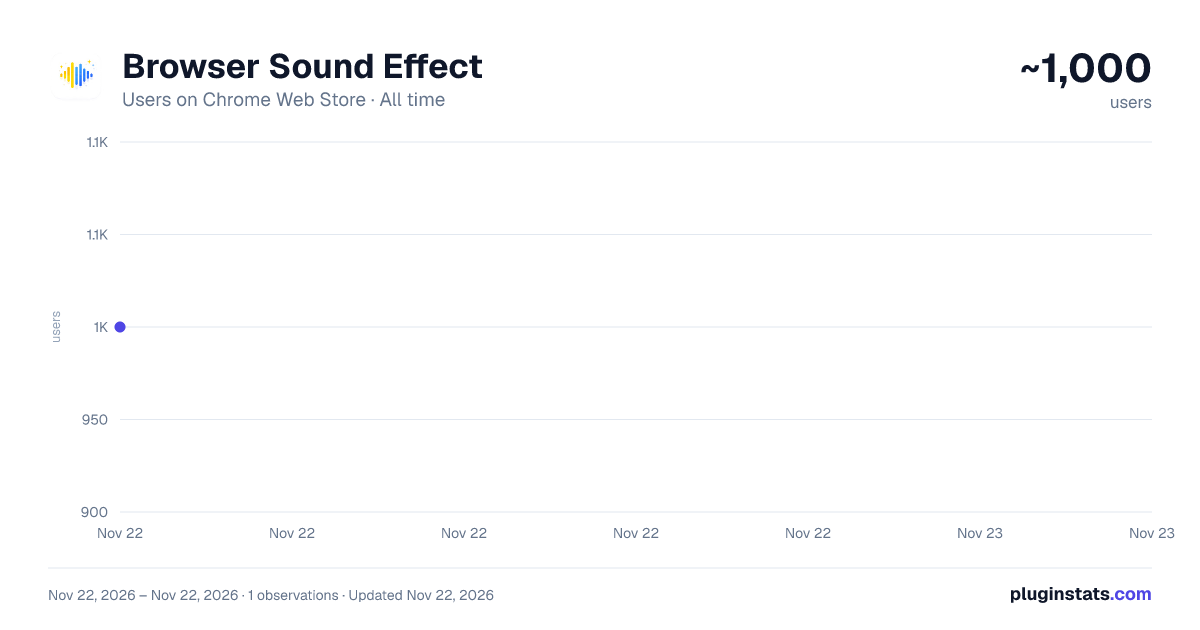
Browser Sound Effect has approximately 1,000 recorded users on Chrome Web Store, ranking #3805 of 10,523 tracked listings.
Rating: 4.20 / 5 from 11 ratings
About Browser Sound Effect
Sound effects for Chrome: clicks, keyboard, tabs & downloads. Choose a preset, turn off sounds you don't want.
Browser Sound Effect adds short, optional audio feedback to everyday browsing in Chrome. Hear clicks, keyboard rows, tab changes, and downloads - or switch them off one by one without losing your preset.
Whether you want a subtle productivity cue, a gaming-style pack, or a fully custom sound set, the extension keeps control in your hands. Pick a themed preset, preview every sound in the popup, and adjust volume in seconds.
THEMED PRESETS
• Built-in sound packs for gaming, anime, music, and everyday browsing • Switch the active preset from the toolbar popup • Preview and toggle individual events before you browse • Active preset badge shows which pack is live
PER-EVENT CONTROL
Enable or disable sounds independently in the Sounds tab:
Browser: new tab, close tab, tab switch, extension on/off, download start & success Mouse: left click, right click, double click, hover Keyboard: Enter, Backspace, Space, Escape, letter rows, custom key bindings
Turn off only the sounds you do not want - the rest of the pack stays active.
PRESET EDITOR
Build your own pack on the full options page:
• Three-step wizard: Basics → Sounds → Finish • Upload MP3, WAV, or OGG (up to 2 MB per file) • Trim clips before saving • Map audio to catalog browser events • Duplicate, edit, or delete custom presets locally
KEY FEATURES
✓ Themed presets - switch packs in one click ✓ Master volume + per-sound preview in the popup ✓ Dark mode in the popup UI ✓ Full preset editor with upload and trim ✓ Lightweight - short clips, local playback ✓ Private by design - no account, no cloud sync, no ads in the UI ✓ Developer site with guides at tabbop.com
HOW TO USE
- Install Browser Sound Effect and pin it to the Chrome toolbar.
- Open the popup → Presets tab → choose a sound pack.
- Open Sounds tab → toggle events and press play to preview.
- Adjust volume in Settings or open the preset editor for custom audio.
- Visit tabbop.com/how-to-use for the full guide.
PRIVACY
• No registration or login • No browsing history uploaded to our servers • Presets, settings, and uploaded audio stay on your device (Chrome storage + IndexedDB) • Optional links to tabbop.com, Chrome Web Store, or donate pages open only when you click them
Full policy: https://tabbop.com/privacy
SUPPORT
Questions or feedback: hello@tabbop.com Website: https://tabbop.com How to use: https://tabbop.com/how-to-use
If Browser Sound Effect makes your browsing more fun, please leave a rating on the Chrome Web Store. Thank you!
Description from the Chrome Web Store listing.
README badge
Show your rank in a README or on your website. The badge updates automatically.
Charts
Images: 30d · 1y · all time · 1600×900 dark
Adoption over time
7/30/90-day growth
Ranking history
Ratings over time
Listing placement
Listing placement
Filled points are observed values; hollow points come from Internet Archive snapshots of the listing page. Dashed segments span periods with no observations — values between points are not interpolated.
Each band is one page of 20. Users on a linear scale. Placement is projected from users, so it can differ from the marketplace's own sort order. Hover a dot to see the listing.
Recent observations
Full history (1)Similar Chrome Web Store Functionality & UI plugins
All 20 Browser Sound Effect alternatives



Data source
Covers every Chrome Web Store extension with at least 100 users, found through the store's public sitemap. User counts are read from public listing pages. The 10% most-used extensions are refreshed daily, the next 40% weekly and the next 40% monthly; the least-used 10% are not refreshed. Google displays rounded user counts (and caps the display at 10,000,000+), so small changes may not be visible. Rating counts above 1,000 are rounded (e.g. 1.6K).
Listing: https://chromewebstore.google.com/detail/browser-sound-effect/ifchckaioncmkjlajdlmeoaagflpmnih. First seen Nov 22, 2026; last successful collection Nov 22, 2026. See the methodology.