 PluginStats

NotF11 users statistics
By Albenoir Studio · Chrome Web Store · Functionality & UI
Any browser tab, toolbar-free. Turn it into a clean, resizable window.
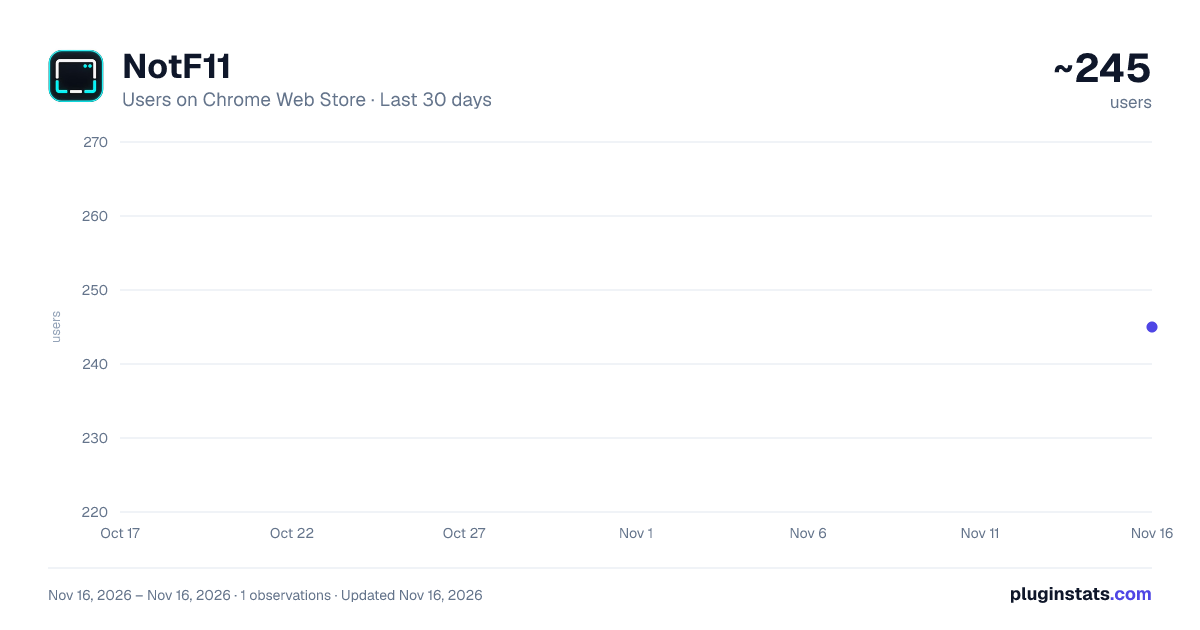
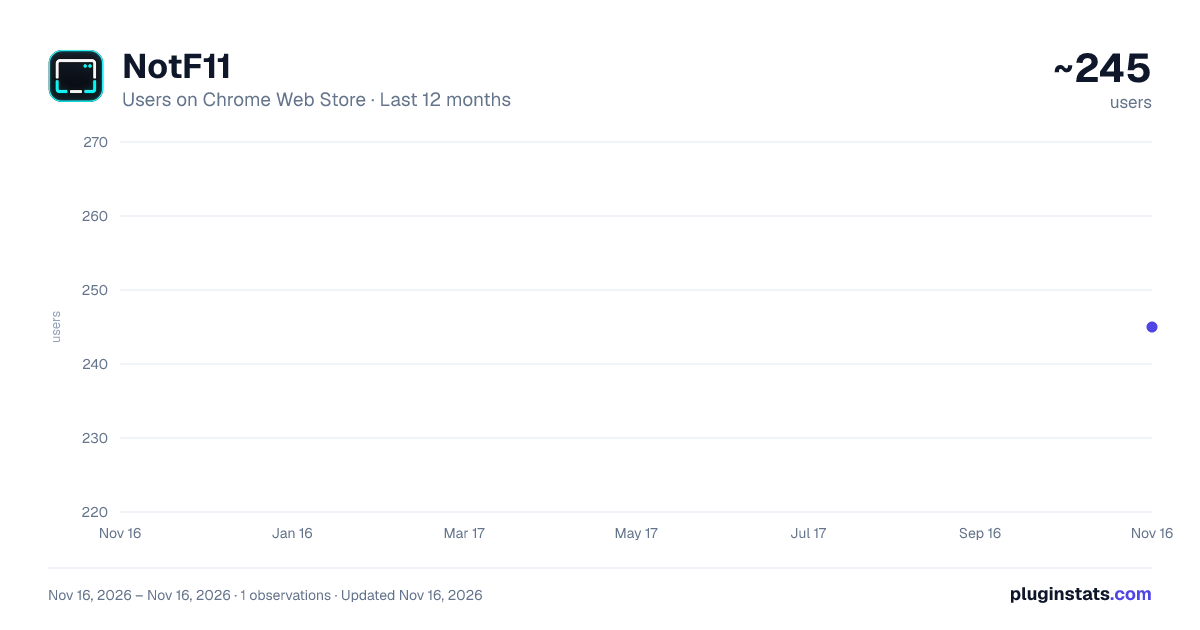
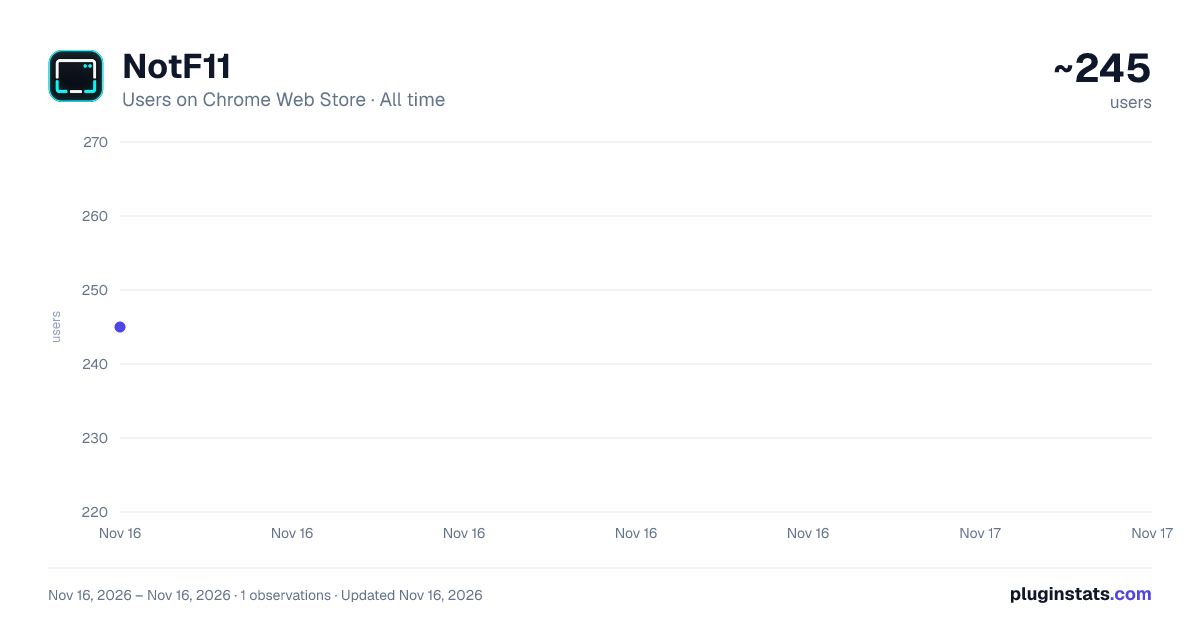
NotF11 has approximately 245 recorded users on Chrome Web Store, ranking #7161 of 10,388 tracked listings.
About NotF11
Any browser tab, toolbar-free. Turn it into a clean, resizable window.
NotF11 turns your current live browser tab into a clean, toolbar-free Chromium window while keeping the tab itself alive.
Press Ctrl+Shift+F and the current tab moves into a clean window without the tab strip, address bar, bookmarks bar, navigation buttons, or extension controls. Press the same shortcut again to return it to a normal browser window.
Unlike F11 fullscreen, NotF11 does not take over your entire display. Clean windows remain movable, resizable, maximizable, and compatible with normal desktop window management.
Because NotF11 moves the existing Chromium tab instead of reopening its URL, active page state stays with it — including scroll position, entered text, login sessions, in-page progress, and web-app state.
DEFAULT SHORTCUTS
Ctrl+Shift+F — Enter or exit clean-window mode Ctrl+Shift+, — Previous eligible source tab Ctrl+Shift+. — Next eligible source tab
Previous and Next let you hand the clean-window role between eligible tabs from the same browser source without leaving the clean-window workflow.
MULTIPLE CLEAN WINDOWS
NotF11 supports multiple independent clean windows. Browser relationships are preserved so separate source windows remain separate, even when several clean windows are open at once.
NEW TAB BEHAVIOR
New tabs opened from a Clean window can either return to a normal browser source or stay Clean automatically. This behavior is optional.
SETTINGS
Clean on launch Optionally start the first eligible browser window in Clean mode.
New tabs stay clean New tabs opened from a Clean window can also open Clean.
Remember size & position Preserve the desktop footprint of Clean windows when moving between normal and Clean mode. Turn this off when you want the operating system or a tiling window manager to control placement completely.
PINNED TABS
Pinned Chromium tabs keep their pinned state when they return to a normal browser window.
BUILT-IN HELP
NotF11 includes a built-in Help page explaining shortcuts, settings, source relationships, recovery behavior, and window placement.
PRIVACY
NotF11 is intentionally small and privacy-focused. It does not inject scripts into websites and does not read or modify webpage content.
No analytics or telemetry No ads or tracking No account or sign-in No cloud service No host permissions No content scripts No webpage-content collection
The extension requests only the storage permission. Storage is used for NotF11's own preferences and local/session relationship state.
NotF11 does not need access to the contents of the websites you visit.
PLATFORM SUPPORT
Tested with Google Chrome and Brave Desktop on Windows 11, including Windows Snap and Microsoft PowerToys FancyZones, and with Google Chrome and Brave Desktop on Linux/Hyprland.
On tiling window managers, disable Remember size & position to let the compositor control window placement completely.
NotF11 is free and open source under the MIT License.
Source code: https://github.com/Magik23/NotF11
Description from the Chrome Web Store listing.
README badge
Show your rank in a README or on your website. The badge updates automatically.
Charts
Images: 30d · 1y · all time · 1600×900 dark
Adoption over time
7/30/90-day growth
Ranking history
Ratings over time
Listing placement
Listing placement
Filled points are observed values; hollow points come from Internet Archive snapshots of the listing page. Dashed segments span periods with no observations — values between points are not interpolated.
Each band is one page of 20. Users on a linear scale. Placement is projected from users, so it can differ from the marketplace's own sort order. Hover a dot to see the listing.
Recent observations
Full history (1)Similar Chrome Web Store Functionality & UI plugins
All 20 NotF11 alternatives



Data source
Covers every Chrome Web Store extension with at least 100 users, found through the store's public sitemap. User counts are read from public listing pages. The 10% most-used extensions are refreshed daily, the next 40% weekly and the next 40% monthly; the least-used 10% are not refreshed. Google displays rounded user counts (and caps the display at 10,000,000+), so small changes may not be visible. Rating counts above 1,000 are rounded (e.g. 1.6K).
Listing: https://chromewebstore.google.com/detail/notf11/oepfhdcfbannblllfhcehmjfmdjgdfeh. First seen Nov 16, 2026; last successful collection Nov 16, 2026. See the methodology.