 PluginStats

Google Search Maps Button users statistics
By Publisher54321 · Chrome Web Store · Functionality & UI
Adds back the Maps button to Google search pages and makes the search result map images clickable again for seamless navigation.
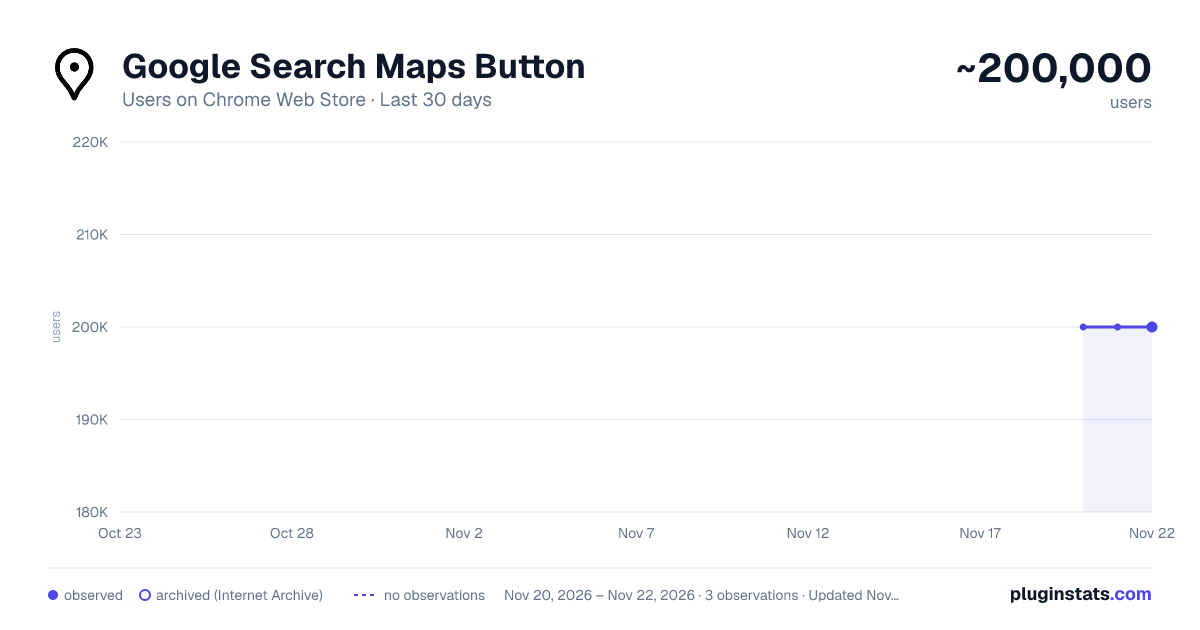
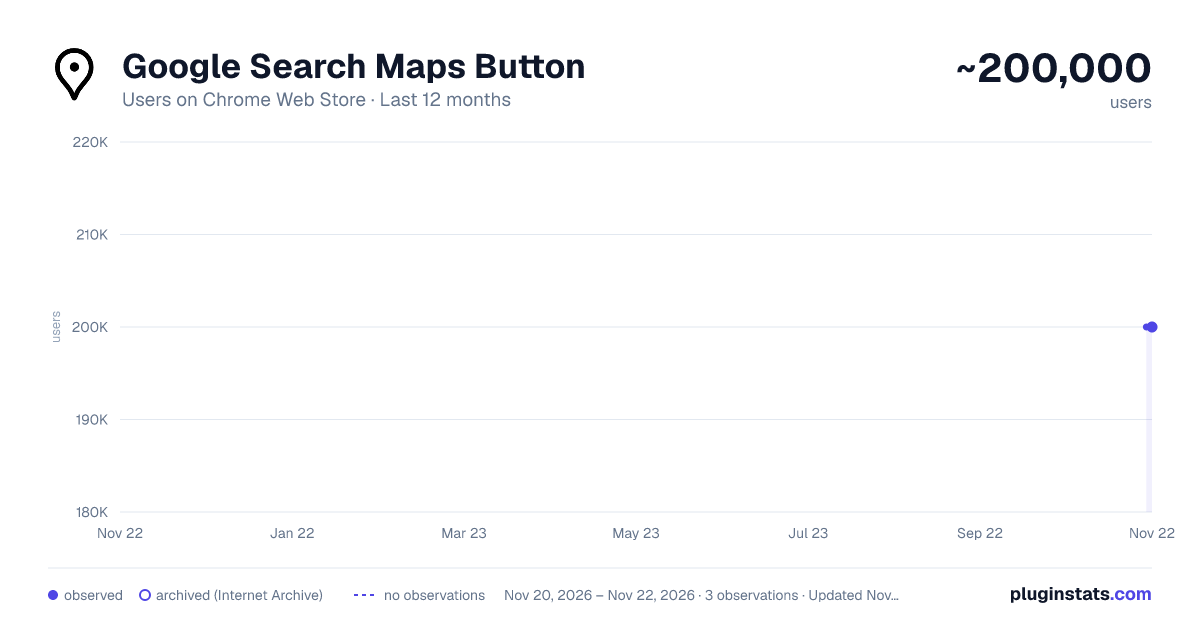
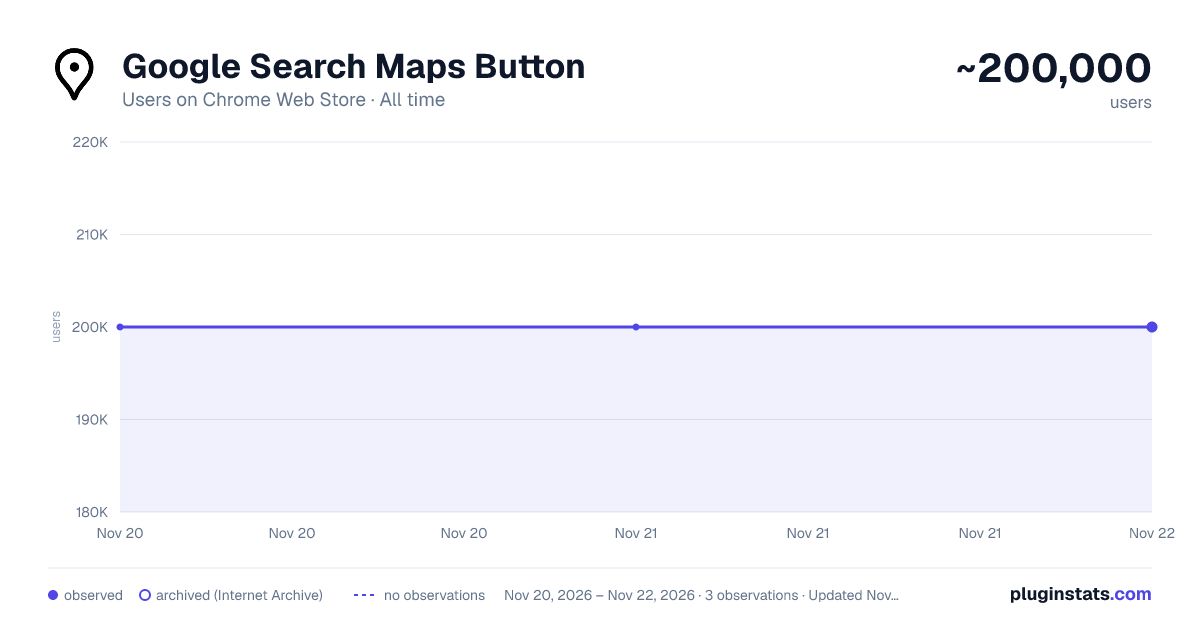
Google Search Maps Button has approximately 200,000 recorded users on Chrome Web Store, ranking #193 of 10,388 tracked listings.
Rating: 4.80 / 5 from 665 ratings
About Google Search Maps Button
Adds back the Maps button to Google search pages and makes the search result map images clickable again for seamless navigation.
The "Google Search Maps Button" Chrome extension brings the Google Maps button back to the Google Search navigation bar for users in Europe. If you've found the Google Maps button gone or missing from your search experience, this extension is designed to address exactly that.
What it Does: This extension ensures you can access Google Maps with just one click from the Google Search page. It also makes map images clickable within search results, significantly improving your navigation experience.
Why it's Needed: In response to the Digital Markets Act (DMA), which is aimed at fostering fair competition and innovation, the Google Maps shortcut was removed for European users. This tool effectively restores that lost convenience.
Privacy and Security: Operating without saving any user data, the extension ensures your privacy and security are protected.
For anyone who's noticed the Google Maps button gone from the Google Search navigation bar in Europe, this extension provides a straightforward and effective solution, seamlessly reintegrating this essential feature into your browsing routine.
Troubleshooting steps if the extension is not working:
-
Check Plugin Status: Make sure that the plugin is enabled in your Chrome browser.
-
Verify Site Access: Open the details for this plugin under "My Extensions" and ensure that "Site Access" is enabled. NB! For Opera users: Go to the Manage Extension section and tick the „Allow access to search page results” option. Otherwise the plugin wont work.
If you'd like to say thanks, you can do so via PayPal at henripp94@gmail.com. I'm truly grateful for any support, though it's absolutely not necessary or expected.
Description from the Chrome Web Store listing.
README badge
Show your rank in a README or on your website. The badge updates automatically.
Charts
Images: 30d · 1y · all time · 1600×900 dark
Adoption over time
7/30/90-day growth
Ranking history
Ratings over time
Listing placement
Listing placement
Filled points are observed values; hollow points come from Internet Archive snapshots of the listing page. Dashed segments span periods with no observations — values between points are not interpolated.
Each band is one page of 20. Users on a linear scale. Placement is projected from users, so it can differ from the marketplace's own sort order. Hover a dot to see the listing.
Recent observations
Full history (2)Similar Chrome Web Store Functionality & UI plugins
All 20 Google Search Maps Button alternatives



Data source
Covers every Chrome Web Store extension with at least 100 users, found through the store's public sitemap. User counts are read from public listing pages. The 10% most-used extensions are refreshed daily, the next 40% weekly and the next 40% monthly; the least-used 10% are not refreshed. Google displays rounded user counts (and caps the display at 10,000,000+), so small changes may not be visible. Rating counts above 1,000 are rounded (e.g. 1.6K).
Listing: https://chromewebstore.google.com/detail/google-search-maps-button-2/edllcgchknhokighleffpipdedmpgiln. First seen Nov 20, 2026; last successful collection Nov 21, 2026. See the methodology.