 PluginStats

Volume Balancer – Per-Channel Volume Booster users statistics
Chrome Web Store · Functionality & UI
Per-channel volume for Twitch, YouTube, Kick, CHZZK and SOOP (AfreecaTV): set it once, applied automatically. 0–500%, no distortion.
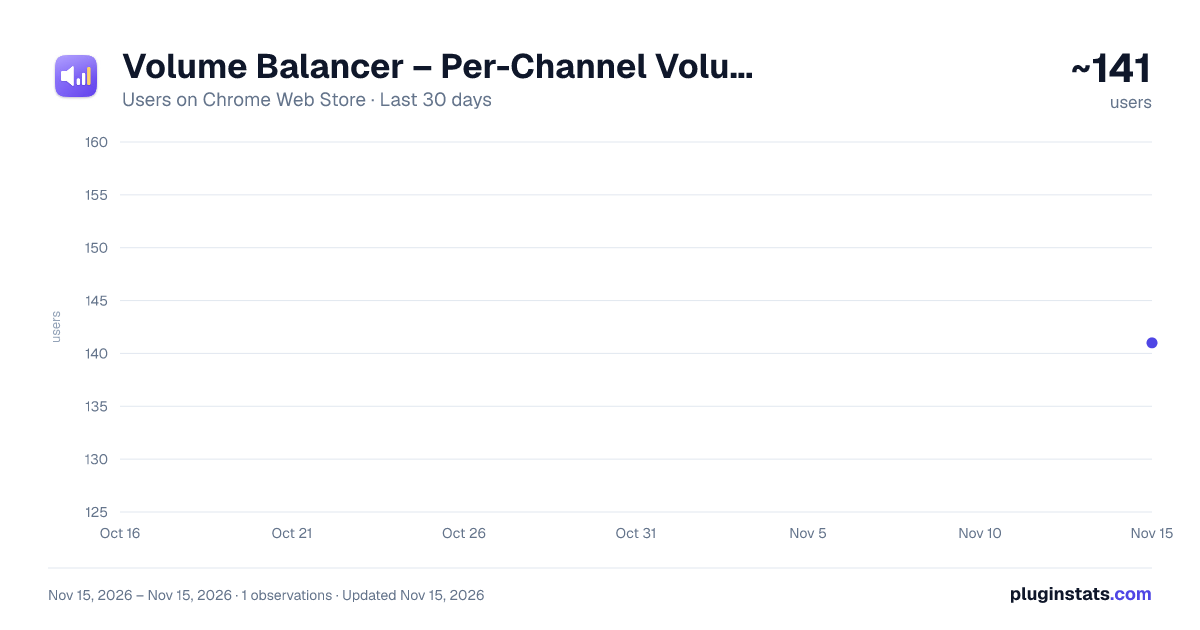
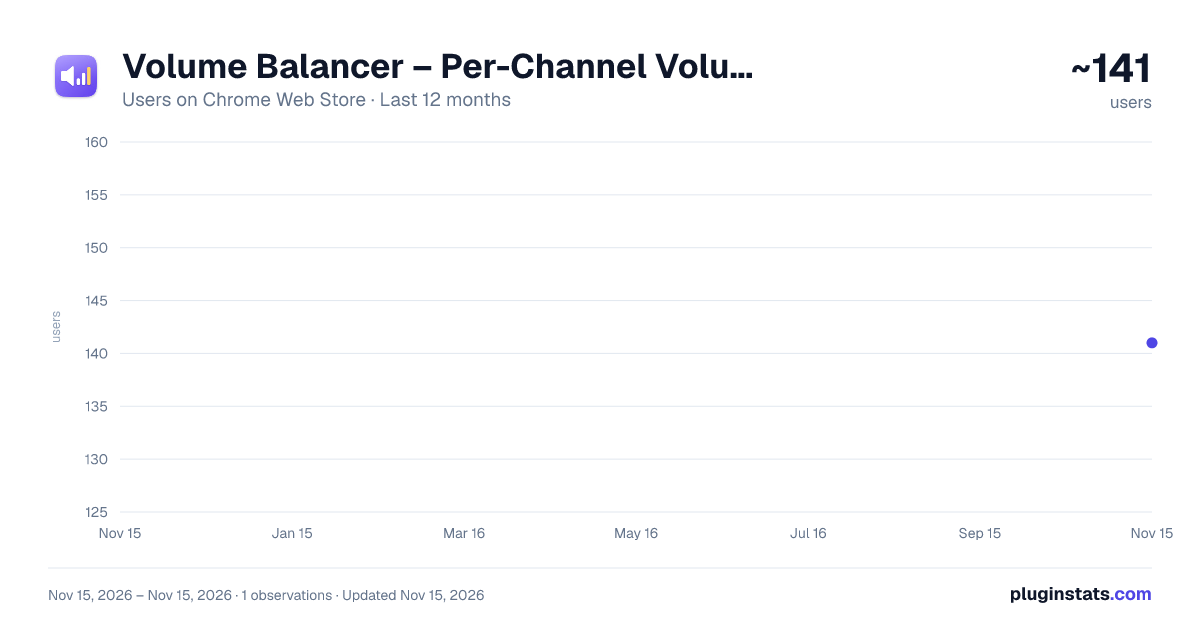
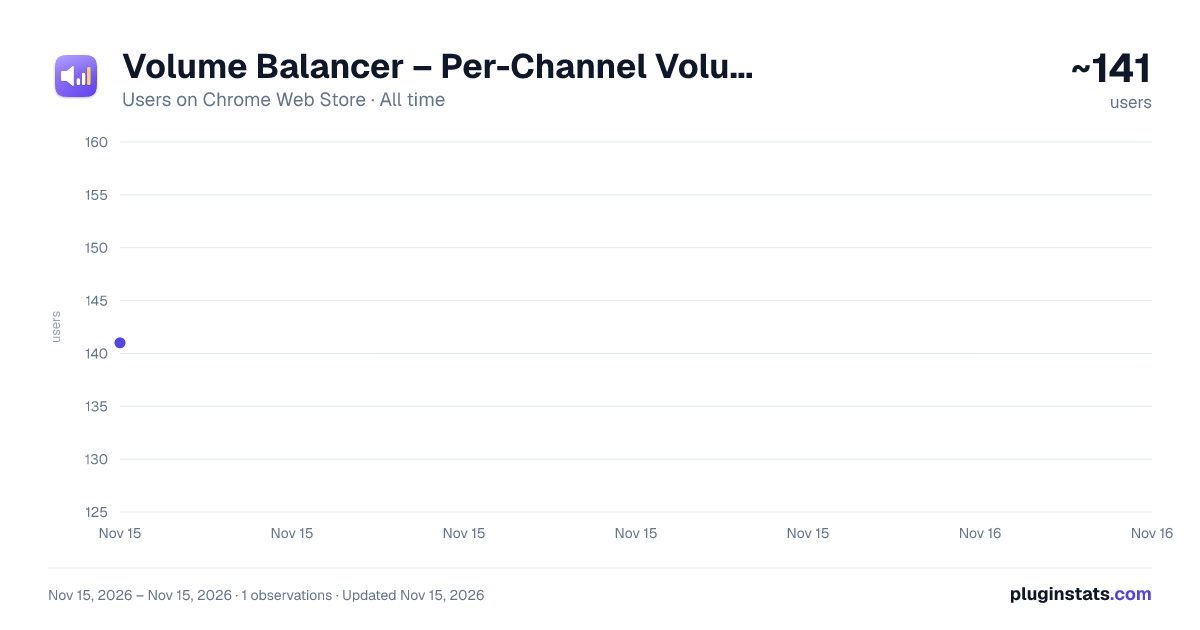
Volume Balancer – Per-Channel Volume Booster has approximately 141 recorded users on Chrome Web Store, ranking #9005 of 10,388 tracked listings.
Rating: 3.00 / 5 from 1 ratings
About Volume Balancer – Per-Channel Volume Booster
Per-channel volume for Twitch, YouTube, Kick, CHZZK and SOOP (AfreecaTV): set it once, applied automatically. 0–500%, no distortion.
Stop adjusting the volume every time you switch streams.
Volume Balancer remembers a volume level for each channel, anywhere from 0% to 500%, and applies it automatically whenever you watch. Boost the streamer who is always too quiet, turn down the one who is always too loud, and every channel stays where you left it. Think of it as a volume booster that remembers each channel instead of each tab.
Works on Twitch, YouTube, Kick, CHZZK and SOOP (formerly AfreecaTV). Twitch works right after install; the other sites are turned on one at a time, so the extension only runs on the sites you choose.
FEATURES • Per-channel level from 0% to 500%, applied as soon as you open a channel, even when you switch channels without reloading • On YouTube, the level follows the channel of the video you are watching • Live streams and replays alike • Loud boosts stay clean: a built-in limiter, on by default, keeps the sound from crackling when you turn it up a lot, while quieter sound plays at exactly the level you set. Turn it off and go past 200%, and the popup warns you before it distorts • The toolbar icon shows each tab's level at a glance • Saved channels page to search, filter by site, fine-tune with −/+ buttons or remove your levels, and to turn sites on or off • Keeps working when a site changes: if a site moves to a new address or redesigns its pages, adjust how it recognizes channels in the settings, check it against any address, and reset to the defaults anytime • Interface in English, Korean, Simplified Chinese and Japanese • Simple controls: a slider, −/+ buttons for 10% steps, arrow keys for 1% steps, and Reset for 100%
PRIVACY Your levels and settings are stored only in your browser. There is no account, no analytics and no tracking, and nothing is sent to us or anyone else. On CHZZK the extension asks CHZZK's own API for the name of the channel you are watching.
GOOD TO KNOW • Pages that aren't a channel, like home pages, directories or Shorts, keep the tab's current level without saving it, so a mini player keeps its volume while you browse. • Chrome can hold back audio processing until you interact with the page. If the popup says "Click the page to apply", click anywhere on the page once. • After installing or updating, reload any tabs that were already open, or use the Reload button in the popup.
Volume Balancer is an independent extension. It is not affiliated with or endorsed by any of the sites it works on.
Feedback and support: https://softkoders.com · koder250727@gmail.com
Description from the Chrome Web Store listing.
README badge
Show your rank in a README or on your website. The badge updates automatically.
Charts
Images: 30d · 1y · all time · 1600×900 dark
Adoption over time
7/30/90-day growth
Ranking history
Ratings over time
Listing placement
Listing placement
Filled points are observed values; hollow points come from Internet Archive snapshots of the listing page. Dashed segments span periods with no observations — values between points are not interpolated.
Each band is one page of 20. Users on a linear scale. Placement is projected from users, so it can differ from the marketplace's own sort order. Hover a dot to see the listing.
Recent observations
Full history (1)Similar Chrome Web Store Functionality & UI plugins
All 20 Volume Balancer – Per-Channel Volume Booster alternatives



Data source
Covers every Chrome Web Store extension with at least 100 users, found through the store's public sitemap. User counts are read from public listing pages. The 10% most-used extensions are refreshed daily, the next 40% weekly and the next 40% monthly; the least-used 10% are not refreshed. Google displays rounded user counts (and caps the display at 10,000,000+), so small changes may not be visible. Rating counts above 1,000 are rounded (e.g. 1.6K).
Listing: https://chromewebstore.google.com/detail/volume-balancer-–-per-cha/hiabedneekhboocpjkdinlhcfhfghjpc. First seen Nov 15, 2026; last successful collection Nov 15, 2026. See the methodology.