 PluginStats

CustomEvent Catcher users statistics
By Colin Vella · Chrome Web Store · Developer Tools
Captures CustomEvent dispatches on pages and logs details.
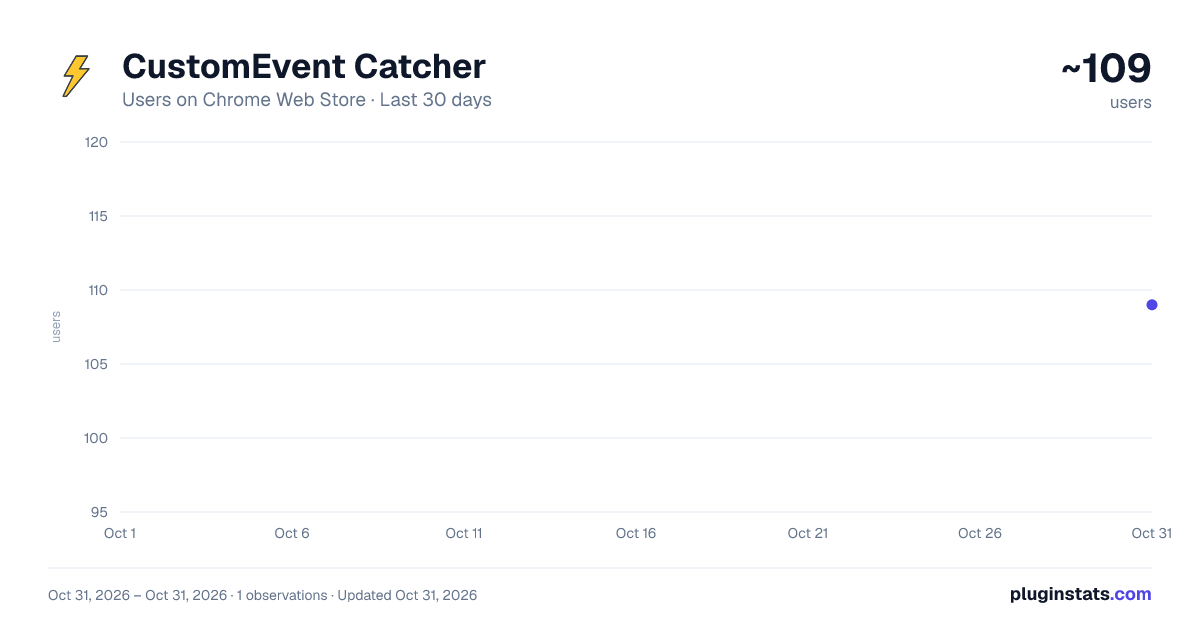
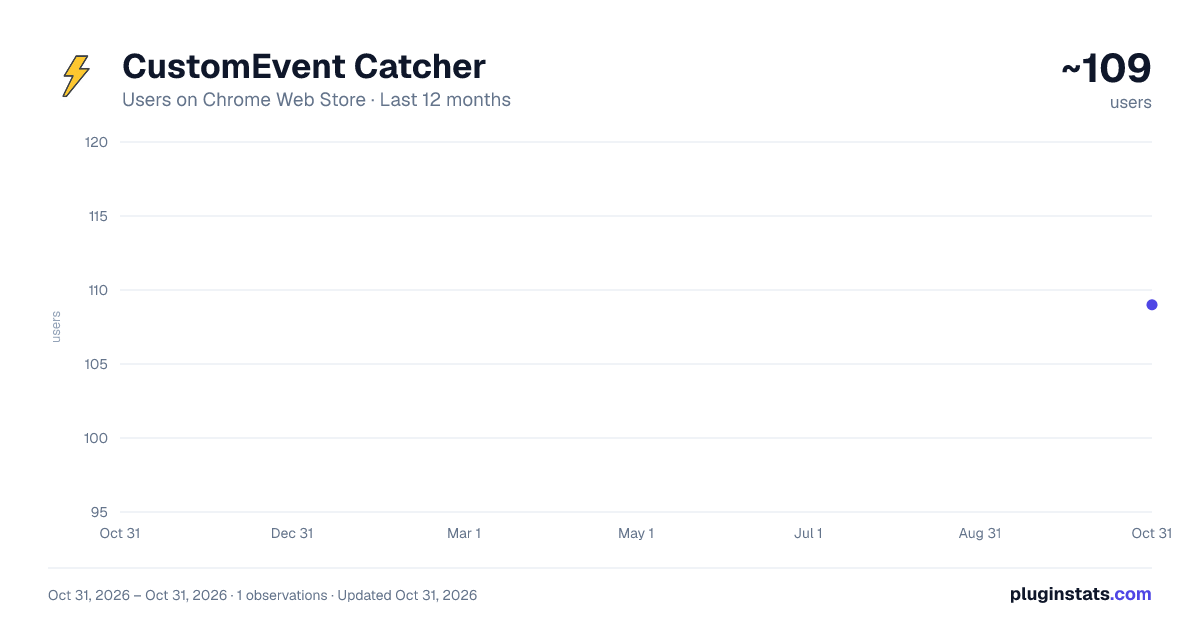
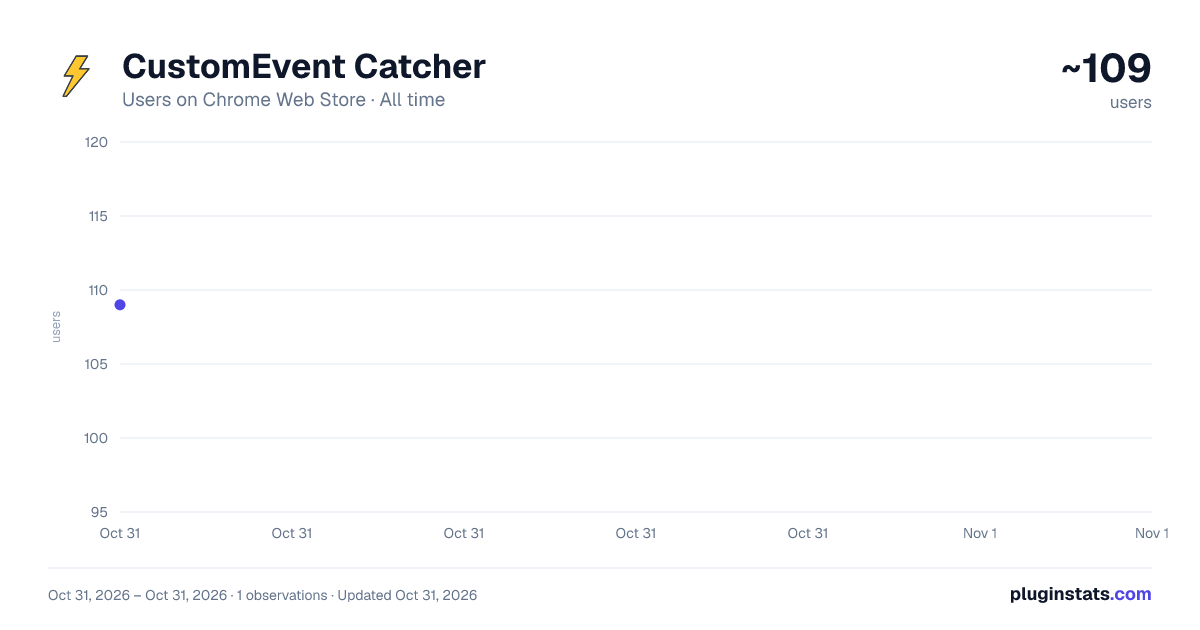
CustomEvent Catcher has approximately 109 recorded users on Chrome Web Store, ranking #6084 of 6,300 tracked listings.
About CustomEvent Catcher
Captures CustomEvent dispatches on pages and logs details.
CustomEvent Catcher is a powerful Chrome DevTools extension for debugging custom events in web applications. Monitor, filter, replay, inspect, and export CustomEvent dispatches with advanced developer-friendly features.
Key Features:
🔍 Dedicated DevTools Panel Real-time CustomEvent monitoring in a dedicated tab with sticky headers and auto-scroll
🎯 Target Element Tracking • Visual display of event target selectors with shadow DOM support • Click target links to instantly highlight and inspect elements in DevTools • Stable selector generation using IDs or nth-child positioning • Shadow DOM-aware with custom :shadow-root pseudo-selector
📍 Initiator Tracking Click links to jump directly to the source code that dispatched each event (supports source maps for TypeScript/JSX)
🔎 Advanced Filtering • Filter by event type or detail with case-insensitive substring matching • Autocomplete dropdown showing all available event types • Keyboard navigation (arrow keys, Enter, Escape) • Per-tab filter persistence across panel reopens
📜 Smart Auto-Scroll • Automatically follows new events when scrolled to bottom • "See Latest" button for one-click smooth scroll to newest events • Intelligently handles rapid event bursts
💾 Preserve Log Optional per-tab setting to keep events across page refreshes and navigations
⏸️ Capture Control • Pause/resume capturing via popup toggle or panel status badge • Visual feedback: grayscale icon and badge when paused • Per-tab badge counter showing event volume
🔄 Event Actions • Replay (↻) - Dispatch events again on original target element for accurate testing • Copy (⎘) - Copy ready-to-paste dispatchEvent() commands • Inspect Target - Click target selector to highlight element in DevTools Elements panel • Clear - Reset panel and badge counter
📤 Export Options • Export all captured events as JSON • Export filtered events matching current criteria
🌳 Shadow DOM Support • Full traversal of shadow roots and nested shadow DOM • Reliable element resolution with special character handling (e.g., IDs with dots) • Replay events on targets inside shadow roots
🖥️ Console Integration Events logged to console with clickable initiator links for quick debugging
🔒 Privacy-Focused • Zero data collection or transmission • All data stays in browser memory (500 event buffer) • No analytics, tracking, or external requests • Open source on GitHub
Perfect for: • Debugging event-driven architectures • Testing custom event flows in Shadow DOM components • Understanding event dispatch patterns • Tracing event sources in large applications • Documenting event payloads • Working with web components and shadow DOM
Technical Details: • Supports source maps for accurate initiator tracking • Shadow DOM-aware selector generation and resolution • Attribute selector escaping for IDs with special characters • CSP-safe implementation • Per-tab state management • MV3 compliant • Lightweight injection with minimal performance impact
Get precise visibility into your application's custom events with CustomEvent Catcher!
Privacy Policy Summary: CustomEvent Catcher does not collect, transmit, or store any personal data. All event data stays in your browser's memory and is only visible in DevTools. The extension only stores user preferences (capture toggle state and filter settings) locally.
Description from the Chrome Web Store listing.
README badge
Show your rank in a README or on your website. The badge updates automatically.
Charts
Images: 30d · 1y · all time · 1600×900 dark
Adoption over time
7/30/90-day growth
Ranking history
Ratings over time
Listing placement
Listing placement
Filled points are observed values; hollow points come from Internet Archive snapshots of the listing page. Dashed segments span periods with no observations — values between points are not interpolated.
Each band is one page of 20. Users on a linear scale. Placement is projected from users, so it can differ from the marketplace's own sort order. Hover a dot to see the listing.
Recent observations
Full history (1)Similar Chrome Web Store Developer Tools plugins
All 20 CustomEvent Catcher alternatives



Data source
Covers every Chrome Web Store extension with at least 100 users, found through the store's public sitemap. User counts are read from public listing pages. The 10% most-used extensions are refreshed daily, the next 40% weekly and the next 40% monthly; the least-used 10% are not refreshed. Google displays rounded user counts (and caps the display at 10,000,000+), so small changes may not be visible. Rating counts above 1,000 are rounded (e.g. 1.6K).
Listing: https://chromewebstore.google.com/detail/customevent-catcher/gljakeejpfjidhonjiicckonbddckklh. First seen Oct 31, 2026; last successful collection Oct 31, 2026. See the methodology.