 PluginStats
Network Debugger Plus users statistics
By max.shtefan · Chrome Web Store · Developer Tools
Advanced network request inspector with filtering and payload viewer
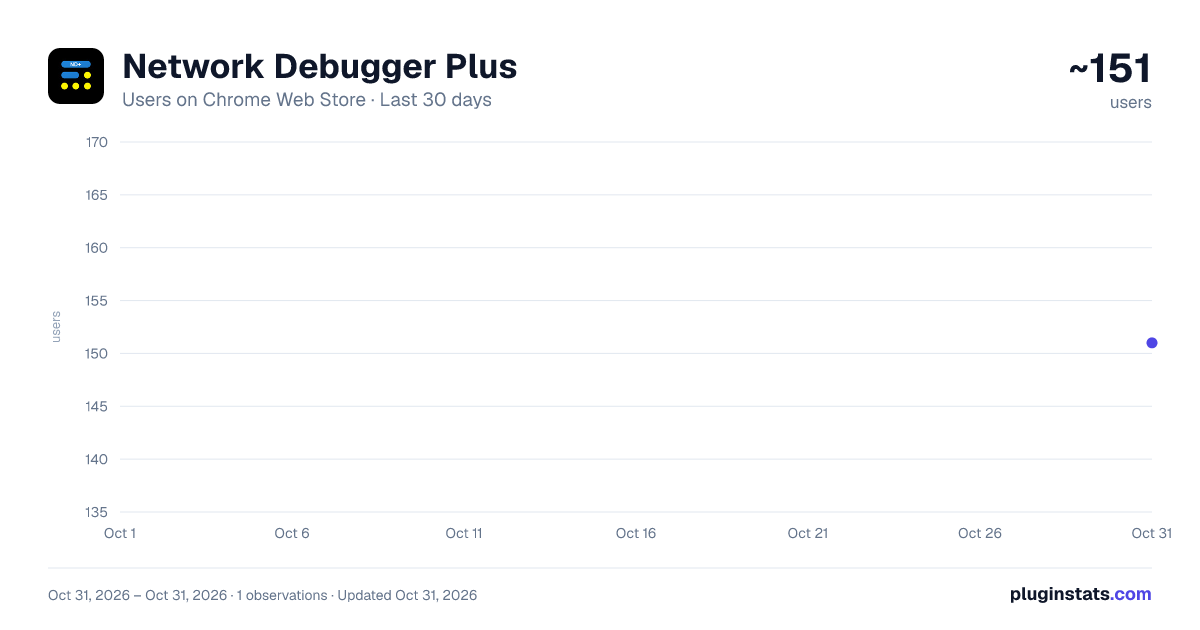
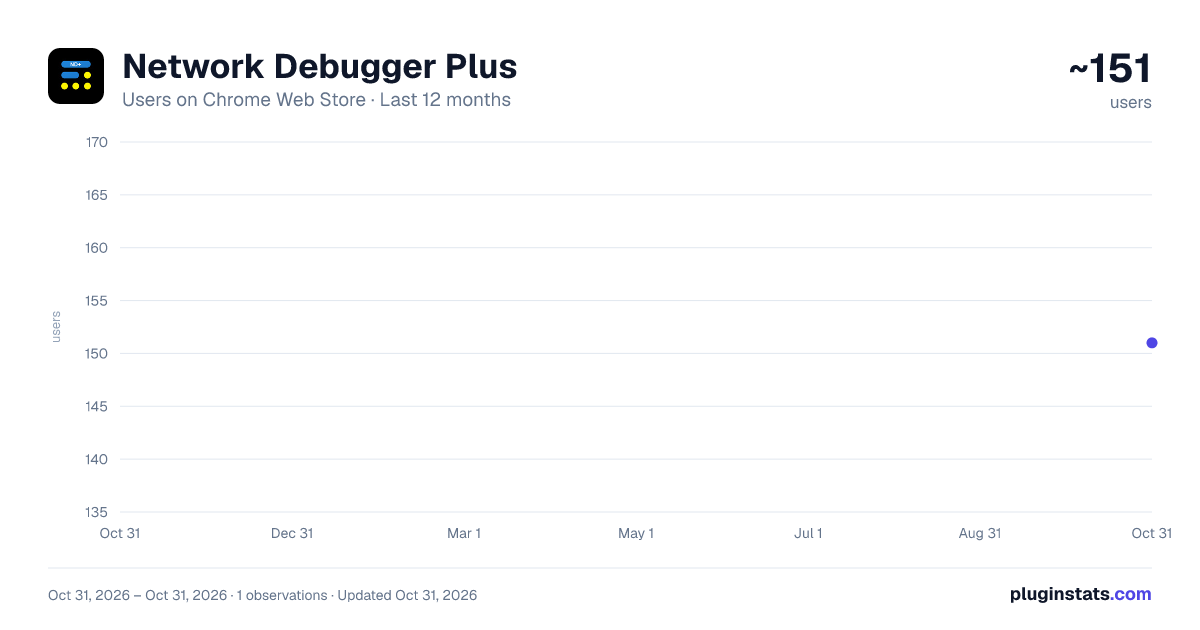
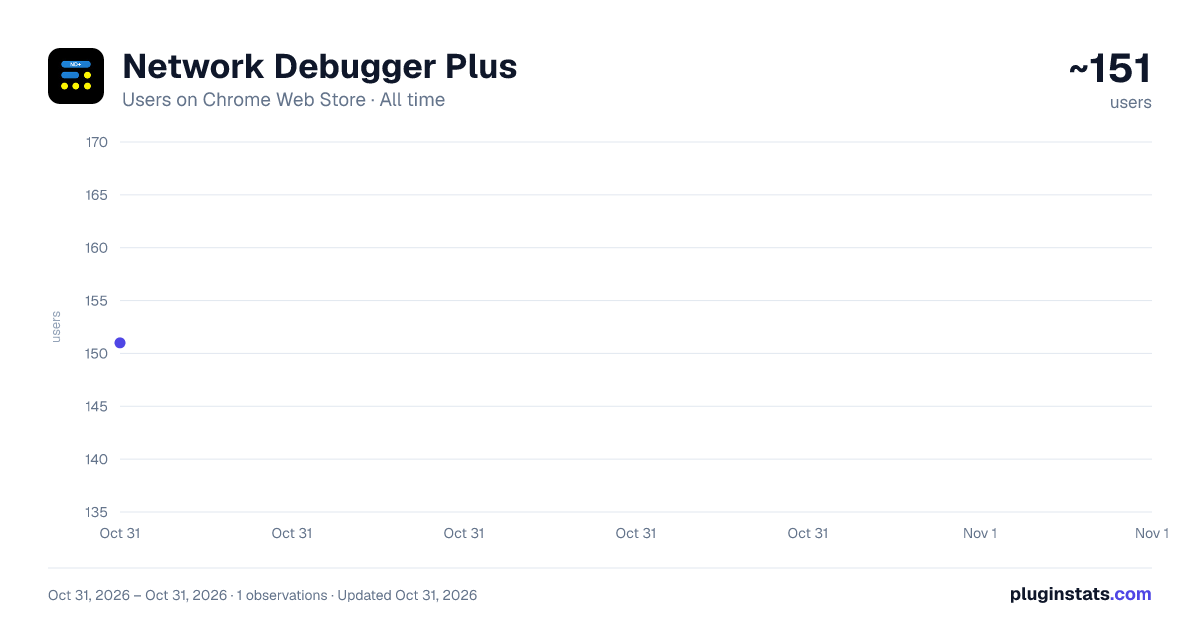
Network Debugger Plus has approximately 151 recorded users on Chrome Web Store, ranking #5010 of 5,946 tracked listings.
Rating: 5.00 / 5 from 2 ratings
About Network Debugger Plus
Advanced network request inspector with filtering and payload viewer
Network Debugger Plus (ND+) is a powerful Chrome DevTools extension for debugging and inspecting network requests, offering interactive JSON tree views that automatically parse and present request and response payloads in a clear, structured format.
Extension developed by: Max Shtefan
🔍 KEY FEATURES:
• NEW FEATURE: Click icon to launch and try the side panel. • Real-Time Network Monitoring Capture and display network requests as they happen in real-time. No need to wait for pages to fully load - see request details immediately.
• Advanced Filtering Filter requests by URL keywords with persistent search. Your filter preferences are saved and restored when you reopen DevTools.
• Interactive JSON Tree View Automatically parse and display JSON payloads in a clean, collapsible tree structure. Expand and collapse objects and arrays with a single click.
• Form Data Parser Parse and display form data (URL-encoded and multipart) in organized key-value tables. Nested JSON within form data is automatically parsed into tree views.
• Resizable Columns Adjust column widths to fit your workflow. All columns are independently resizable with intuitive drag handles.
• Dark Mode Support Toggle between light and dark themes with a beautiful night sky button. Your preference is saved across sessions.
• Request Cancellation Detection Automatically detect and highlight canceled requests with red styling. Cancel pending requests by pressing ESC.
• Quick URL Access Double-click any request to open its URL in a new tab for quick navigation.
• Smart Highlighting Highlight specific form data values with persistent checkboxes. Your highlights are saved and restored.
• Responsive Layout Resizable request panel allows you to customize the layout to your preference.
🎯 PERFECT FOR: • Analysts and Business Intelligence Teams • Frontend developers debugging API calls • Backend developers testing endpoints • QA engineers inspecting network traffic • Anyone who needs detailed network request analysis
📊 WHAT YOU GET: • Complete request/response headers • Parsed payload visualization • Status code tracking • Request size information • Content type detection • Real-time updates
⚡ EASY TO USE:
- Open Chrome DevTools (F12)
- Click on the "Network Debugger Plus" tab
- Start inspecting network requests immediately
- NEW FEATURE: Click icon to launch a side panel
All data is processed locally in your browser - no external servers, no tracking, complete privacy.
Description from the Chrome Web Store listing.
README badge
Show your rank in a README or on your website. The badge updates automatically.
Charts
Images: 30d · 1y · all time · 1600×900 dark
Adoption over time
7/30/90-day growth
Ranking history
Ratings over time
Listing placement
Listing placement
Filled points are observed values; hollow points come from Internet Archive snapshots of the listing page. Dashed segments span periods with no observations — values between points are not interpolated.
Each band is one page of 20. Users on a linear scale. Placement is projected from users, so it can differ from the marketplace's own sort order. Hover a dot to see the listing.
Recent observations
Full history (1)Similar Chrome Web Store Developer Tools plugins
All 20 Network Debugger Plus alternatives



Data source
Covers every Chrome Web Store extension with at least 100 users, found through the store's public sitemap. User counts are read from public listing pages. The 10% most-used extensions are refreshed daily, the next 40% weekly and the next 40% monthly; the least-used 10% are not refreshed. Google displays rounded user counts (and caps the display at 10,000,000+), so small changes may not be visible. Rating counts above 1,000 are rounded (e.g. 1.6K).
Listing: https://chromewebstore.google.com/detail/network-debugger-plus/kmjhbphgkicbmhbgjapkamlcjlonldnc. First seen Oct 31, 2026; last successful collection Oct 31, 2026. See the methodology.