 PluginStats

Obsignals users statistics
Chrome Web Store · Accessibility
Real-time trading signals in your browser side panel.
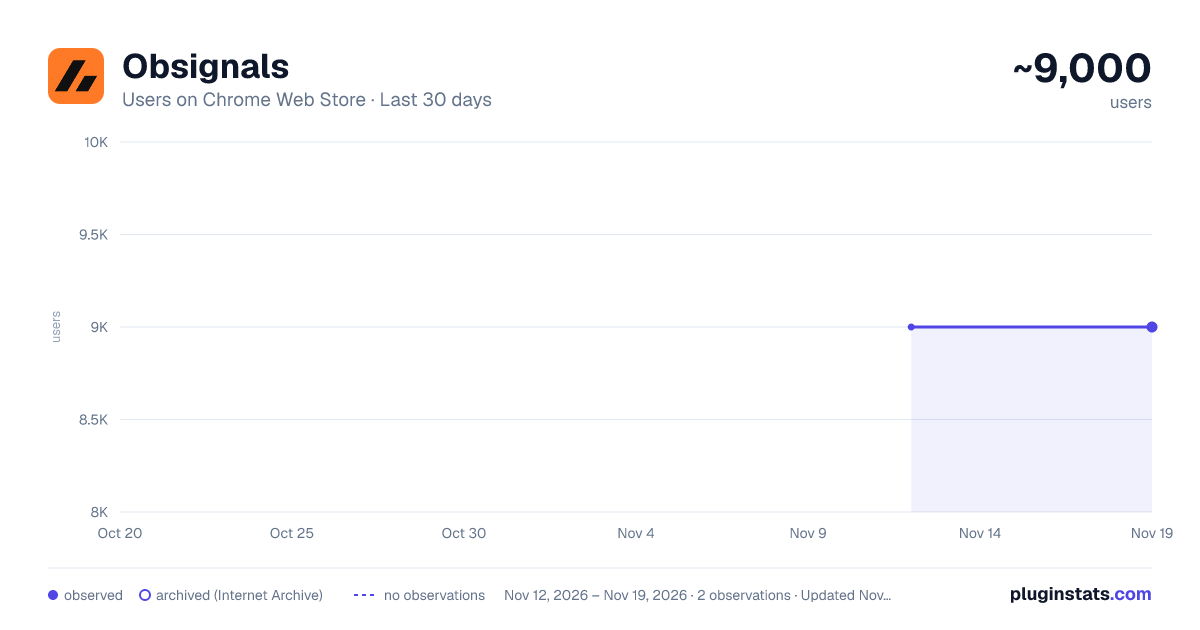
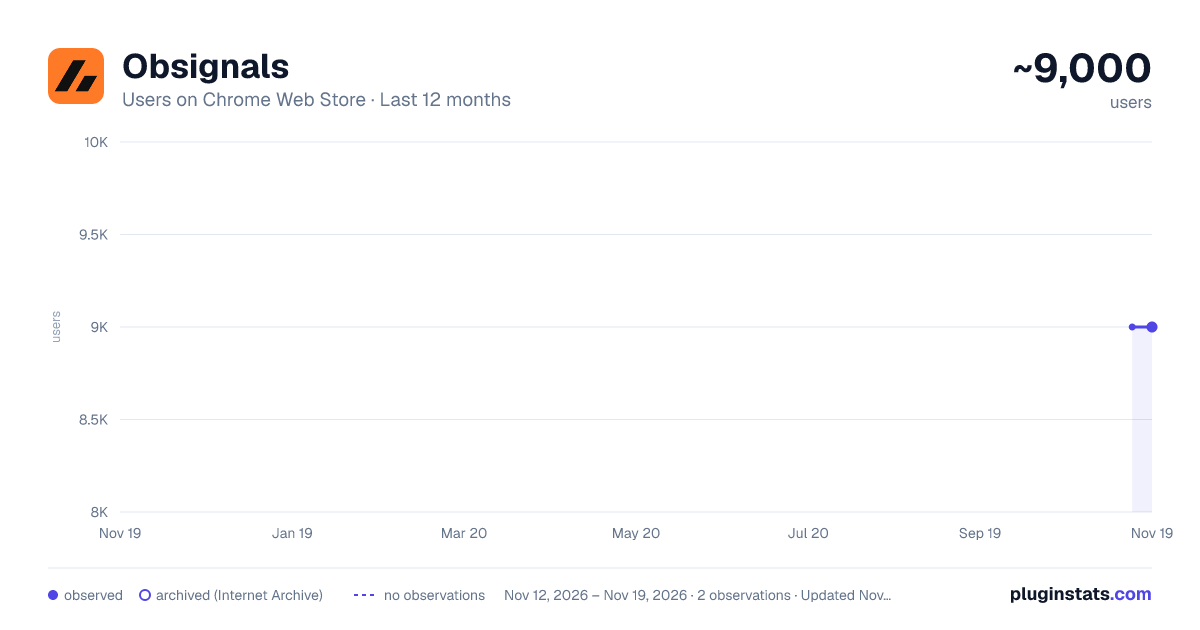
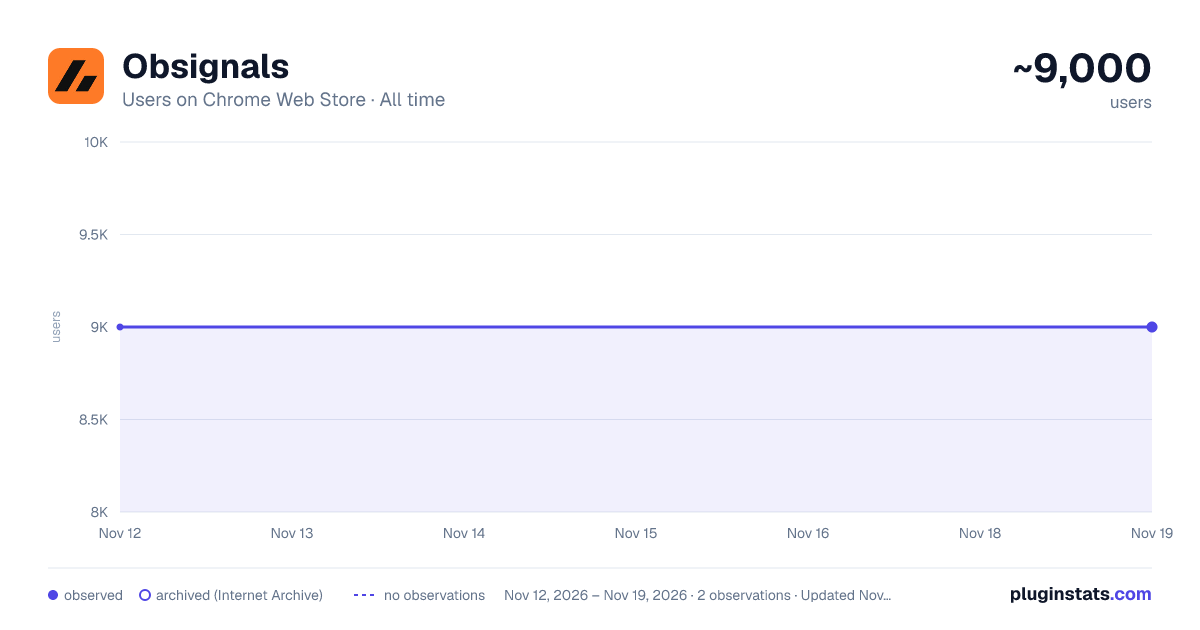
Obsignals has approximately 9,000 recorded users on Chrome Web Store, a change of 0.0% over the past 7 days, ranking #1241 of 10,388 tracked listings.
Rating: 3.10 / 5 from 151 ratings
About Obsignals
Real-time trading signals in your browser side panel.
Obsignals is a Google Chrome extension that provides trading signals for the binary options market. It is designed for both beginners and experienced traders who want a simple way to access market signals and review potential trading opportunities directly from their browser.
The extension provides more than 100 signals each day, with a reported accuracy rate of over 90%. Signals are available 24 hours a day, 7 days a week, covering both the standard market and the Over-the-Counter (OTC) market.
KEY FEATURES
100+ Daily Signals
Receive more than 100 signals throughout the day across supported assets and markets.
Over 90% Reported Accuracy
Signals are available for 1-minute (1M) and 5-minute (5M) timeframes.
Standard and OTC Markets
The extension covers the regular binary options market as well as the OTC market, according to the signal schedule.
24/7 Availability
Signals are provided every day of the week, including OTC sessions outside standard market hours.
Sent in Advance
Signals are delivered a few minutes before the indicated entry time so users can review the information before making a decision.
Free to Use
Obsignals is available through Chrome without a subscription fee.
SUPPORTED BROKERS
Obsignals works with several binary options platforms. Support depends on whether you are using the standard market or the OTC market.
HOW OBSIGNALS WORKS
Obsignals analyzes market data and generates signals that include information such as the asset, direction, timeframe, and signal time.
The purpose of each signal is to provide additional market information that users can review alongside their own analysis and trading strategy before deciding whether to enter a trade.
HOW TO GET STARTED
-
Install the Obsignals Chrome extension.
-
Select a supported broker for the market you want to trade.
-
Review the available signal and use it together with your own market analysis and risk-management approach.
SIGNAL SCHEDULE
Monday to Friday
00:00 to 17:00 (UTC-3) Signals are provided for the standard binary options market.
17:00 to 00:00 (UTC-3) Signals are provided for the OTC market.
Saturday and Sunday
Signals are provided for the OTC market.
Trading hours and chart availability may vary between brokers.
ADDITIONAL INFORMATION
Obsignals is designed specifically for binary options trading and is not intended for the Forex market.
The extension is designed for use on a computer through Google Chrome and is not directly available as a mobile extension.
Most signals are intended for a single trade. In some cases, the service may use the Martingale strategy up to Level 2. Users who are unfamiliar with this strategy should practice on a demo account before using real funds.
RISK DISCLOSURE
Trading involves financial risk and may result in the loss of funds. Obsignals provides market signals as informational support and does not guarantee profits or any specific trading outcome. Users should understand the risks involved and make their own trading decisions.
RESPONSIBLE MARKETING AND MONETIZATION
Obsignals is an affiliate of several binary options brokers. Some recommendations made through the extension may include affiliate links, and Obsignals may receive a commission when a user signs up through one of those links. This relationship is disclosed so users understand how the service is monetized.
Description from the Chrome Web Store listing.
README badge
Show your rank in a README or on your website. The badge updates automatically.
Charts
Images: 30d · 1y · all time · 1600×900 dark
Adoption over time
7/30/90-day growth
Ranking history
Ratings over time
Listing placement
Listing placement
Filled points are observed values; hollow points come from Internet Archive snapshots of the listing page. Dashed segments span periods with no observations — values between points are not interpolated.
Each band is one page of 20. Users on a linear scale. Placement is projected from users, so it can differ from the marketplace's own sort order. Hover a dot to see the listing.
Recent observations
Full history (2)Similar Chrome Web Store Accessibility plugins
All 20 Obsignals alternatives



Data source
Covers every Chrome Web Store extension with at least 100 users, found through the store's public sitemap. User counts are read from public listing pages. The 10% most-used extensions are refreshed daily, the next 40% weekly and the next 40% monthly; the least-used 10% are not refreshed. Google displays rounded user counts (and caps the display at 10,000,000+), so small changes may not be visible. Rating counts above 1,000 are rounded (e.g. 1.6K).
Listing: https://chromewebstore.google.com/detail/obsignals/amkbjfeoamfehgknhbnpggkkcmelkebb. First seen Nov 12, 2026; last successful collection Nov 19, 2026. See the methodology.