 PluginStats

Enable right click - allow copy & select users statistics
By Allow copy&select · Chrome Web Store · Accessibility
Enable context menus on protected websites. Unblock right click menu. Highlight and allow copy option for all pages works again.
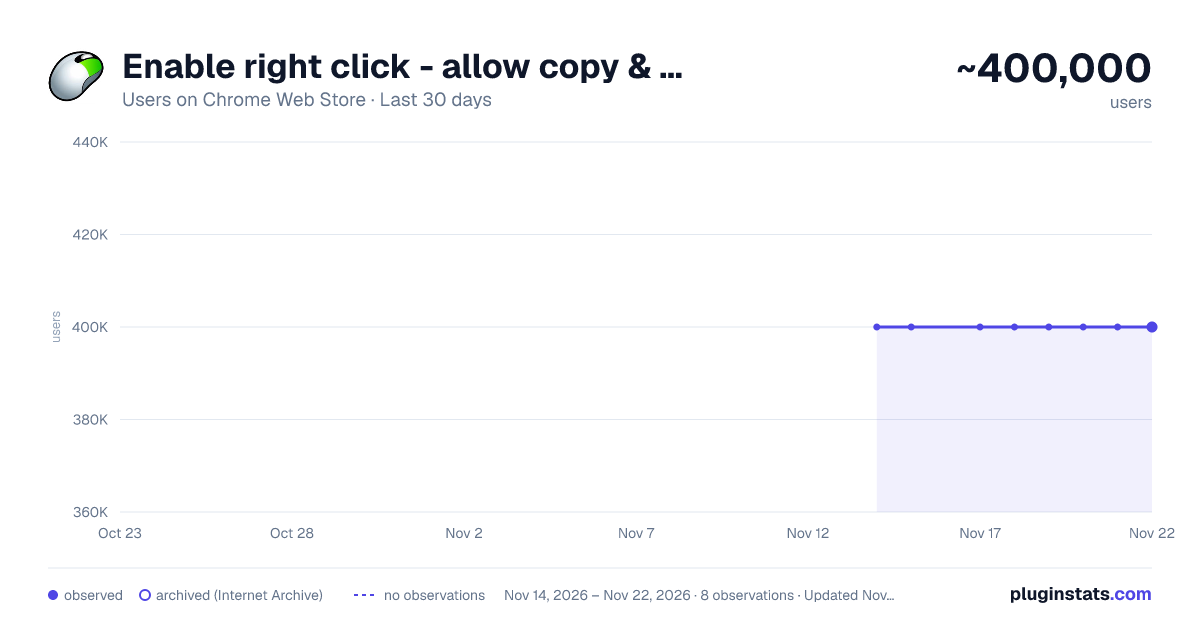
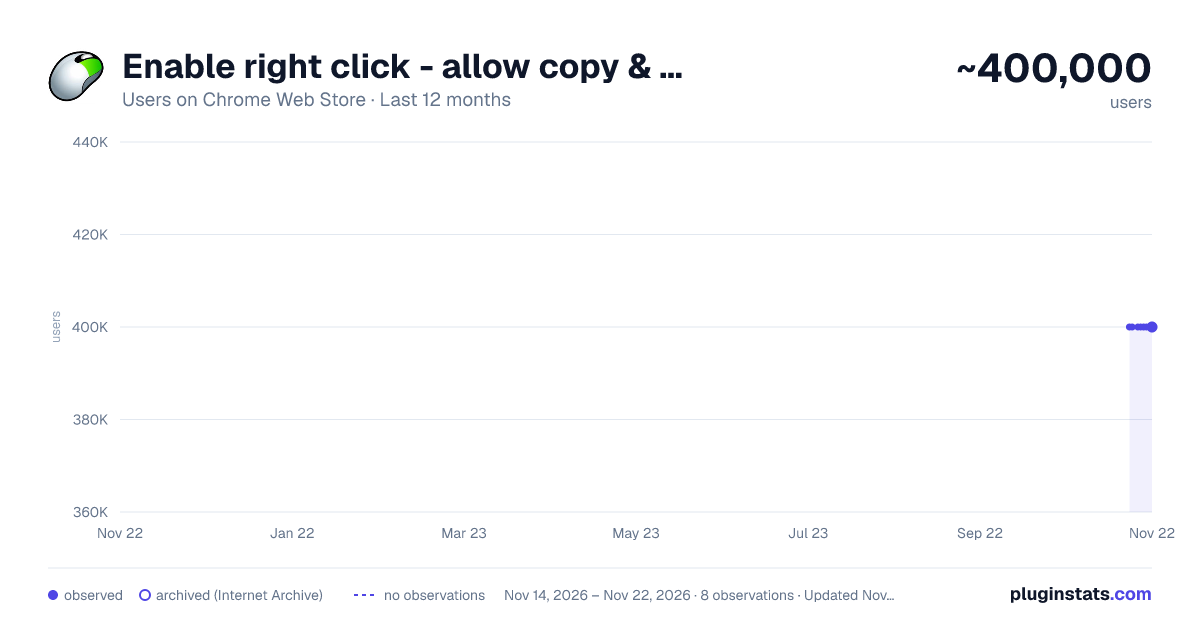
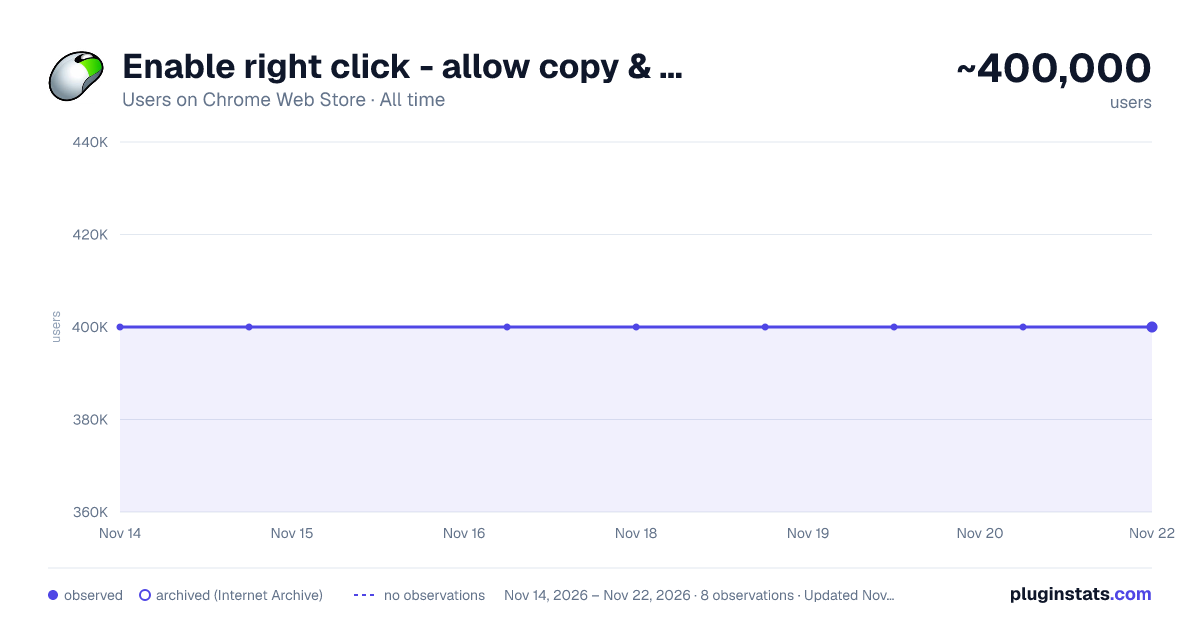
Enable right click - allow copy & select has approximately 400,000 recorded users on Chrome Web Store, a change of 0.0% over the past 7 days, ranking #126 of 10,388 tracked listings.
Rating: 3.60 / 5 from 530 ratings
About Enable right click - allow copy & select
Enable context menus on protected websites. Unblock right click menu. Highlight and allow copy option for all pages works again.
Enable Context Menu and Select, Allow select, Allow copy, Allow right click in so restricted pages.
Installing this free extension enables you to cut, copy, and paste via right-click menus and the ribbon toolbar when using Office on the web.
Due to limitations of web browsers, copying and pasting in Microsoft Office for the web through menus requires additional permissions which are provided through this extension.
Enable copy and right-click on protected websites.
Usage:
- Click browser action icon to enter "copy mode" for current site Features:
- Unlocks copy (for real)
- Remembers which site to unblock for future visits
---> Once this extension is installed you must reload any open tabs in order for it to work<---
--->If you change the extension settings any open tabs must be reloaded in order for them to take effect <----
MAKE SURE TO RELOAD THE WEBPAGE AFTER INSTALLING THIS EXTENSION .
- Since the extension needs to know the active tabs , so the basic permission it requires is "tabs" . But Chrome will label it as "can read and change all your data on websites you visit " while asking for the permission .This extension does not track or use your browsing history in any ways.The only information it needs is the active states of the tabs.
Copy&Paste Pro extension "Enable Right Click" is a solution for websites that block Copy , Paste , Select Text and Right clicks .
- This extension works separately for each tab .
- Clicking on the extension icon will enable/disable it .
- The extension gets disabled on page reload .
- Check the status enabled (green tick) or disabled (grey tick) of the extension on the toolbar (top right corner).
Description from the Chrome Web Store listing.
README badge
Show your rank in a README or on your website. The badge updates automatically.
Charts
Images: 30d · 1y · all time · 1600×900 dark
Adoption over time
7/30/90-day growth
Ranking history
Ratings over time
Listing placement
Listing placement
Filled points are observed values; hollow points come from Internet Archive snapshots of the listing page. Dashed segments span periods with no observations — values between points are not interpolated.
Each band is one page of 20. Users on a linear scale. Placement is projected from users, so it can differ from the marketplace's own sort order. Hover a dot to see the listing.
Recent observations
Full history (7)Similar Chrome Web Store Accessibility plugins
All 20 Enable right click - allow copy & select alternatives



Data source
Covers every Chrome Web Store extension with at least 100 users, found through the store's public sitemap. User counts are read from public listing pages. The 10% most-used extensions are refreshed daily, the next 40% weekly and the next 40% monthly; the least-used 10% are not refreshed. Google displays rounded user counts (and caps the display at 10,000,000+), so small changes may not be visible. Rating counts above 1,000 are rounded (e.g. 1.6K).
Listing: https://chromewebstore.google.com/detail/enable-right-click-allow/mlloloooolpffjkjaclpfpeednngpjon. First seen Nov 14, 2026; last successful collection Nov 21, 2026. See the methodology.