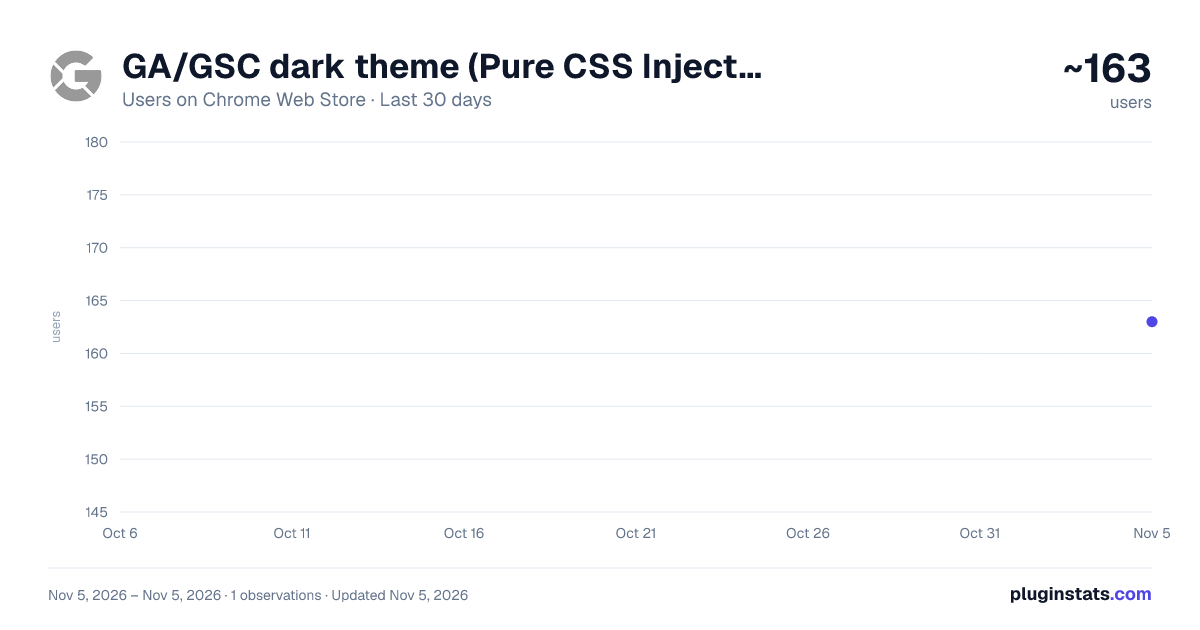
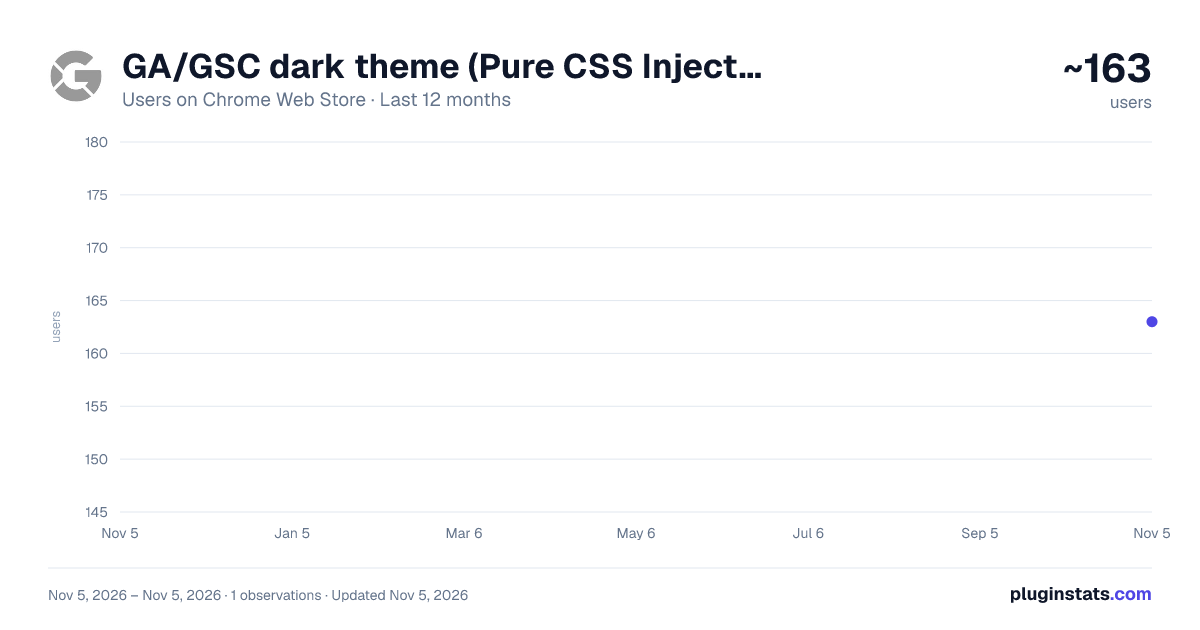
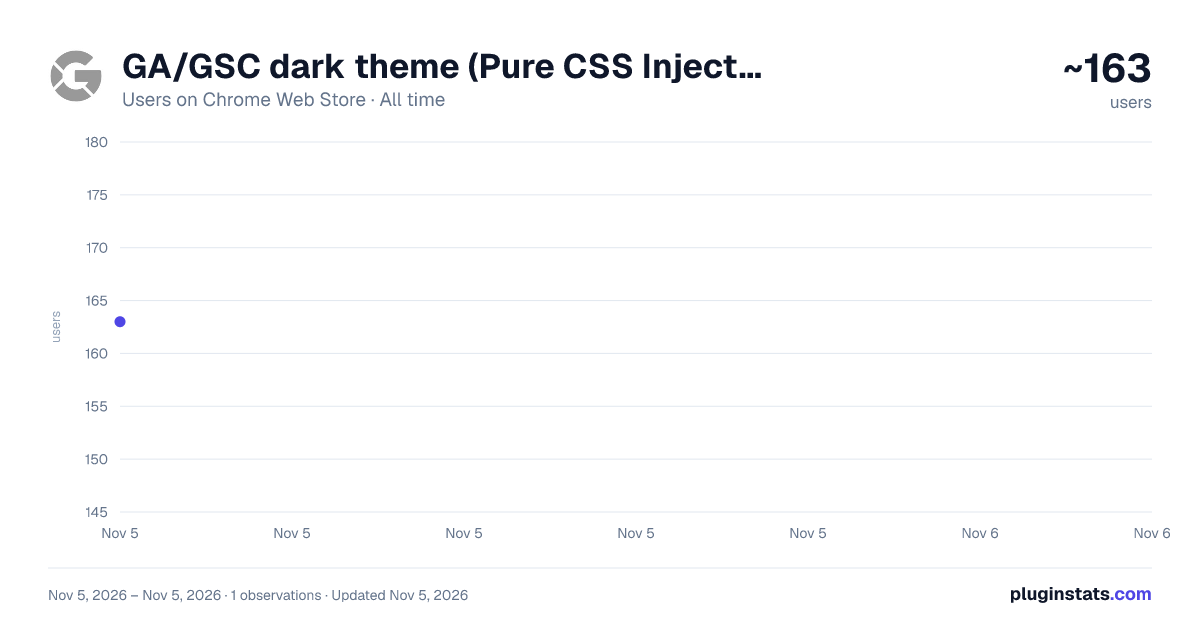
GA/GSC dark theme (Pure CSS Injection) has approximately 163 recorded users on Chrome Web Store, ranking #5990 of 7,342 tracked listings.
Rating: 5.00 / 5 from 3 ratings
About GA/GSC dark theme (Pure CSS Injection)
Analytics and Search Console dark theme (Pure CSS Injection)
My eyes hurt when checking Google Search Console and Google Analytics at night. So I created this simple utility to inject some dark theme CSS into the GA and GSC pages.
Highlights:
It will follow your system's dark/light settings. It won't force your GA and GSC pages to become dark when you don't want it.
It will mark the "<html>" element as black, so even if you're opening the pages for the first time, your eyes won't be hurt by the flash of a blank white screen.
Everything in this extension is purely some CSS code. No JS involved. It's super safe. No extra permission needs!
Description from the Chrome Web Store listing.
README badge
Show your rank in a README or on your website. The badge updates automatically.
Filled points are observed values; hollow points come from Internet Archive snapshots of the listing page. Dashed segments span periods with no observations — values between points are not interpolated.
Each band is one page of 20. Users on a linear scale. Placement is projected from users, so it can differ from the marketplace's own sort order. Hover a dot to see the listing.
Covers every Chrome Web Store extension with at least 100 users, found through the store's public sitemap. User counts are read from public listing pages. The 10% most-used extensions are refreshed daily, the next 40% weekly and the next 40% monthly; the least-used 10% are not refreshed. Google displays rounded user counts (and caps the display at 10,000,000+), so small changes may not be visible. Rating counts above 1,000 are rounded (e.g. 1.6K).
 PluginStats