 PluginStats

Link to Fragments users statistics
By Lino Uruñuela (2 listings) · Chrome Web Store · Accessibility
Select one or multiple text fragments on any webpage to generate and copy a single direct link.
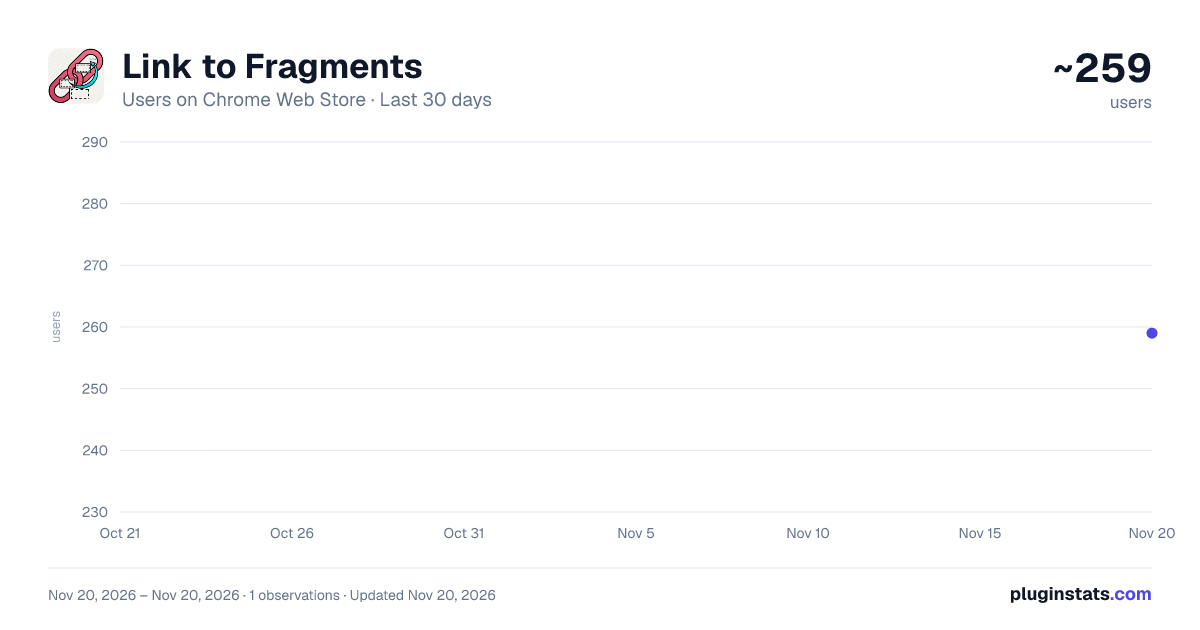
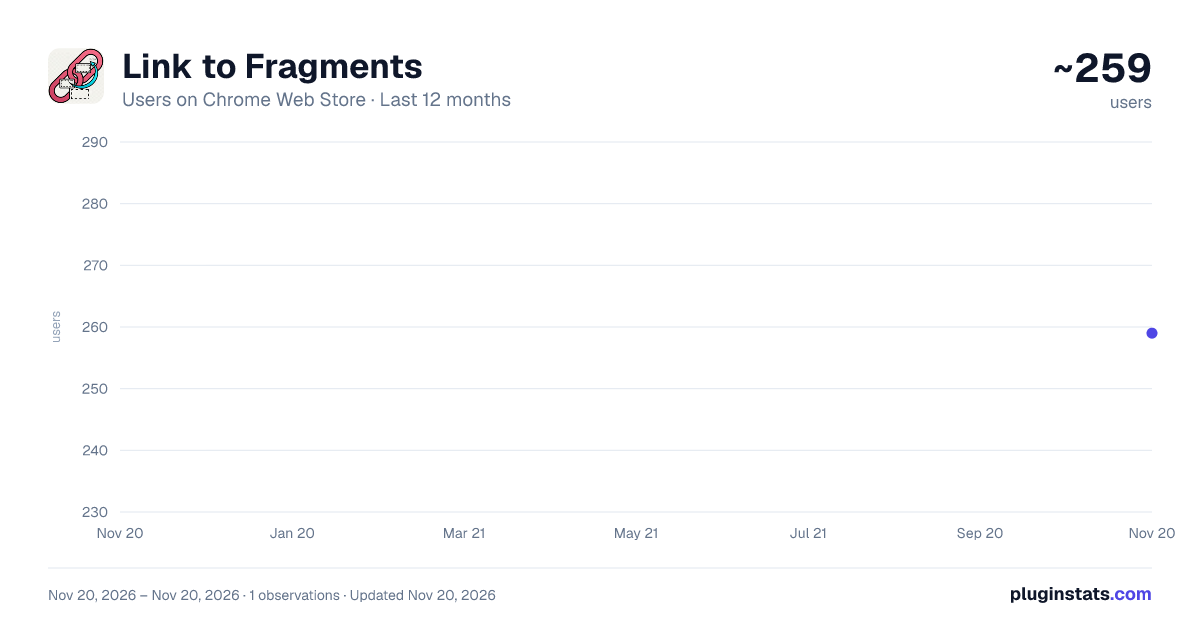
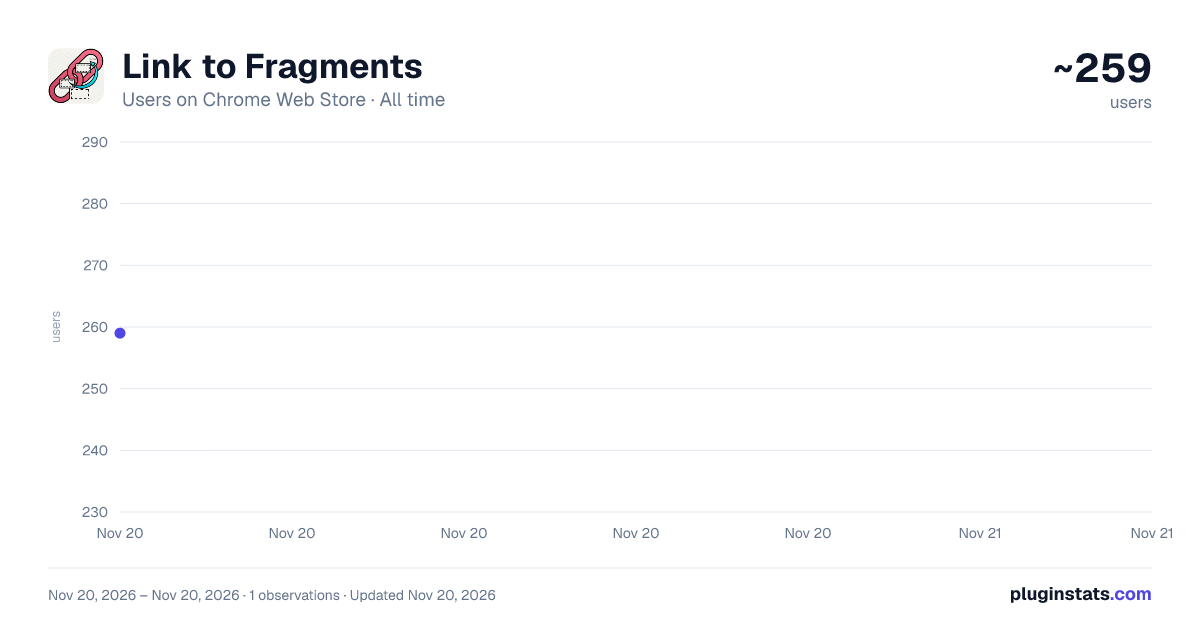
Link to Fragments has approximately 259 recorded users on Chrome Web Store, ranking #6987 of 10,388 tracked listings.
Rating: 4.50 / 5 from 2 ratings
About Link to Fragments
Select one or multiple text fragments on any webpage to generate and copy a single direct link.
Tired of telling people to "scroll down to the third paragraph" or sending entire articles just to point out a few key sentences? With Link to Fragments, you can create a special link that directs anyone straight to the exact text you've selected on a webpage.
What makes Link to Fragments unique is its ability to select and link to multiple, separate text fragments on the same page, all within a single, clean URL. Now you can highlight various important points across a long document and share them with one simple click.
This powerful tool is perfect for students, researchers, writers, and anyone who needs to cite, share, or reference specific information with absolute precision. Stop wasting time explaining where to look and start sharing exactly what matters.
Key Features:
- Multi-Fragment Selection: Highlight one or multiple pieces of text anywhere on a page.
- One-Click Link Generation: Instantly generate a unique URL that points directly to your selections.
- Seamless Sharing: The generated link automatically highlights the selected fragments for anyone who opens it.
- Easy to Use: Simply right-click on your selected text to create the link via the context menu.
- Boosts Productivity: Perfect for academic citations, team collaboration, and sharing specific quotes or data points.
How it works:
- Select any piece of text on a webpage.
- To select more, simply highlight other text fragments on the same page.
- Right-click and choose "Copy Link to Selected Fragments."
- Paste and share the generated URL!
Description from the Chrome Web Store listing.
README badge
Show your rank in a README or on your website. The badge updates automatically.
Charts
Images: 30d · 1y · all time · 1600×900 dark
Adoption over time
7/30/90-day growth
Ranking history
Ratings over time
Listing placement
Listing placement
Filled points are observed values; hollow points come from Internet Archive snapshots of the listing page. Dashed segments span periods with no observations — values between points are not interpolated.
Each band is one page of 20. Users on a linear scale. Placement is projected from users, so it can differ from the marketplace's own sort order. Hover a dot to see the listing.
Recent observations
Full history (1)Similar Chrome Web Store Accessibility plugins
All 20 Link to Fragments alternatives



Data source
Covers every Chrome Web Store extension with at least 100 users, found through the store's public sitemap. User counts are read from public listing pages. The 10% most-used extensions are refreshed daily, the next 40% weekly and the next 40% monthly; the least-used 10% are not refreshed. Google displays rounded user counts (and caps the display at 10,000,000+), so small changes may not be visible. Rating counts above 1,000 are rounded (e.g. 1.6K).
Listing: https://chromewebstore.google.com/detail/link-to-fragments/edldjmaahfpnohhdhcbcmaedmnmfjgab. First seen Nov 20, 2026; last successful collection Nov 20, 2026. See the methodology.