 PluginStats

Salesforce Permission Comparator users statistics
By Speetus It Solutions · Chrome Web Store · Accessibility
Helps to compare the permission between any user, profile, permission set or permission set group.
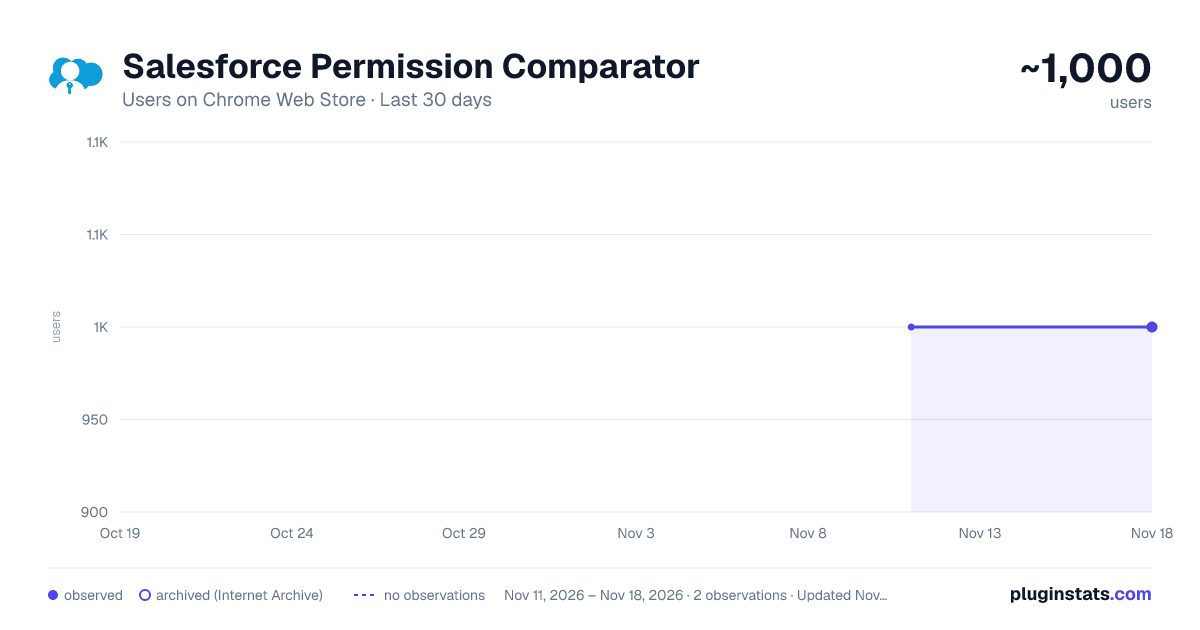
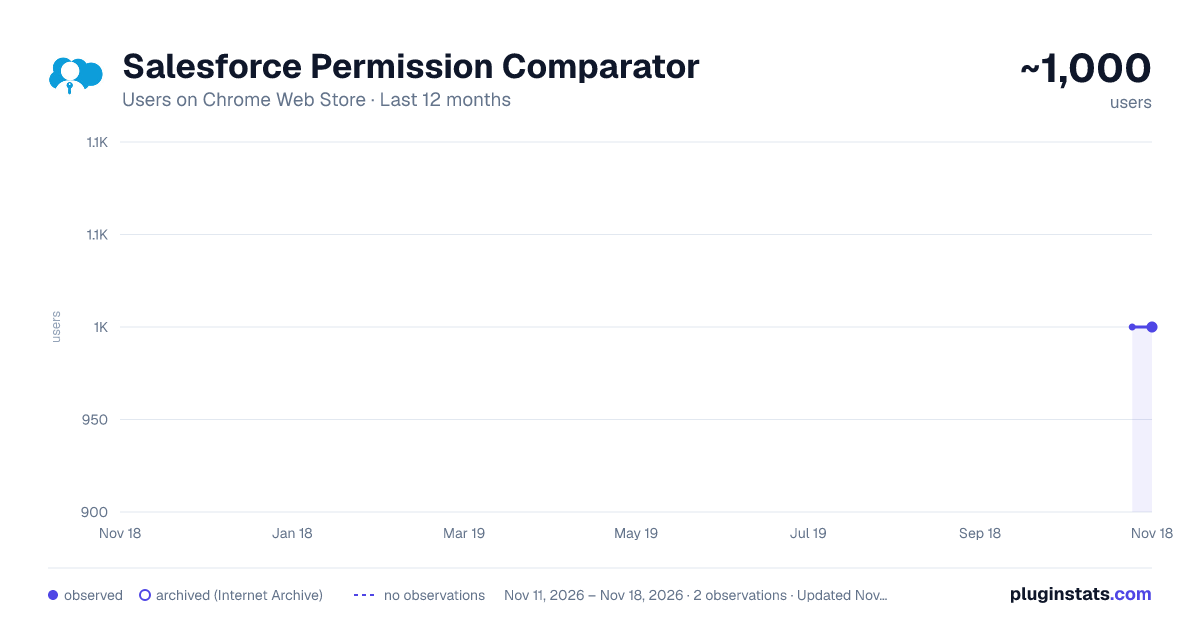
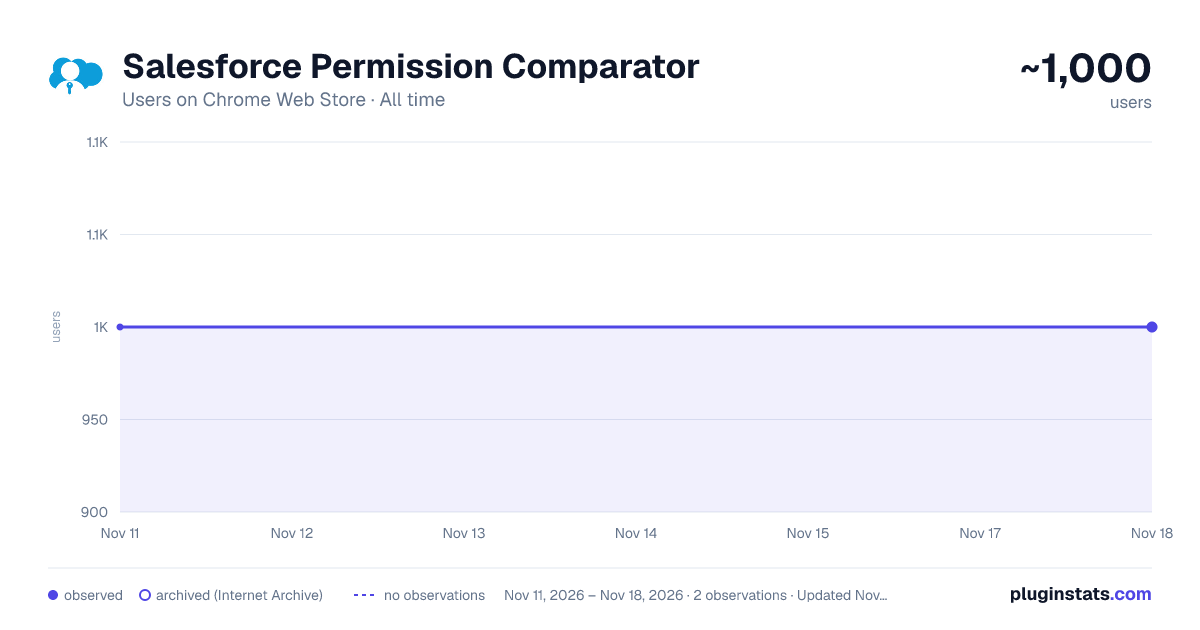
Salesforce Permission Comparator has approximately 1,000 recorded users on Chrome Web Store, a change of 0.0% over the past 7 days, ranking #3572 of 10,388 tracked listings.
Rating: 3.40 / 5 from 9 ratings
About Salesforce Permission Comparator
Helps to compare the permission between any user, profile, permission set or permission set group.
Salesforce Permission Comparator by Speetus IT Solutions Easily compare, analyze, and troubleshoot permissions across any Salesforce User, Profile, Permission Set, or Permission Set Group in seconds. Tired of manually clicking through setup pages to figure out why a user has or lacks specific access? Salesforce Permission Comparator provides a side-by-side matrix comparison with real-time difference highlighting and professional multi-tab Excel export. ─────────────────────────────────────────────── 🔥 KEY FEATURES ─────────────────────────────────────────────── 🔹 Multi-Entity Comparison Matrix • Compare up to 3 entities side-by-side (Users, Profiles, Permission Sets, and Permission Set Groups). • Unified view of effective permissions for users (Profile + all assigned Permission Sets & Groups). 🔹 Comprehensive Permission Coverage • Object & Field-Level Access (Create, Read, Edit, Delete, View All, Modify All). • User System & App Permissions. • Apex Class Access. • Visualforce Page Access. • Assigned Standard & Custom Apps. • Connected Apps Authorization. 🔹 Real-Time Diff & In-Matrix Search • "Show Diff Only" Mode: Instantly filter out identical access to highlight permission discrepancies. • Live Matrix Search: Search across object names, Apex classes, apps, and pages instantly. 🔹 One-Click Multi-Sheet Excel Export • Export entire comparison datasets into a multi-tab Excel (.xls) workbook. • Includes formatted metadata summary, entity cards, and color-coded diff highlights. 🔹 Direct Salesforce Setup Deep-Links • Jump directly from the comparison card into the Salesforce Setup page for the selected User, Profile, Permission Set, or Group. 🔹 Active & Inactive User Support • Inspect and compare active and inactive users without needing to re-activate accounts. 🔹 Smart Auto-Detection & High Performance • Automatically detects your active Salesforce session (Production, Sandbox, Developer Edition). • On-demand lazy loading ensures fast performance even in massive enterprise orgs.
Description from the Chrome Web Store listing.
README badge
Show your rank in a README or on your website. The badge updates automatically.
Charts
Images: 30d · 1y · all time · 1600×900 dark
Adoption over time
7/30/90-day growth
Ranking history
Ratings over time
Listing placement
Listing placement
Filled points are observed values; hollow points come from Internet Archive snapshots of the listing page. Dashed segments span periods with no observations — values between points are not interpolated.
Each band is one page of 20. Users on a linear scale. Placement is projected from users, so it can differ from the marketplace's own sort order. Hover a dot to see the listing.
Recent observations
Full history (2)Similar Chrome Web Store Accessibility plugins
All 20 Salesforce Permission Comparator alternatives



Data source
Covers every Chrome Web Store extension with at least 100 users, found through the store's public sitemap. User counts are read from public listing pages. The 10% most-used extensions are refreshed daily, the next 40% weekly and the next 40% monthly; the least-used 10% are not refreshed. Google displays rounded user counts (and caps the display at 10,000,000+), so small changes may not be visible. Rating counts above 1,000 are rounded (e.g. 1.6K).
Listing: https://chromewebstore.google.com/detail/salesforce-permission-com/hooppebokciofgeklpjbkbmpcpnfaang. First seen Nov 11, 2026; last successful collection Nov 18, 2026. See the methodology.