 PluginStats

OCR Image to text - Image Reader users statistics
By dongzhuwei1 (2 listings) · Chrome Web Store · Accessibility
A powerful optical character recognition (OCR) extension to capture and convert images to text
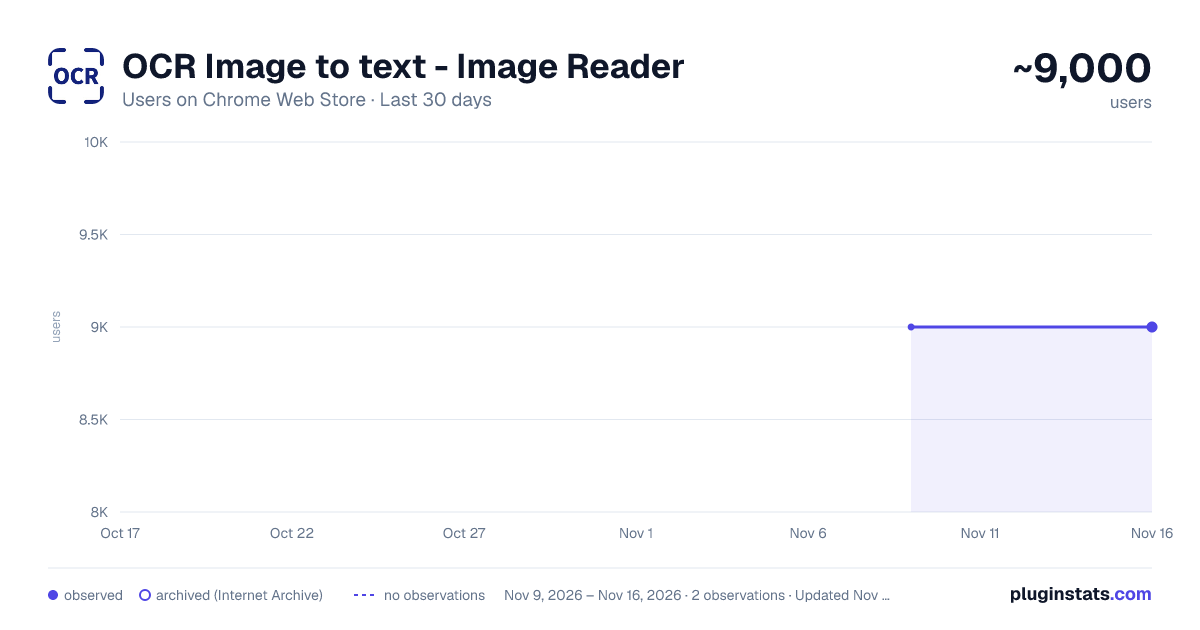
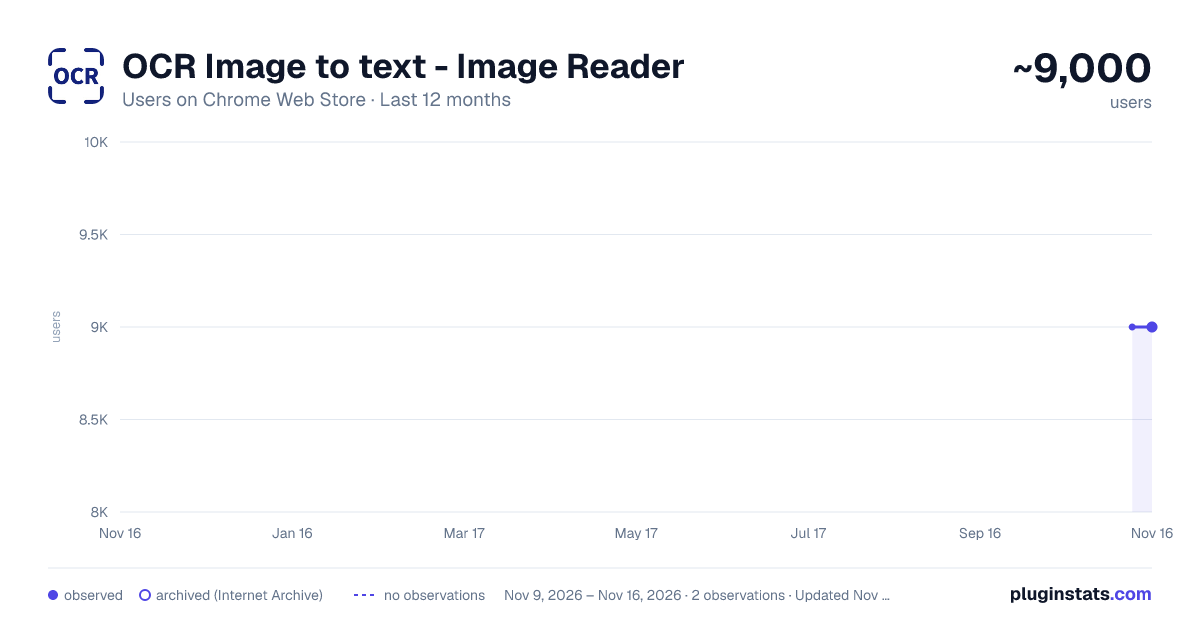
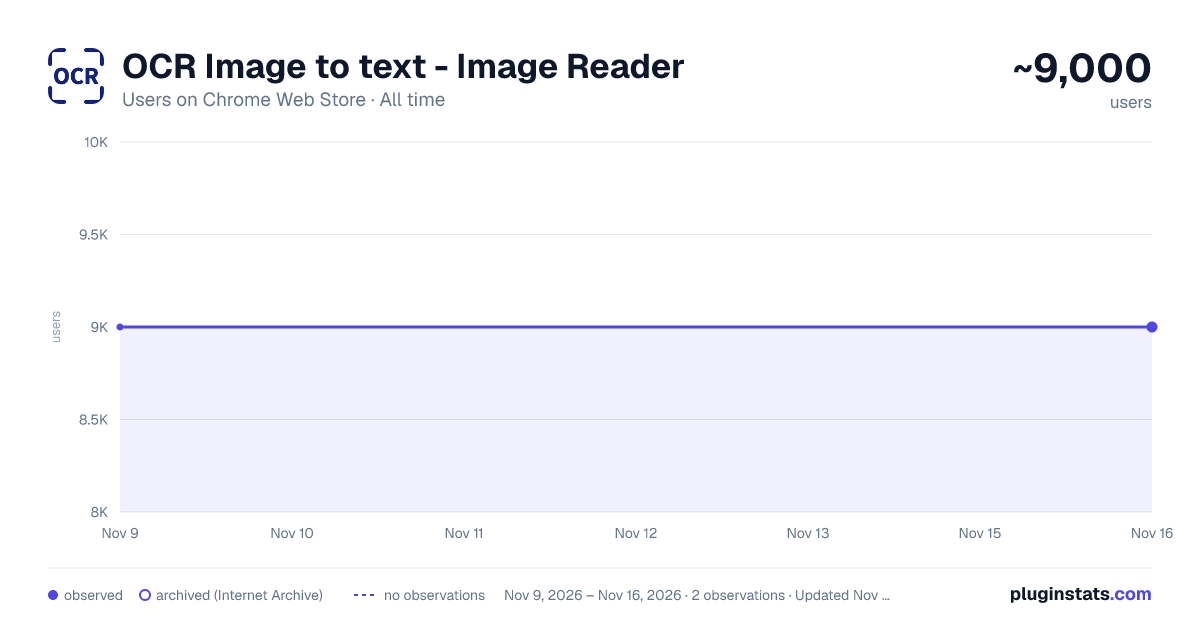
OCR Image to text - Image Reader has approximately 9,000 recorded users on Chrome Web Store, a change of 0.0% over the past 7 days, ranking #1239 of 10,388 tracked listings.
Rating: 4.40 / 5 from 13 ratings
About OCR Image to text - Image Reader
A powerful optical character recognition (OCR) extension to capture and convert images to text
A powerful optical character recognition (OCR) extension to capture and convert images to text This extension adds a toolbar button to your browser to perform OCR. When this action button is pressed, it allows the user to select a region in the currently active window. The extension captures the area and tries to recognize text inside this region using the internal powerful OCR engine (Tesseract engine). This extension uses the "tesseract.js" library that supports more than 100 languages, automatic text orientation, and script detection.
This extension loads the JS library on the page and removes it when you are done. This way, there is no long-term resource usage.
Notes:
- On the first run, the extension might take a few minutes to fetch the training data from the internet. Since this resource is cached, all subsequent calls are going to be fast.
- Optical character recognition (OCR) is slow, so this extension displays a progress bar for each detection module.
- This extension does the OCR process offline. There is no server-side interaction. It only fetches the language training database once.
- This tool can be used to extract the text content out of images, PDF documents, Powerpoint slides, or extract the content of a web page when user-section is forbidden.
- If the text extraction confidence is low, the extension inverts the image and retries (particularly useful on the dark theme)
- If the text extraction is not accurate, you can modify the image and drop it into the interface to retry.
Description from the Chrome Web Store listing.
README badge
Show your rank in a README or on your website. The badge updates automatically.
Charts
Images: 30d · 1y · all time · 1600×900 dark
Adoption over time
7/30/90-day growth
Ranking history
Ratings over time
Listing placement
Listing placement
Filled points are observed values; hollow points come from Internet Archive snapshots of the listing page. Dashed segments span periods with no observations — values between points are not interpolated.
Each band is one page of 20. Users on a linear scale. Placement is projected from users, so it can differ from the marketplace's own sort order. Hover a dot to see the listing.
Recent observations
Full history (2)Similar Chrome Web Store Accessibility plugins
All 20 OCR Image to text - Image Reader alternatives



Data source
Covers every Chrome Web Store extension with at least 100 users, found through the store's public sitemap. User counts are read from public listing pages. The 10% most-used extensions are refreshed daily, the next 40% weekly and the next 40% monthly; the least-used 10% are not refreshed. Google displays rounded user counts (and caps the display at 10,000,000+), so small changes may not be visible. Rating counts above 1,000 are rounded (e.g. 1.6K).
Listing: https://chromewebstore.google.com/detail/ocr-image-to-text-image-r/hoknogdfolliknmnnglffgmfflcdpdih. First seen Nov 9, 2026; last successful collection Nov 16, 2026. See the methodology.