 PluginStats

Web Font Size Changer users statistics
By rajib4 · Chrome Web Store · Accessibility
7 accessible font sizes that remember your preference for each website
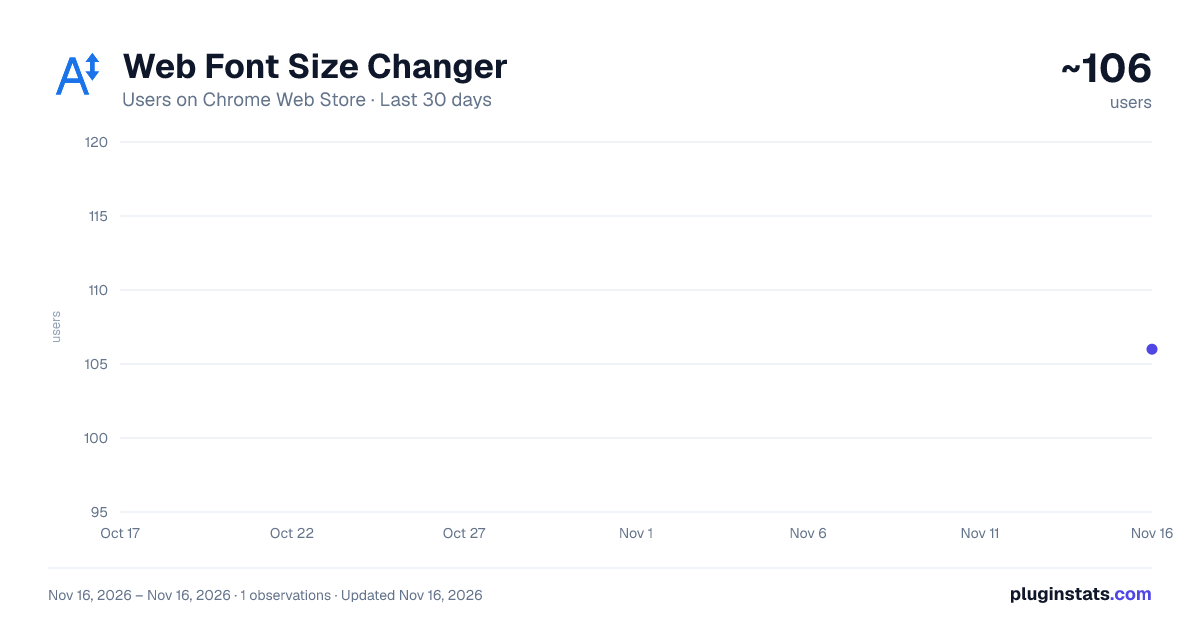
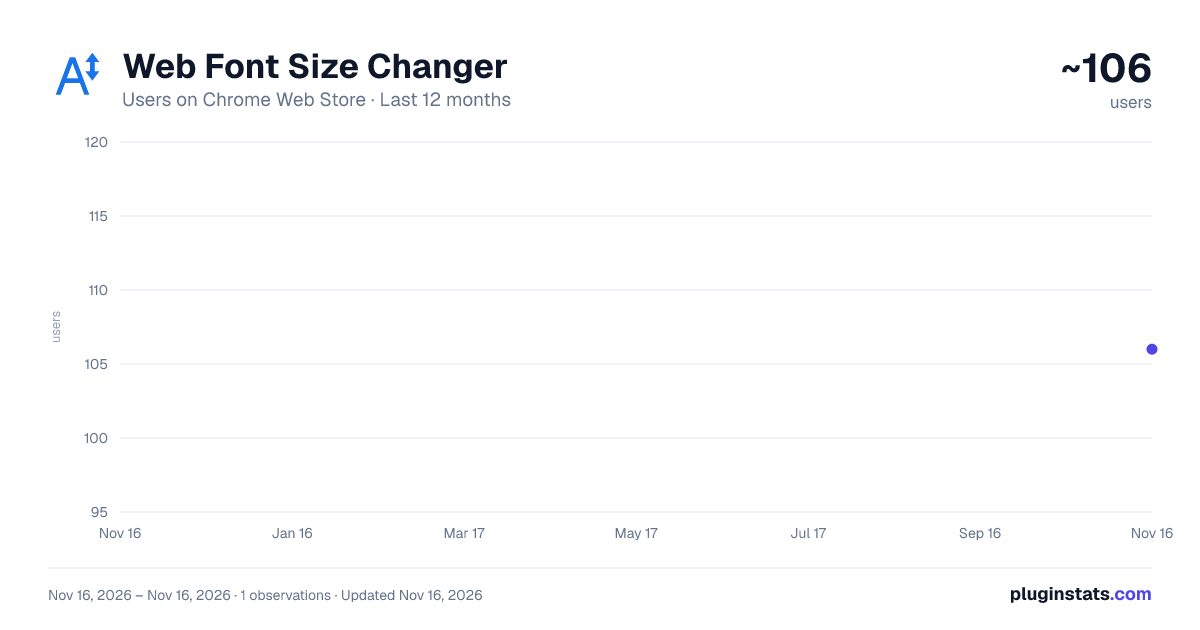
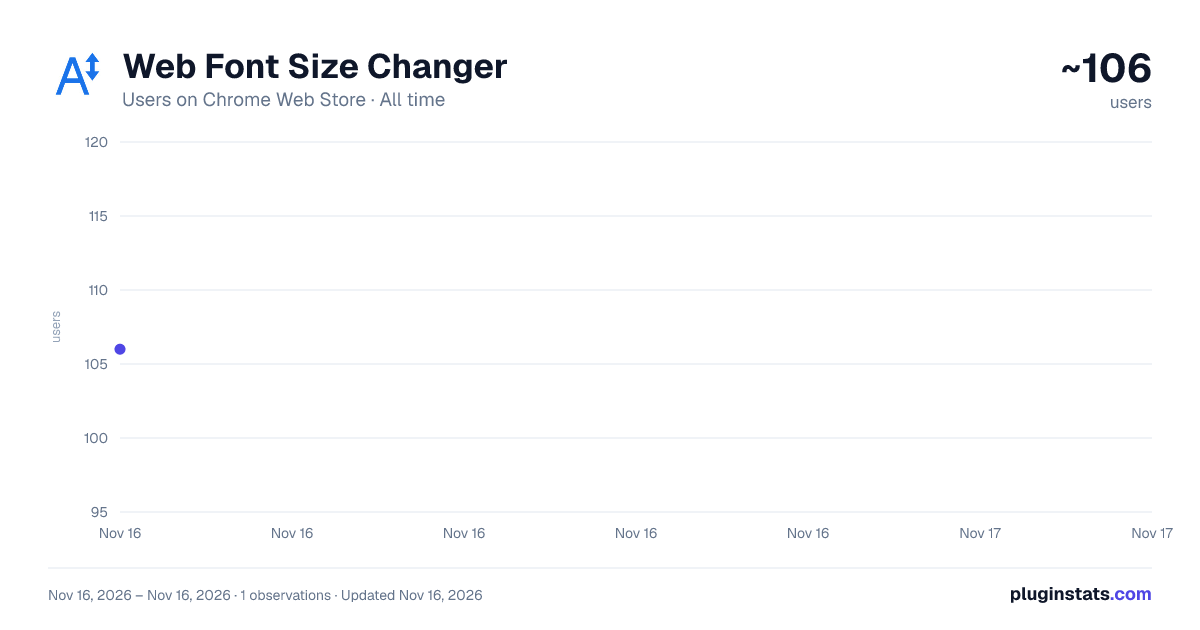
Web Font Size Changer has approximately 106 recorded users on Chrome Web Store, ranking #10094 of 10,388 tracked listings.
Rating: 4.00 / 5 from 1 ratings
About Web Font Size Changer
7 accessible font sizes that remember your preference for each website
Make every website easier to read with just one click.
Tired of squinting at tiny text or constantly adjusting browser zoom? Web Font Size Changer gives you simple, instant control over font sizes on thousands of websites.
✨ How It Works Click the extension icon and choose from 7 carefully selected font sizes. Your preference is automatically saved for each website – so your favorite sites always look right, and you never have to adjust settings twice.
🎯 7 Accessible Sizes Choose the perfect size for your needs:
— Default (No Change) – Respects the website's original fonts
— Small (14px) – Compact but readable
— Medium (16px) – The web standard
— Large (18px) – Enhanced readability
— Very Large (20px) – Comfortable reading
— Xtra Large (22px) – Very comfortable
— XXtra Large (24px) – Accessibility focus
🌐 Works Great On
— Email: Gmail, Outlook.com, Zoho Mail
— Social Media: Facebook, X (Twitter), Reddit
— Content Platforms: Medium, Stack Overflow
— Forums & Communities: Works on most forum software
— News: BBC, NDTV, and many more
— And thousands of other websites
💡 Key Features
✅ Per-site memory – Each website remembers your chosen size
✅ Live preview – See the size before applying
✅ Instant reset – One click restores original fonts
✅ Lightweight – No tracking, no ads, no clutter
✅ Works everywhere – Compatible with Chrome, Edge, Brave, and all Chromium browsers
📌 Important Notes
— Some websites like Reuters and Times of India have their own built-in font size controls. For the best experience on those sites, we recommend using their native accessibility features.
— Google Docs uses a canvas-based renderer and cannot have font sizes modified by extensions (this is a technical limitation of Google Docs itself).
🌟 Perfect For
— Older adults who need larger text
— Users with visual fatigue
— Anyone who finds some websites too small
— Parents setting up computers for family members
— Developers testing accessibility
🔒 Privacy First
— No user data collected
— No analytics
— No tracking
— No permissions beyond what's needed
📞 Support If you encounter any issues or have suggestions, please email me at rajib4@gmail.com
Description from the Chrome Web Store listing.
README badge
Show your rank in a README or on your website. The badge updates automatically.
Charts
Images: 30d · 1y · all time · 1600×900 dark
Adoption over time
7/30/90-day growth
Ranking history
Ratings over time
Listing placement
Listing placement
Filled points are observed values; hollow points come from Internet Archive snapshots of the listing page. Dashed segments span periods with no observations — values between points are not interpolated.
Each band is one page of 20. Users on a linear scale. Placement is projected from users, so it can differ from the marketplace's own sort order. Hover a dot to see the listing.
Recent observations
Full history (1)Similar Chrome Web Store Accessibility plugins
All 20 Web Font Size Changer alternatives



Data source
Covers every Chrome Web Store extension with at least 100 users, found through the store's public sitemap. User counts are read from public listing pages. The 10% most-used extensions are refreshed daily, the next 40% weekly and the next 40% monthly; the least-used 10% are not refreshed. Google displays rounded user counts (and caps the display at 10,000,000+), so small changes may not be visible. Rating counts above 1,000 are rounded (e.g. 1.6K).
Listing: https://chromewebstore.google.com/detail/web-font-size-changer/oeofjahkplifpkhpnehibppfpkooipfb. First seen Nov 16, 2026; last successful collection Nov 16, 2026. See the methodology.