 PluginStats

Form Character Counter users statistics
Chrome Web Store · Accessibility
This Extension counts and displays the number of characters in Web Forms in real time. Counter will be displayed conservatively.
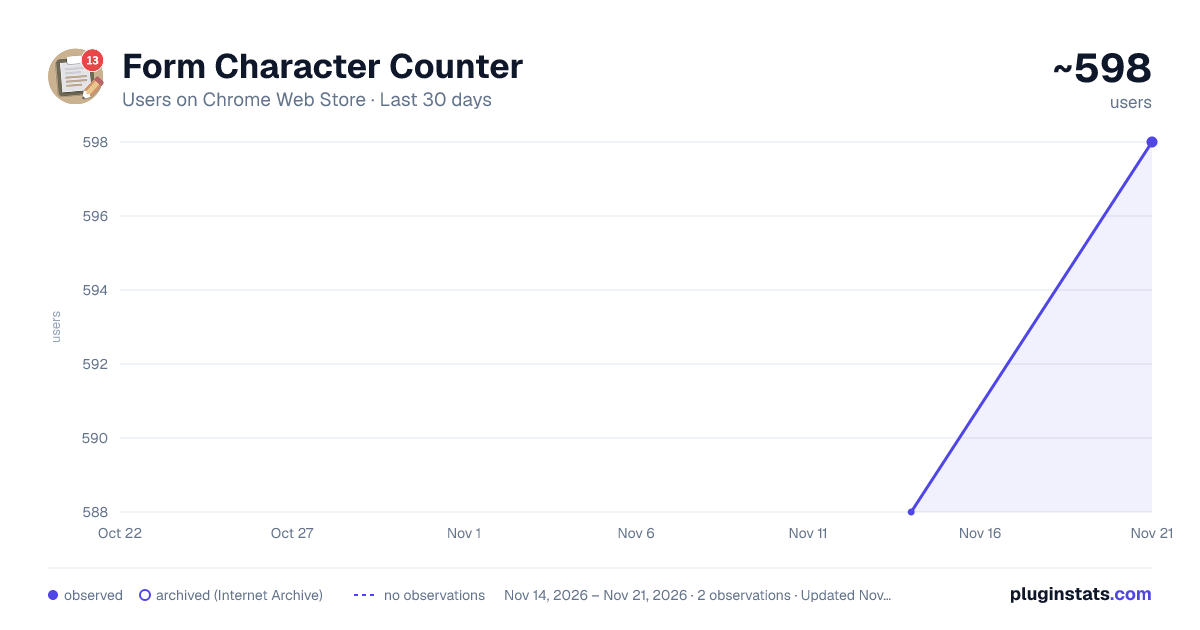
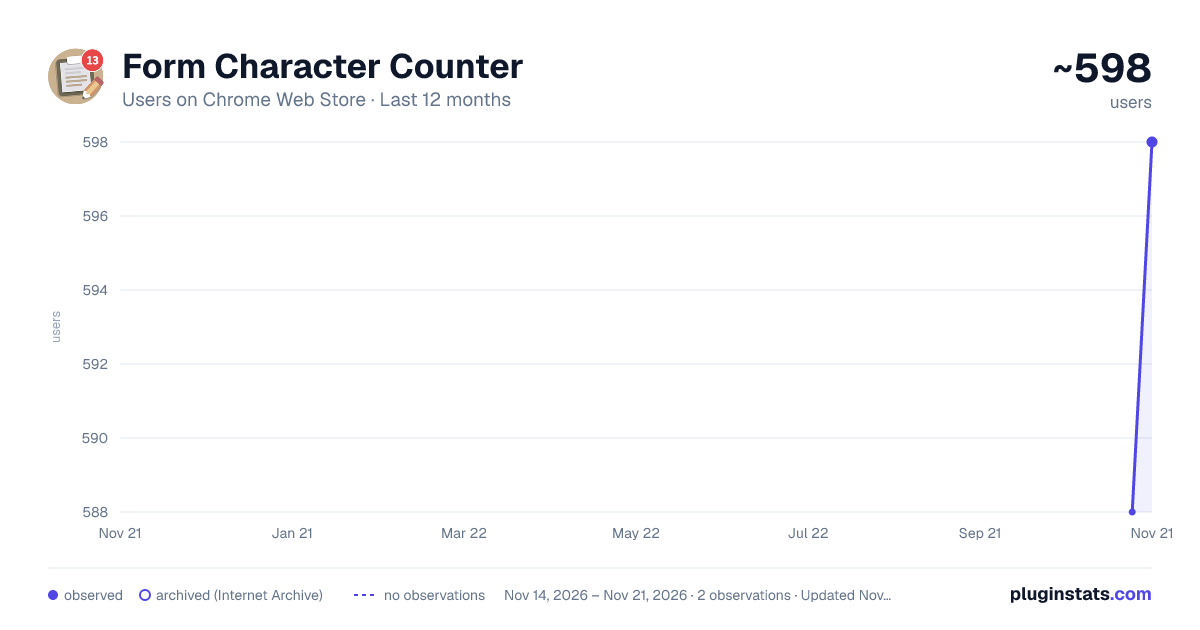
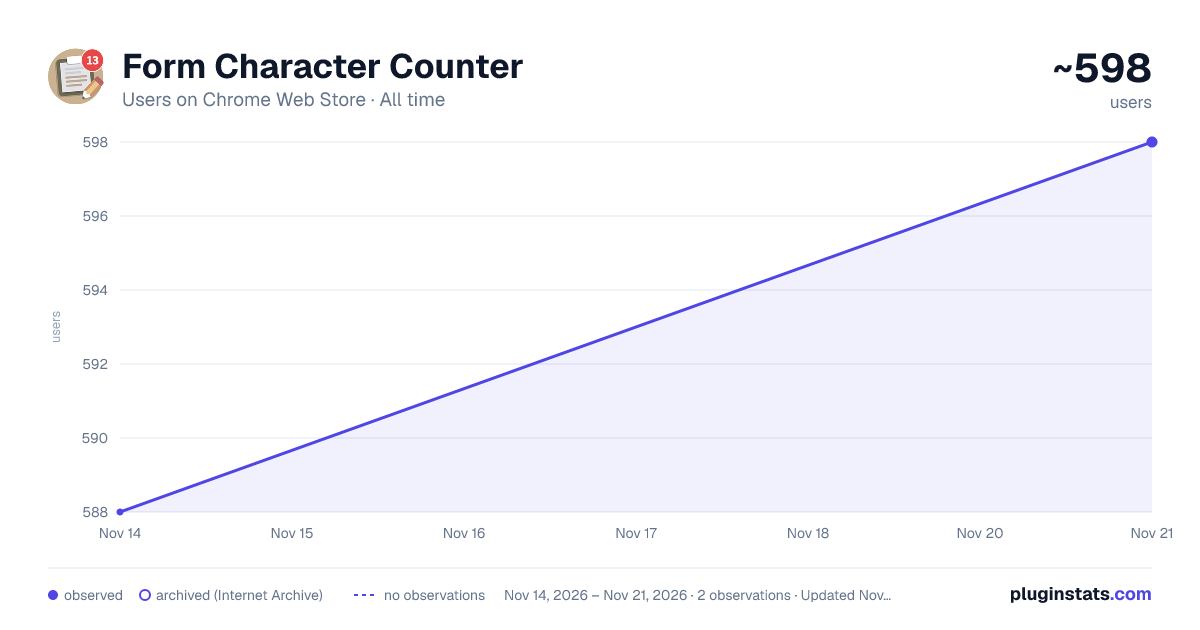
Form Character Counter has approximately 598 recorded users on Chrome Web Store, a change of +1.7% over the past 7 days, ranking #4811 of 10,388 tracked listings.
Rating: 4.00 / 5 from 4 ratings
About Form Character Counter
This Extension counts and displays the number of characters in Web Forms in real time. Counter will be displayed conservatively.
It improves the usability of poorly designed web forms that limit the number of characters but do not display the number of characters. Just install it and it will discreetly display a character counter in the lower right corner of the screen for each input form. It is also useful for checking the number of characters when entering passwords.
~ How to use ~ Once installed, focus on each form and it will count the number of characters currently entered in that form in real time and display it in the lower right corner of the screen. There is no need to set up any extensions, just install and use. The display is not annoying, so it will not interfere with your normal work.
~ Patterns that are not displayed ~ ・If you are using it for the first time after installation, you need to refresh the page. ・There are many web forms that do not display the count due to their specifications. ・In general use cases that this extension is designed for (e.g., membership registration information input and login forms), it will almost always work. ・There is a possibility that advanced applications such as text editors implemented on the web will behave unexpectedly.
~ Update History ~ ・1.0.0 - Released
Translated with www.DeepL.com/Translator (free version)
Description from the Chrome Web Store listing.
README badge
Show your rank in a README or on your website. The badge updates automatically.
Charts
Images: 30d · 1y · all time · 1600×900 dark
Adoption over time
7/30/90-day growth
Ranking history
Ratings over time
Listing placement
Listing placement
Filled points are observed values; hollow points come from Internet Archive snapshots of the listing page. Dashed segments span periods with no observations — values between points are not interpolated.
Each band is one page of 20. Users on a linear scale. Placement is projected from users, so it can differ from the marketplace's own sort order. Hover a dot to see the listing.
Recent observations
Full history (2)Similar Chrome Web Store Accessibility plugins
All 20 Form Character Counter alternatives



Data source
Covers every Chrome Web Store extension with at least 100 users, found through the store's public sitemap. User counts are read from public listing pages. The 10% most-used extensions are refreshed daily, the next 40% weekly and the next 40% monthly; the least-used 10% are not refreshed. Google displays rounded user counts (and caps the display at 10,000,000+), so small changes may not be visible. Rating counts above 1,000 are rounded (e.g. 1.6K).
Listing: https://chromewebstore.google.com/detail/form-character-counter/mlipcjglbcilhlpigomimjmjdhhpgnhg. First seen Nov 14, 2026; last successful collection Nov 21, 2026. See the methodology.