 PluginStats

Screenshot Tool - Screen Capture & Editor users statistics
Chrome Web Store · Accessibility
Innovative screenshot tool lets users screen capture and edit screenshot. Full page screen capture.
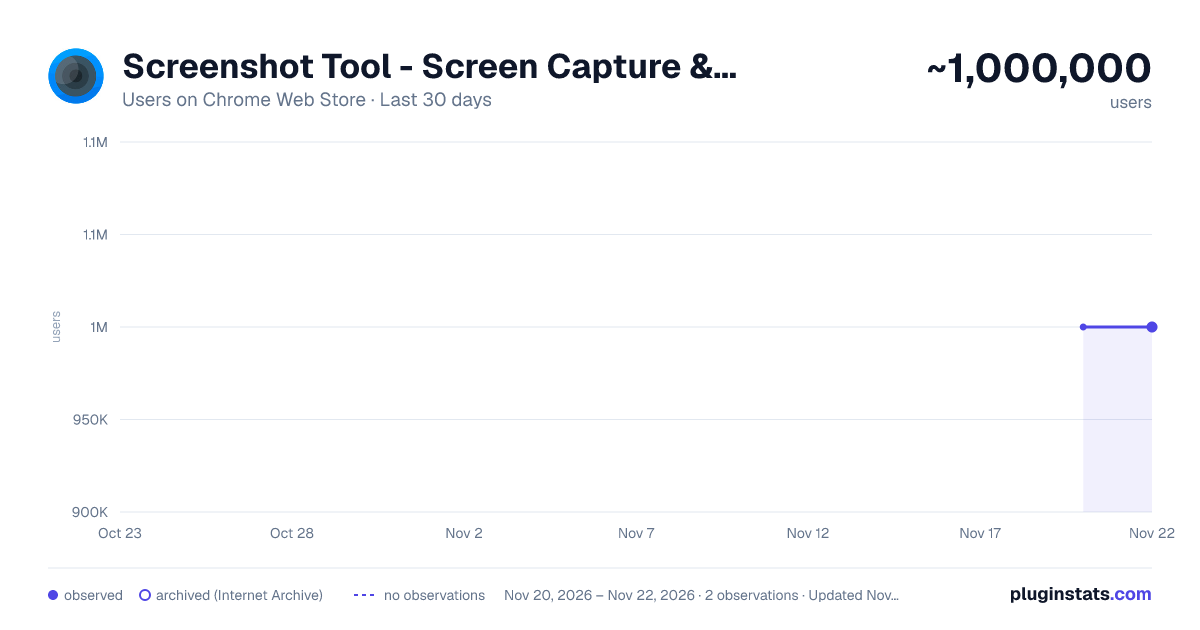
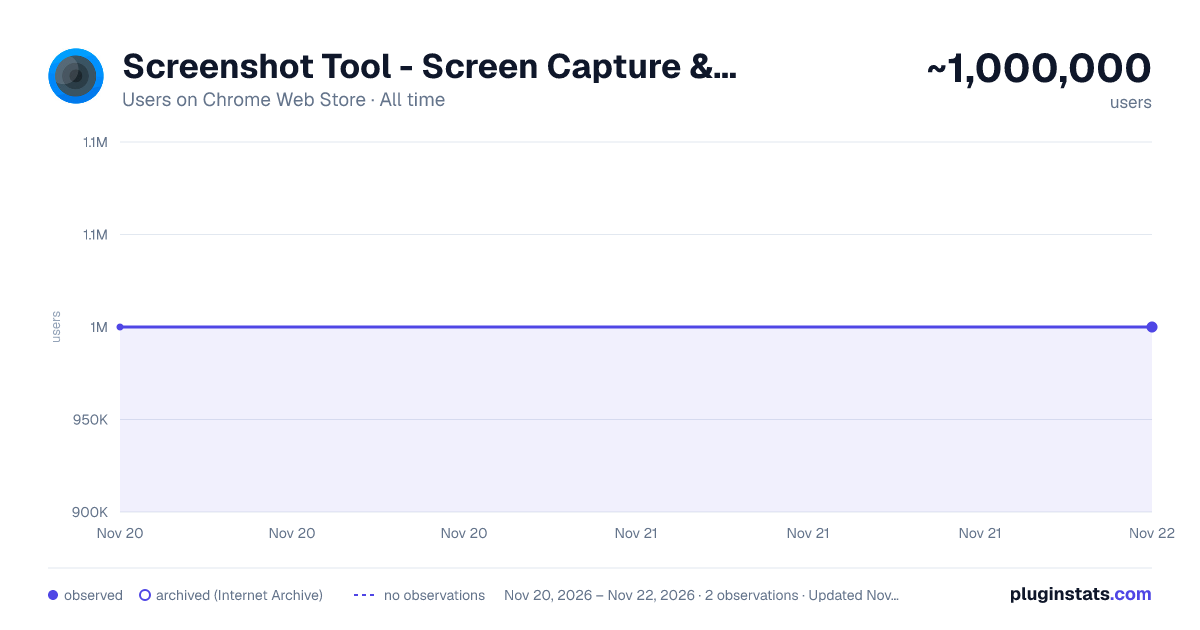
Screenshot Tool - Screen Capture & Editor has approximately 1,000,000 recorded users on Chrome Web Store, ranking #76 of 10,523 tracked listings.
Rating: 4.50 / 5 from 5,400 ratings
About Screenshot Tool - Screen Capture & Editor
Innovative screenshot tool lets users screen capture and edit screenshot. Full page screen capture.
Take stunning screenshots of entire websites and capture page elements. Offline. No registration. Screenshot tool - captures entire websites and user areas. Ready-made screenshots can be quickly edited (crop, paint over, add arrows, captions or text).
Screen Capture tool for making a full page or partial capture with further editing, download, or text adding. Make a full webpage screen capture or just any part of it with an opportunity to edit, save and download screen capture to your PC.
The app is launched from a browser that totally saves your time. Simply click the extension icon to choose from options whole page capture or a selected part.
You will not see any additional windows with websites here. Why waste time if you just want a screenshot?
Want to share your screen for cases like reporting technical issues, making product demos or how-to tutorials? Here are reasons to choose Screenshot and Screen Capture:
✔️ Screenshot of the full page, not just the visible area or selected area; ✔️ Screenshot on One-Click; ✔️ Storage and processing without a server; ✔️ Save PNG files or Copy it to the clipboard with One-Click; ✔️ No login or registration required; ✔️ There are no restrictions on the size or size of the file; ✔️ Edit and discard changes your screenshot; ✔️ Add graphic and text elements such as pointer, arrow, square and other shapes;
Click on the extension icon (in the upper right corner of the browser) then choose one of the options capture and watch the Screenshot Tool capture each part of the page and then transfer the finished screenshot to a new tab, where you can edit the image and upload it as a file to your PC.
Notes Remember to reload the page after you install extension before trying to take a screenshot of it (Chrome should initialize the extension for each page).
The extension Screenshot tool is completely free and easy to manage for users. If our extension is useful to you, please give us 5 stars!
Description from the Chrome Web Store listing.
README badge
Show your rank in a README or on your website. The badge updates automatically.
Charts
Images: 30d · 1y · all time · 1600×900 dark
Adoption over time
7/30/90-day growth
Ranking history
Ratings over time
Listing placement
Listing placement
Filled points are observed values; hollow points come from Internet Archive snapshots of the listing page. Dashed segments span periods with no observations — values between points are not interpolated.
Each band is one page of 20. Users on a linear scale. Placement is projected from users, so it can differ from the marketplace's own sort order. Hover a dot to see the listing.
Recent observations
Full history (2)Similar Chrome Web Store Accessibility plugins
All 20 Screenshot Tool - Screen Capture & Editor alternatives



Data source
Covers every Chrome Web Store extension with at least 100 users, found through the store's public sitemap. User counts are read from public listing pages. The 10% most-used extensions are refreshed daily, the next 40% weekly and the next 40% monthly; the least-used 10% are not refreshed. Google displays rounded user counts (and caps the display at 10,000,000+), so small changes may not be visible. Rating counts above 1,000 are rounded (e.g. 1.6K).
Listing: https://chromewebstore.google.com/detail/screenshot-tool-screen-ca/edlifbnjlicfpckhgjhflgkeeibhhcii. First seen Nov 20, 2026; last successful collection Nov 22, 2026. See the methodology.