 PluginStats

YouTube No Cap — Subtitles Stay Off users statistics
By DamanC7 · Chrome Web Store · Functionality & UI
YouTube captions stay off: blocks CC from returning after videos, ads & reloads. Unchecks Always show captions in Playback settings.
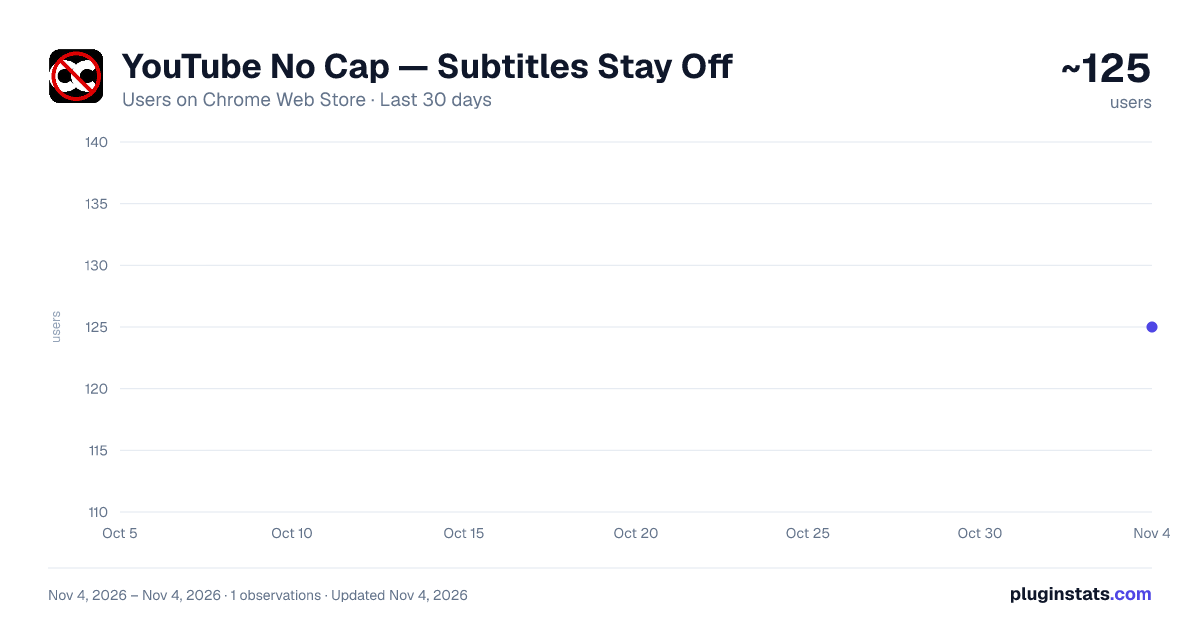
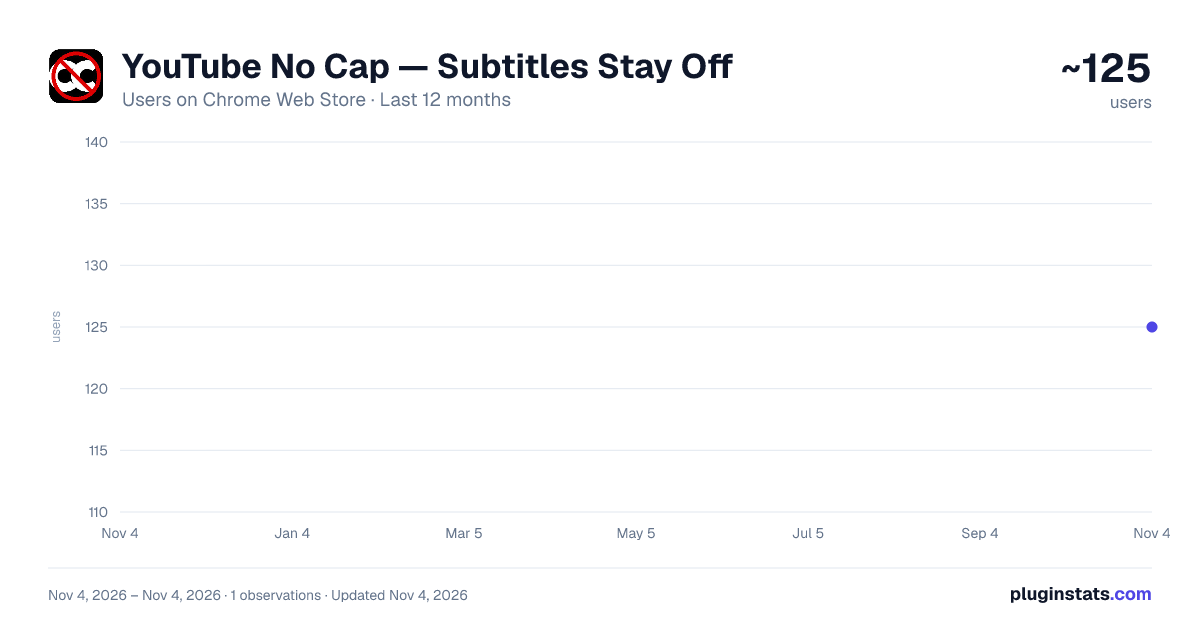
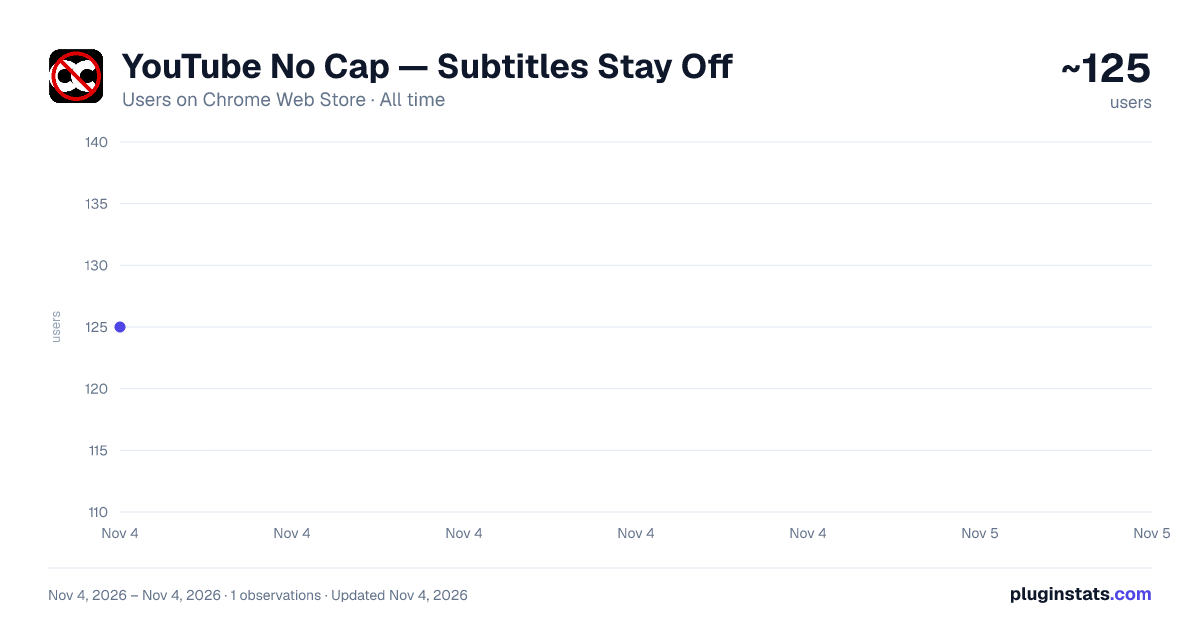
YouTube No Cap — Subtitles Stay Off has approximately 125 recorded users on Chrome Web Store, ranking #6452 of 7,072 tracked listings.
Rating: 5.00 / 5 from 2 ratings
About YouTube No Cap — Subtitles Stay Off
YouTube captions stay off: blocks CC from returning after videos, ads & reloads. Unchecks Always show captions in Playback settings.
Tired of YouTube captions, subtitles, and closed captions (CC) turning themselves back on? You turn them off in the player, then they return on the next video, after an ad break, when you reload, or when YouTube rebuilds the player. If your Google account has “Always show captions” enabled under Playback settings, it can override what you do in the player without making that obvious.
YouTube No Cap is built for that exact problem: it keeps captions and subtitles off on www.youtube.com so you are not fighting the site on every watch.
After you install it:
• Captions are pushed off when you load YouTube watch pages, Shorts, live streams, and embeds the extension can reach. • If YouTube tries to turn captions back on (including after navigation inside the same tab), the extension responds by turning them off again. • Caption text tracks and on-screen caption overlays are suppressed on the active player so stray CC is less likely to linger between UI updates. • On youtube.com/account_playback, it can uncheck “Always show captions” so the account-level setting stops forcing captions on every video.
How it works (plain English): A content script runs only on YouTube. It watches the captions control and related player state, and uses lightweight observers and timers so captions do not snap back on. There is no separate popup workflow required for it to do its job. The toolbar icon can show a small status hint on the tab where the script is active.
Where it runs: Watch, Shorts, Live, embed-style paths under youtube.com, and the Playback settings page for the “Always show captions” helper. It follows YouTube’s in-site navigation so it stays relevant as you click between videos.
Privacy: This extension does not collect, store, transmit, or sell personal data. It only runs on https://www.youtube.com/* and only acts on caption-related controls and playback UI needed to keep subtitles off.
Lightweight: The packaged extension is small (on the order of tens of kilobytes for the full bundle) and focused—one job: keep YouTube captions and subtitles off, without keyword spam or unrelated promises.
Description from the Chrome Web Store listing.
README badge
Show your rank in a README or on your website. The badge updates automatically.
Charts
Images: 30d · 1y · all time · 1600×900 dark
Adoption over time
7/30/90-day growth
Ranking history
Ratings over time
Listing placement
Listing placement
Filled points are observed values; hollow points come from Internet Archive snapshots of the listing page. Dashed segments span periods with no observations — values between points are not interpolated.
Each band is one page of 20. Users on a linear scale. Placement is projected from users, so it can differ from the marketplace's own sort order. Hover a dot to see the listing.
Recent observations
Full history (1)Similar Chrome Web Store Functionality & UI plugins
All 20 YouTube No Cap — Subtitles Stay Off alternatives



Data source
Covers every Chrome Web Store extension with at least 100 users, found through the store's public sitemap. User counts are read from public listing pages. The 10% most-used extensions are refreshed daily, the next 40% weekly and the next 40% monthly; the least-used 10% are not refreshed. Google displays rounded user counts (and caps the display at 10,000,000+), so small changes may not be visible. Rating counts above 1,000 are rounded (e.g. 1.6K).
Listing: https://chromewebstore.google.com/detail/youtube-no-cap-—-subtitle/ioaiccfbimapmndakojlecpkliagiaop. First seen Nov 4, 2026; last successful collection Nov 4, 2026. See the methodology.