 PluginStats

LingoLingo - AI Language Learning users statistics
By yunusemin21 · Chrome Web Store · Education
Learn languages while watching YouTube videos - watch, translate and study with AI.
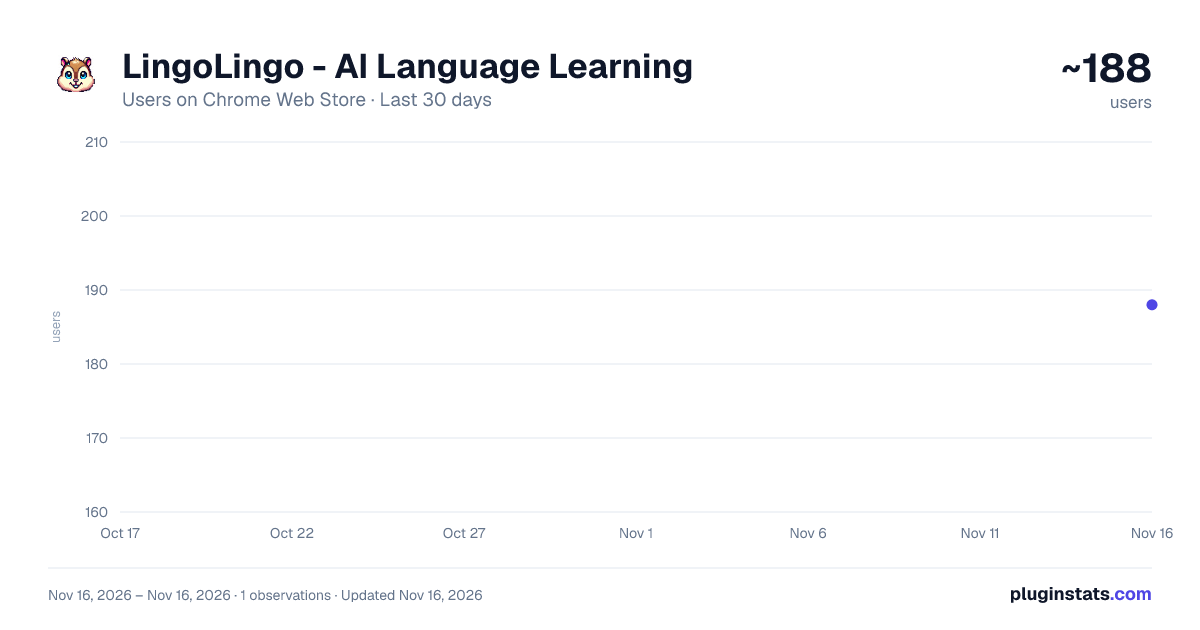
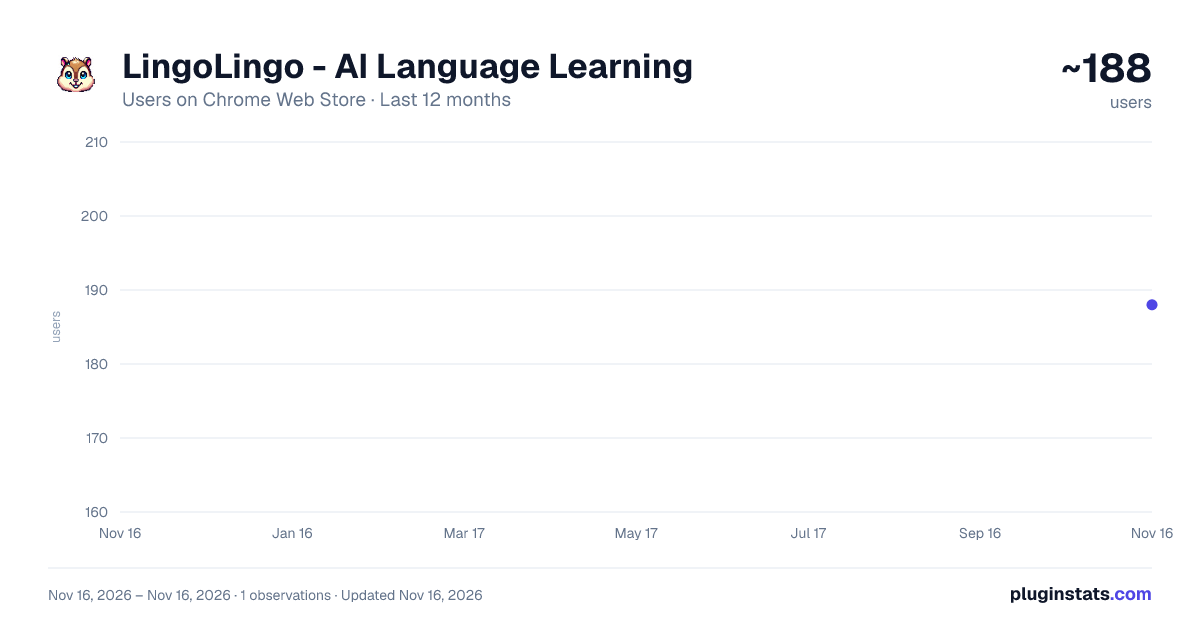
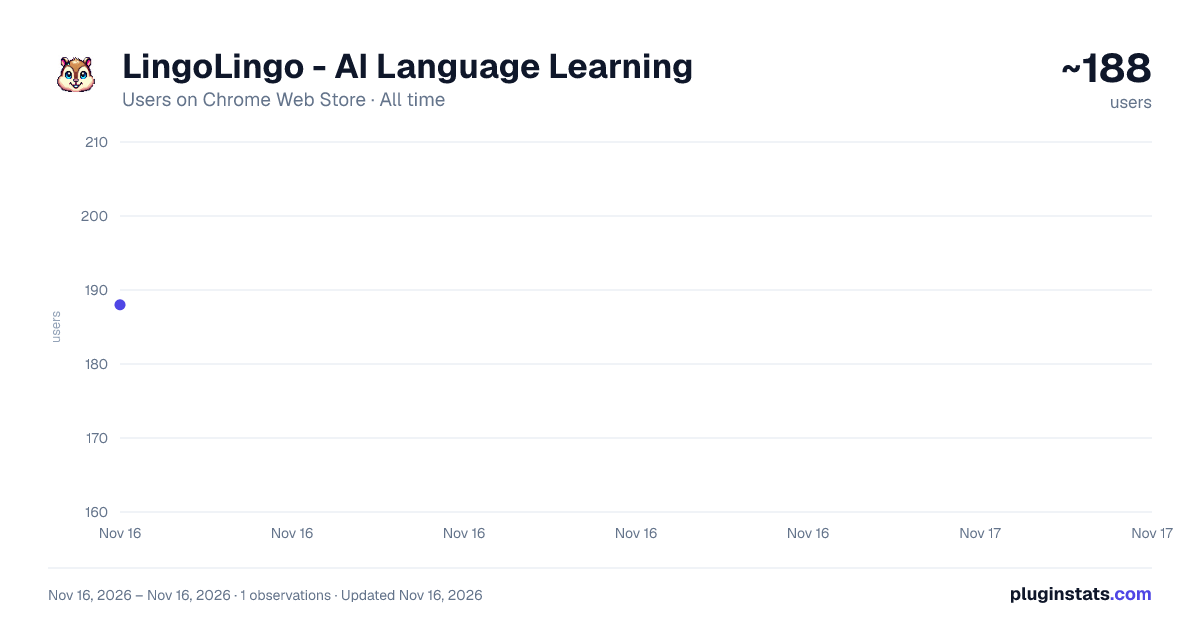
LingoLingo - AI Language Learning has approximately 188 recorded users on Chrome Web Store, ranking #8011 of 10,388 tracked listings.
Rating: 5.00 / 5 from 3 ratings
About LingoLingo - AI Language Learning
Learn languages while watching YouTube videos - watch, translate and study with AI.
New in version 2.3:
- Fix "no transcript available"
New in version 2.2:
- Fix bug when recording audio
- Handle malformed transcripts
New in version 2.1:
- Advanced tone pitch analysis for Chinese.
- Click and hold the microphone button inside the YouTube player to record as long as you want, for immediate pronunciation practice!
LingoLingo takes your language learning with YouTube to the next level - get contextual translations, compare your pronunciation to native speakers, and save words to study them with interactive AI exercises.
Spaced repetition helps you remember the words and phrases that you are learning by scheduling them in dynamic time intervals, based on how well you remember them.
Join the Reddit community here for updates and discussions: https://www.reddit.com/r/LingoLingo/
How it works:
- Open the extension by clicking the LingoLingo icon
- Select your languages
- Open a video on YouTube. The video needs to have a transcript (a.k.a. subtitles) available. 3a. Hint: On the YouTube search results page, you can activate the filter "Subtitles/CC" to find videos that have a transcript
- You should see a container on the page with the transcript
- Select text to see a translation
- From the translation window you can start the pronunciation practice or save the word as a flashcard
- To study your saved cards with AI, select "Study Cards" from the extension popup
FAQs: Q: I am seeing "No transcript available" in the transcript container A: It currently only works with videos that have subtitles, you can filter by "Subtitles/CC" on the Youtube search result page.
Q: The transcript container is not showing up A: Generally if something goes wrong or the transcript doesn't show up, reloading the page helps
Description from the Chrome Web Store listing.
README badge
Show your rank in a README or on your website. The badge updates automatically.
Charts
Images: 30d · 1y · all time · 1600×900 dark
Adoption over time
7/30/90-day growth
Ranking history
Ratings over time
Listing placement
Listing placement
Filled points are observed values; hollow points come from Internet Archive snapshots of the listing page. Dashed segments span periods with no observations — values between points are not interpolated.
Each band is one page of 20. Users on a linear scale. Placement is projected from users, so it can differ from the marketplace's own sort order. Hover a dot to see the listing.
Recent observations
Full history (1)Similar Chrome Web Store Education plugins
All 20 LingoLingo - AI Language Learning alternatives



Data source
Covers every Chrome Web Store extension with at least 100 users, found through the store's public sitemap. User counts are read from public listing pages. The 10% most-used extensions are refreshed daily, the next 40% weekly and the next 40% monthly; the least-used 10% are not refreshed. Google displays rounded user counts (and caps the display at 10,000,000+), so small changes may not be visible. Rating counts above 1,000 are rounded (e.g. 1.6K).
Listing: https://chromewebstore.google.com/detail/lingolingo-ai-language-le/mebabijlldacgfaedhjmhfpkfhhbenge. First seen Nov 16, 2026; last successful collection Nov 16, 2026. See the methodology.