 PluginStats

Universal On-Screen Keyboard users statistics
By devanshB · Chrome Web Store · Education
A beautiful, premium universal on-screen keyboard for any webpage.
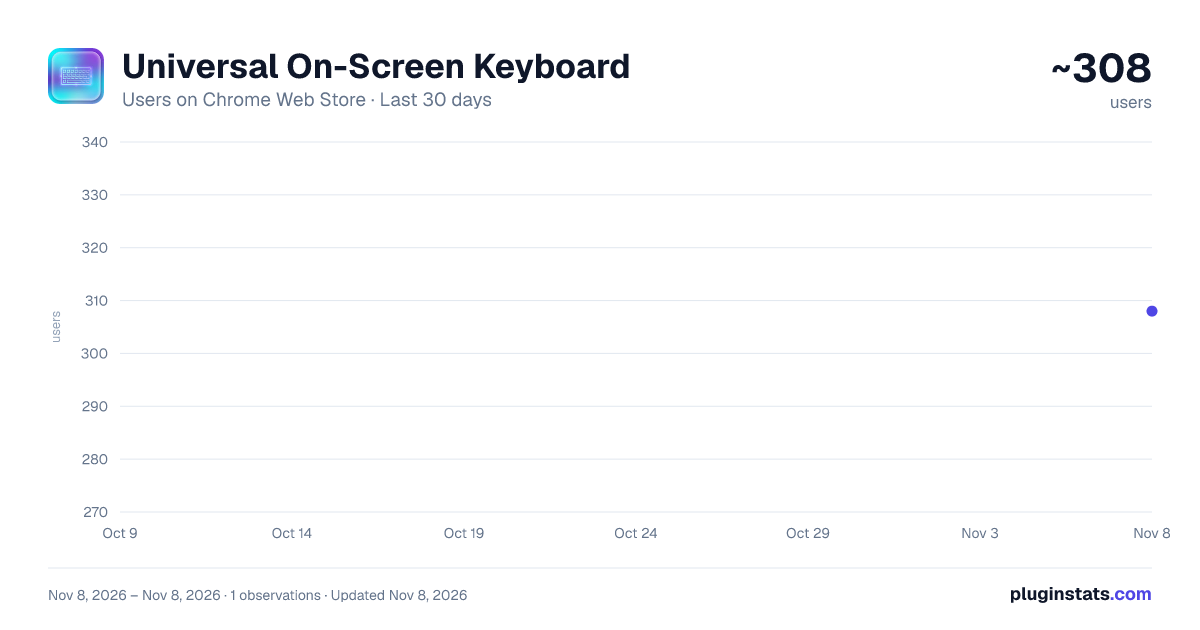
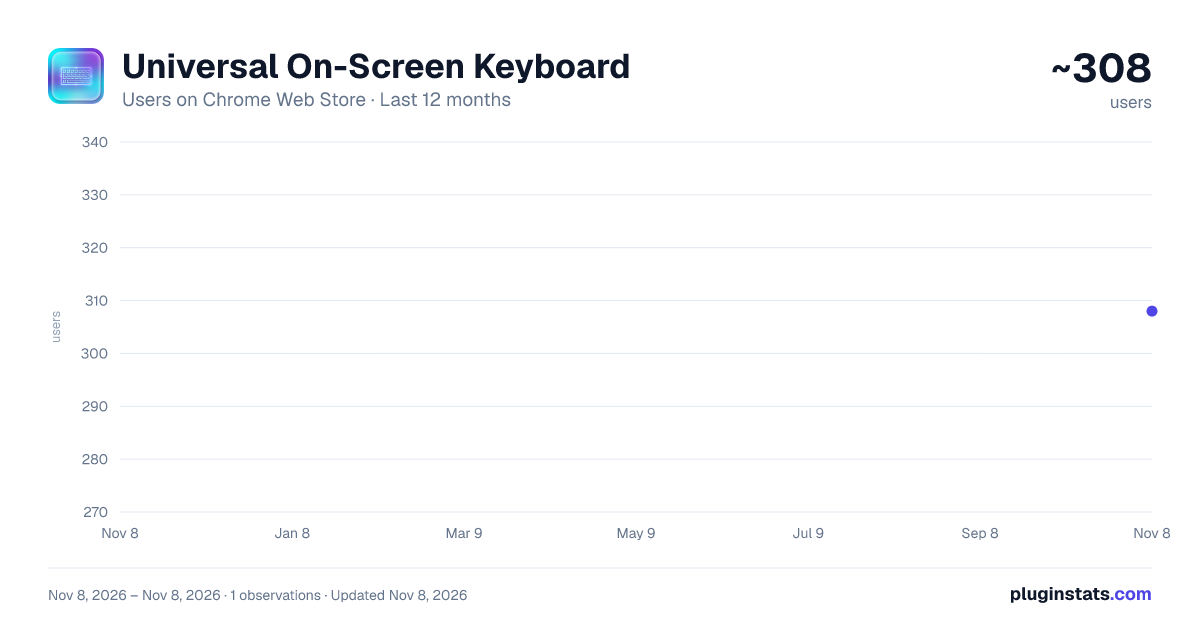
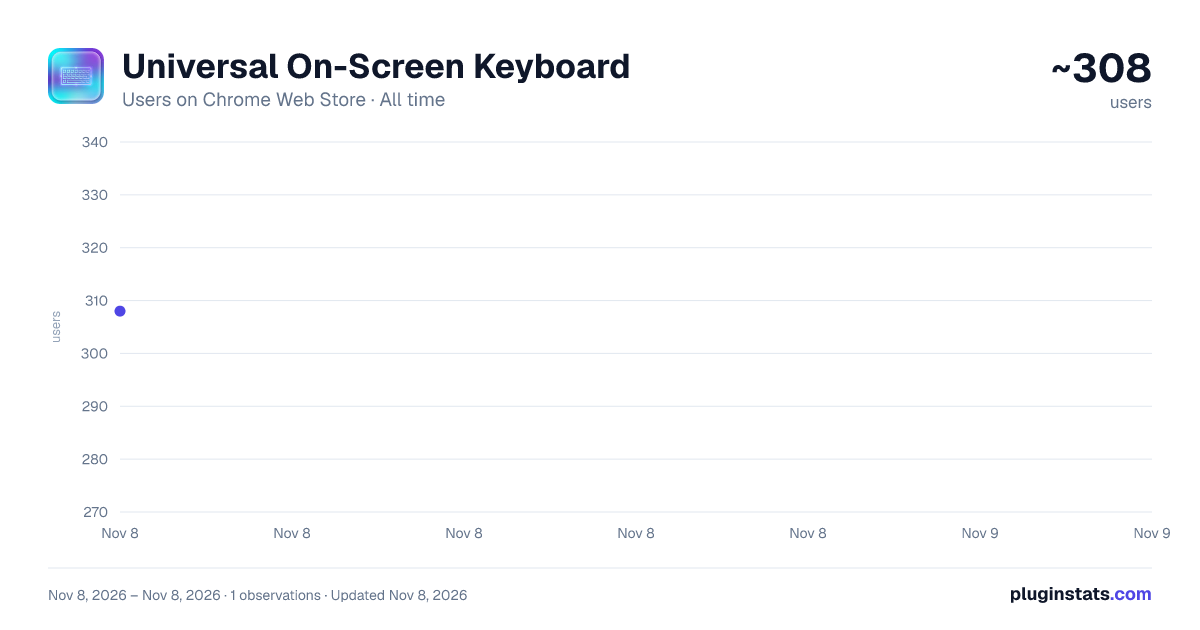
Universal On-Screen Keyboard has approximately 308 recorded users on Chrome Web Store, ranking #6478 of 10,388 tracked listings.
Rating: 5.00 / 5 from 1 ratings
About Universal On-Screen Keyboard
A beautiful, premium universal on-screen keyboard for any webpage.
Type comfortably in multiple languages on any website, even without a physical keyboard layout. Universal On-Screen Keyboard adds a sleek, modern virtual keyboard directly into your browser, giving you instant access to multilingual input wherever you need it.
Designed with a premium glass-morphism interface, the keyboard floats elegantly above your webpage without interrupting your workflow. Whether you’re a language learner, bilingual user, or someone who needs an accessible input method, this extension makes typing effortless and intuitive.
🌍 Multi-Language Support
Easily switch between supported languages from the built-in dropdown menu:
English (US)
Spanish (Español)
French (Français)
Hindi
Japanese
Chinese (Pinyin)
More layouts can be added as the project evolves.
💎 Modern, Elegant Design
Translucent, frosted-glass UI inspired by modern operating systems
Lightweight and non-intrusive
Blends naturally with any website
⚓ Flexible & Dockable Interface
Drag the keyboard anywhere on the screen
Dock it to the bottom for a mobile-style typing experience
Works across text fields, forms, and web apps
⌨️ Physical Keyboard Sync
Type on your physical keyboard and see the corresponding virtual keys highlight in real time — ideal for:
Learning new keyboard layouts
Practicing languages
Accessibility and visual feedback
🔒 Privacy-First & Offline
Your privacy matters:
No keystroke logging
No analytics or tracking
No data sent to the cloud
Works entirely offline inside your browser
🚀 How to Use
Click the extension icon to toggle the keyboard on any webpage
Select your preferred language from the dropdown
Drag or dock the keyboard as needed
Type using your mouse or physical keyboard
Open Source & Secure Licensed under the MIT License.
Description from the Chrome Web Store listing.
README badge
Show your rank in a README or on your website. The badge updates automatically.
Charts
Images: 30d · 1y · all time · 1600×900 dark
Adoption over time
7/30/90-day growth
Ranking history
Ratings over time
Listing placement
Listing placement
Filled points are observed values; hollow points come from Internet Archive snapshots of the listing page. Dashed segments span periods with no observations — values between points are not interpolated.
Each band is one page of 20. Users on a linear scale. Placement is projected from users, so it can differ from the marketplace's own sort order. Hover a dot to see the listing.
Recent observations
Full history (1)Similar Chrome Web Store Education plugins
All 20 Universal On-Screen Keyboard alternatives



Data source
Covers every Chrome Web Store extension with at least 100 users, found through the store's public sitemap. User counts are read from public listing pages. The 10% most-used extensions are refreshed daily, the next 40% weekly and the next 40% monthly; the least-used 10% are not refreshed. Google displays rounded user counts (and caps the display at 10,000,000+), so small changes may not be visible. Rating counts above 1,000 are rounded (e.g. 1.6K).
Listing: https://chromewebstore.google.com/detail/universal-on-screen-keybo/pfjhdmghkkikeblkbggkofmapmahjlpa. First seen Nov 8, 2026; last successful collection Nov 8, 2026. See the methodology.