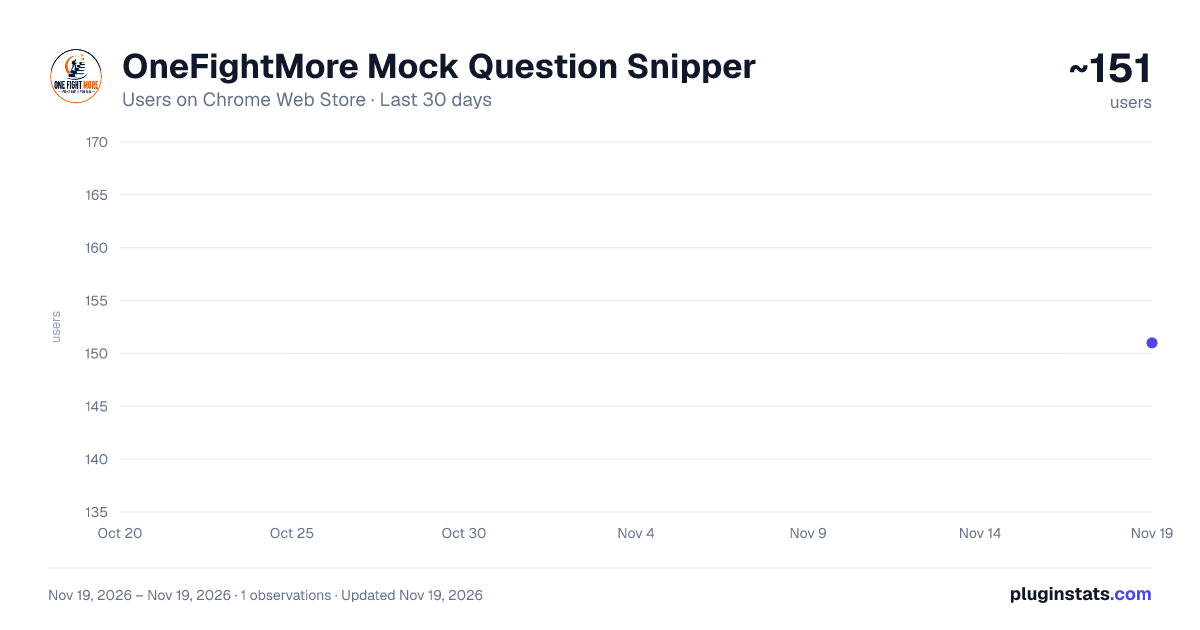
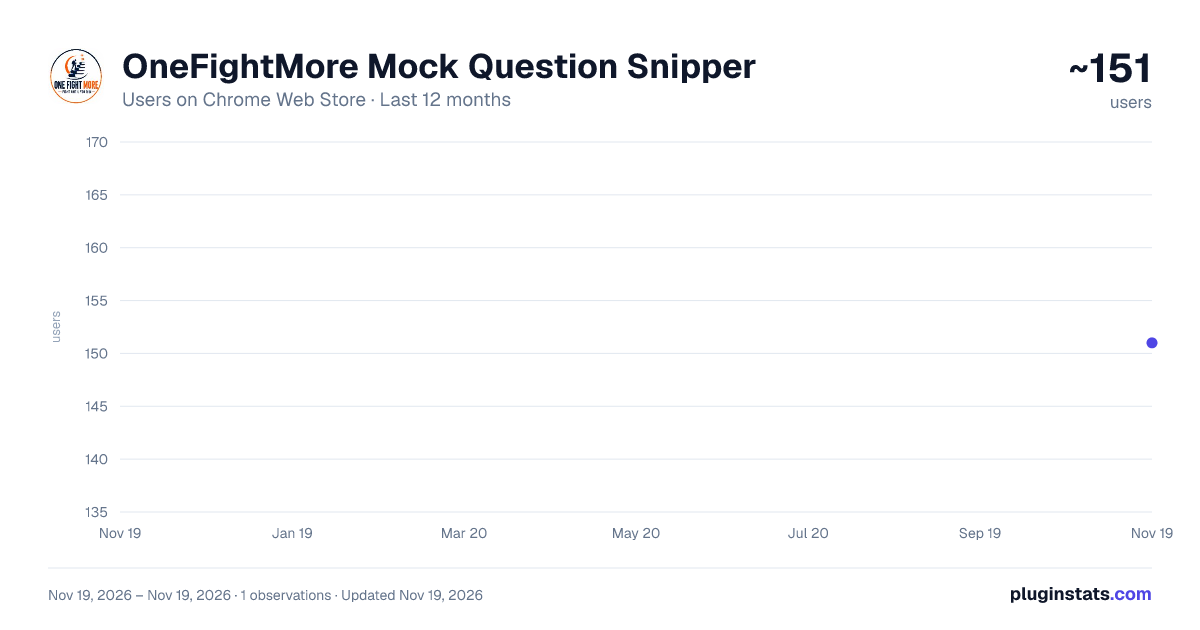
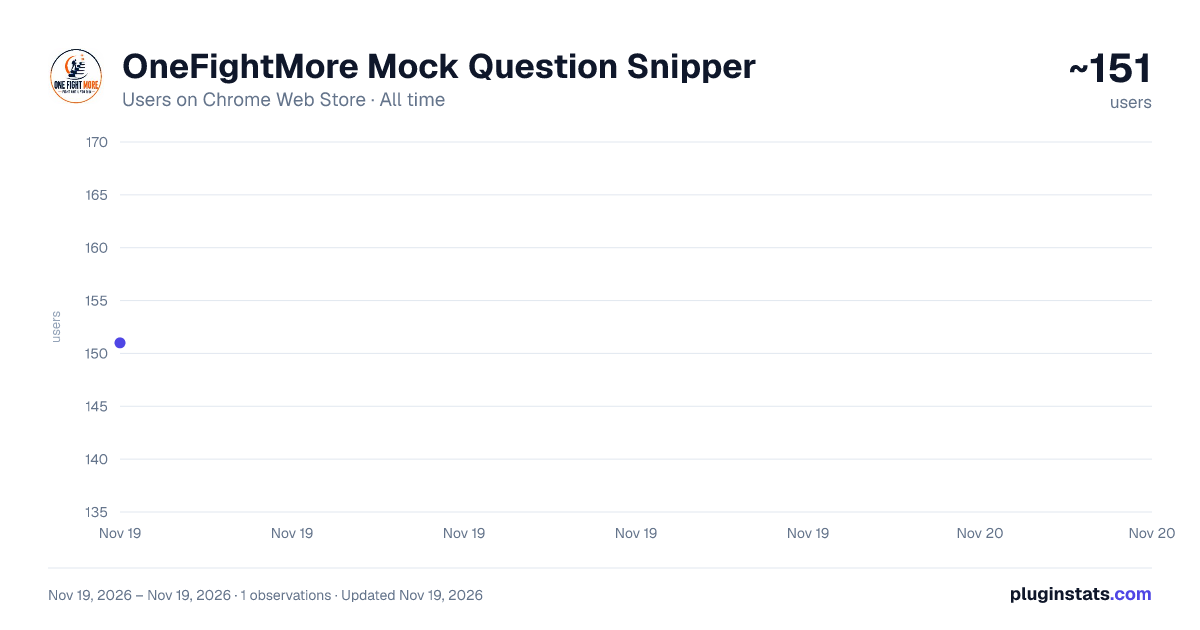
OneFightMore Mock Question Snipper has approximately 151 recorded users on Chrome Web Store, ranking #8762 of 10,388 tracked listings.
Rating: 5.00 / 5 from 1 ratings
About OneFightMore Mock Question Snipper
Snip and auto-attach mock questions from exam tabs to your OneFightMore log using Alt+S (Windows) or Option+S (Mac).
Official companion extension for OneFightMore test analysis. Press Alt+S (Option+S on Mac) on any mock test tab (Testbook, Oliveboard, Adda247, etc.) to crop question or solution screenshots with a clean crosshair box and automatically attach them to your OneFightMore question log without tab switching.
Description from the Chrome Web Store listing.
README badge
Show your rank in a README or on your website. The badge updates automatically.
Filled points are observed values; hollow points come from Internet Archive snapshots of the listing page. Dashed segments span periods with no observations — values between points are not interpolated.
Each band is one page of 20. Users on a linear scale. Placement is projected from users, so it can differ from the marketplace's own sort order. Hover a dot to see the listing.
Covers every Chrome Web Store extension with at least 100 users, found through the store's public sitemap. User counts are read from public listing pages. The 10% most-used extensions are refreshed daily, the next 40% weekly and the next 40% monthly; the least-used 10% are not refreshed. Google displays rounded user counts (and caps the display at 10,000,000+), so small changes may not be visible. Rating counts above 1,000 are rounded (e.g. 1.6K).
 PluginStats