 PluginStats

WordsMine: Translate & Learn Vocabulary While Browsing users statistics
Double-click to translate, save words to your bank, and review with spaced-repetition flashcards as you browse.
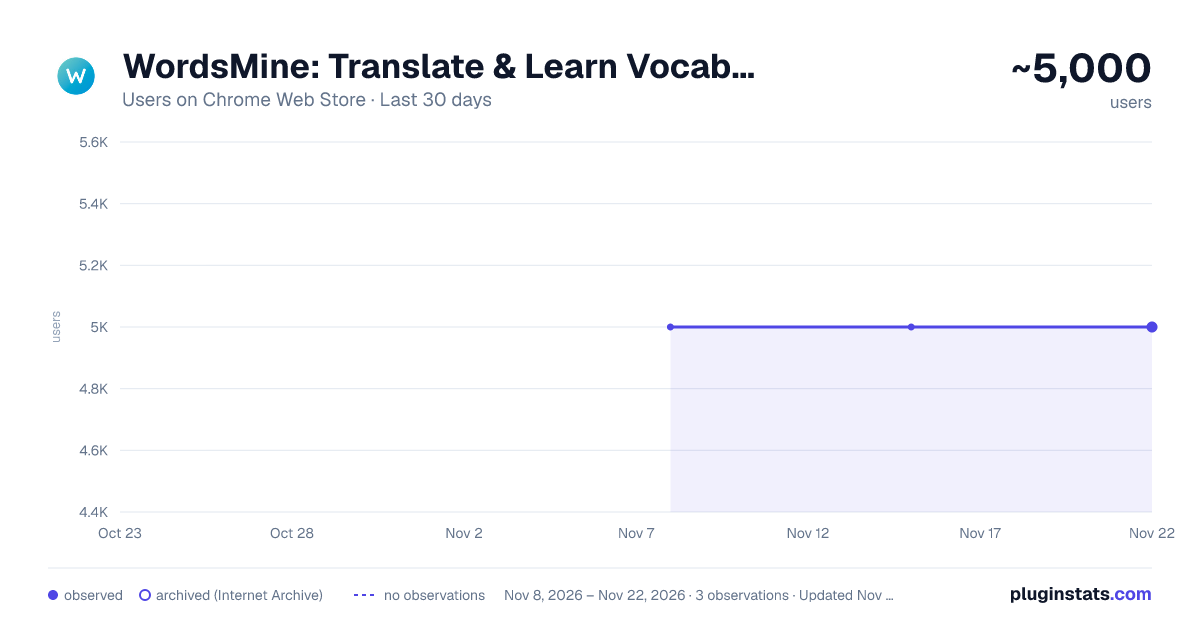
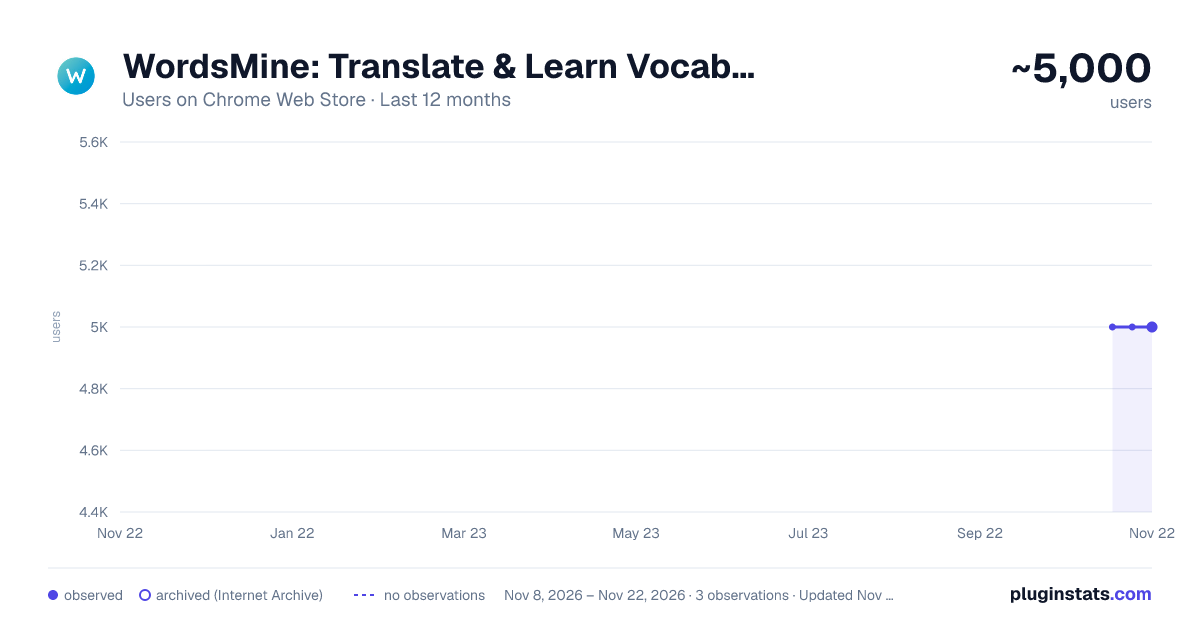
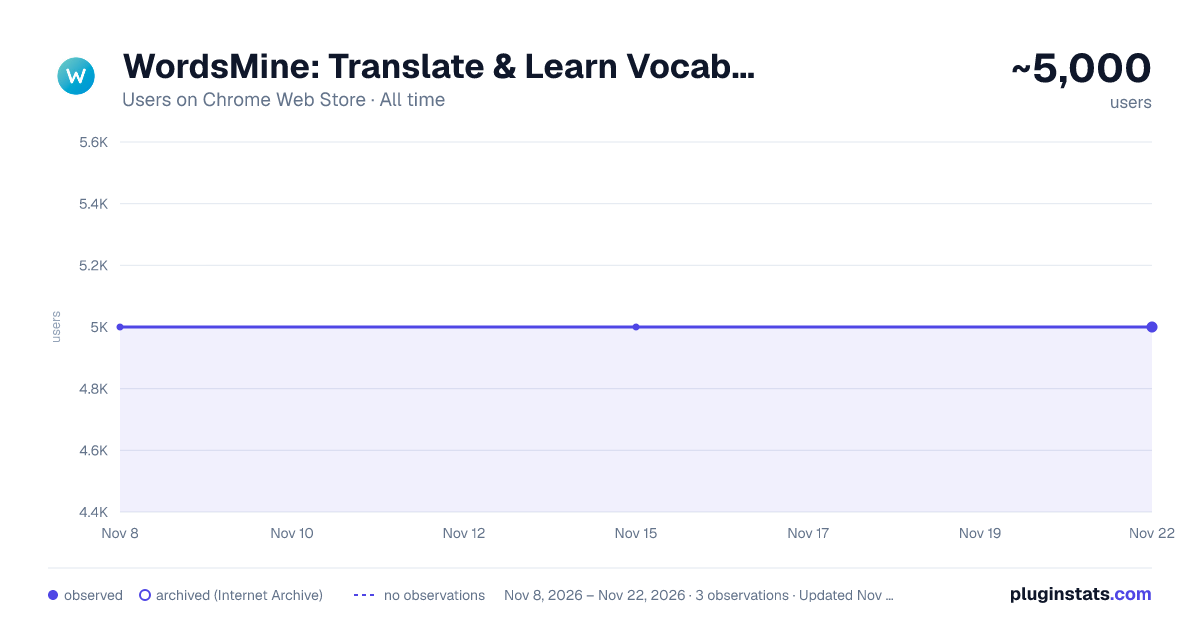
WordsMine: Translate & Learn Vocabulary While Browsing has approximately 5,000 recorded users on Chrome Web Store, a change of 0.0% over the past 7 days, ranking #1648 of 10,388 tracked listings.
Rating: 4.70 / 5 from 72 ratings
About WordsMine: Translate & Learn Vocabulary While Browsing
Double-click to translate, save words to your bank, and review with spaced-repetition flashcards as you browse.
Translate, save, and boost your vocabulary while you browse.
WordsMine lets you translate with a double-click, save words to your personal word bank, and review with flashcards using spaced repetition. It works across websites, YouTube subtitles, and PDFs/eBooks, so learning fits your browsing, not the other way around.
Never look up twice. It’s easy to forget a word you looked up a few days ago, when it appears again, you search again, and the cycle repeats. WordsMine breaks the loop: saved vocabulary is auto-highlighted whenever you meet it across the web, with quick meanings in context so you keep reading and keep learning.
What you can do • Translate instantly: Double-click, select text, or hover over a word while holding the Ctrl key (Windows or MacOS) to get inline translations for words and phrases easily. • Save anything: Add words/phrases from webpages, YouTube captions, and PDF/eBooks to your word bank. • Review smarter: Turn saves into flashcards with spaced repetition to retain faster, longer. • Learn in context: See examples, highlight previously saved words on pages, and mark “hard” words. • Works everywhere: Web, PDF reader, YouTube; syncs across devices. • Multilingual support: Bi-directional lookup across 120+ languages.
Languages Languages (bidirectional): English, Vietnamese, Japanese, Korean, Chinese (Simplified/Traditional), Spanish, French, German, Thai, Indonesian, Hindi, Arabic, Portuguese, Russian, Turkish and 120+ in total.
Perfect for Students, test prep (IELTS/TOEIC/SAT), professionals upskilling on technical terms, and lifelong learners.
Privacy & control You choose when the popup appears, what is saved, and how you review. Screenshot translation sends the selected image to WordsMine to read and translate the text.
What’s new • More reliable sentence & phrase translation when you select text • Faster translation popup • Stability / YouTube caption refinements • Better default language experience (EN, VI, ES, Hindi, Arabic, …) • Stability, new translation experience • Support default languages: English, Vietnamese, Español, Indian, Arabic • Quick translation by pressing Ctrl + Hovering over a word to get inline translations easily • New features for Youtube translation, stability fixes and performance improvements.
New in this version • Stabability • Screenshot translation: capture a region and get the translation on the page. • Clearer sentence translation. • More stable popups on YouTube and long passages.
Recognition 50+ recognitions and awards from local and global organizations, including Google for Startups, Microsoft for Startups, Qualcomm, and UNDP.
Support Need WordsMine on a site you use? Open the Support section on this page.
Description from the Chrome Web Store listing.
README badge
Show your rank in a README or on your website. The badge updates automatically.
Charts
Images: 30d · 1y · all time · 1600×900 dark
Adoption over time
7/30/90-day growth
Ranking history
Ratings over time
Listing placement
Listing placement
Filled points are observed values; hollow points come from Internet Archive snapshots of the listing page. Dashed segments span periods with no observations — values between points are not interpolated.
Each band is one page of 20. Users on a linear scale. Placement is projected from users, so it can differ from the marketplace's own sort order. Hover a dot to see the listing.
Recent observations
Full history (2)Similar Chrome Web Store Education plugins
All 20 WordsMine: Translate & Learn Vocabulary While Browsing alternatives



Data source
Covers every Chrome Web Store extension with at least 100 users, found through the store's public sitemap. User counts are read from public listing pages. The 10% most-used extensions are refreshed daily, the next 40% weekly and the next 40% monthly; the least-used 10% are not refreshed. Google displays rounded user counts (and caps the display at 10,000,000+), so small changes may not be visible. Rating counts above 1,000 are rounded (e.g. 1.6K).
Listing: https://chromewebstore.google.com/detail/wordsmine-translate-save/pfjninionlecmhganagpckidcmhgjlhd. First seen Nov 8, 2026; last successful collection Nov 15, 2026. See the methodology.