 PluginStats

Theatre Cue Player users statistics
Audio and video cue playback for live theatre. Projection mapping, second-screen output, cue sheets. Works offline.
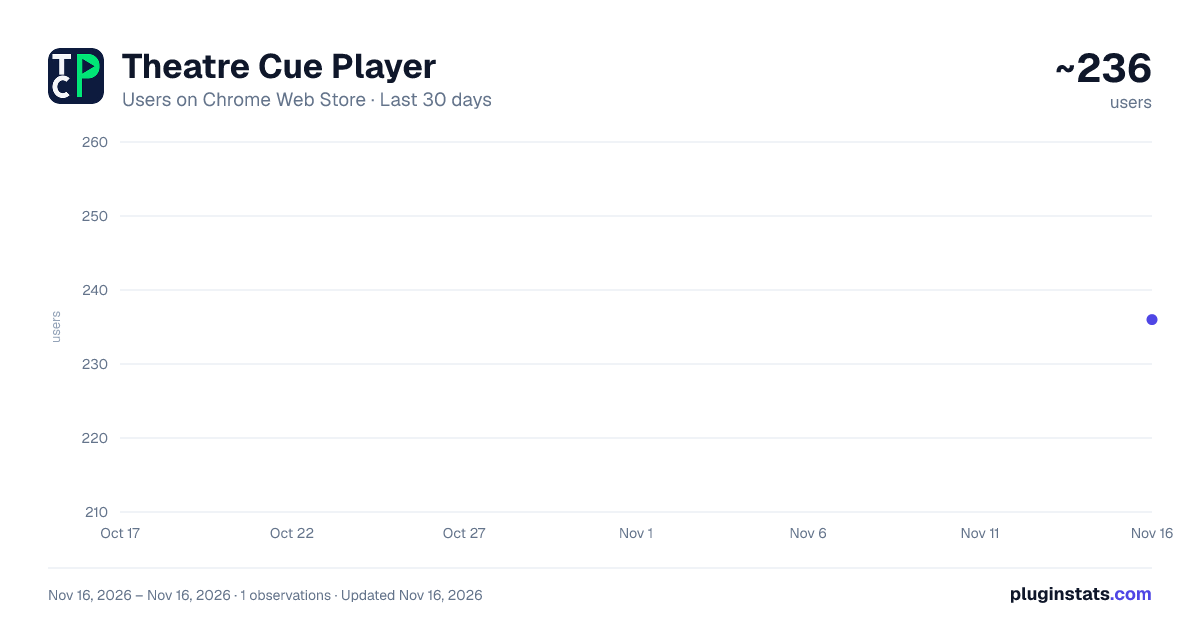
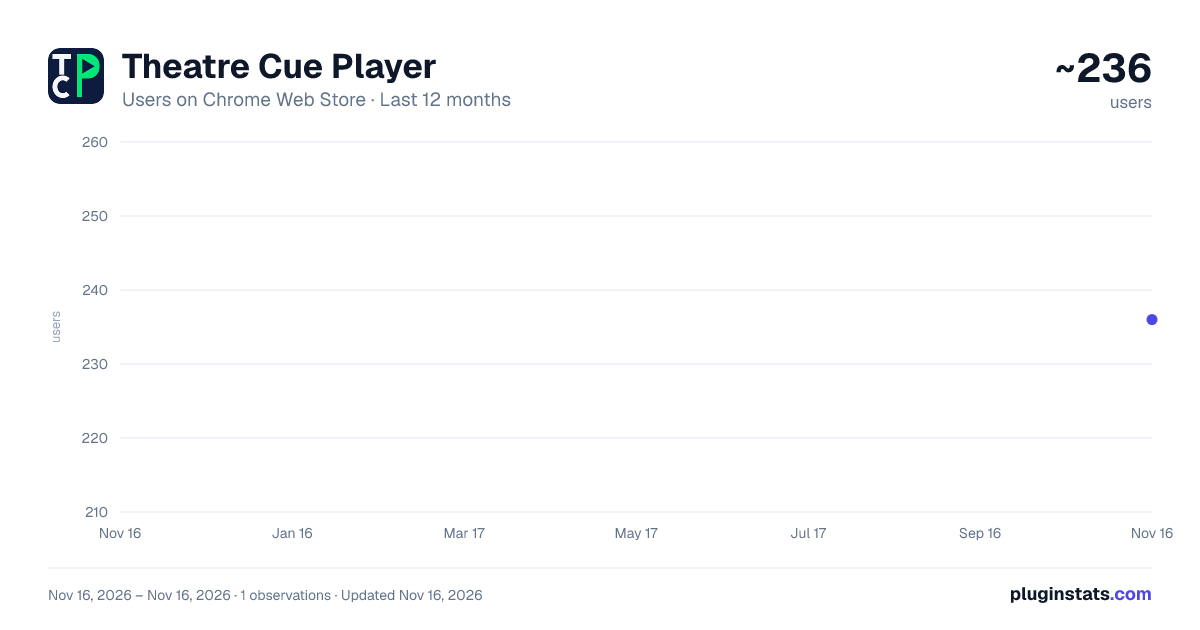
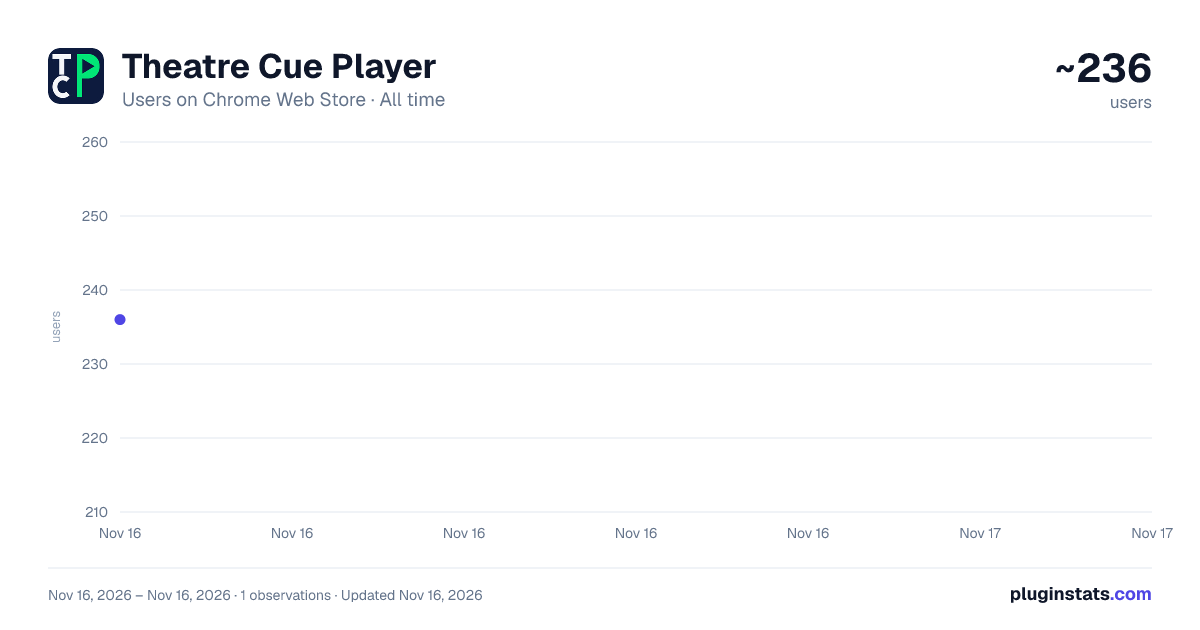
Theatre Cue Player has approximately 236 recorded users on Chrome Web Store, ranking #7282 of 10,388 tracked listings.
About Theatre Cue Player
Audio and video cue playback for live theatre. Projection mapping, second-screen output, cue sheets. Works offline.
Theatre Cue Player is show-control software for school and community theatre. It runs in Chrome, works offline, and is built for student operators on Chromebooks. Build a cue list, press GO, and your sound and video fire in order.
It provides a unique opportunity for a classroom of students to learn the terminology, logic, and workflow of show-control software that immediately transfers to industry-standard professional applications. "Made for education. Powerful enough to run the show."
AUDIO • One cue list and one GO button — a workflow a student can learn in a rehearsal • Overlapping playback, auto-follow, auto-continue and infinite loops • Fade cues, plus FADE ALL and STOP ALL for when something goes wrong • A hotkey grid for instant-fire sound effects • A built-in waveform editor for trimming and fading without leaving the app
VIDEO AND PROJECTION • Video and image cues fired from the same cue list as your audio • Clean full-screen output to a projector or second monitor, black between cues • Projection mapping — corner-pin warp and masking onto set pieces and scrims, with multiple sources and surfaces available • Text cues: titles, supertitles, crawls and rolls
SHOWS THAT TRAVEL • Save to a plain folder on the machine, or to your own Google Drive — your choice • Export a printable PDF cue sheet, or a Google Sheet for the stage manager • Package a whole show, media included, as a single zip file
BUILT FOR SCHOOLS • Works offline once a show is open, so a dropped network cannot stop a performance • Help Mode locks the cue list so a student cannot edit it by accident • No account required. Google Drive is entirely optional — in folder mode the extension makes no network connections at all, which matters in districts where Drive is blocked • Choosing a file from Google Drive opens a small page on theatrecueplayer.app, so that address needs to be allowed through a school web filter along with Google. If it is blocked, everything else still works: pick the file from the computer instead (on a Chromebook, Google Drive is in the file dialog's sidebar)
PRICING Free for the whole 2026–27 school year. After that there will be a fee for second-screen projection output only; audio-only shows stay free and video shows with watermark stay free.
NEW IN 2.5.0 — ADJUSTABLE FONT SIZE / HIDE AND ADJUST COLUMNS Make the cue list as big, as small or as simple as the show needs. Widen, fit or hide columns, make the text up to twice the size, and space the rows out or pack them in. Hide everything but the cue numbers and names, turn the text up, and the cue list becomes a display a whole booth can read.
• Drag the edge of a column heading to widen or narrow it, or double-click the edge to fit it to what is in it. Settings > Cue Table > Fit all sizes every column at once • Hide any column except Cue # and Cue Label, from Settings or by right-clicking its heading. Show all brings them back • Cue list text size up to 200%, and cell padding from Compact to Extra roomy • These settings are kept on each computer, so a Chromebook and a desktop can each suit their own screen • In Video mode, the cue inspector now shows every setting a cue's row has — delay, trims, fades, loop and the auto-continue and auto-follow choices — so a hidden column never hides a setting • The GO button stays in one place: Show Control now sits above Currently Playing, so the list of playing cues grows below it • The play, fade and stop buttons stay on screen when a wide cue list scrolls sideways, and the cue list's scrollbars always show • Escape closes Settings without stopping the show, clicking outside Settings closes it too, and no key fires a cue while Settings is open • Picture cues no longer offer trim, pan and loop boxes that had no effect on a still image
NEW IN 2.4.0 — FASTER TO BUILD, EASIER TO SHARE Drag your sound and video files straight onto the cue list and each one becomes a cue, named after its file. Shows can now be opened, imported and exported through Google Drive, and Show > Save Show As makes a complete copy of a show.
• Drag sound and video files onto the cue list: drop between two cues to add new ones, or onto a cue to give it a different file • Drag the Add Cue buttons into the list. A fade, stop, pause or resume dropped under a cue is aimed at that cue • A cue takes its file's name until you type one, and a name you typed is never changed • Save Show As makes a new show with its own copy of every sound and video it uses, so changing the copy never touches the original • In Google Drive mode, Load Cue File and Import a show can open from Drive, and Export Project to Zip can save to Drive • Big videos and sound files upload to Google Drive in smaller pieces, so a shaky connection is less likely to stop them • Sound Editor changes come back as a new numbered file, such as "Thunder (edit 2).wav", and the cue keeps its name • Purge Unused Media keeps any file that a saved backup of the cue list still uses • A file dropped outside the cue list no longer opens over your show • Fixed: making or importing a show with the same name as an existing show could overwrite it. Each show now needs its own name
NEW IN 2.3.0 — AUTOMATIC CUE LIST BACKUPS, and more Theatre Cue Player now saves a copy of your cue list every time you open a show, and keeps the last 20. When the director asks to hear it the way it was yesterday, Show > Restore from Backup puts it back. Restoring saves a copy of what you have now first, so you can always change your mind.…
Description from the Chrome Web Store listing.
README badge
Show your rank in a README or on your website. The badge updates automatically.
Charts
Images: 30d · 1y · all time · 1600×900 dark
Adoption over time
7/30/90-day growth
Ranking history
Ratings over time
Listing placement
Listing placement
Filled points are observed values; hollow points come from Internet Archive snapshots of the listing page. Dashed segments span periods with no observations — values between points are not interpolated.
Each band is one page of 20. Users on a linear scale. Placement is projected from users, so it can differ from the marketplace's own sort order. Hover a dot to see the listing.
Recent observations
Full history (1)Similar Chrome Web Store Education plugins
All 20 Theatre Cue Player alternatives



Data source
Covers every Chrome Web Store extension with at least 100 users, found through the store's public sitemap. User counts are read from public listing pages. The 10% most-used extensions are refreshed daily, the next 40% weekly and the next 40% monthly; the least-used 10% are not refreshed. Google displays rounded user counts (and caps the display at 10,000,000+), so small changes may not be visible. Rating counts above 1,000 are rounded (e.g. 1.6K).
Listing: https://chromewebstore.google.com/detail/theatre-cue-player/meanilaokadjkgoflflcbpgpgcebamdm. First seen Nov 16, 2026; last successful collection Nov 16, 2026. See the methodology.