 PluginStats

Pinyin Reader users statistics
Pinyin from our own on-device model, decided in context. Web pages and PDFs, dictionary, read-aloud, translation.
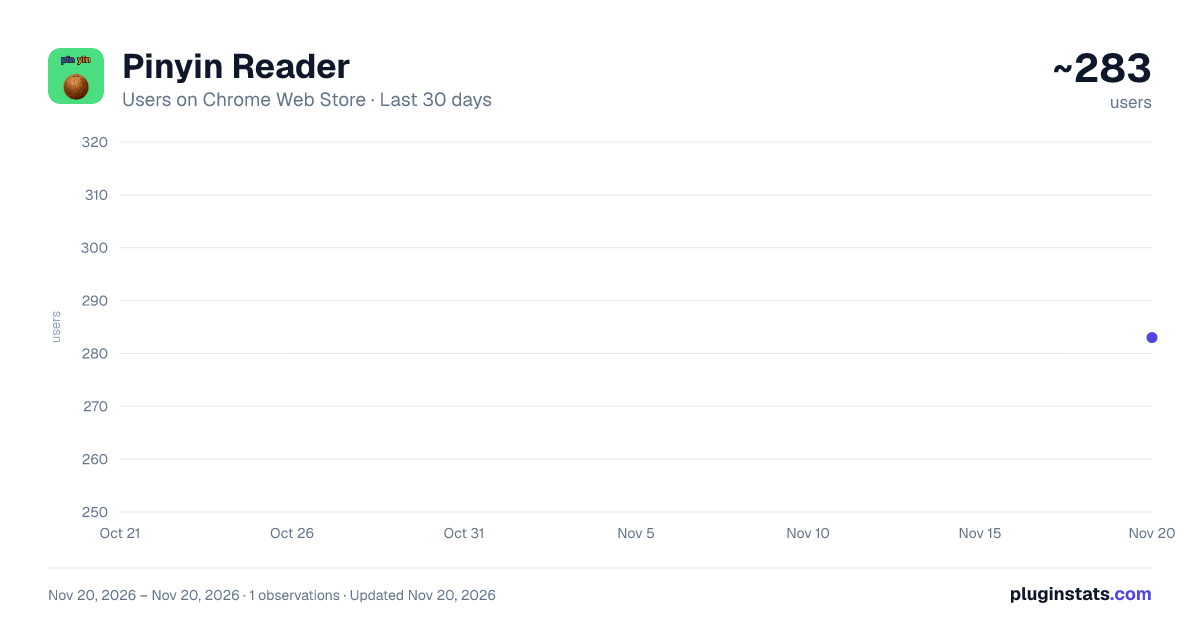
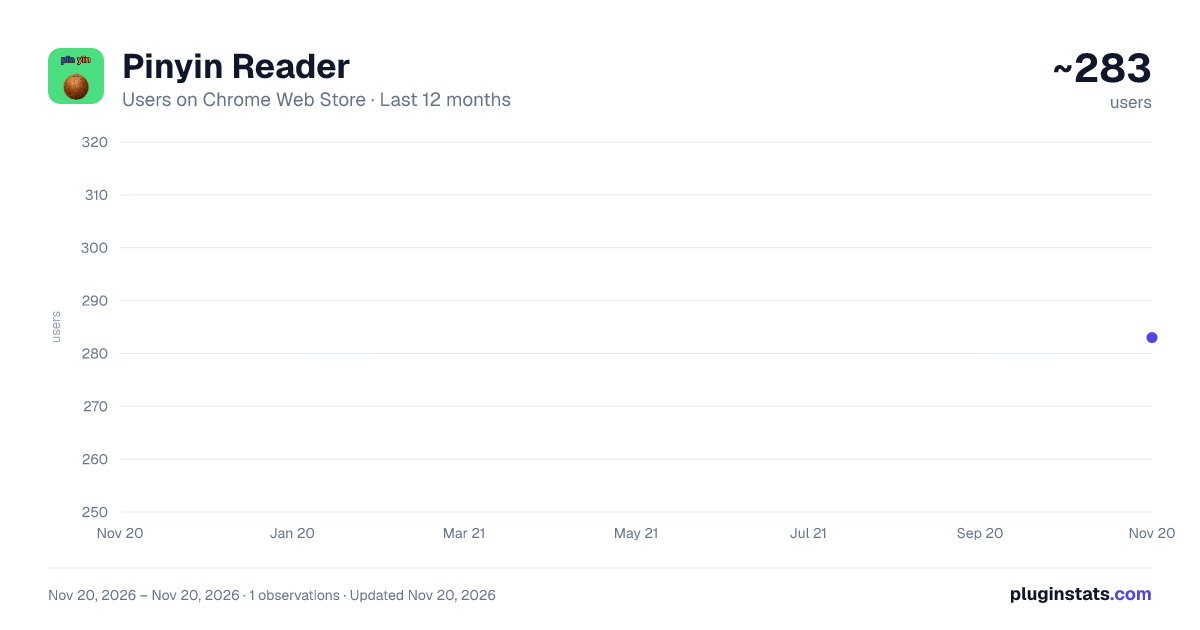
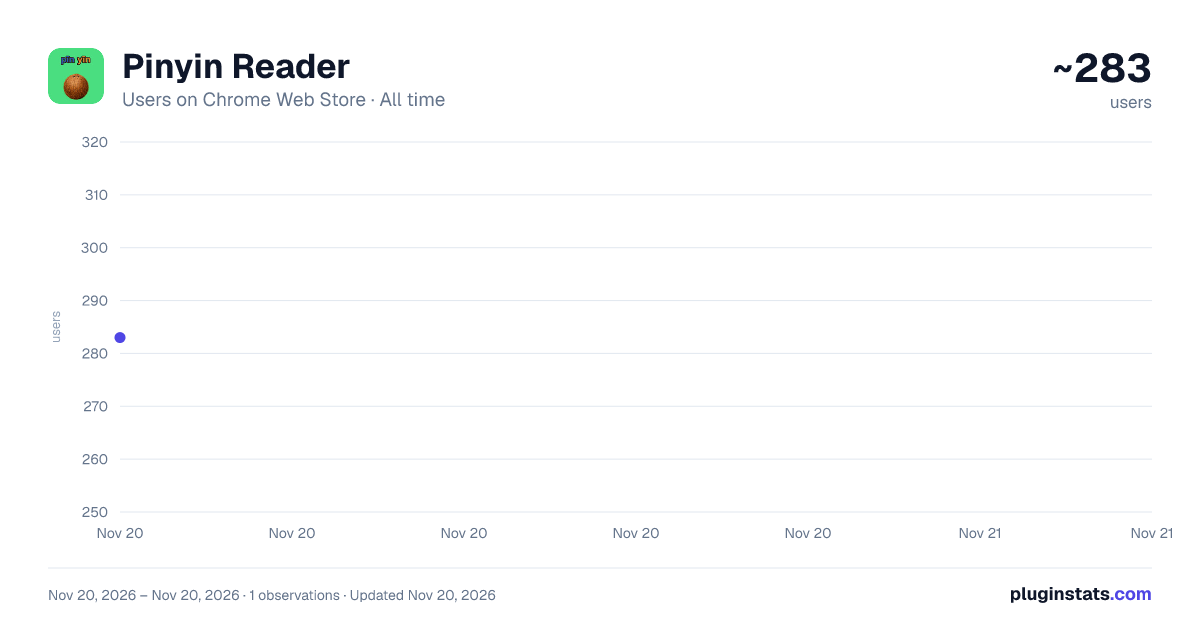
Pinyin Reader has approximately 283 recorded users on Chrome Web Store, ranking #6734 of 10,388 tracked listings.
Rating: 4.00 / 5 from 4 ratings
About Pinyin Reader
Pinyin from our own on-device model, decided in context. Web pages and PDFs, dictionary, read-aloud, translation.
Pinyin Reader — Chinese web pages and PDFs, with pinyin our own on-device model decides character by character
Our own on-device neural model decides every reading from the whole sentence — tone sandhi, neutral tones, polyphones, names — with no dictionary lookup. About 66% fewer polyphone errors than the dictionary engine we shipped before, measured on a public 10,254-sentence benchmark the model never trained on. Stop breaking your reading flow to check pronunciation and meaning. Pinyin Reader combines pinyin annotation, hover dictionary, karaoke TTS, sentence-by-sentence navigation, reading analysis, and FSRS spaced-repetition review in one workflow — with 8 exercise types for lasting vocabulary retention. Built for HSK exam prep, university Chinese courses, academic papers, technical docs, news, and original books.
✨ Key Features: • Our own on-device neural model decides every reading from the whole sentence — tone sandhi, neutral tones, polyphones, names — with no dictionary lookup • About 66% fewer polyphone errors than the dictionary engine we shipped before, measured on a public 10,254-sentence benchmark the model never trained on • Automatically detects Chinese characters on any page and puts the pinyin above them • Whole-page Pinyin mode — every pronunciation at once, with or without tone marks • Hover tooltip with pronunciation and a speak button, or switch it to pinyin only • Hover dictionary supports multiple meanings and 8 definition languages (EN/JA/KO/VI/FR/DE/ZH/繁中) • Select text to read aloud with karaoke-style word highlighting • Instant translation of selected text (Bing & Google Translate) • Sentence mode, reading analysis and focus mode for working through a long article • Learning book with FSRS spaced repetition, 8 exercise types and CSV/JSON export • Support for CJK Extension A and compatibility characters • Built-in PDF Reader — and any online PDF you open arrives already annotated
🔊 Text-to-Speech: • Single character - click the speaker button to hear pronunciation • Selection speech - select text, click floating toolbar or use Alt+Shift+S • Karaoke effect - words highlight one by one as they are spoken • Adjustable speech rate for sentence reading practice
🌐 Translation: • Select any text and click translate button or press Alt+Shift+T • Supports Bing Translate and Google Translate engines • 108 target languages available • Inline translation bubble with copy button
⌨️ Keyboard Shortcuts: • Alt+Shift+P - Toggle Pinyin annotations on/off • Alt+Shift+S - Speak selected text • Alt+Shift+T - Translate selected text
📄 PDF Reader: • Built-in PDF viewer that annotates every Chinese character with the same on-device model • Auto-intercept online PDFs — open any PDF in the browser and it arrives annotated • Click any character for instant dictionary lookup (CC-CEDICT with 114K entries) • Web pages and the PDF Reader share the same definition language setting • Show or hide Pinyin annotations with the toolbar toggle • Search by Chinese text or Pinyin (type "tianqi" to find "天气") • Sidebar with table of contents, thumbnails, and page navigation • 3 themes: dark, light, sepia • Drag & drop local PDF files or paste URLs
⚙️ More Settings: • Site control — run everywhere except a disabled list, or only on an allowed list • Wildcards such as *.example.com, and every host covers its own subdomains • Turn the right-click menu on or off • Export every setting to a JSON file and import it on another computer • Reset everything to defaults in one click • Shortcut panel showing your current key bindings, plus version and changelog
📚 Perfect for: • HSK and TOCFL candidates building vocabulary out of real articles • University Chinese courses — previewing a text before class, reviewing after • Reading Chinese news, blogs and original books without a dictionary tab open • Academic papers and technical documentation that arrive as PDFs • Pronunciation and shadowing practice, including the tone changes a dictionary cannot give you
🔒 Privacy: No account, no tracking, no data collection. The pinyin model, the dictionary and your learning data all stay on your device; only the text you ask to translate is sent to Bing or Google.
Add Pinyin Reader, open any Chinese page, and start reading — nothing to sign up for, nothing to configure.
Description from the Chrome Web Store listing.
README badge
Show your rank in a README or on your website. The badge updates automatically.
Charts
Images: 30d · 1y · all time · 1600×900 dark
Adoption over time
7/30/90-day growth
Ranking history
Ratings over time
Listing placement
Listing placement
Filled points are observed values; hollow points come from Internet Archive snapshots of the listing page. Dashed segments span periods with no observations — values between points are not interpolated.
Each band is one page of 20. Users on a linear scale. Placement is projected from users, so it can differ from the marketplace's own sort order. Hover a dot to see the listing.
Recent observations
Full history (1)Similar Chrome Web Store Education plugins
All 20 Pinyin Reader alternatives



Data source
Covers every Chrome Web Store extension with at least 100 users, found through the store's public sitemap. User counts are read from public listing pages. The 10% most-used extensions are refreshed daily, the next 40% weekly and the next 40% monthly; the least-used 10% are not refreshed. Google displays rounded user counts (and caps the display at 10,000,000+), so small changes may not be visible. Rating counts above 1,000 are rounded (e.g. 1.6K).
Listing: https://chromewebstore.google.com/detail/pinyin-reader/jknjchjknclcjhhelbiijomgnneofkdf. First seen Nov 20, 2026; last successful collection Nov 20, 2026. See the methodology.