 PluginStats
agentflowctl weekly downloads statistics
By gogogohuang · npm · Claude Code
讓 Claude Code、Codex、Gemini CLI 等 agent 分工整理需求、規劃、寫測試與程式並交叉審查,最後建立 PR;由程式推進流程,以測試與檢查結果把關
agentflowctl has 62 recorded weekly downloads on npm, ranking #1790 of 2,322 tracked listings.
About agentflowctl
agentflowctl

開發暫緩:agentflowctl 目前暫緩開發,不再主動新增功能。後續請參考 agent-lyceum。
讓 Claude Code、Codex、Gemini CLI 等 agent 在同一個專案裡分工:整理需求、規劃、寫測試與程式、交叉審查,最後建立 PR。agentflowctl 負責推進流程,並用檔案、測試和檢查結果決定能否進到下一步。
每次執行都會建立獨立的 git worktree 與 flow/<id> 分支,不會直接修改你目前的工作目錄。兩個 agent 就能運作;只有一個也能執行,但無法跨 agent 審查。
開始使用
需要 Node.js 22 以上、git,以及至少一個已安裝且完成登入的 agent CLI(Claude Code、Codex、Gemini CLI;建議準備兩個)。
在要開發的專案根目錄執行:
npx agentflowctl config agent setup    # 選擇 agent 與模型模式,寫入 flow.config.json
npx agentflowctl config doctor         # 檢查設定與 CLI 是否可執行
npx agentflowctl run --req "登入表單加入驗證與錯誤訊息"
需求寫在檔案裡時,改用 --req-file ./requirement.md。下文以 agentflowctl 為例;未全域安裝時,在指令前加 npx,或執行 npm install -g agentflowctl。
一次 run 做什麼
需求 → 規格 → 計畫與計畫審查 → 逐任務寫測試、寫實作、審查、驗證 → 整體檢查與程式碼審查 → 推送分支並建立 PR(沒有 origin 時,分支留在本機)。
每道程式碼審查都要逐條回報驗收條件(漏掉、或寫出不存在的編號會重審),審查者另外提出的問題必須附證據,且只在第一次審查時能擋關;修正若新增 skip、@ts-ignore、eslint-disable 或讓斷言變少會被退回。計畫仲裁意見分歧而繼續實作時,沒核准的意見會變成最終審查必須處理的待辦事項。作者回覆裡標出的疑慮會交給審查者優先查證;審查也會檢查有沒有驗收條件都不需要的過度實作。檢查(typecheck、lint、test 等)第一次失敗時會先原樣重跑一次,第二次通過視為不穩定(flaky)而放行並記錄,兩次都失敗才交給修正者(rerunFailedChecks 可關閉)。沒有相依關係的任務若在計畫裡描述同一個檔案,計畫會被退回,要求排出先後。agentflowctl insights 會列出反覆出現的失敗類別與對應該檢查的規則,以及不穩定的檢查。 測試或檢查指令若會改動工作樹(例如測試覆寫專案檔案),程式會偵測並記下,在 verify.json 註明是指令的副作用,之後 commit agent 的修改時自動把這些檔案還原成基底分支的內容,避免審查與修正在「還原、又被測試改掉」之間來回。 開 PR 前若帳本還有未結事項,會退回修正(或交給審查者確認),不會停在 PR 階段無法 resume。
範圍小的需求可以加 --fast:一次 agent 呼叫寫完規格與計畫(任務最多 2 個),略過計畫審查與任務審查,其餘(紅綠燈、驗證、整體程式碼審查、PR)照舊。agent 會一併回報這個需求是否跨模組、動到公開介面或儲存格式、碰到信任邊界、有未決的重要設計;任何一項成立,或計畫帶著未結的交接事項,就丟掉這份計畫改走完整流程(多花一次 agent 呼叫)。
流程預設自動往下走。想在計畫通過審查後先確認,加 --manual-plan,確認後執行 agentflowctl approve <id>。計畫有疑慮時:
agentflowctl replan <id> --note "T-2 要改用既有的 helper"   # 補充意見,只改相關任務
agentflowctl replan <id>                                    # 手改 .flow/ 的計畫檔後重新檢查(人工確認項目會先併回 .flow/,改完依計畫檔重建清單)
run 完成後還想再改:agentflowctl iterate <id> --req "改用既有的 helper" 會在同一個 worktree 與分支上開第二輪(補充需求從 spec 重來,加 --fast 這一輪改走快速流程,程式碼與 PR 沿用,推送後更新同一個 PR;PR 已合併則改用 run)。這一輪做到一半想放棄、直接進下一輪時,先 agentflowctl abandon <id>(丟掉未 commit 的修改並標成 done,已 commit 的程式碼保留),再 iterate。
修補任務:後面的任務發現必須改變已合併任務的行為時,agent 會寫 .flow/amend-request.json。引擎檢查格式、目標是否已合併與次數上限後,插入一個依賴該任務的修補任務(kind: "amend",走完整的紅燈、綠燈、任務審查、任務驗證),請求者丟棄半成品,等修補合併後從最新的分支重做;修補任務會讓 agent 執行次數上限加上 agentRunsPerTask(明確指定 --max-agent-runs 時不加)。請求不合格(格式錯誤、目標不存在或尚未合併)時,原因會以 amend_invalid 類別經 feedback 退回請求者重寫。達到 maxAmendments(同一個已合併任務最多被修補幾次,預設 2)時 run 暫停,並告知請求者改在自己的任務內完成、或把問題寫進 newIssues;resume 前請檢查 .flow/feedback.md(停在實作階段無法 replan)。修補任務合併後,同一內容的請求會被當成新請求並計入次數。修補任務的測試作者要把與新行為衝突的既有測試一併更新(之後的實作者不能改測試檔)。綠燈階段若是前面任務的測試被弄壞,第一次退回實作者並提示可提 amend,連續兩次就暫停(失敗的若是 iterate 前一輪留下(升級前 iterate 的舊 run 沒記起點,以前一輪存檔目錄 .flow/round-N/ 的建立時間推算)、這一輪沒有任何任務動過的測試,沒有任務能被 amend,提示改成請實作者在 concerns 說明衝突,暫停訊息則指出要手動更新該測試或 replan 加入更新它的任務);每個任務的「審查或驗證未通過 → 修正」合計最多來回 maxTaskRounds(預設 3)圈,超過也會暫停等人。整體程式碼審查連續 3 次回報同一組未通過的驗收條件(只比 AC-n 與狀態,備註措辭不同仍算同一組)也會暫停,狀態停在修正階段,resume 後重新計數:這通常是條件要求外部證據(例如 shellcheck、run-tests.sh),agent 在沙箱內做不到,而審查者只認 .flow/verify.json,請把該指令加進 flow.config.json 的 checks 再 resume。計畫定案時若驗收條件提到的檢查工具或腳本不在 install/test/checks 裡,會印出警告(只提醒,不擋關);run 停下時若多筆未結事項都是沙箱擋住指令,會在「未結交接事項」後提示同樣的做法。在 macOS 上,Claude agent 的沙箱會額外放行系統使用者暫存目錄(getconf DARWIN_USER_TEMP_DIR,即 /var/folders/…/T)的寫入:BSD mktemp -d 不看 TMPDIR,否則測試腳本裡的 mktemp -d 會一律 Operation not permitted。
要在某階段先取用產出,用 --stop-after <spec|plan|implement|verify|review|pr>,之後 resume <id> 接續。
各階段的規則見執行流程細節。
查看進度
run 開始時會印出 run id(例如 f-xxxx)。執行中預設只顯示階段進度;加 -v 可看到 agent 文字、工具呼叫與專案指令。
agentflowctl list                  # 列出 run
agentflowctl status f-xxxx         # 進度、結果與下一步(開過多輪的 run 依輪次分區塊)
agentflowctl confirmations f-xxxx  # 只列出需要人眼確認的任務
agentflowctl logs f-xxxx           # 各步驟的 log;加 --latest 看最新一份
agentflowctl stats f-xxxx          # 各步驟耗時、執行與失敗次數
agentflowctl insights              # 整個專案所有 run 的結果、失敗原因、用量與建議
agentflowctl resume f-xxxx         # 從暫停、中斷或失敗處接續
agentflowctl cancel f-xxxx         # 放棄
agentflowctl abandon f-xxxx        # 放棄這一輪、直接標成 done(之後可 iterate)
agentflowctl clean f-xxxx          # 清除 worktree 與紀錄(clean --all 清所有 done/failed);flow/<id> 分支會保留
各指令輸出的說明見查看進度與停下來時的處理細節。
執行停下來時怎麼做
先執行 agentflowctl status <id>,看「階段」與「原因」:
| 狀況 | 下一步 |
|---|---|
| 按 Ctrl-C,或終端機意外關閉 | agentflowctl resume <id> |
awaiting_approval:計畫等你確認 | 閱讀 .agentflowctl/worktrees/<id>/.flow/plan.md,確認後 agentflowctl approve <id>;有疑慮就 replan |
paused:agent 額度用完 | 等額度恢復後 agentflowctl resume <id> |
paused:已完成指定停點 | 檢視產出後 agentflowctl resume <id> |
failed:測試、檢查、審查或 agent 執行失敗 | 用 agentflowctl logs <id> <編號> 查原因,處理後 agentflowctl resume <id> |
failed:仲裁連續沒有有效裁決 | 查看 log 後 agentflowctl resume <id> |
failed:已達 agent 執行次數上限 | agentflowctl resume <id> --max-agent-runs 100(數字須大於已執行次數;額度用完而失敗的呼叫也計入,平行的車道與審查者合計不會超出上限) |
常用選項
| 選項 | 用途 |
|---|---|
run --req "..." / --req-file <檔案> | 二選一,直接輸入需求或讀取檔案 |
run --manual-plan | 計畫通過審查後等你確認,再 approve <id> |
run --fast | 快速流程:一次寫完規格與計畫、略過計畫審查與任務審查;計畫標出複雜度時自動改走完整流程 |
run --stop-after <階段> | 在指定階段完成後暫停;與 --manual-plan 互斥 |
run --cycle claude,codex | 指定這次參與的 agent |
run --model-mode balanced|adaptive | 只覆蓋這次的模型模式 |
run --base <分支> | 指定起始分支;未設定時使用目前分支 |
run --max-attempts <次數> | 覆蓋重試上限(至少 3,預設 5);resume 也可用 |
run --max-agent-runs <次數> | 指定 agent 執行次數上限;resume 也可用 |
-v / --verbose | 顯示 agent 文字、工具呼叫與專案指令 |
agentflowctl run --req-file ./requirement.md --cycle claude,codex --manual-plan
agentflowctl resume f-xxxx --max-agent-runs 100
設定
專案設定放在專案根目錄的 flow.config.json,沒寫的欄位用預設值。最小範例:…
Description from the npm listing.
- ai
- agent
- claude-code
- codex
- gemini
- code-review
- tdd
- cli
README badge
Show your rank in a README or on your website. The badge updates automatically.
Charts
Images: 30d · 1y · all time · 1600×900 dark
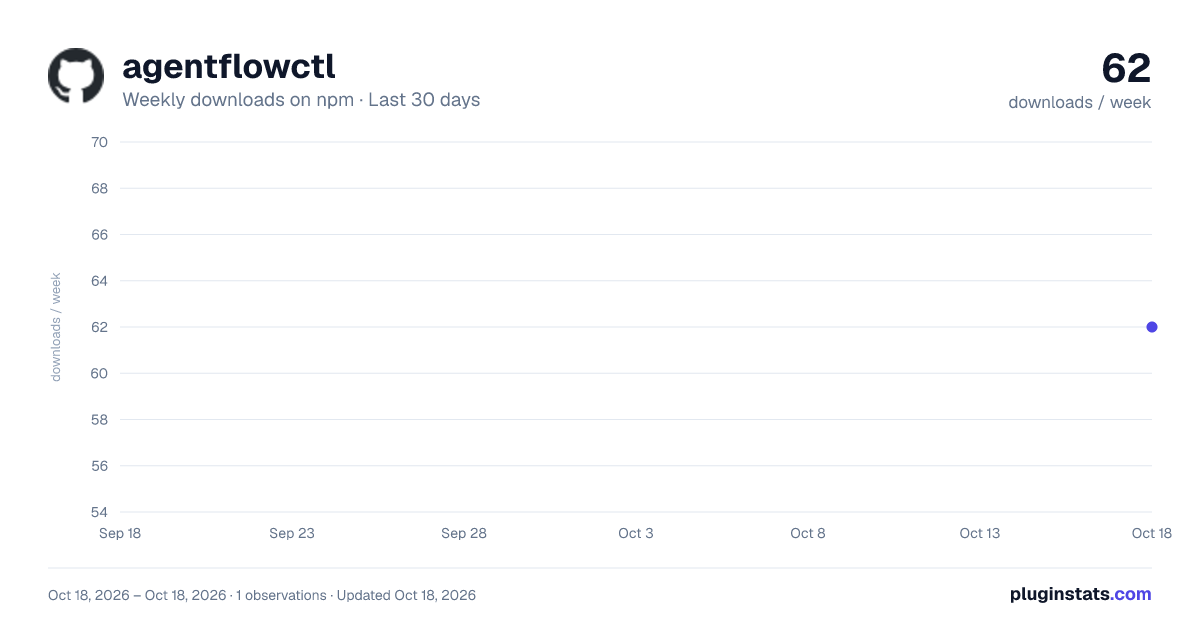
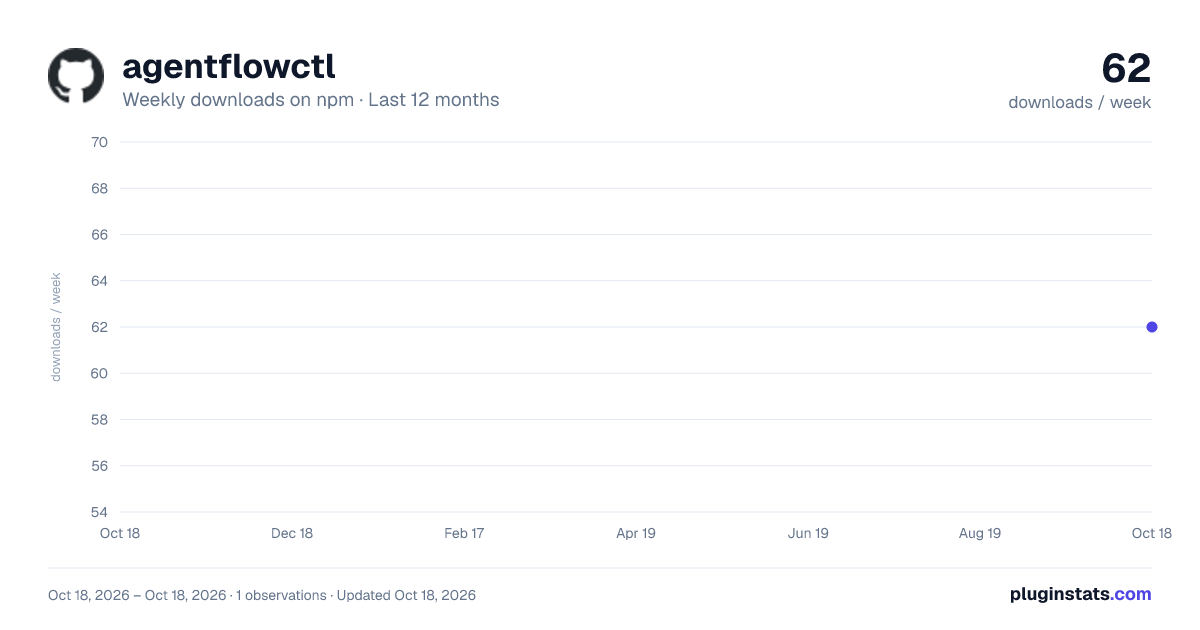
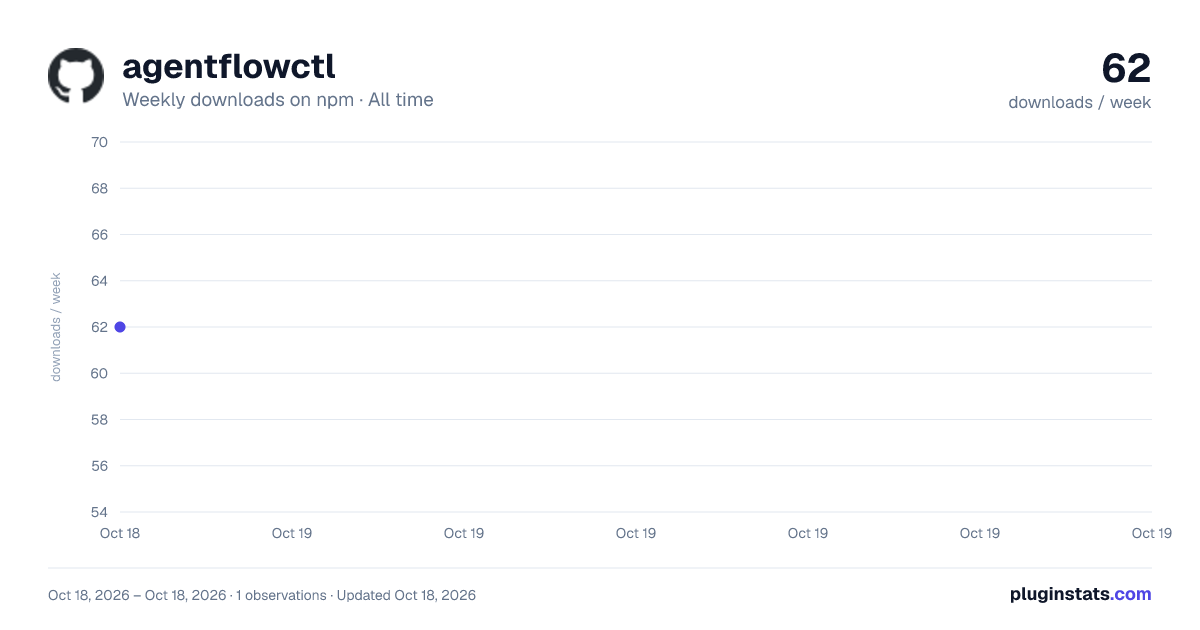

Adoption over time
7/30/90-day growth
Ranking history
Listing placement
Listing placement
Filled points are observed values; hollow points come from Internet Archive snapshots of the listing page. Dashed segments span periods with no observations — values between points are not interpolated.
Each band is one page of 20. Weekly downloads on a linear scale. Placement is projected from weekly downloads, so it can differ from the marketplace's own sort order. Hover a dot to see the listing.
Recent observations
Full history (1)Similar npm Claude Code plugins
All 20 agentflowctl alternativesData source
Weekly downloads (trailing 7 complete days) come from the official npm downloads API. Downloads include CI and mirrors and are not equivalent to installs or users. npm publishes no ratings.
Listing: https://www.npmjs.com/package/agentflowctl. First seen Oct 20, 2026; last successful collection Oct 20, 2026. See the methodology.