 PluginStats

JSON Viewer users statistics
By Dmytrii Lysak · Chrome Web Store · Developer Tools
A beautiful, customizable JSON/JSONP viewer and highlighter. Open-source fork: https://github.com/Lysak/json-viewer
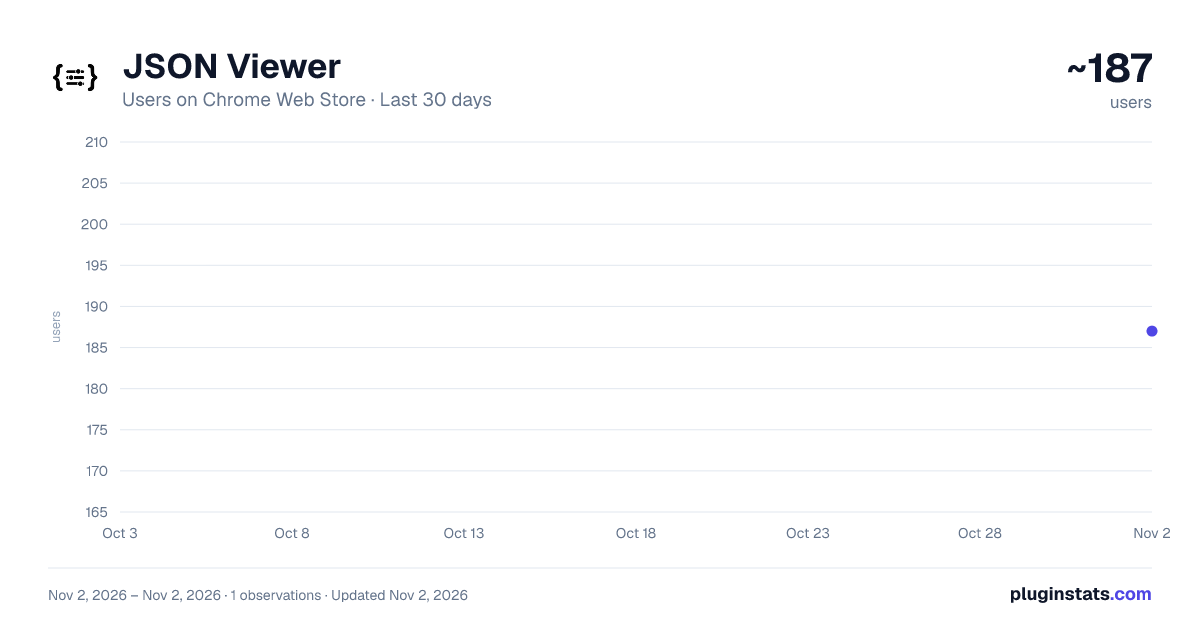
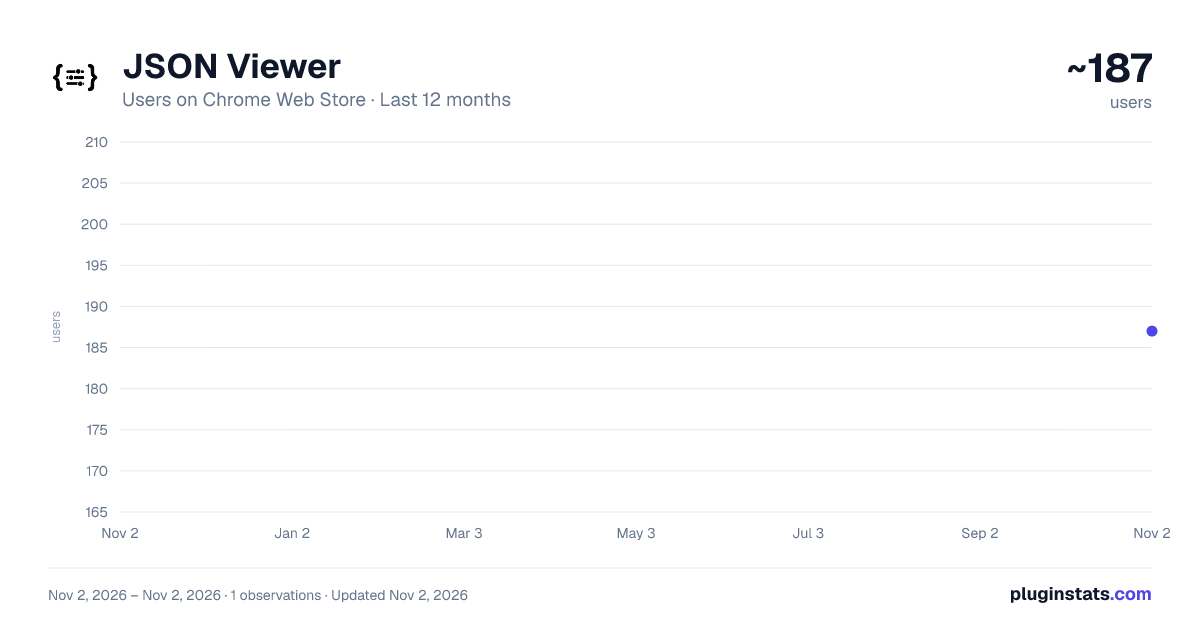
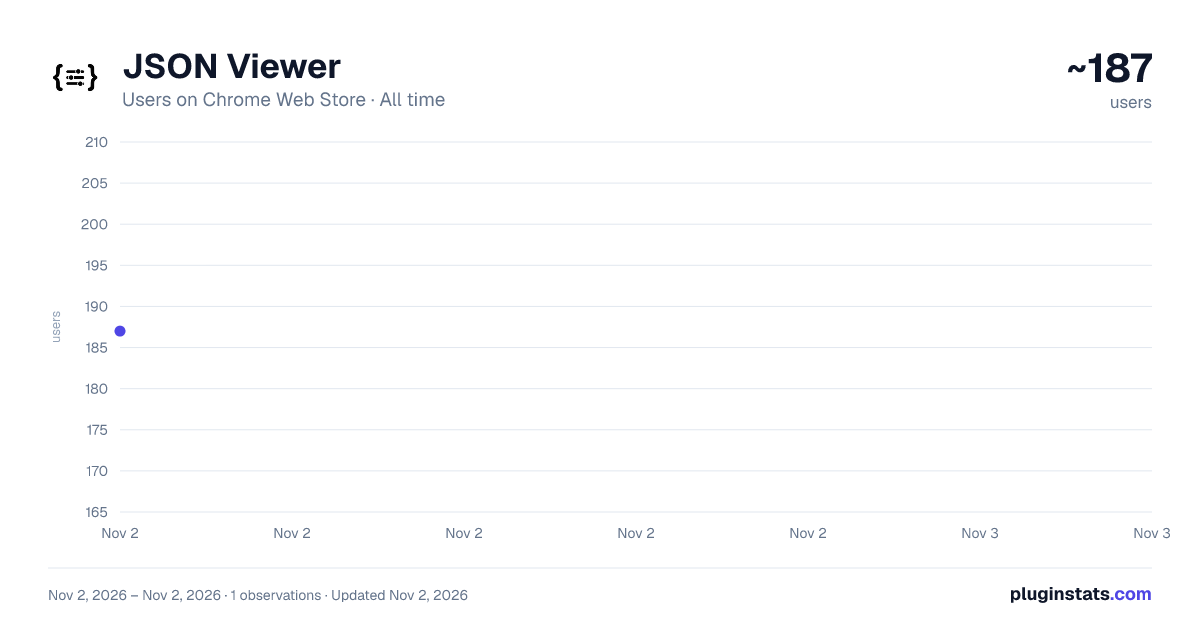
JSON Viewer has approximately 187 recorded users on Chrome Web Store, ranking #5214 of 6,786 tracked listings.
Rating: 5.00 / 5 from 1 ratings
About JSON Viewer
A beautiful, customizable JSON/JSONP viewer and highlighter. Open-source fork: https://github.com/Lysak/json-viewer
It is a Chrome extension for printing JSON and JSONP.
Notes:
- This extension might crash with other JSON highlighters/formatters, you may need to disable them
- To highlight local files and incognito tabs you have to manually enable these options on the extensions page
- Sometimes when the plugin updates chrome leaves the old background process running and revokes some options, like the access to local files. When this happen just recheck the option that everything will work again
- Works on local files (if you enable this in chrome://extensions)
Features
- Syntax highlighting
- 27 built-in themes
- Collapsible nodes
- Clickable URLs (optional)
- URL does not matter (the content is analysed to determine if its a JSON or not)
- Inspect your json typing "json" in the console
- Hot word
json-viewerinto omnibox (typejson-viewer+ TAB and paste your JSON into omnibox, hit ENTER and it will be highlighted) - Toggle button to view the raw/highlighted version
- Works with numbers bigger than Number.MAX_VALUE
- Option to show line numbers
- Option to customize your theme
- Option to customize the tab size
- Option to configure a max JSON size to highlight
- Option to collapse nodes from second level + Button to unfold all collapsed nodes
- Option to include a header with timestamp + url
- Option to allow the edition of the loaded JSON
- Option to sort json by keys
- Option for C-style braces and arrays
- Scratch pad, a new area which you can type/paste JSON and format indefinitely using a button or key shortcut. To access type
json-viewer+TAB+scratch padENTER
This plugin is open source https://github.com/tulios
Bugs and suggestions https://github.com/tulios/json-viewer/issues
Contributors Thiago Pontes (@thiagopnts) @bluec0re @North101 Ben Hollander (@benhollander) Mehdi Bahrami (@mehdibahraami) Reimund Trost (@reimund) Ben van Enckevort (@benvan)
License MIT License
Any questions tweet me @tulios
Description from the Chrome Web Store listing.
README badge
Show your rank in a README or on your website. The badge updates automatically.
Charts
Images: 30d · 1y · all time · 1600×900 dark
Adoption over time
7/30/90-day growth
Ranking history
Ratings over time
Listing placement
Listing placement
Filled points are observed values; hollow points come from Internet Archive snapshots of the listing page. Dashed segments span periods with no observations — values between points are not interpolated.
Each band is one page of 20. Users on a linear scale. Placement is projected from users, so it can differ from the marketplace's own sort order. Hover a dot to see the listing.
Recent observations
Full history (1)Similar Chrome Web Store Developer Tools plugins
All 20 JSON Viewer alternatives



JSON Viewer on other marketplaces
Data source
Covers every Chrome Web Store extension with at least 100 users, found through the store's public sitemap. User counts are read from public listing pages. The 10% most-used extensions are refreshed daily, the next 40% weekly and the next 40% monthly; the least-used 10% are not refreshed. Google displays rounded user counts (and caps the display at 10,000,000+), so small changes may not be visible. Rating counts above 1,000 are rounded (e.g. 1.6K).
Listing: https://chromewebstore.google.com/detail/json-viewer/infiapocoodhkofhjboemkonbjboopbj. First seen Nov 2, 2026; last successful collection Nov 2, 2026. See the methodology.