 PluginStats

WebGrabber for Claude Design users statistics
Chrome Web Store · Developer Tools
Grab any element's HTML, CSS, and screenshot to paste into Claude Design. Independent tool, not affiliated with Anthropic.
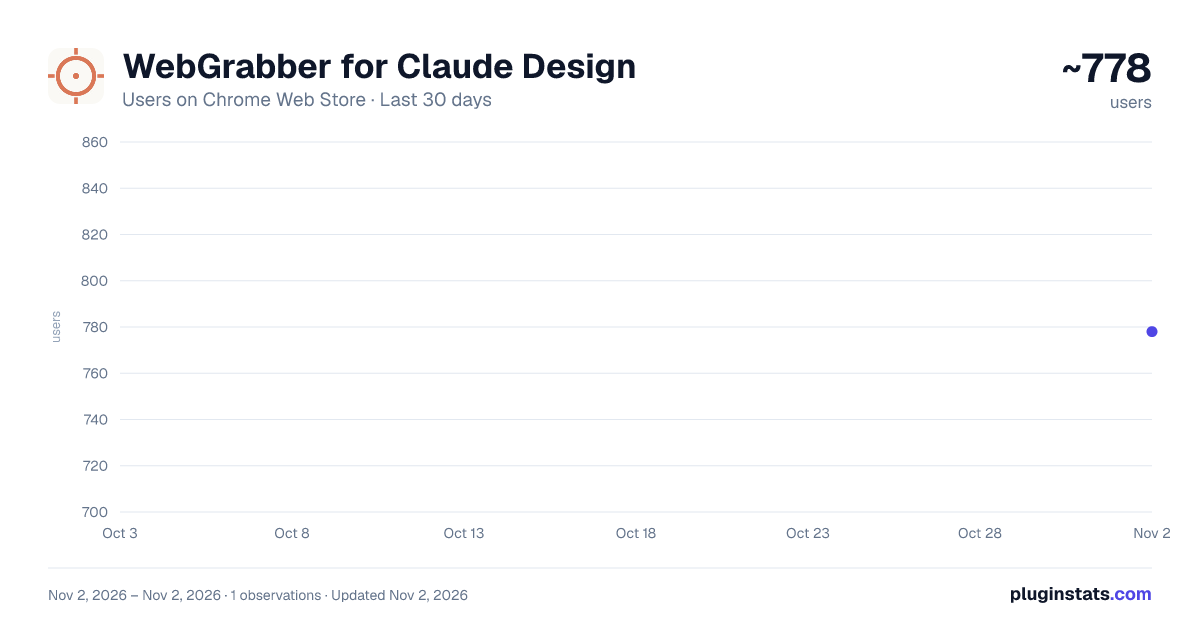
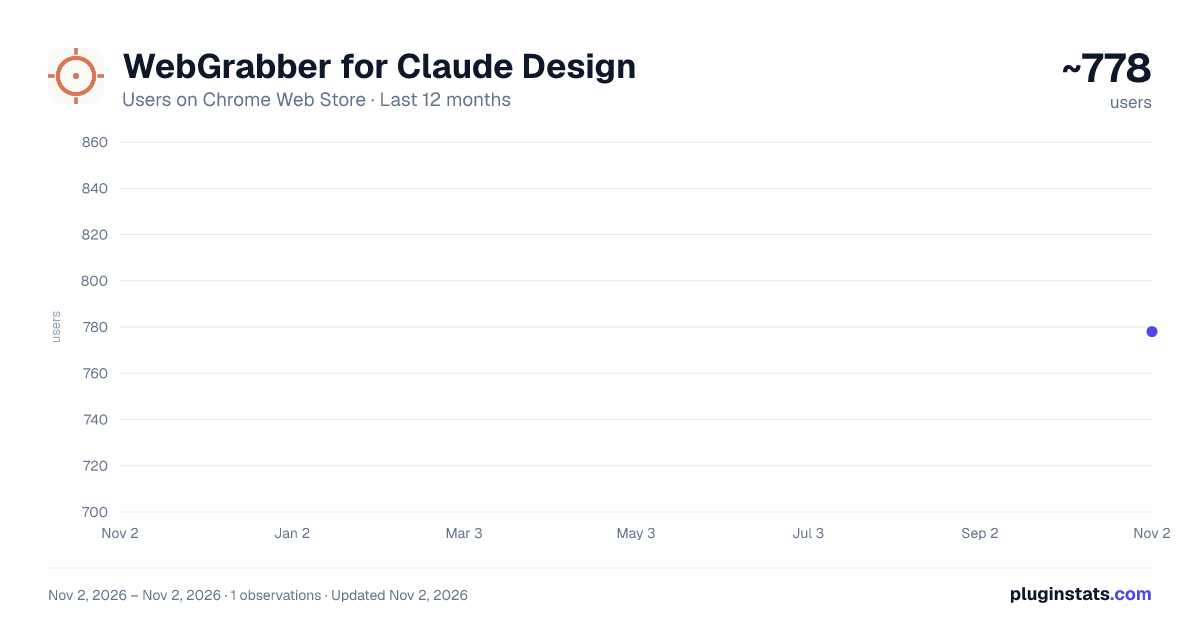
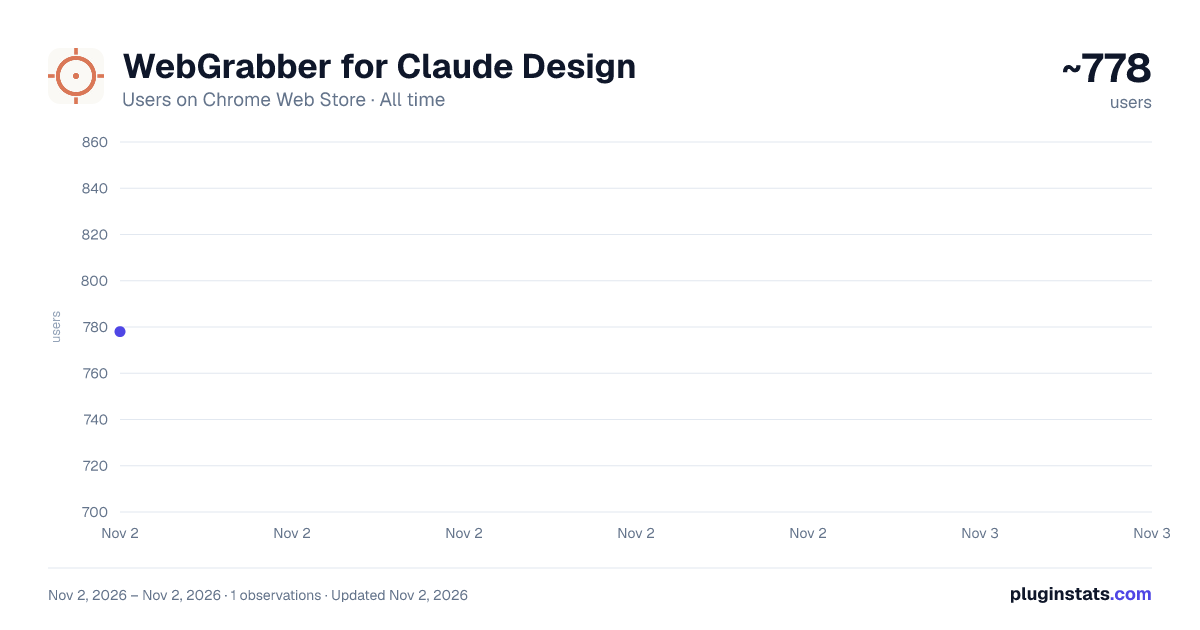
WebGrabber for Claude Design has approximately 778 recorded users on Chrome Web Store, ranking #3003 of 7,342 tracked listings.
About WebGrabber for Claude Design
Grab any element's HTML, CSS, and screenshot to paste into Claude Design. Independent tool, not affiliated with Anthropic.
WebGrabber for Claude Design is the fastest way to turn any page on the web into design context Claude can actually use.
Click the toolbar icon (or hit Alt+Shift+C), hover any element, click to capture. The overlay records:
• Matched CSS rules (including cross-origin stylesheets, with @import chains resolved) • Non-default computed styles — layout, typography, color, spacing • Resolved CSS custom properties (design tokens) • The element's outerHTML and inner text • A pixel-accurate screenshot, cropped to the element • Class list and likely Tailwind utilities, if present
All captures are stored locally in your browser. A single "Copy" click produces a <web-capture>…</web-capture> payload that Claude's Design composer understands out of the box.
WHY IT EXISTS
Pasting a URL into an AI chat rarely gives it what it needs. Screenshots lose the styles. Copying HTML loses the visuals. WebGrabber captures both — plus the exact cascade of CSS that shaped the pixels — in one click. Claude then has enough context to redesign, clone, refactor, or explain.
FEATURES
• Shadow-DOM overlay that can't be broken by page CSS • Per-element screenshots cropped at the correct device pixel ratio • Cross-origin stylesheet fetch (host_permissions bypass the CORS wall that bookmarklets hit) • @import resolution so rules behind an import chain are included • Persistent capture list — survives tab reloads and navigations • Toolbar popup: copy, export JSON, clear • Keyboard shortcut Alt+Shift+C (rebind at chrome://extensions/shortcuts) • Badge counter showing how many captures are queued • Works on any site (captures restricted on chrome:// and Chrome Web Store pages by browser policy)
PRIVACY
Nothing leaves your machine. No analytics, no servers, no account. Captures live in chrome.storage.local and stay there until you clear them or export them. You paste manually.
NOT AFFILIATED WITH ANTHROPIC
This is an independent developer tool. "Claude" and "Claude Design" are product names referenced solely so you know where to paste the output. Built by an independent developer, not by Anthropic.
Description from the Chrome Web Store listing.
README badge
Show your rank in a README or on your website. The badge updates automatically.
Charts
Images: 30d · 1y · all time · 1600×900 dark
Adoption over time
7/30/90-day growth
Ranking history
Ratings over time
Listing placement
Listing placement
Filled points are observed values; hollow points come from Internet Archive snapshots of the listing page. Dashed segments span periods with no observations — values between points are not interpolated.
Each band is one page of 20. Users on a linear scale. Placement is projected from users, so it can differ from the marketplace's own sort order. Hover a dot to see the listing.
Recent observations
Full history (1)Similar Chrome Web Store Developer Tools plugins
All 20 WebGrabber for Claude Design alternatives



Data source
Covers every Chrome Web Store extension with at least 100 users, found through the store's public sitemap. User counts are read from public listing pages. The 10% most-used extensions are refreshed daily, the next 40% weekly and the next 40% monthly; the least-used 10% are not refreshed. Google displays rounded user counts (and caps the display at 10,000,000+), so small changes may not be visible. Rating counts above 1,000 are rounded (e.g. 1.6K).
Listing: https://chromewebstore.google.com/detail/webgrabber-for-claude-des/cmadhofpfmppekfaogbgdppigfipeche. First seen Nov 2, 2026; last successful collection Nov 2, 2026. See the methodology.