 PluginStats
tw-plugin-webpack weekly downloads statistics
By playforge-coding · npm · Webpack plugins
Bundle a multi-file TurboWarp/Scratch extension into a single unsandboxed-extension file with webpack or Rspack.
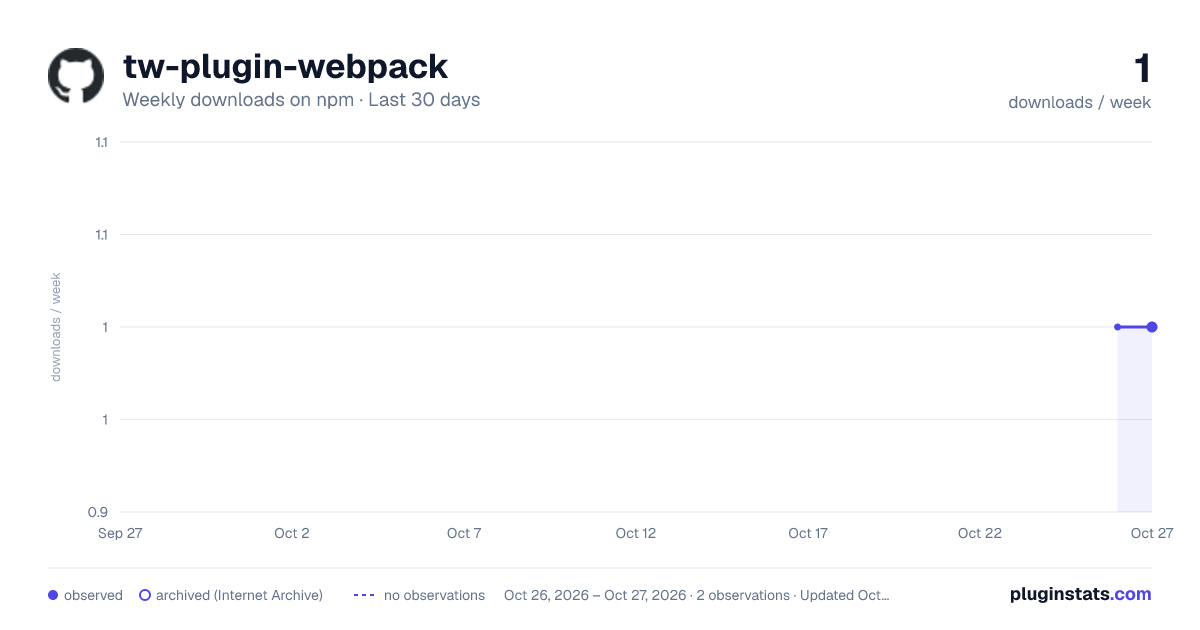
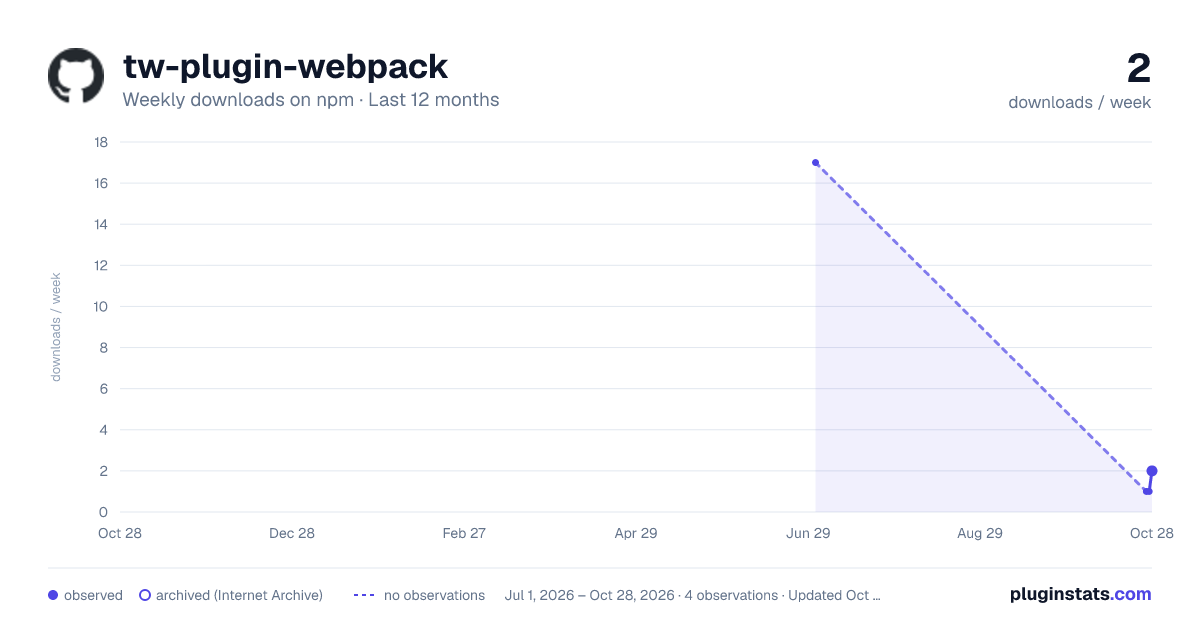
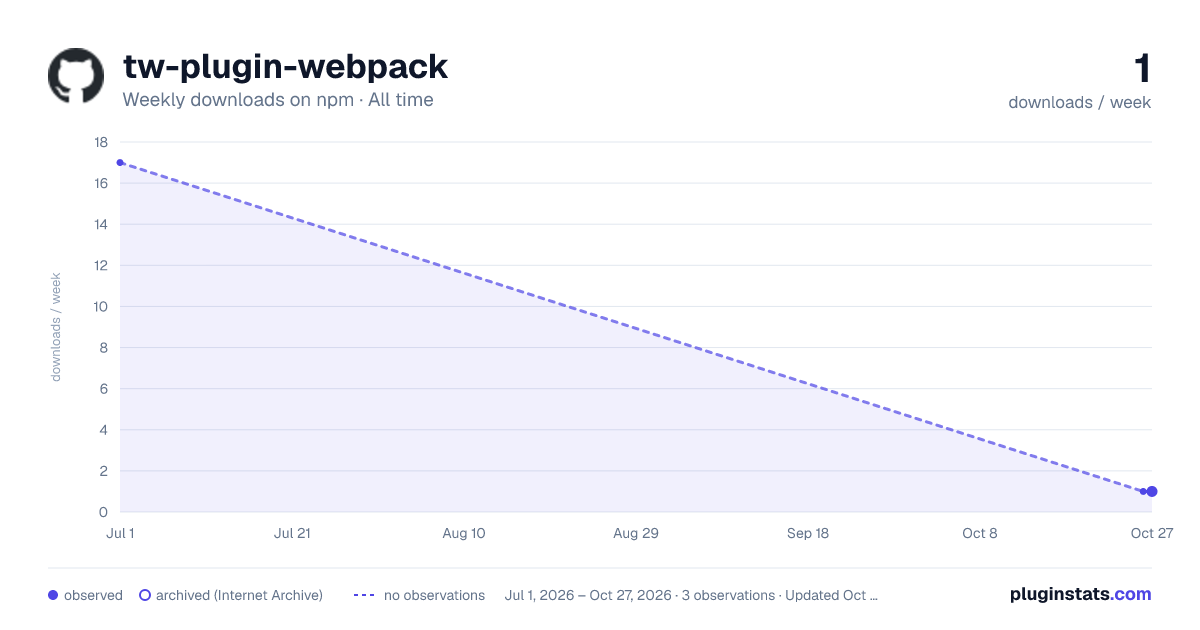
tw-plugin-webpack has 17 recorded weekly downloads on npm.
About tw-plugin-webpack
tw-plugin-webpack
Write a TurboWarp / Scratch extension across as many files as you like, then let webpack or Rspack bundle it into the single self-contained file TurboWarp expects.
A normal TurboWarp extension is one file wrapped in an IIFE that registers itself:
(function (Scratch) {
  'use strict';
  class MyExtension {
    /* getInfo() + block methods */
  }
  Scratch.extensions.register(new MyExtension());
})(Scratch);
That's fine for a toy, but it means everything — every block, helper, and constant — has to live in one file. This plugin lets you split the extension into real ES modules and produces exactly that IIFE for you, with Scratch.extensions.register(...) wired up automatically.
How it works
Point your bundler at an entry module that export defaults the extension class (or instance). The plugin:
- Configures the build to emit a single self-executing file whose entry export is captured in a local variable.
- Wraps the whole bundle in the standard
(function (Scratch) { … })(Scratch)template. - Appends
Scratch.extensions.register(new YourExtension()).
Because the entire bundle lives inside the IIFE, every bare reference to the Scratch global in your code binds to the local parameter — the "personal copy of the Scratch API" the TurboWarp docs recommend. No import of Scratch is needed (or possible); it's a host global, just like in a hand-written extension.
Install
npm install -D tw-plugin-webpack
# plus whichever bundler you use:
npm install -D @rspack/core   # or: npm install -D webpack webpack-cli
Usage
Split your extension however you like:
// src/blocks/greeting.js
export const greet = (name) => `Hello, ${name}!`;
// src/index.js — the entry. Default-export the class; do NOT call register().
import { greet } from './blocks/greeting.js';

export default class MyExtension {
  getInfo() {
    return {
      id: 'myextension',
      name: 'My Extension',
      blocks: [
        {
          opcode: 'hello',
          blockType: Scratch.BlockType.REPORTER,
          text: 'greet [WHO]',
          arguments: {
            WHO: { type: Scratch.ArgumentType.STRING, defaultValue: 'world' },
          },
        },
      ],
    };
  }
  hello(args) {
    return greet(args.WHO);
  }
}
Rspack
// rspack.config.js
import { TurboWarpExtensionPlugin } from 'tw-plugin-webpack';

export default {
  mode: 'production',
  target: 'web',
  devtool: false, // single pasteable file — source maps just bloat it
  entry: './src/index.js',
  output: {
    path: new URL('./dist', import.meta.url).pathname,
    filename: 'my-extension.js',
  },
  plugins: [new TurboWarpExtensionPlugin({ name: 'My Extension' })],
};
webpack
Identical — it's a standard plugin. const { TurboWarpExtensionPlugin } = require('tw-plugin-webpack') and drop it in plugins. The plugin touches no bundler-specific internals (it goes through compiler.webpack), so the same config shape works for both.
Build it, then load dist/my-extension.js in TurboWarp via add extension → Custom Extension, or serve it and use ?extension=<url>.
Options
| Option | Type | Default | Description |
|---|---|---|---|
metadata | object | — | Registry header injected as // Name: / // ID: / … comment lines (see below). |
inlineAssets | boolean | RegExp | true | Inline imported assets (svg/png/…) as base64 data: URIs so import icon from './icon.svg' works (see below). RegExp to customize, false to disable. |
register | boolean | true | Append the Scratch.extensions.register(...) call. Set false to call register() yourself inside your code. |
unsandboxed | boolean | false | Emit a guard that throws unless the extension runs unsandboxed (Scratch.extensions.unsandboxed). |
name | string | metadata.name | Name used in the unsandboxed-guard error message. Falls back to metadata.name, then "This extension". |
libraryExport | string | string[] | "default" | Which export of the entry module is the extension. Use a named export instead of the default if you prefer. |
varName | string | "__turbowarpExtension__" | Internal identifier the export is assigned to before registration. Change only on an unlucky name collision. |
register accepts either a class (it's instantiated with new) or an already-constructed instance (registered as-is).
Submitting to the gallery
The TurboWarp extensions gallery requires a metadata header — a block of // Key: Value comments at the very top of the file. Pass metadata and the plugin emits it above the IIFE:…
Description from the npm listing.
- turbowarp
- scratch
- extension
- webpack
- webpack-plugin
- rspack
- rspack-plugin
- bundler
README badge
Show your rank in a README or on your website. The badge updates automatically.
Charts
Images: 30d · 1y · all time · 1600×900 dark

Adoption over time
7/30/90-day growth
Ranking history
Listing placement
Listing placement
Filled points are observed values; hollow points come from Internet Archive snapshots of the listing page. Dashed segments span periods with no observations — values between points are not interpolated.
Each band is one page of 20. Weekly downloads on a linear scale. Placement is projected from weekly downloads, so it can differ from the marketplace's own sort order. Hover a dot to see the listing.
Recent observations
Full history (1)Similar npm Webpack plugins plugins
All 20 tw-plugin-webpack alternativesData source
Weekly downloads (trailing 7 complete days) come from the official npm downloads API. Downloads include CI and mirrors and are not equivalent to installs or users. npm publishes no ratings.
Listing: https://www.npmjs.com/package/tw-plugin-webpack. First seen Oct 27, 2026; last successful collection Oct 27, 2026. See the methodology.