 PluginStats
termfleet weekly downloads statistics
By volter-ai · npm · Claude Code
An ergonomic control center for AI terminal sessions (Claude Code, Codex, Gemini, Grok Build) across tools, projects, and hosts.
termfleet has 1,061 recorded weekly downloads on npm, ranking #1457 of 2,391 tracked listings.
About termfleet
termfleet
An ergonomic control center for the AI coding sessions you run — Claude Code, Codex, and Gemini — across tools, projects, and machines.
termfleet is an orchestration layer over the agents already running in your terminals: one place to see which sessions need you and act on any of them by name, with a visual fleet canvas when you want it. It attaches to the real terminals on your host(s) — iTerm2, WezTerm, or a managed virtual-tmux server — and gives every session a durable identity you can list, triage, read, reply to, wait on, continue, and close, from a CLI built for an agent to drive, an SDK, or a browser console. It is not another "spawn N isolated agents" runner; it controls the agents you already have.
Current direction: retire Termfleet by migrating its consumers to existing Supercode owners while preserving these capabilities. New shared functionality belongs in those owners; Termfleet remains compatible until its consumers migrate. See the retirement roadmap.
Quickstart (local, no Docker/registry/account)
Before you start, install Node.js 20+ (runs the CLI) — that's the only
requirement for step 1 below. tmux and a logged-in agent CLI (claude,
codex, or gemini) are only needed once you get to step 2, acting on a
session (the quickstart fails fast without them there — see
Troubleshooting).
Install termfleet:
npm install -g termfleet
termfleet doctor   # checks node/tmux and which provider would be auto-targeted
1. Triage the sessions you already have — no daemon, nothing running
If you've used Claude Code, Codex, or Gemini CLI on this machine before, termfleet can already see those conversations without you starting anything:
termfleet sessions recent --live --sort attention # which sessions need you?
This reads your transcripts straight off disk (~/.claude/projects,
~/.codex/sessions, …) — no console, no provider process, no daemon. With no
provider running, --live explains rather than errors: rows come back with
live: "unknown" plus a notice ("no provider running — liveness unavailable;
showing durable sessions") instead of a hard failure. This is the whole
zero-server layer — the part that's useful even if you never touch anything
else in this Quickstart.
2. Act on a session — start a provider
Reading is free; acting (reply, launch, continue) needs a provider — the
process that actually owns a terminal for the session to run in. This is
also where tmux and a logged-in agent CLI become required:
termfleet provider serve --kind virtual-tmux --prefix dev --count 0 --port 7402 &

# the CLI auto-discovers the local provider you just started — no --url needed:
termfleet claude new --prompt "hello"               # launch a Claude session
termfleet sessions recent --live --sort attention   # rows are live now, not "unknown"
termfleet send --agent-session-id claude:<uuid> --text "go on" --enter
termfleet interrupt --agent-session-id claude:<uuid>
3. See it, and reach it remotely — the console (layer-1 upgrade)
Everything above is the whole local experience with no browser involved. The console is an upgrade on top of it: a visual canvas over the same providers, plus remote access via tunnel — not a separate system, and not required to triage or act on a session.
termfleet console serve --name dev --port 7373 &
Open http://127.0.0.1:7373: the console auto-discovers the local provider,
so it renders as a "machine" on the canvas with your hello session running
inside it. Start order doesn't matter — the console pulls this discovery
itself (it reads the same ~/.termfleet/providers/ advertisement the CLI
trusts, on a 5s sweep), so running the provider before the console or the
console before the provider both converge to the same board within a couple of
seconds. (termfleet --help lists every command; termfleet --version
prints the version; termfleet doctor diagnoses a stuck setup.)
Power-user shortcut.
termfleet ctlcollapses steps 2–3 (plus launching an orchestrator chat) into one idempotent command, and its console tunnels by default (pass--no-tunnelfor local-only) — see Console + providers, in depth below. That's a convenient default, not the recommended first thing to learn: the zero-serversessionsmoment in step 1 is what every user needs, whether or not they ever open a browser.
Working from a clone (contributing)? You don't need a global install — run the CLI straight from source with
npx tsx src/cli.ts …in place oftermfleet …:git clone https://github.com/volter-ai/termfleet.git cd termfleet && npm install && npm run build # build powers the browser console UI npx tsx src/cli.ts console serve --name dev --port 7373 &
Concepts
- Console — the UI + aggregator: serves the board, proxies providers, merges the fleet across hosts. One per user.
- Provider — a process that owns terminal windows on a host (iTerm2 mirror, WezTerm, or virtual-tmux). The console talks to many.
- Session — the unit you actually work with: a Claude/Codex/Gemini
conversation, addressed by
agentSessionId— top-levelsessions,send, andclose, plus per-agentclaude|codex|gemini get|wait|continue— never by hunting for a terminal id.
See docs/ARCHITECTURE.md for the layer thesis, the derive-don't-persist
principle, and the trust/scale/compatibility policies behind these concepts.
What it's good at — and what it isn't
The edge is the combination: cross-host + cross-tool (Claude/Codex/Gemini) + a visual canvas + optional team/org sharing, all through one session-first model. Single-host triage of Claude sessions alone is also free in Claude Code's Agent View; termfleet's value is spanning hosts, tools, and people.
Per-tool capability today:…
Description from the npm listing.
- ai-agents
- claude-code
- cli
- codex
- developer-tools
- gemini
- llm
- mcp
- orchestration
- terminal
- tmux
README badge
Show your rank in a README or on your website. The badge updates automatically.
Charts
Images: 30d · 1y · all time · 1600×900 dark

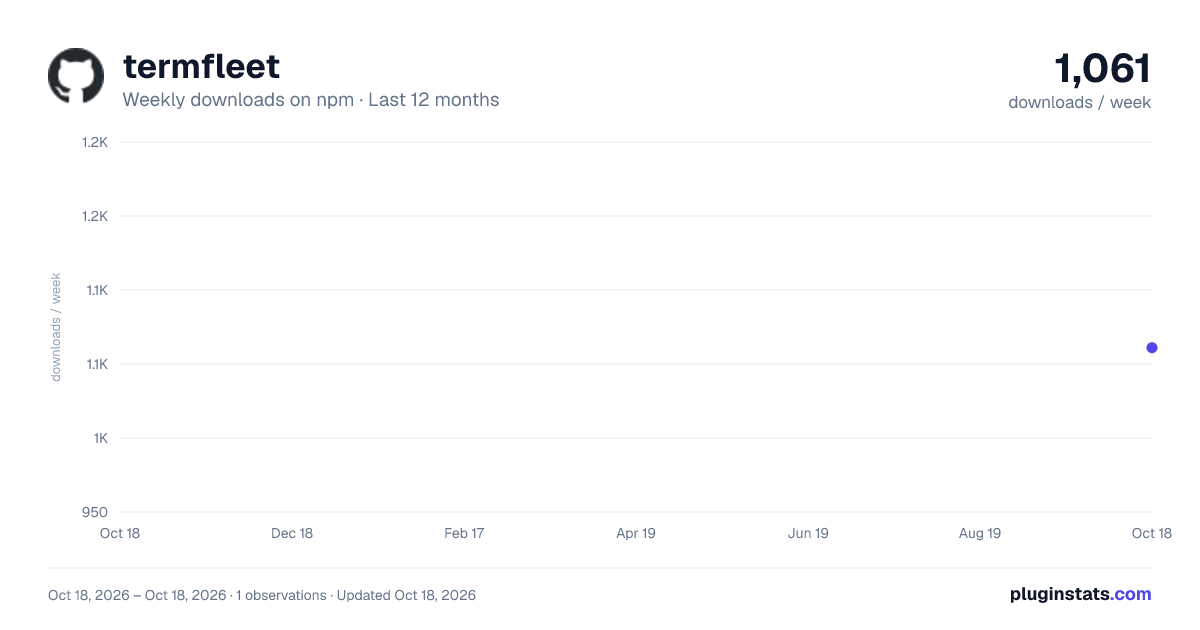
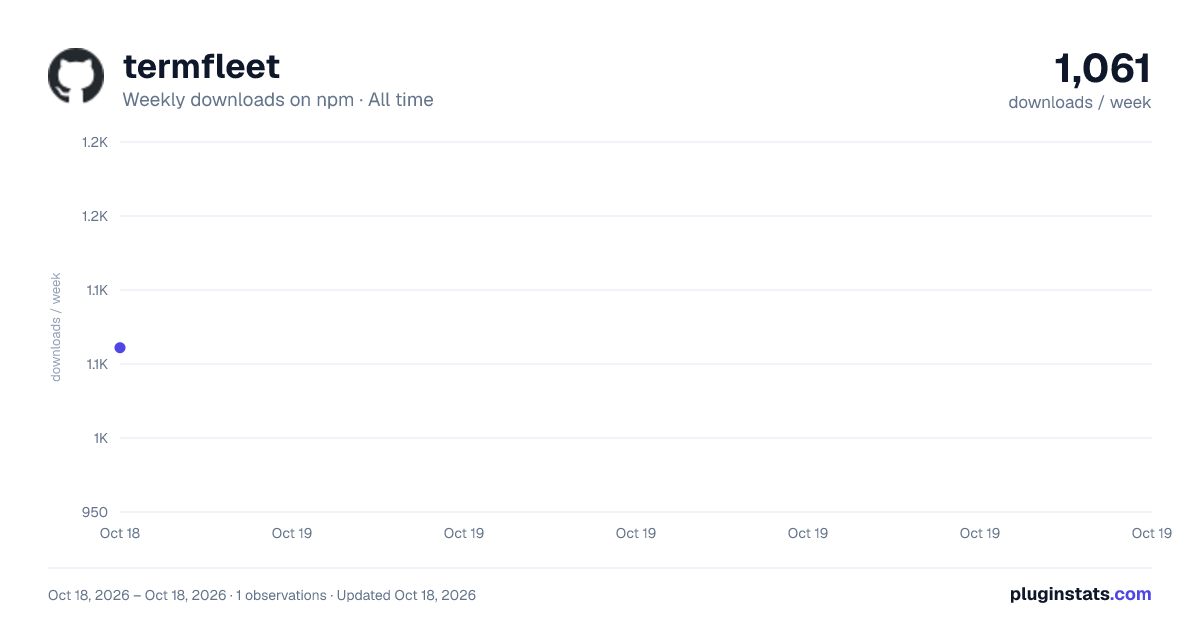

Adoption over time
7/30/90-day growth
Ranking history
Listing placement
Listing placement
Filled points are observed values; hollow points come from Internet Archive snapshots of the listing page. Dashed segments span periods with no observations — values between points are not interpolated.
Each band is one page of 20. Weekly downloads on a linear scale. Placement is projected from weekly downloads, so it can differ from the marketplace's own sort order. Hover a dot to see the listing.
Recent observations
Full history (1)Similar npm Claude Code plugins
All 20 termfleet alternativesData source
Weekly downloads (trailing 7 complete days) come from the official npm downloads API. Downloads include CI and mirrors and are not equivalent to installs or users. npm publishes no ratings.
Listing: https://www.npmjs.com/package/termfleet. First seen Oct 21, 2026; last successful collection Oct 21, 2026. See the methodology.