 PluginStats
coderabbitai-mcp weekly downloads statistics
By bradthebeeble · npm · MCP servers
MCP server for interacting with CodeRabbit AI reviews on GitHub pull requests. Enables LLMs to analyze, implement, and resolve CodeRabbit suggestions programmatically.
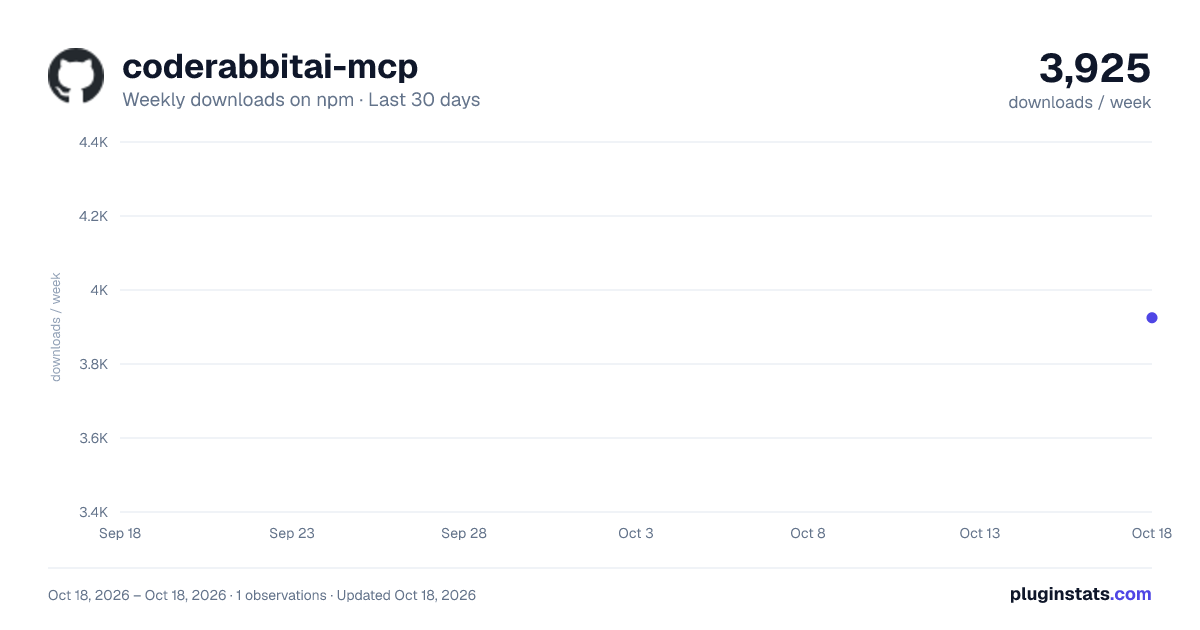
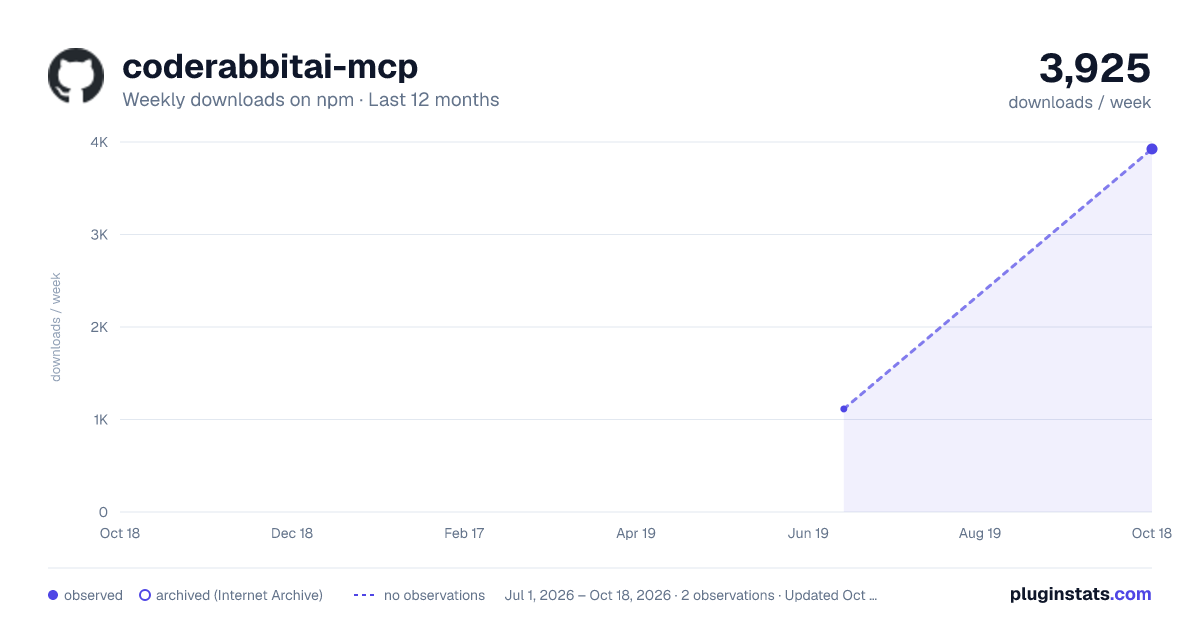
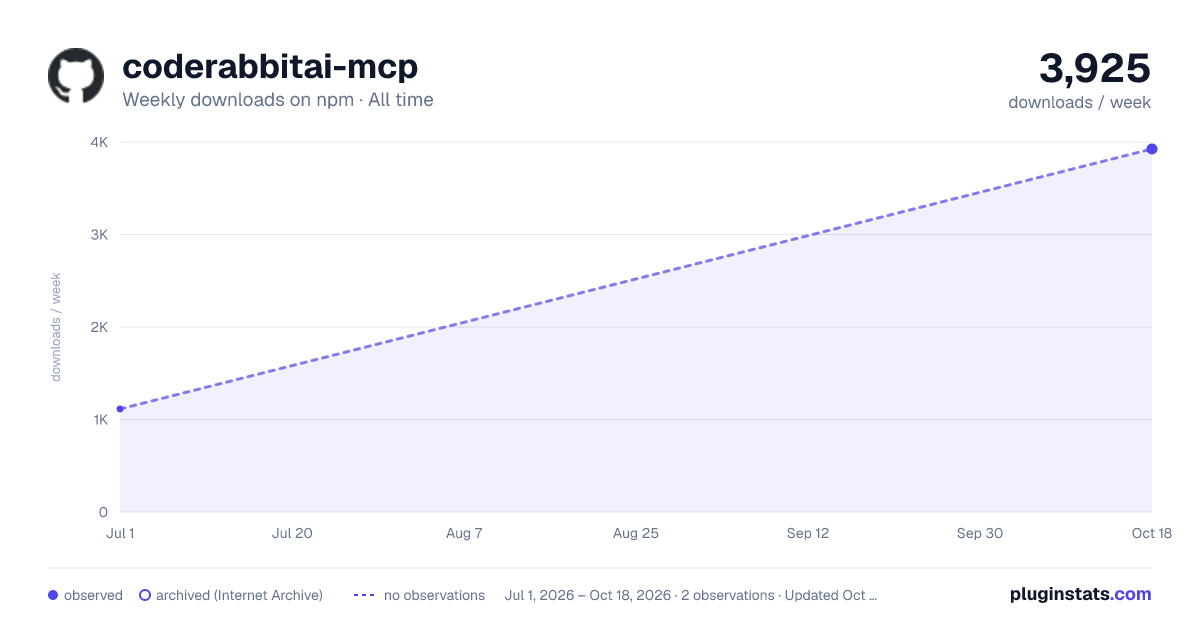
coderabbitai-mcp has 3,925 recorded weekly downloads on npm, ranking #1197 of 2,322 tracked listings.
About coderabbitai-mcp
CodeRabbit MCP Server
A Model Context Protocol (MCP) server for interacting with CodeRabbit AI reviews on GitHub pull requests. This server enables Large Language Models (LLMs) to analyze, understand, and implement CodeRabbit suggestions programmatically.
Features
- Get CodeRabbit Reviews: Retrieve all CodeRabbit reviews for a specific pull request
- Review Details: Get detailed information about specific reviews including configuration and files reviewed
- Extract Comments: Get individual line comments with AI prompts and suggestions
- Comment Details: Deep dive into specific comments with context and fix examples
- Resolve Comments: Mark comments as addressed, won't fix, or not applicable
- Automated Workflow Prompt: Use
/coderabbit-reviewslash command for complete review processing
Quick Start
Installation (NPX - Recommended)
No installation required! Run directly with npx:
# Install the latest stable version explicitly
npx coderabbitai-mcp@latest
Prerequisites
- GitHub Personal Access Token: Create at https://github.com/settings/tokens
- Required scopes:
repo(for private repos) orpublic_repo(for public only)
- Required scopes:
- Node.js 18+: Required for running the server
Claude Desktop
Add to your Claude Desktop configuration file:
macOS: ~/Library/Application Support/Claude/claude_desktop_config.json
Windows: %APPDATA%/Claude/claude_desktop_config.json
{
  "mcpServers": {
    "coderabbitai": {
      "command": "npx",
      "args": ["coderabbitai-mcp"],
      "env": {
        "GITHUB_PAT": "ghp_your_token_here"
      }
    }
  }
}
Claude Code
Add to your project's .claude/config.json:
{
  "mcpServers": {
    "coderabbitai": {
      "command": "npx",
      "args": ["coderabbitai-mcp"],
      "env": {
        "GITHUB_PAT": "ghp_your_token_here"
      }
    }
  }
}
Usage
Automated Review Processing (Recommended)
Use the built-in MCP prompt for complete workflow automation:
/coderabbit-review owner:bradthebeeble repo:wiseguys pullNumber:15
This prompt automatically:
- Finds and analyzes CodeRabbit reviews
- Classifies issues by priority (high/medium/low)
- Gets your approval before making changes
- Systematically implements fixes
- Marks resolved comments in CodeRabbit
- Provides a completion summary
Manual Tool Usage
<details> <summary>Available Tools</summary>1. get_coderabbit_reviews
Get all CodeRabbit reviews for a specific pull request.
{
  "owner": "bradthebeeble",
  "repo": "wiseguys",
  "pullNumber": 15
}
2. get_review_details
Get detailed information about a specific CodeRabbit review.
{
  "owner": "bradthebeeble",
  "repo": "wiseguys",
  "pullNumber": 15,
  "reviewId": 2969007538
}
3. get_review_comments
Get all individual line comments from CodeRabbit reviews.
{
  "owner": "bradthebeeble",
  "repo": "wiseguys",
  "pullNumber": 15,
  "reviewId": 2969007538
}
4. get_comment_details
Get detailed information about a specific CodeRabbit comment.
{
  "owner": "bradthebeeble",
  "repo": "wiseguys",
  "commentId": 2173534099
}
5. resolve_comment
Mark a CodeRabbit comment as resolved.
{
  "owner": "bradthebeeble",
  "repo": "wiseguys",
  "commentId": 2173534099,
  "resolution": "addressed",
  "note": "Implemented asyncHandler wrapper as suggested"
}
For development or local customization:
git clone https://github.com/bradthebeeble/coderabbitai-mcp.git
cd coderabbitai-mcp
npm install
npm run build
Development Commands
# Build TypeScript
npm run build

# Watch mode for development
npm run dev

# Clean build files
npm run clean

# Test the server
npm test
Create a .env file (optional):
# GitHub Configuration (shorter variable name)
GITHUB_PAT=ghp_your_token_here

# Optional: CodeRabbit MCP Configuration
CODERABBIT_LOG_LEVEL=info
Common Issues
Server not loading (NPX):
- Verify Node.js 18+ is installed:
node --version - Test npx execution manually:
npx coderabbitai-mcp - Check your internet connection (npx downloads the latest version)
GitHub API errors:
- Verify your GitHub token has the required permissions
- Check that you have access to the repositories you're querying
No CodeRabbit reviews found:
- Verify the PR has CodeRabbit reviews (check GitHub web interface)
- Ensure you're using the correct owner/repo/pullNumber
Debug Mode
Enable debug logging:
CODERABBIT_LOG_LEVEL=debug npx coderabbitai-mcp
Integration Requirements
Supported AI Clients
- Claude Desktop: Full support with configuration
- Claude Code: Project-level MCP integration with
/coderabbit-reviewprompt - Other MCP Clients: Any client supporting the Model Context Protocol
Authentication
The GitHub Personal Access Token needs these permissions:
repo(for private repositories) orpublic_repo(for public only)read:org(if accessing organization repositories)
Architecture
- TypeScript: Fully typed implementation with Zod validation
- MCP SDK: Built on the official Model Context Protocol SDK
- Modular Design: Each tool is implemented in its own module
- MCP Prompts: Automated workflows available as slash commands
API Rate Limits
The server respects GitHub's API rate limits:
- 5,000 requests/hour for authenticated requests
- Automatically handles rate limit responses
Contributing
- Fork the repository
- Create a feature branch:
git checkout -b feature-name - Make your changes and add tests
- Run the build:
npm run build - Submit a pull request…
Description from the npm listing.
- mcp
- coderabbit
- github
- ai
- code-review
- model-context-protocol
- llm
- claude
- typescript
- automation
- pull-request
- review-comments
- npx
README badge
Show your rank in a README or on your website. The badge updates automatically.
Charts
Images: 30d · 1y · all time · 1600×900 dark

Adoption over time
7/30/90-day growth
Ranking history
Listing placement
Listing placement
Filled points are observed values; hollow points come from Internet Archive snapshots of the listing page. Dashed segments span periods with no observations — values between points are not interpolated.
Each band is one page of 20. Weekly downloads on a linear scale. Placement is projected from weekly downloads, so it can differ from the marketplace's own sort order. Hover a dot to see the listing.
Recent observations
Full history (1)Similar npm MCP servers plugins
All 20 coderabbitai-mcp alternativesData source
Weekly downloads (trailing 7 complete days) come from the official npm downloads API. Downloads include CI and mirrors and are not equivalent to installs or users. npm publishes no ratings.
Listing: https://www.npmjs.com/package/coderabbitai-mcp. First seen Oct 20, 2026; last successful collection Oct 20, 2026. See the methodology.