 PluginStats
eslint-plugin-tree-shaking weekly downloads statistics
By lukastaegert · npm · ESLint plugins
Marks all side-effects in module initialization that will interfere with tree-shaking
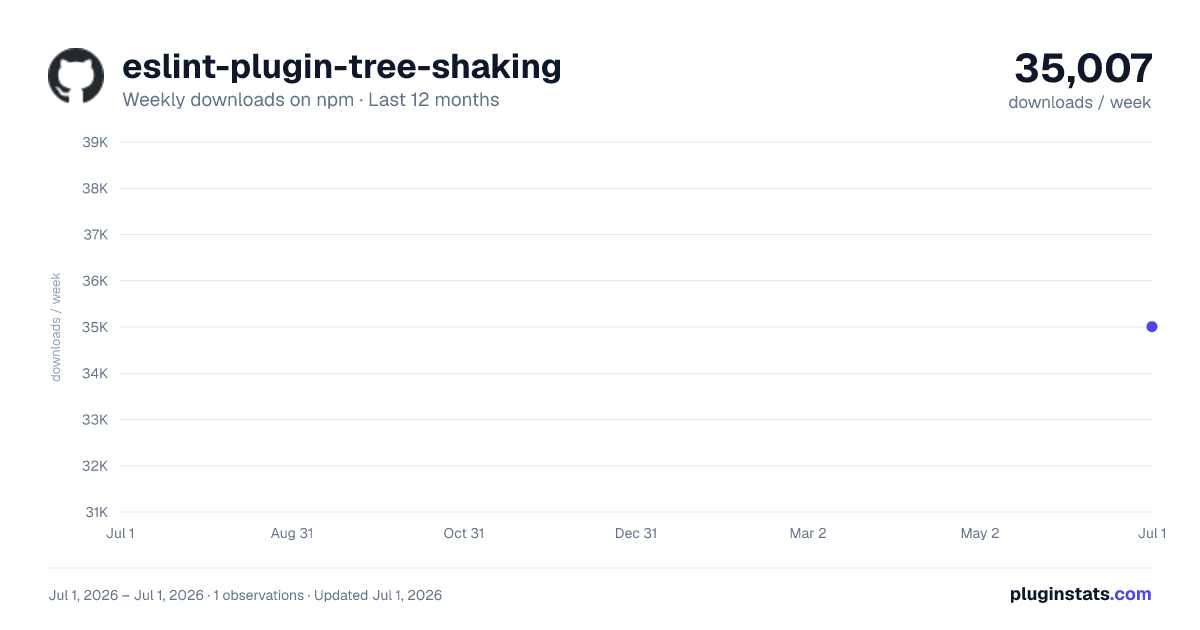
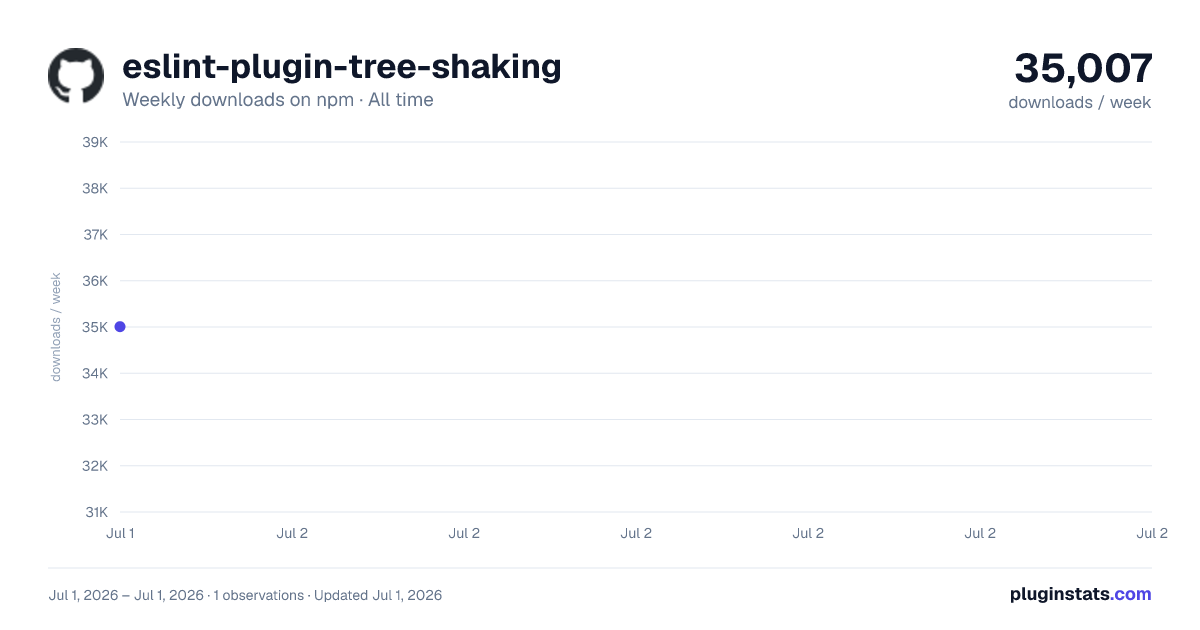
eslint-plugin-tree-shaking has 35,007 recorded weekly downloads on npm.
About eslint-plugin-tree-shaking
eslint-plugin-tree-shaking
Marks all side-effects in module initialization that will interfere with tree-shaking




Usage
This plugin is intended as a means for library developers to identify patterns that will interfere with the tree-shaking algorithm of their module bundler (i.e. rollup or webpack).
JavaScript:
myGlobal = 17;
const x = { [globalFunction()]: "myString" };

export default 42;
Rollup output:
myGlobal = 17;
const x = { [globalFunction()]: "myString" };

var index = 42;

export default index;
ESLint output:
1:1   error  Cannot determine side-effects of assignment to global variable
2:13  error  Cannot determine side-effects of calling global function
This plugin is most useful when you integrate ESLint with your editor.
Installation and Setup
You'll first need to install ESLint:
$ npm i eslint --save-dev
Next, install eslint-plugin-tree-shaking:
$ npm install eslint-plugin-tree-shaking --save-dev
Note: If you installed ESLint globally (using the -g flag) then you must also install eslint-plugin-tree-shaking globally.
Add tree-shaking to the plugins section of your .eslintrc configuration file. You can omit the eslint-plugin- prefix:
{
  "plugins": ["tree-shaking"]
}
Then add the rule no-side-effects-in-initialization to the rules section:
{
  "rules": {
    "tree-shaking/no-side-effects-in-initialization": 2
  }
}
To prevent false positives, configure like this:
{
  "rules": {
    "tree-shaking/no-side-effects-in-initialization": [
      2,
      {
        "noSideEffectsWhenCalled": [
          { "function": "Object.freeze" },
          {
            "module": "react",
            "functions": ["createContext", "createRef"]
          },
          {
            "module": "zod",
            "functions": ["array", "string", "nativeEnum", "number", "object", "optional"]
          },
          {
            "module": "my/local/module",
            "functions": ["foo", "bar", "baz"]
          }
        ]
      }
    ]
  }
}
Magic Comments
ESLint only ever analyzes one file at a time and by default, this plugin assumes that all imported functions have side-effects. If this is not the case, this plugin supports magic comments you can add before identifiers in imports and exports to specify that you assume an import or export to be a pure function. Examples:
-
By default, imported functions are assumed to have side-effects:
JavaScript:
import { x } from "./some-file";
x();
ESLint output:
1:9 error Cannot determine side-effects of calling imported function -
You can mark a side-effect free import with a magic comment:
JavaScript:
import { /* tree-shaking no-side-effects-when-called */ x } from "./some-file";
x();
No ESLint errors
-
By default, exported functions are not checked for side-effects:
JavaScript:
export const x = globalFunction;No ESLint errors
-
You can check exports for side-effects with a magic comment:
JavaScript:
export const /* tree-shaking no-side-effects-when-called */ x = globalFunction;ESLint output:
1:65 error Cannot determine side-effects of calling global function
Background and Planned Development
This plugin is in development. If you want to contribute, please read CONTRIBUTING.md.
This plugin implements a side-effect detection algorithm similar to what rollup uses to determine if code can be removed safely. However, there is no one-to-one correspondence. If you find that you have code that
- is not removed by rollup (even though tree-shaking is enabled) but
- has no ESLint issues
please--if no-one else has done so yet--check the guidelines and file an issue!
Description from the npm listing.
- eslint
- eslintplugin
- eslint-plugin
- tree-shaking
- side-effects
- rollup
- webpack
README badge
Show your rank in a README or on your website. The badge updates automatically.
Charts
Images: 30d · 1y · all time · 1600×900 dark

Adoption over time
7/30/90-day growth
Ranking history
Listing placement
Listing placement
Filled points are observed values; hollow points come from Internet Archive snapshots of the listing page. Dashed segments span periods with no observations — values between points are not interpolated.
Each band is one page of 20. Weekly downloads on a linear scale. Placement is projected from weekly downloads, so it can differ from the marketplace's own sort order. Hover a dot to see the listing.
Recent observations
Full history (1)Similar npm ESLint plugins plugins
All 20 eslint-plugin-tree-shaking alternatives- 34.2K weekly downloads-35.5%
Data source
Weekly downloads (trailing 7 complete days) come from the official npm downloads API. Downloads include CI and mirrors and are not equivalent to installs or users. npm publishes no ratings.
Listing: https://www.npmjs.com/package/eslint-plugin-tree-shaking. First seen Oct 27, 2026; last successful collection Oct 27, 2026. See the methodology.