 PluginStats
@scopebond/hook weekly downloads statistics
By scopebond · npm · Claude Code
Free, open-source guardrails for Claude Code, Cursor, and Codex: check supported actions and create signed local decision records. Optional connection to the separate proprietary Scopebond Cloud workspace.
@scopebond/hook has 2,397 recorded weekly downloads on npm, ranking #1318 of 2,391 tracked listings.
About @scopebond/hook
@scopebond/hook
The free, open-source Scopebond connector for Claude Code, Cursor, OpenAI Codex and GitHub Copilot. It checks supported actions delivered through the configured hook against your policy and signs decision records locally. Some actions are observed after they happen: Cursor file edits are recorded, not prevented. See the coverage table below before choosing what to protect.
License and hosting: this package is Apache-2.0 open-source software. Scopebond Cloud, the hosted shared workspace, is a separate proprietary service. You can use the hook locally without a Cloud account, or optionally connect it for shared activity, rule review, and retained evidence. For hosted setup, start with the workspace getting-started guide.
- What it does: records every supported action and what each rule would decide. A rule blocks only once you (or your workspace) turn it on; Scopebond's own protection is always on, so a coding agent can never switch Scopebond off, change its settings or uninstall it.
- Default: monitor. Every rule starts by recording, not blocking. Turn one on with
rules enforce <rule>. - Where it works: actions the coding agent routes through its tool system (shell, file, MCP, web). A process started outside the harness is not covered.
Install once for your machine
Windows: the signed installer
On Windows, install Scopebond with the signed installer
(scopebond.com/get-started, or winget install Avouro.Scopebond).
It installs one signed program, scopebond-agent.exe, that is both the Scopebond Agent and this hook, and needs
neither Node.js nor npm. It installs for you alone in %LOCALAPPDATA%\Programs\Scopebond, or for every user in
%ProgramFiles%\Scopebond, and puts that folder on PATH. Then:
scopebond-agent setup https://<your-workspace>   # sign in, set up the coding agents, start with Windows
scopebond-agent hook status                      # every hook command below, after `hook`
scopebond-agent hook rules
The coding agents' settings run the program by its full path ("…\scopebond-agent.exe" hook claude). Every
command the hook prints for you to run (in a blocked action's message, status, doctor, help and next steps) is
then the scopebond-agent hook … form, never npx.cmd or npm.cmd, which would fail on a computer without Node.js.
The coding agent may read the install folder, but the always-on protection refuses to let it change or delete
anything there (see Scopebond's own protection).
If the program is removed while a coding agent's settings still name it (an administrator removed an install for
every user, say), the coding agent cannot start the hook: it shows a hook error on each action and runs the action
with no check. status and doctor report that entry as pointing at a missing program and name the fix: reinstall,
or run install (or init for a project) to point it at the Scopebond that runs them, or uninstall to remove it.
macOS and Linux (and existing npm installs on Windows)
npm i -g @scopebond/hook@latest
scopebond install                   # detects Cursor and Codex
scopebond install --codex           # set up Codex only
The npm commands in the rest of this page are for macOS and Linux, and for computers that already have Scopebond
from npm. With the signed installer on Windows, type scopebond-agent hook <command> instead of
npx -y @scopebond/hook@latest <command> or scopebond <command>. On a Windows computer set up from npm, type
npm.cmd, npx.cmd and scopebond.cmd in PowerShell (its default script policy blocks the plain names; the .cmd
forms work without changing it).
install sets Scopebond up once per developer machine, not per repository: it
scaffolds a user-level home (~/.scopebond, override SCOPEBOND_HOME) with a
signing key, a countersigning key and a starter policy, and registers the hook by
absolute path in your user-level ~/.claude/settings.json, ~/.cursor/hooks.json,
or ~/.codex/hooks.json. After Codex setup, open Codex, run /hooks, review
Scopebond, and choose Trust once. Every project you open is then governed by your
user-level policy. A project's own .scopebond/policy.json applies only after you trust it
in that project (scopebond trust, or init there), pinned to its exact contents: a
repository you clone, or an agent working in it, cannot swap in a weaker policy, and any
later edit to that file stops it applying until you trust it again. The pin also covers the
project's rules.json and the workspace its cloud.json names, so a change to either stops
it applying too. In a trusted project, what can let a blocked action through (the workspace
rules document's terms for allowing or asking, allowances, earlier overrides) always comes from
your user-level folder, never from files beside the project's policy.
On Windows a coding agent may run the hook command under cmd.exe, PowerShell or Git Bash
(Codex runs it through the session's shell, which can be PowerShell), and they read quoted
paths differently: PowerShell takes a command that starts with a quoted path as a string and
fails with "Unexpected token". So the hook entry names each path unquoted, with forward
slashes, and with the short (8.3) name of any folder whose name has a space or another
character a shell treats specially — for example
C:/PROGRA~1/nodejs/node.exe C:/…/.scopebond/runtime/…/cli.js codex — a form
every one of those shells starts the same way. Codex entries also carry commandWindows
(the portable npx form becomes npx.cmd there). The paths are quoted instead — a form
cmd.exe and Git Bash run but PowerShell does not — when a folder that needs a short name has
no plain one:…
Description from the npm listing.
- scopebond
- claude-code
- cursor
- openai-codex
- hooks
- ai-agents
- policy
README badge
Show your rank in a README or on your website. The badge updates automatically.
Charts
Images: 30d · 1y · all time · 1600×900 dark
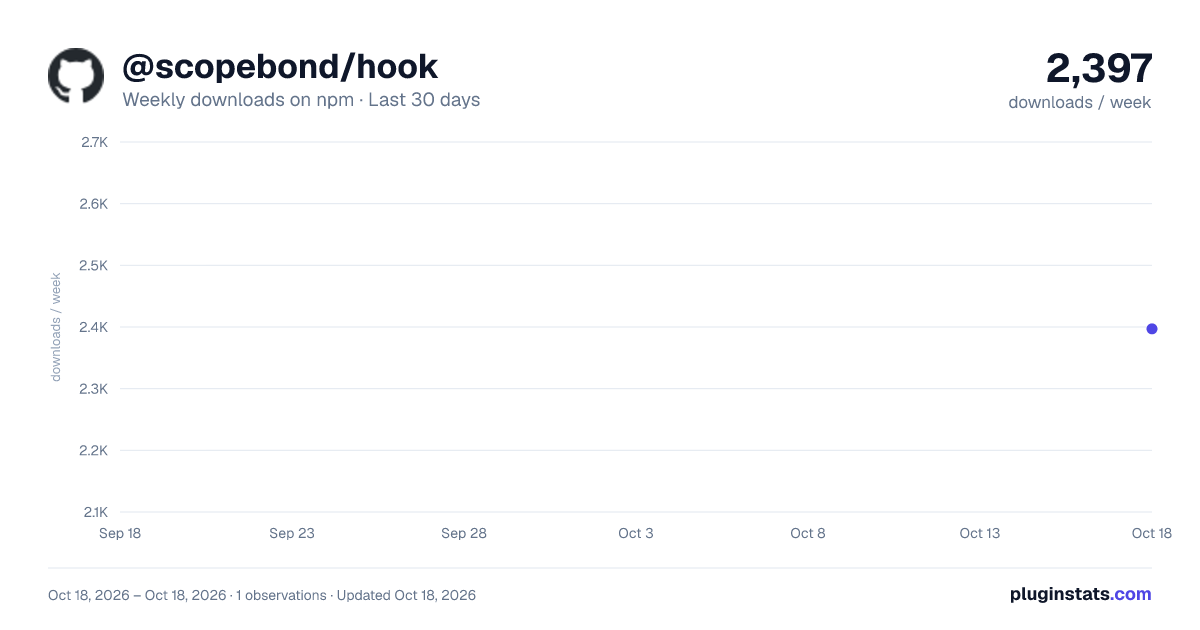
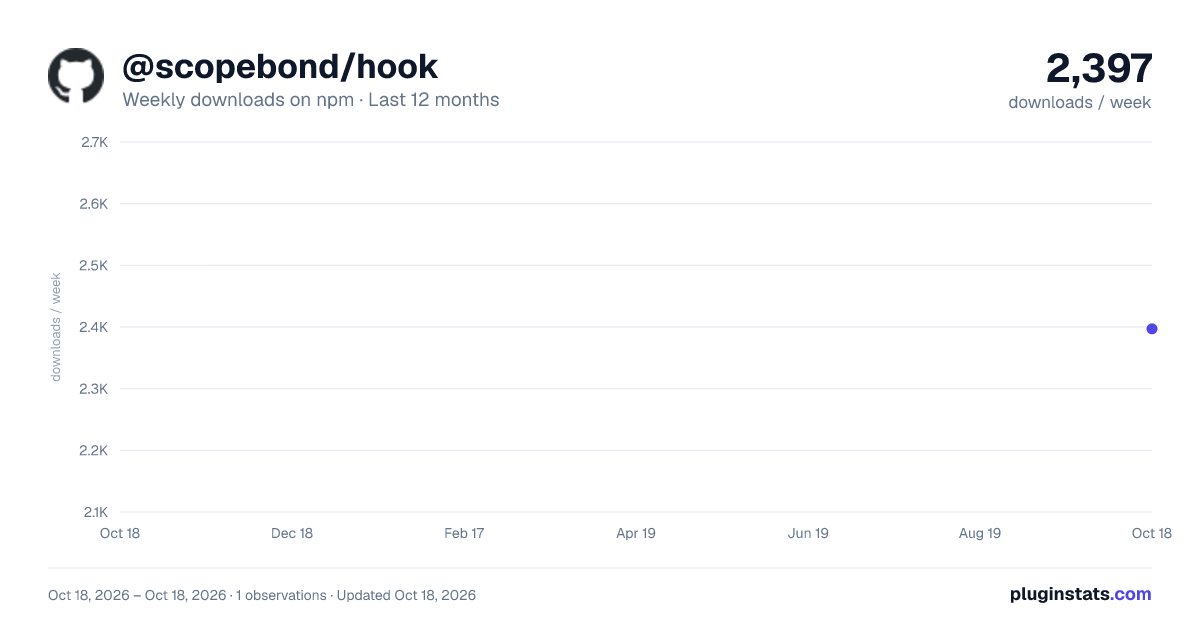
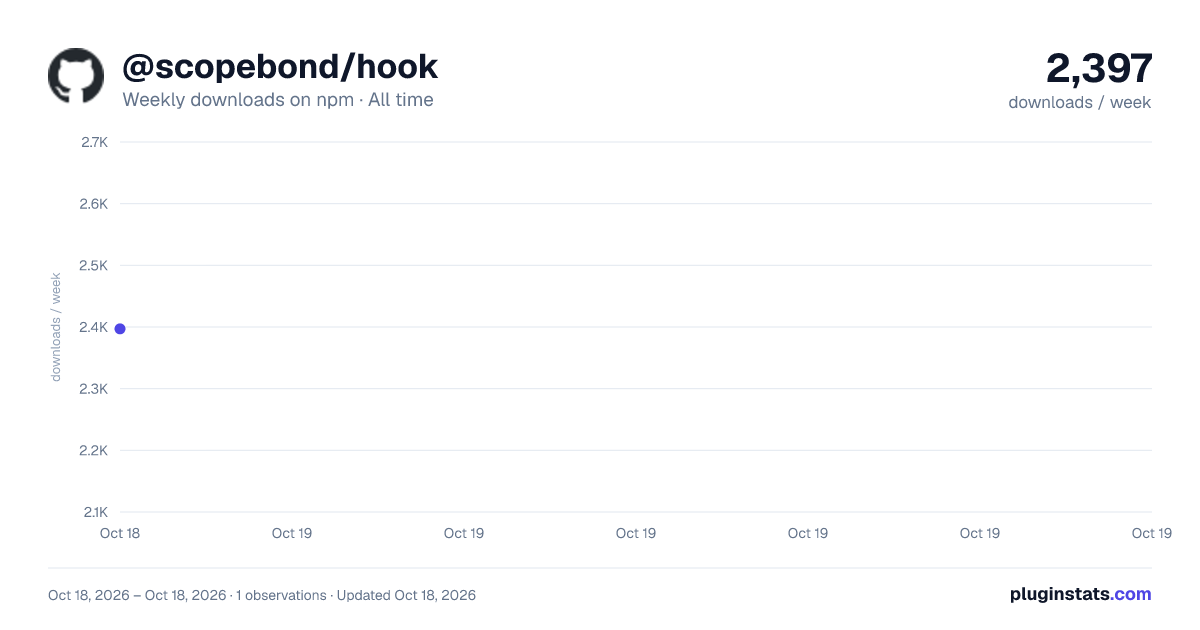

Adoption over time
7/30/90-day growth
Ranking history
Listing placement
Listing placement
Filled points are observed values; hollow points come from Internet Archive snapshots of the listing page. Dashed segments span periods with no observations — values between points are not interpolated.
Each band is one page of 20. Weekly downloads on a linear scale. Placement is projected from weekly downloads, so it can differ from the marketplace's own sort order. Hover a dot to see the listing.
Recent observations
Full history (1)Similar npm Claude Code plugins
All 20 @scopebond/hook alternativesData source
Weekly downloads (trailing 7 complete days) come from the official npm downloads API. Downloads include CI and mirrors and are not equivalent to installs or users. npm publishes no ratings.
Listing: https://www.npmjs.com/package/@scopebond/hook. First seen Oct 21, 2026; last successful collection Oct 21, 2026. See the methodology.